AI writing tools are no longer experimental utilities. In 2026, they have become core productivity tools for bloggers, students, marketers, developers, and anyone who writes regularly. The real question is no longer whether AI writing tools work, but which free ones are actually usable long term.
After reviewing and testing dozens of AI writing assistants, a clear pattern emerges. Many tools advertise a “free plan,” but most of them rely on short trials, aggressive paywalls, or limits so strict that real writing becomes impractical. Only a small group offers permanent free access that supports real-world writing tasks.
This guide focuses exclusively on AI writing tools with meaningful free tiers. Every tool listed below allows ongoing free use without a credit card. More importantly, each one serves a distinct writing purpose, from full article drafting and research-backed writing to paraphrasing, grammar correction, and marketing copy.
Instead of marketing claims, this article highlights what you can realistically do on the free plan, where the limits appear in daily use, and who each tool is best suited for. If you want a free AI writing tool you can rely on in 2026 and understand exactly when an upgrade makes sense, this list will help you choose quickly.
TL;DR – Quick Picks
If you only need one free AI writing tool, start with ChatGPT. It covers the widest range of writing tasks and offers the most flexible free access.
If you write long-form or creative content, Claude produces the most natural and coherent drafts, but daily limits may affect heavy users.
If research accuracy matters, Perplexity is the best free option thanks to source citations, while Gemini works best inside Google Docs and Gmail.
For rewriting and polishing existing text, Quillbot and Grammarly remain the most practical free tools, each with clear usage limits.
For marketing and short-form content, Copy.ai and Rytr offer structured templates, though frequent creators will hit monthly caps quickly.
For technical and logic-heavy writing, DeepSeek stands out as the strongest fully free option in 2026.
Quick Comparison Table
| Tool | Writing Focus | Best For |
|---|---|---|
| ChatGPT | General writing, brainstorming | General users, students, creators |
| Claude | Creative writing, analysis | Writers, researchers |
| Gemini | Research, Google integration | Google Workspace users |
| Grammarly | Grammar, spelling, clarity | Everyone writing in English |
| Quillbot | Paraphrasing, summarizing | Students, academics |
| Perplexity | Research-based writing | Researchers, journalists |
| DeepSeek | Technical writing, coding | Developers, technical writers |
| Copy.ai | Marketing copy | Marketers, business owners |
| Rytr | Short-form content | Bloggers, social media users |
| Microsoft Copilot | General productivity | Microsoft users |
Top 10 Free AI Writing Tools in 2026
Table Of Contents
- 1. ChatGPT – The Most Versatile Free AI Writer
- 2. Claude – Best for Creative and Long-Form Writing
- 3. Gemini – Best for Google Workspace Users
- 4. Grammarly – Best for Grammar and Spelling Correction
- 5. Quillbot – Best for Paraphrasing and Summarizing
- 6. Perplexity – Best for Research-Based Writing
- 7. DeepSeek – Best for Technical Writing
- 8. Copy.ai – Best for Marketing Copy
- 9. Rytr – Best for Quick Short-Form Content
- 10. Microsoft Copilot – Best for General Productivity
1. ChatGPT – The Most Versatile Free AI Writer
Best for: General writing tasks, brainstorming, and content drafting
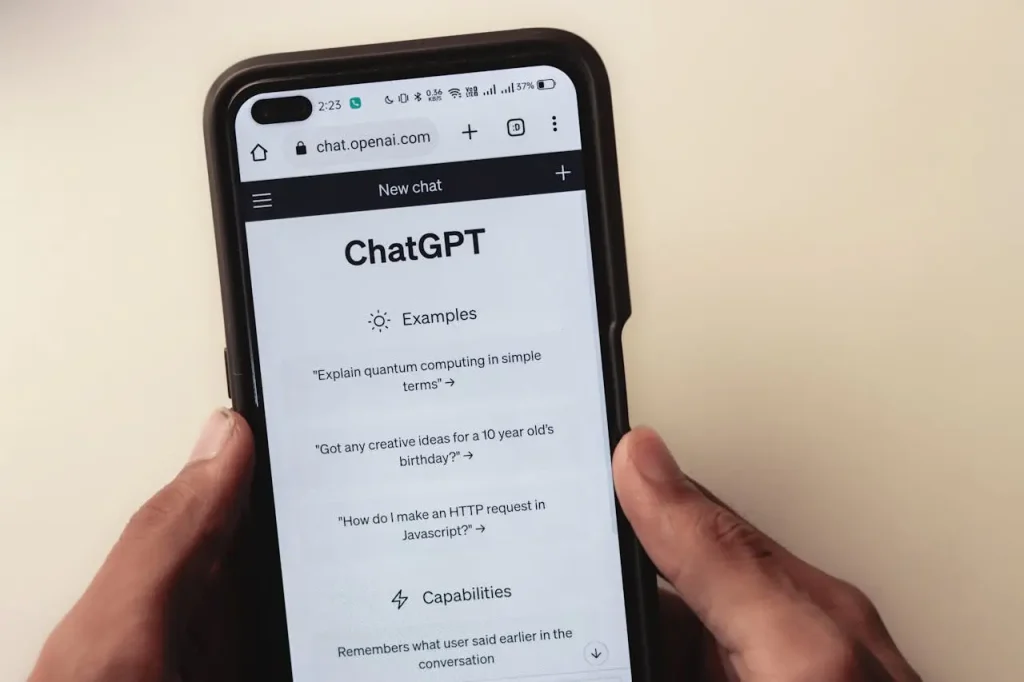
Overview: ChatGPT from OpenAI handles nearly any writing request you throw at it. You can draft blog posts, write emails, generate creative content, summarize documents, and brainstorm ideas. The conversational interface makes it easy to refine outputs through follow-up prompts.
Key Features:
- Multi-modal input and output (text, images, voice)
- Custom GPTs for specialized tasks
- Conversation memory for context retention
Free Plan Limitations: ~10 messages per 5-hour window with GPT-5.2.
Pros:
- Handles diverse writing tasks with one tool
- Generous free-tier access to capable models
Cons:
- Outputs can be generic without specific prompting
Website: chatgpt.com
2. Claude – Best for Creative and Long-Form Writing

Best for: Creative writing, detailed analysis, nuanced content
Overview: Claude from Anthropic produces human-like text with strong coherence. Its high-context window handles long documents and extended conversations. The Artifacts feature provides live previews of generated content, useful for reviewing longer pieces.
Key Features:
- Large context window for lengthy content
- Artifacts for previewing generated text
- Strong instruction-following capability
Free Plan Limitations: Free accounts have dynamic daily message limits. Claude 4.5 Opus requires a paid subscription.
Pros:
- Produces coherent, natural-sounding prose
- Excellent at following complex instructions
Cons:
- Daily limits can interrupt extended writing sessions
Website: claude.ai
3. Gemini – Best for Google Workspace Users
Best for: Research, Google Docs integration, real-time information
Overview: Gemini integrates directly with Google Workspace, letting you draft content in Google Docs, compose emails in Gmail, and pull real-time information from the web. If you already work within Google’s ecosystem, Gemini fits naturally into your workflow.
Key Features:
- Direct integration with Google Docs and Gmail
- Real-time web access for current information
- Multi-modal capabilities
Free Plan Limitations: The standard Gemini model is free with unlimited use. Access to Gemini 1.5 Pro and advanced features requires a paid plan. A Google account is required.
Pros:
- Works inside tools you already use
- Pulls current information from the web
Cons:
- Can be overly cautious with creative content
Website: gemini.google.com
4. Grammarly – Best for Grammar and Spelling Correction
Best for: Proofreading, error correction, basic style improvement
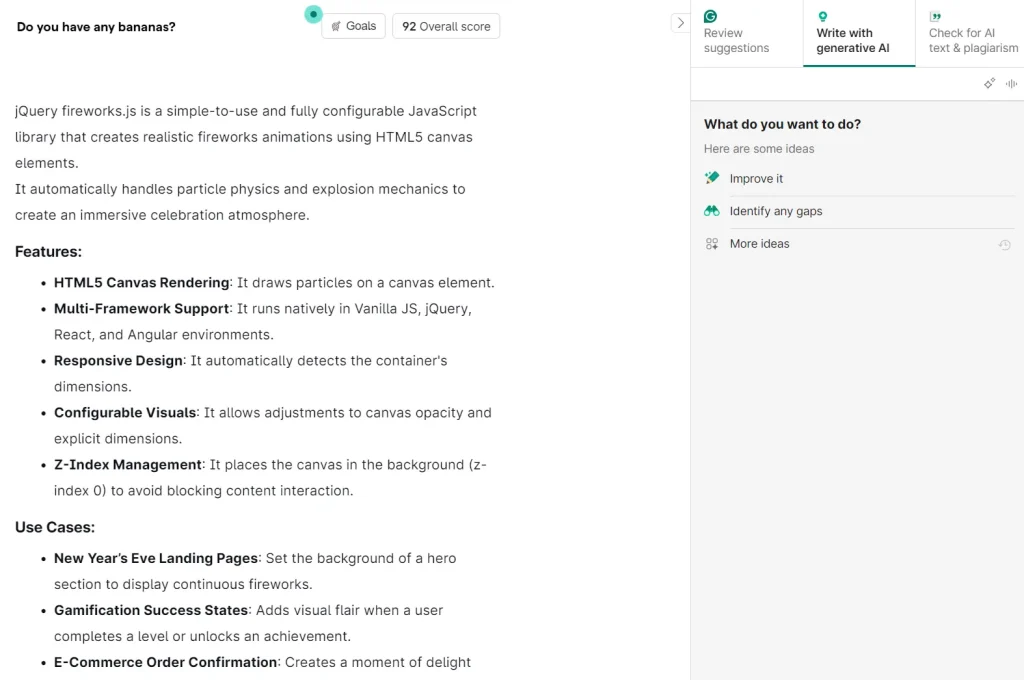
Overview: Grammarly checks grammar, spelling, and punctuation in real time. It works across browsers, desktop apps, and mobile keyboards. The free tier includes AI-powered rewriting prompts for quick fixes.
Key Features:
- Real-time grammar and spelling checks
- Browser extensions and desktop integration
- 100 AI prompts per month
Free Plan Limitations: Free users get 100 AI prompts monthly and can check up to 100 documents or 50,000 words per 24-hour period. Advanced features like tone detection, full clarity suggestions, and in-depth rewriting require a paid plan.
Pros:
- Industry-standard grammar correction
- Works across most writing platforms
Cons:
- Advanced style and tone features locked behind paywall
Website: grammarly.com
5. Quillbot – Best for Paraphrasing and Summarizing

Best for: Academic writing, rephrasing content, condensing text
Overview: Quillbot specializes in rewriting and summarizing. Paste your text, and the tool provides alternative phrasing or a condensed version. Students and content creators use it to rephrase sentences and avoid repetition.
Key Features:
- Paraphraser with multiple modes
- Summarizer for condensing long text
- Citation generator for academic work
Free Plan Limitations: The free paraphraser handles only 125 words at a time. The summarizer processes up to 1,200 words. Only Standard and Fluency modes are available—other paraphrasing modes require payment.
Pros:
- Focused tool that does paraphrasing well
- Useful citation generator for students
Cons:
- 125-word limit makes long-form rewriting tedious
Website: quillbot.com
6. Perplexity – Best for Research-Based Writing
Best for: Fact-checking, research, source-cited content
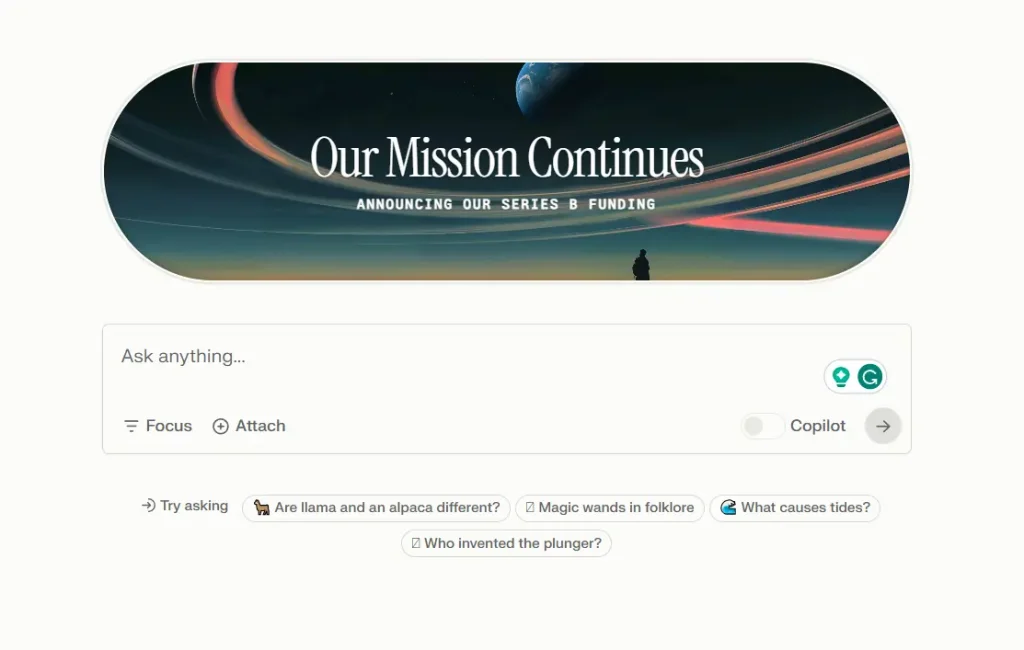
Overview: Perplexity functions as an AI-powered research assistant. It answers questions with source citations, letting you verify claims before including them in your writing. The Focus feature narrows searches to specific domains like academic papers or news.
Key Features:
- Source citations for every answer
- Focus modes for targeted research
- Conversational follow-up questions
Free Plan Limitations: Basic searches are unlimited. Pro searches, which use more advanced models, are limited to 5 per day. Saving search history requires an account.
Pros:
- Every claim includes a verifiable source
- Excellent for building research-backed content
Cons:
- Not a writing editor—you must draft content elsewhere
Website: perplexity.ai
7. DeepSeek – Best for Technical Writing
Best for: Technical documentation, coding, logic-heavy content
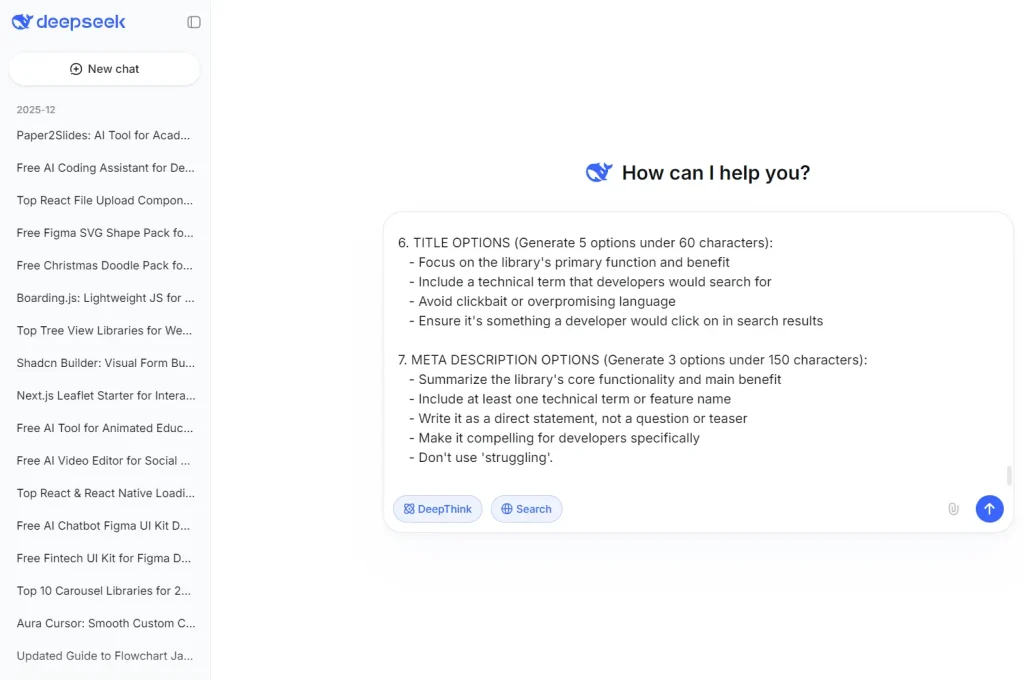
Overview: DeepSeek performs strongly on technical and structured writing tasks. Its “thinking mode” shows reasoning steps, useful for complex explanations. Developers and technical writers use it for documentation, code generation, and scientific content.
Key Features:
- Access to DeepSeek-V3 and DeepSeek-R1 models
- Thinking mode for step-by-step reasoning
- Strong code generation capabilities
Free Plan Limitations: The web and app versions are currently free with no stated limits. The API requires payment. Unstated rate limits may apply during heavy use.
Pros:
- High performance on technical tasks at no cost
- Reasoning mode useful for complex explanations
Cons:
- Less suited for creative or emotionally nuanced writing
Website: deepseek.com
8. Copy.ai – Best for Marketing Copy
Best for: Ad copy, social media content, product descriptions
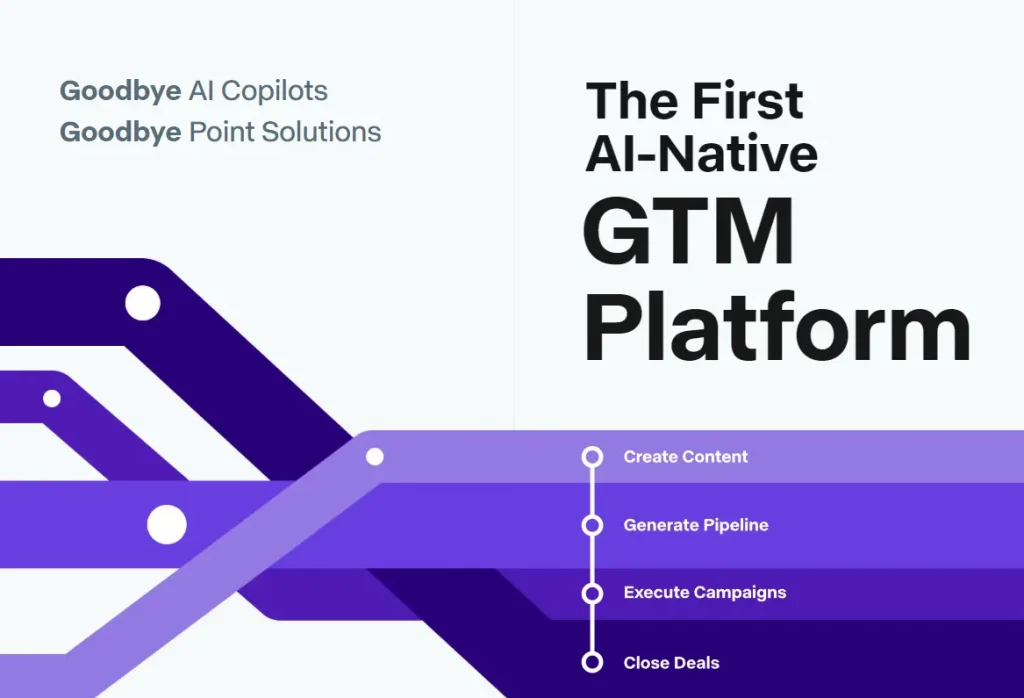
Overview: Copy.ai focuses on marketing and business content. Its template library covers ad headlines, email campaigns, product descriptions, and social captions. The Brand Voice feature helps maintain consistent tone across outputs.
Key Features:
- Extensive marketing template library
- Brand Voice for tone consistency
- Workflow automation features
Free Plan Limitations: Free accounts receive 2,000 words per month. Access is limited to basic models and a single seat. Some workflow and automation features require a paid plan.
Pros:
- Purpose-built templates for marketing tasks
- Brand Voice keeps outputs consistent
Cons:
- 2,000 monthly words is tight for active content creators
Website: copy.ai
9. Rytr – Best for Quick Short-Form Content
Best for: Emails, social posts, ad headlines, blog intros
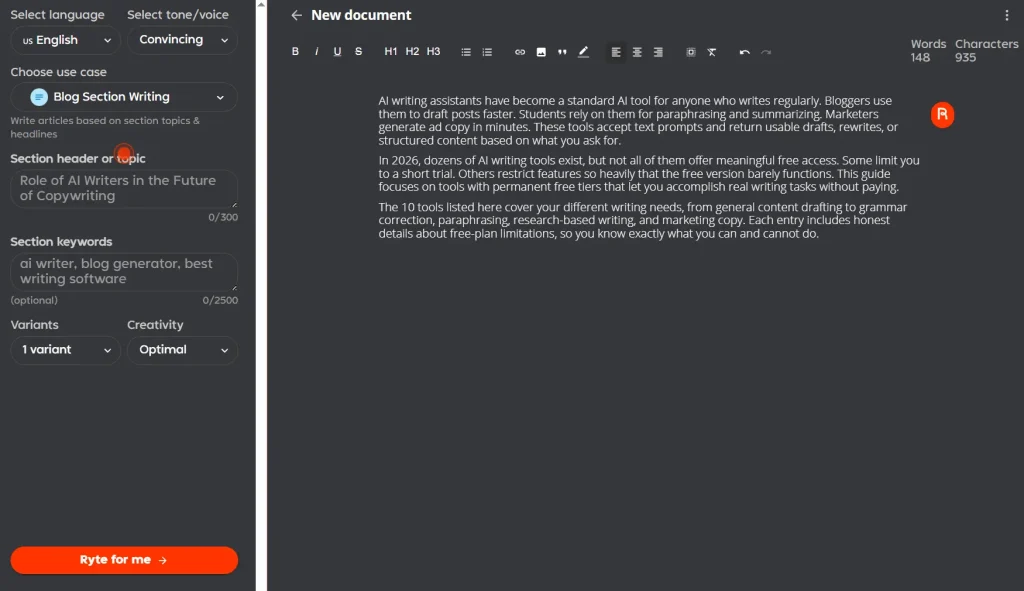
Overview: Rytr generates short-form content across 30+ use cases in 30+ languages. You select a use case, choose a tone, and enter basic details. The tool returns ready-to-use content for quick tasks.
Key Features:
- 30+ use cases and language options
- Multiple tone settings
- Built-in plagiarism checker
Free Plan Limitations: Free accounts are capped at 10,000 characters per month. This limit restricts output to a handful of short pieces. The plagiarism checker and rich-text editor are included.
Pros:
- Wide variety of use cases and languages
- Simple interface for fast content generation
Cons:
- Character limit runs out quickly with regular use
Website: rytr.me
10. Microsoft Copilot – Best for General Productivity

Best for: Quick drafts, summaries, image generation, research
Overview: Microsoft Copilot provides free access to GPT-4 and DALL-E 3. You can generate text, create images, summarize web pages, and answer complex questions. It integrates with Windows and Microsoft Edge for quick access.
Key Features:
- GPT-4 for text generation
- DALL-E 3 for image creation
- Web search integration
Free Plan Limitations: The standard model is available without limits. GPT-4 access may slow during peak hours. A Microsoft account is required.
Pros:
- Free access to GPT-4 and image generation
- Convenient Windows and Edge integration
Cons:
- Interface feels less focused than dedicated writing tools
Website: copilot.microsoft.com
What Are AI Writing Tools?
AI writing tools can help you generate, edit, or rewrite text. You provide a prompt, topic, or existing text, and the tool returns a draft, summary, rephrased version, or structured content.
These tools handle different types of writing tasks:
- Content generation: Blog posts, articles, emails, social media captions
- Rewriting and paraphrasing: Rewording sentences or paragraphs for clarity or originality
- Summarization: Condensing long documents into shorter versions
- Grammar and style correction: Fixing errors and improving readability
- Research assistance: Gathering information and providing source citations
Bloggers use AI writing tools to overcome blank-page syndrome and produce first drafts quickly. Students use them for paraphrasing and citation help. Marketers rely on them for ad headlines and product descriptions. General users turn to them for emails, reports, and everyday communication.
How AI Writing Tools Work
All AI writing tools run on large language models (LLMs) trained on massive text datasets. When you enter a prompt, the model predicts and generates text that fits your request.
The typical workflow looks like this:
- Input a prompt or paste existing text. You describe what you want or provide content to edit.
- The model processes your request. It analyzes context, tone, and structure.
- Output appears. You receive a draft, rewrite, or structured response.
Some tools offer additional controls:
Editing modes: Paraphrasing, summarizing, expanding, or correcting grammar
Templates: Pre-built formats for emails, blog posts, ads, or social content
Tone settings: Options to adjust formality, friendliness, or professionalism
Length controls: Settings to specify short, medium, or long outputs
How to Use AI Writing Tools Effectively
Getting good results from AI writing tools requires some practice. Here are practical tips:
Write clear, specific prompts. Vague requests produce vague outputs. Include details about format, length, tone, and audience.
Edit every output. AI drafts need human review. Check for accuracy, adjust tone, and add your perspective.
Combine tools when needed. Use Perplexity for research, ChatGPT for drafting, and Grammarly for polishing.
Iterate through follow-up prompts. If the first output misses the mark, refine your request rather than starting over.
Treat AI as a starting point. These tools accelerate your process, but the final product should reflect your voice and judgment.
FAQs
Q: Which free AI writing tool is the best overall in 2026?
A: For most users, ChatGPT remains the best all-around free AI writing tool. It supports a wide range of writing tasks, accepts detailed prompts, and offers flexible free access. If you only plan to use one tool, ChatGPT is the safest starting point.
Q: Which free AI writing tool has the fewest restrictions?
A: DeepSeek currently offers the most generous free access for technical and structured writing, with no clearly stated usage limits on the web version. For general writing, ChatGPT and Gemini provide the most practical free usage before hitting noticeable caps.
Q: Are free AI writing tools good enough for professional use?
A: Free plans work well for drafting, rewriting, research, and editing. However, professionals who write daily often reach message, word, or feature limits. At that point, upgrading usually saves time rather than improving raw output quality.
Q: Which free AI writing tools are best for students?
A: Students benefit most from Quillbot for paraphrasing, Grammarly for proofreading, and Perplexity for research with citations. These tools cover academic writing needs while staying within free-plan limits for light to moderate use.
Q: Which free AI writing tool is best for blogging and SEO content?
A: ChatGPT and Gemini are the strongest free options for blog drafting and SEO-focused content. Gemini performs well for fact-based topics, while ChatGPT offers more flexibility in structure and tone.
Q: When does upgrading from a free plan make sense?
A: Upgrading makes sense when free limits interrupt your workflow. Common signs include daily message caps, low monthly word limits, missing tone or brand controls, and restricted long-form output.
Q: Can I use multiple free AI writing tools together?
A: Yes. Many users combine tools to avoid limits. A common setup is Perplexity for research, ChatGPT or Claude for drafting, and Grammarly for final polishing.
Q: Are AI-generated texts original and safe to publish?
A: AI tools generate original text based on patterns, not direct copying. Still, important content should be reviewed for accuracy, tone, and plagiarism, especially for academic or commercial use.
Final Thoughts
Free AI writing tools in 2026 cover a wide range of needs, from grammar correction to full content drafts. Students, bloggers, marketers, and general users can all find tools that fit their workflow without paying for a subscription.
The key is matching the tool to your task. Use Quillbot for paraphrasing. Use Perplexity for research. Use ChatGPT or Claude for drafting. Use Grammarly for polishing. Each tool has strengths and limitations, and knowing them helps you get the most from your free access.
Free access matters because it removes barriers to better writing. You can start using any of these tools today with nothing more than an email address.
Related Resources
- 7 Best AI Content Detectors
- 10 Best AI Image Generators
- Discover More Free AI Writing & Text Generation Tools