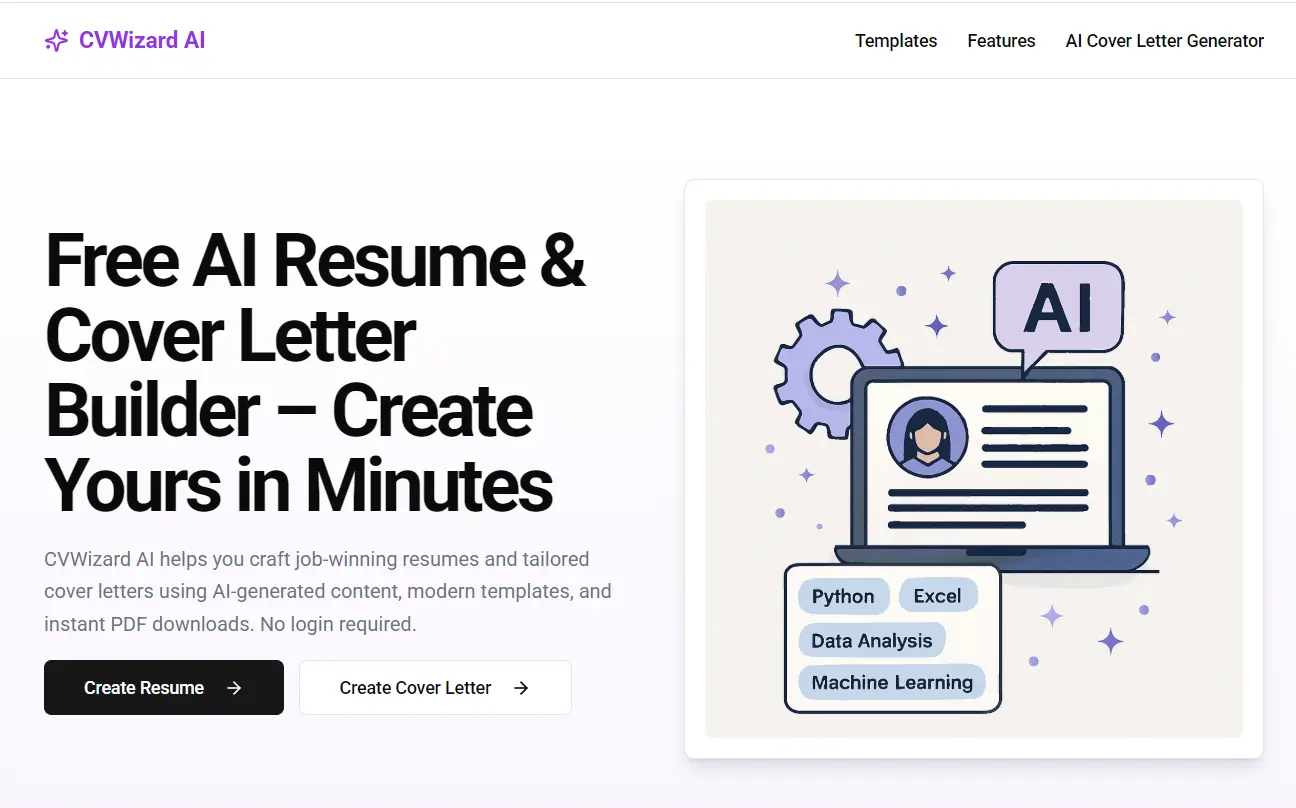
CVWizard AI is a free resume and cover letter builder that requires no login or payment.
It was designed to help you create professional resumes and cover letters quickly using AI assistance, modern templates, and instant PDF downloads.
Features
- AI Writing Assistance: Get AI suggestions to improve your summary, work experience descriptions, or skills list. It’s helpful when you hit writer’s block.
- Simple Editor: The interface is clean. Adding sections, editing text, and reordering things is straightforward – no need to be a design whiz.
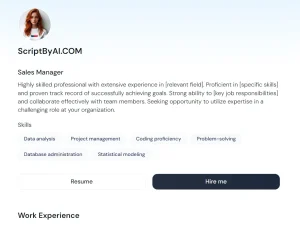
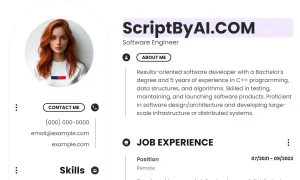
- Modern Templates: Comes with four template styles: Modern, Minimalist, Corporate, and Creative. You can switch between them easily to see what looks best.
- Undo/Redo: Standard but essential. You can easily step back and forth through your changes.
- AI Cover Letter Generator: Uses your resume info to draft a personalized cover letter for specific job applications. A real time-saver.
- No Login Required: You can build, edit, and download your resume without creating an account.
- PDF Export & Sharing: Download your final resume as a PDF or generate a shareable link for a read-only version.
Use Cases
- Quick Resume Refresh: Need to update your resume fast for a sudden opportunity? You can load up your info, use AI to polish descriptions, pick a template, and export quickly.
- Drafting From Scratch: If you’re building your first resume or starting over, the guided sections and AI suggestions help structure your content and overcome the “blank page” problem.
- Tailoring Applications: Use the AI Cover Letter generator to quickly create a relevant cover letter for each job you apply to, referencing details from your resume. Much faster than writing each one manually.
- Experimenting with Layouts: Easily preview your resume content in different professional styles (Minimalist, Corporate, etc.) with a single click to see which format presents your experience best.
- Privacy-Conscious Job Seeking: Since no account is needed and data is stored locally by default, it’s a good option if you’re wary about uploading your personal details to yet another online service.
How to Use It
- Enter Your Details: Go to the CVWizard AI website. Start filling in the standard resume sections: personal info, work experience, education, skills, etc. The editor guides you through it.
- Leverage AI (Optional): When working on sections like the summary or job descriptions, you’ll see options to use AI suggestions. Click it, review the generated text, and use or adapt it. It’s not mandatory, but can be useful.
- Select a Template: Once your content is in, browse the available templates (Modern, Minimalist, Corporate, Creative). Click one to instantly preview how your resume looks.
- Export or Share: Happy with the result? You can download the resume as a PDF immediately. Alternatively, save it (which encrypts and stores it, giving you an ID/link) and get a shareable link for recruiters or colleagues. Remember, no account needed even for saving/sharing via link.
- Generate a Cover Letter: After your resume is shaped up, use the AI Cover Letter feature. It pulls from your resume content to draft a letter you can then tweak for a specific job application.
FAQs
Q: Do I need to create an account?
A: No. CVWizard AI is completely free and doesn’t require login or signup. You can build and download your resume without creating an account.
Q: What do you do with my data?
A: Your resume data stays in your browser locally. If you save or share, it’s encrypted and stored securely. They state they don’t track or sell your information.
Q: Can I edit my resume after saving it?
A: Yes. As long as you have your browser’s localStorage intact or the resume ID/link you received upon saving, you can return and continue editing.
Q: Can I share my resume with others?
A: Yes. After saving, you get a shareable link for a read-only version of your resume.
Q: What templates are available?
A: Four templates: Modern, Minimalist, Corporate, and Creative. You can preview and switch easily.
Q: Can AI help improve my resume?
A: Yes, the built-in AI can help refine your summary, job descriptions, and suggest skills.
Q: Does it work offline?
A: It’s web-based. You need an internet connection for AI features and saving/sharing. Unsaved changes remain in your browser, but core functions require connectivity.