
Iconlab is a free AI tool that generates customizable mobile or web app icons from natural language descriptions.
It uses AI to convert text to images, creating up to 100 unique icons with just a few clicks. This saves the time and cost of hiring a designer, making high-quality icons accessible to everyone.
How to use it:
1. Go to Iconlab and sign up for a free account using your email.
2. Check your inbox for an invite email from Iconlab. Click the Login button within the email to access the platform.

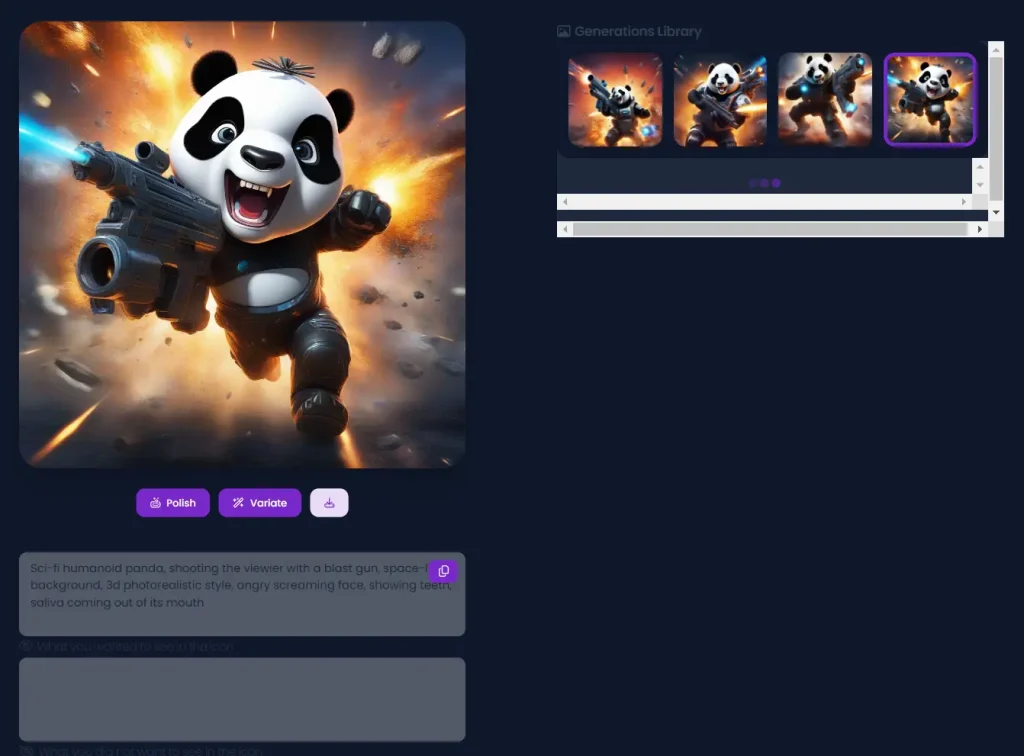
3. Start creating by describing your ideal icon. Be as detailed as you can about what you want and don’t want. The AI works best with clear descriptions. Eg. A sci-fi humanoid panda, shooting the viewier with a blast gun, space-like background, 3d photorealistic style, angry screaming face, showing teeth, saliva coming out of its mouth.
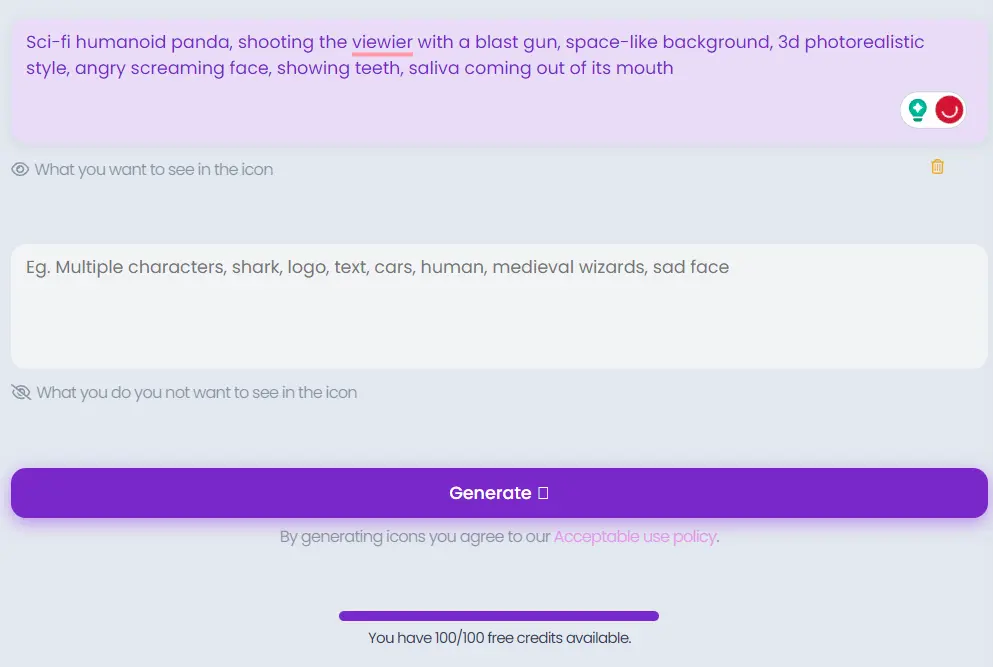
4. Hit the Generate button, and the AI will create four unique app icons for you to choose from.
5. Use the Polish and Variate options to fine-tune your app icon to perfection.







Wow, this free AI app icon generator is incredible! I’ve been struggling to create consistent and professional-looking icons for my app, but this tool has made it so much easier. The results are amazing and I can’t wait to use them in my app. Thank you for sharing this valuable resource!