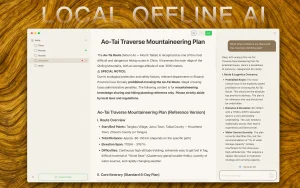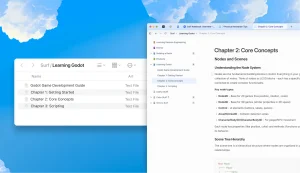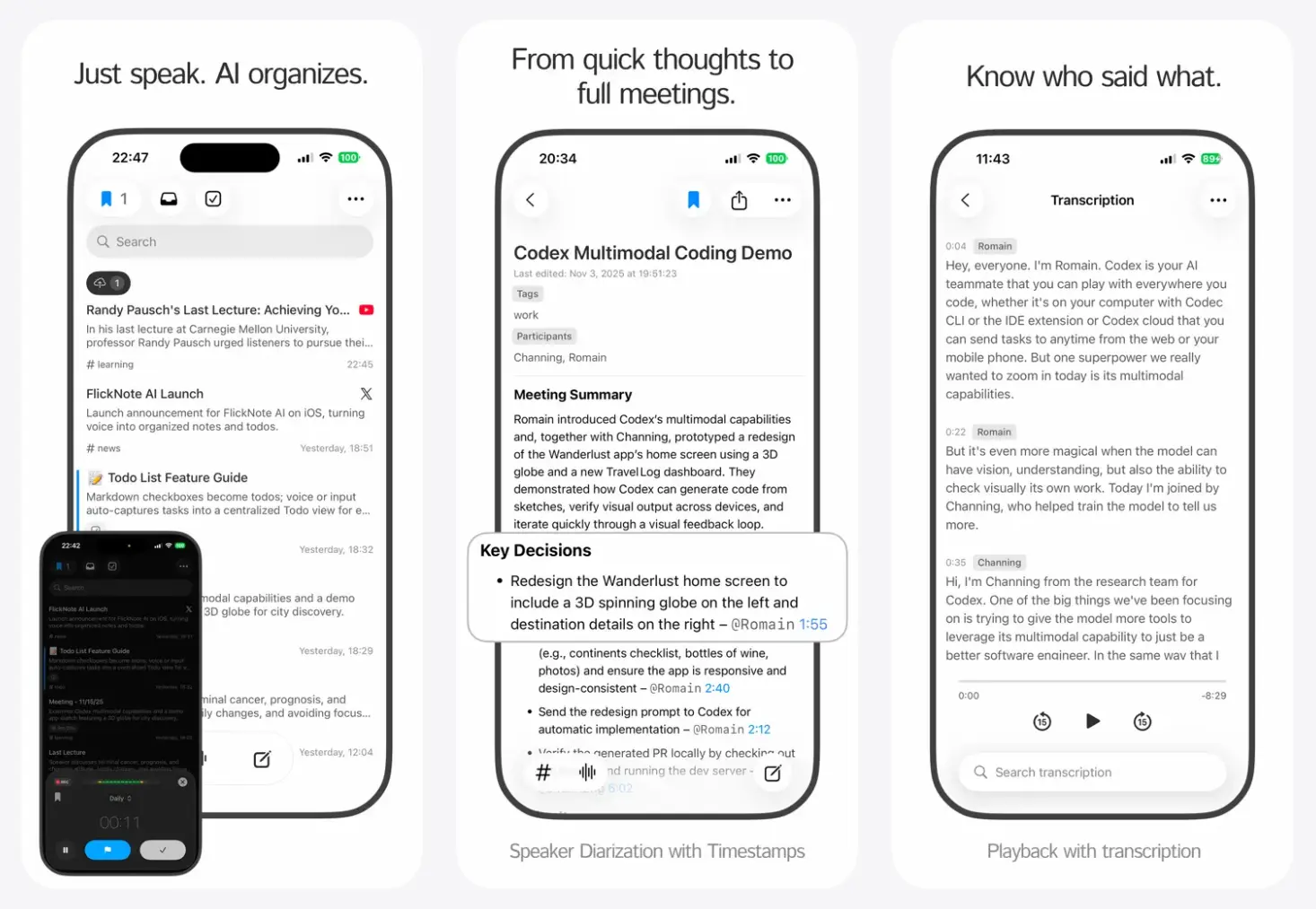
FlickNote is a free AI-powered voice note app for iOS that converts your spoken thoughts into organized, searchable notes with automatic transcription and task extraction.
You can use FlickNote to capture ideas, meetings, or journal entries, distribute information across your workflow, and automatically sync them to productivity platforms like Notion or Telegram.
It’s ideal for business people and students who prefer speaking over typing but need their thoughts structured rather than left as raw audio files.
Features
- AI-Powered Transcription: Records audio and converts speech to text with high accuracy. The transcription engine understands context and handles different accents and speaking styles.
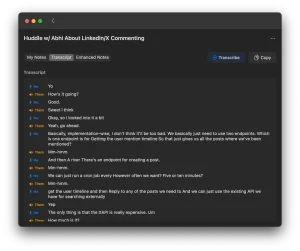
- Speaker Diarization: Identifies different speakers in recordings. This can be useful during meetings when you need to know who said what.
- Automatic Task Detection: Scans transcriptions for action items, deadlines, and assignments. Tasks get extracted without manual tagging.
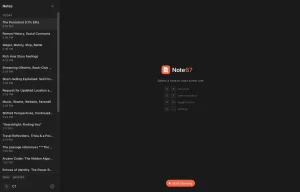
- Smart Organization and Categorization: Groups notes automatically based on content. The AI applies tags and categories so you can find specific recordings later.
- Notion Integration: Syncs notes and tasks directly to your Notion workspace. Content captured during inspiration moments gets organized in your existing databases.
- Multi-Platform Sync: Connects with Discord, Telegram, and Apple Shortcuts. Notes travel to where you actually work.
- Offline-First Design: Records anywhere without an internet connection. The app syncs content when connectivity returns.
- Timestamp Navigation: Marks important moments in recordings. Jump back to specific parts without replaying everything.
- Web Content Capture: Imports content via URL. Grab text from web pages and combine it with voice notes.
- Full Prompt Control: Customize how AI processes your recordings. You define the workflow parameters.
- Powerful Search: Finds specific information across all recordings. Search works on transcribed text, not just file names.
Use Cases
- Meeting Documentation: Record team discussions with automatic speaker identification. The AI extracts action items and decisions without manual note-taking.
- Personal Journaling: Maintain a daily voice journal. The transcription creates searchable entries for reflection and reference.
- Idea Capture: Preserve spontaneous thoughts before they fade. Speak ideas into existence during walks or other activities.
- Academic Recording: Document lectures and study sessions. Students can focus on understanding the material.
- Task Management: Verbalize your to-do list. The AI identifies action items and compiles them into organized task lists.
How to Use It
1. Download the FlickNote app from the iOS App Store.
2. Allow microphone access when prompted.
3. Tap the prominent record button on the main screen. Speak clearly. You can pause if you need to collect your thoughts.
4. Tap the stop button when finished. The AI will begin transcribing and analyzing the audio immediately.
5. Read through the generated text. You can edit any minor transcription errors manually.
6. Connect your Notion account in the settings menu. Select the specific notes you want to send to your Notion workspace.
Pros
- Immediate Recording: One-tap access.
- Accurate Transcription: The AI handles natural speech patterns and contextual understanding.
- Intelligent Organization: Automatic tagging and categorization.
- Offline Capability: Record without internet access.
- Speaker Identification: Distinguishes between different voices in conversations.
- Action Item Detection: Automatically finds and extracts tasks from spoken content.
Cons
- iOS Exclusive: Android users cannot access the application.
- Voice-Only Input: The tool focuses exclusively on audio.
- Internet Required for Processing: Transcription needs connectivity.
FAQs
Q: Does FlickNote work without an internet connection?
A: Recording functions work completely offline. The AI processing for transcription requires an internet connection. The app will queue recordings and process them automatically when connectivity returns.
Q: How accurate is the speaker detection feature?
A: The diarization technology generally identifies different speakers with good reliability. Accuracy improves when speakers have distinct vocal characteristics and minimal crosstalk.
Q: Can I edit transcripts after processing?
A: The app provides full editing capabilities for all transcribed text. You can correct any errors or add additional context as needed.
Q: Is there a limit on recording length?
A: Practical limits exist based on device storage, but the 1GB local storage accommodates approximately 60 hours of audio. The cloud storage has no specified capacity restrictions.