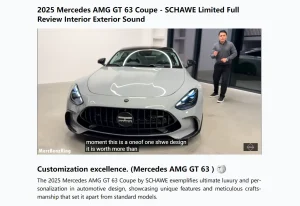
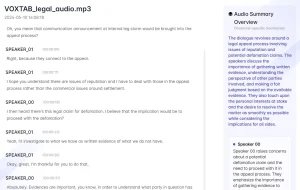
Nobinge is a 100% free YouTube video transcript generator that lets you easily get transcripts from educational, documentary, interview, and other subtitle-supported YouTube videos.
Just copy and paste the video URL and you will get the full text within seconds. You can then download it or copy it directly to tools like ChatGPT to get an AI-generated summary.
How to use it:
1. Navigate to the Nobinge web app.
2. Select the YouTube video you need a transcript for, copy its URL, and paste it into Nobinge’s text box.

3. Click on ‘Generate transcript and summarize’ and copy or download the full verbatim transcript.
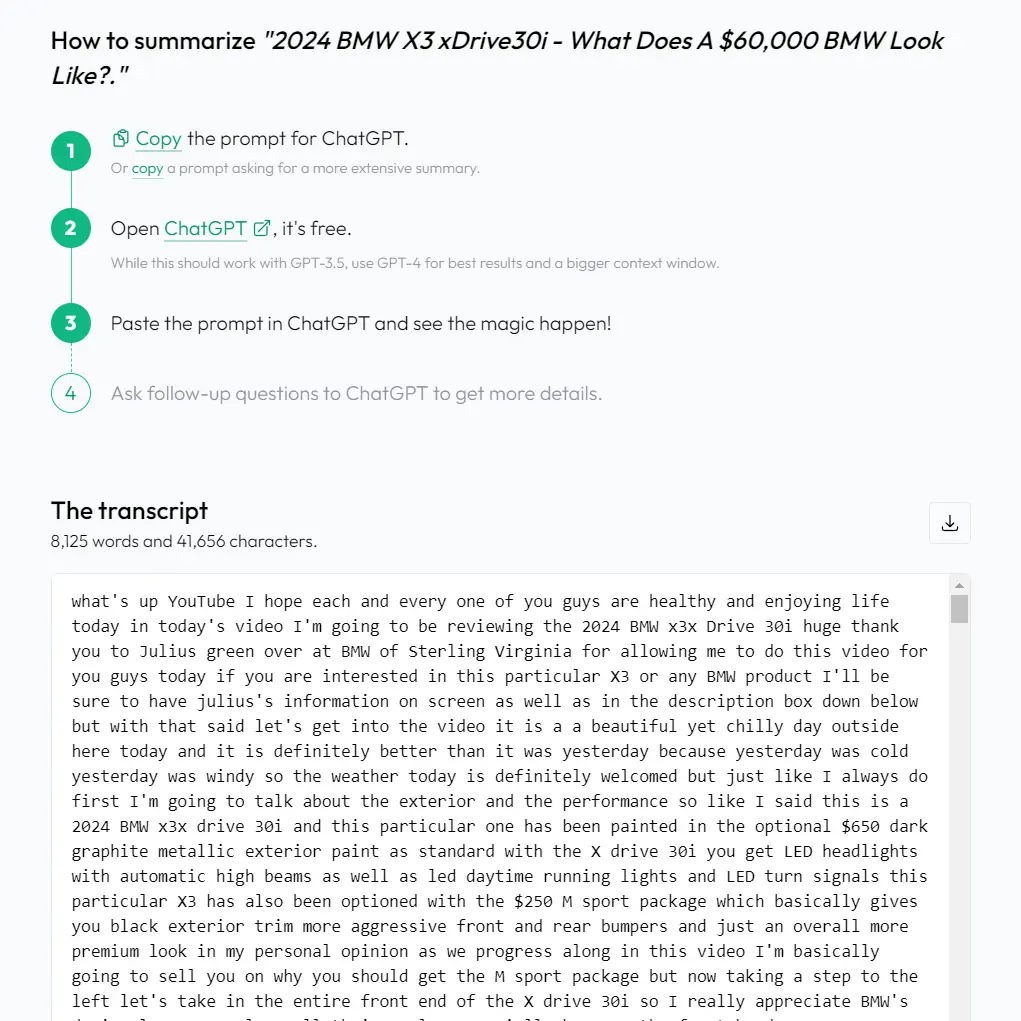
4. Summarize the transcript with AI tools like ChatGPT.