Video Transcriber AI: Convert Video to Text in 98+ Languages
Turn any video into accurate text in minutes. Video Transcriber AI handles 98+ languages with speaker recognition. Free unlimited transcription.
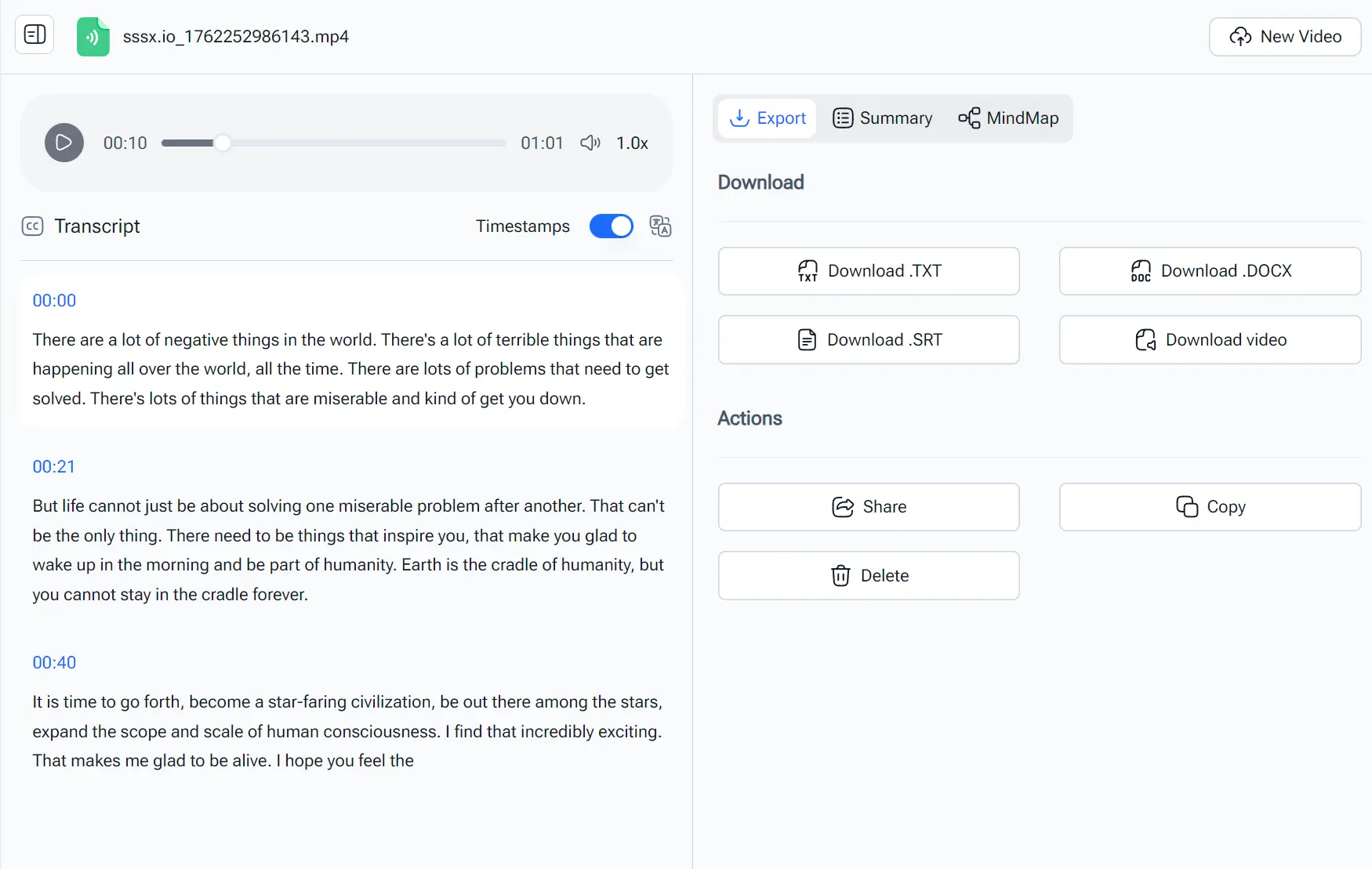
This is a fast, 100% free video transcription AI tool that converts videos into text transcripts in minutes.
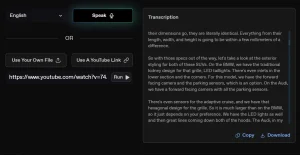
The tool runs entirely in your browser and processes videos quickly. Upload a video file, select your preferences, and get a transcript you can copy, download, or share.
Features
- 99.8% Accuracy Rate: The system delivers reliable transcription quality across various audio conditions, although results depend on the clarity of your source audio.
- 98+ Language Support: Process videos in nearly any language, with automatic detection available if you’re unsure which language was spoken.
- Unlimited Processing: No caps on the number of videos or total minutes you can transcribe.
- Speaker Recognition: Toggle this option to label different speakers in multi-person videos like meetings or interviews.
- Three Accuracy Modes: Select from high, medium, or low accuracy settings to suit your needs for precision or speed.
- Multiple Export Formats: Download transcripts as TXT, SRT, or DOCX files depending on your workflow needs.
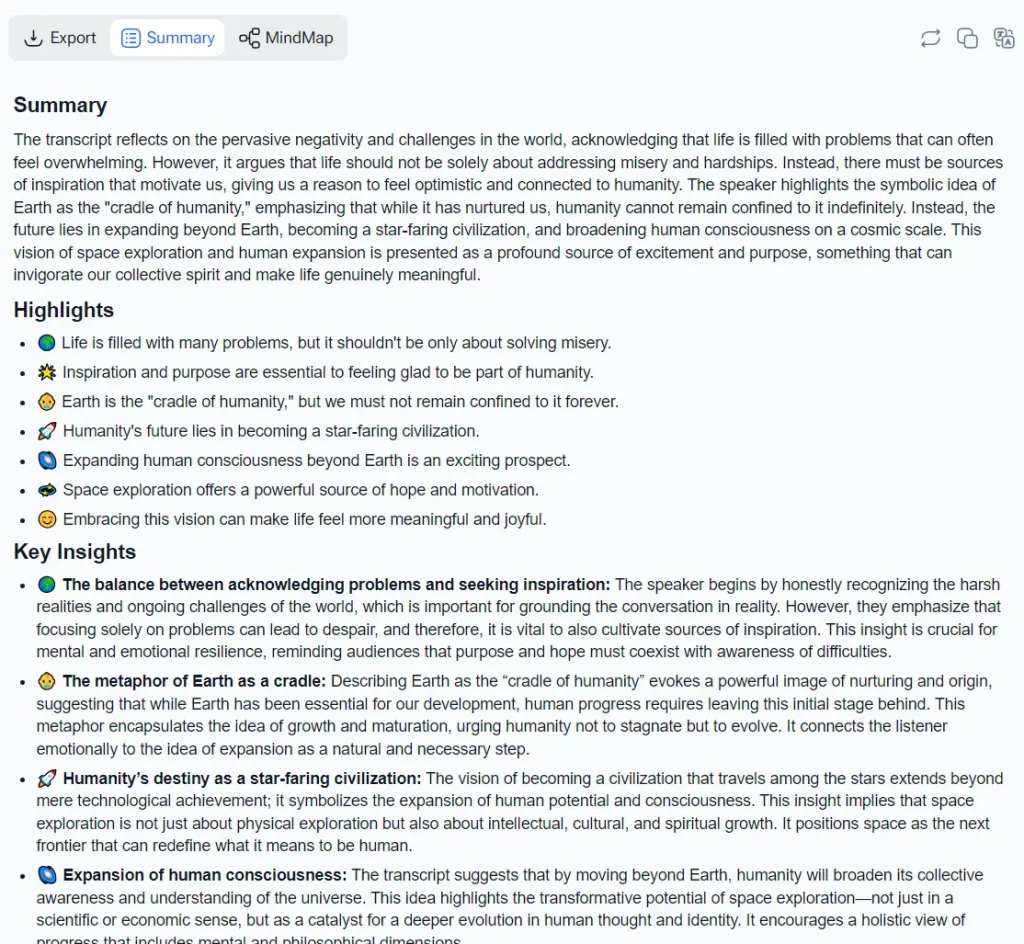
- AI Summary Generation: Beyond transcription, the tool can generate condensed summaries of your video content.
- Mind Map Visualization: Convert your transcript into a visual mind map to see relationships between concepts.
- Private Processing: Videos get processed without requiring account creation or storing your personal data.
- Batch Queue System: Upload up to 5 videos simultaneously and process them in sequence.
Use Cases
- Students: Transcribe lectures and online courses to create study notes. This makes it easier to review key information and search for specific topics.
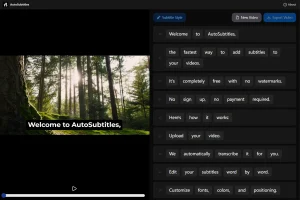
- Content Creators: Quickly generate captions and subtitles for your videos. You can also repurpose the transcript into blog posts or articles.
- Professionals: Transcribe meetings, webinars, and interviews to keep a record of important discussions. This helps share notes and action items with your team.
- Researchers: Convert video interviews and focus groups into text for analysis. This saves you hours of manual transcription work.
- Journalists: Transcribe press conferences and interviews to get accurate quotes for your stories.
How to Use It
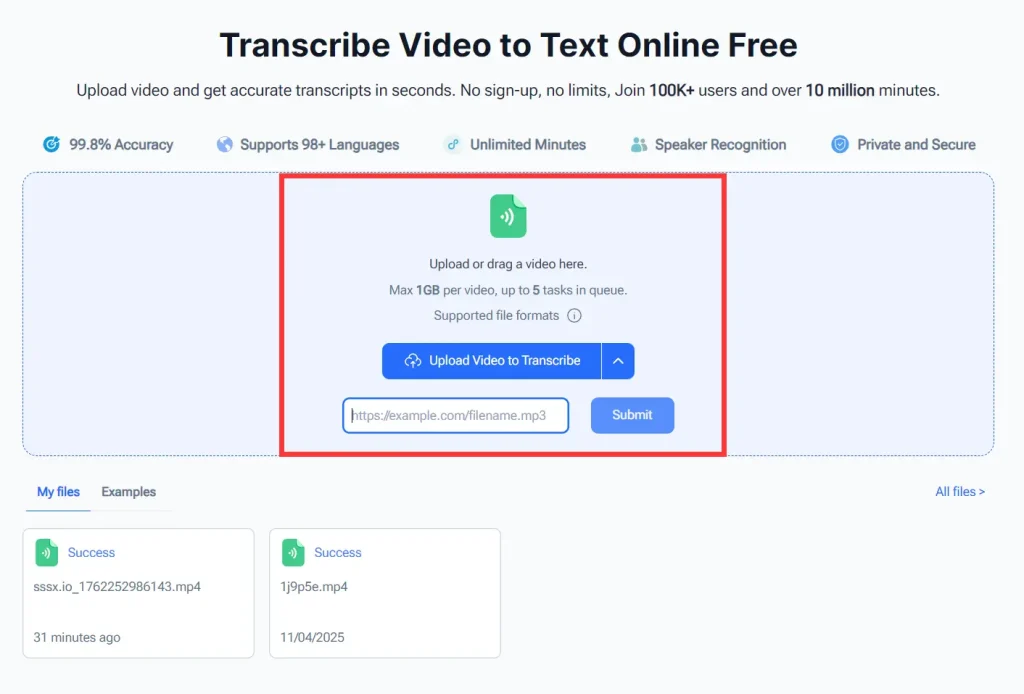
1. Upload your video file or provide a video link. You can either click to browse your files or drag and drop directly. Remember the 1GB per-file limit. Longer videos at high resolution might need compression first.
2. Once your video uploads, you’ll see configuration options before transcription starts.
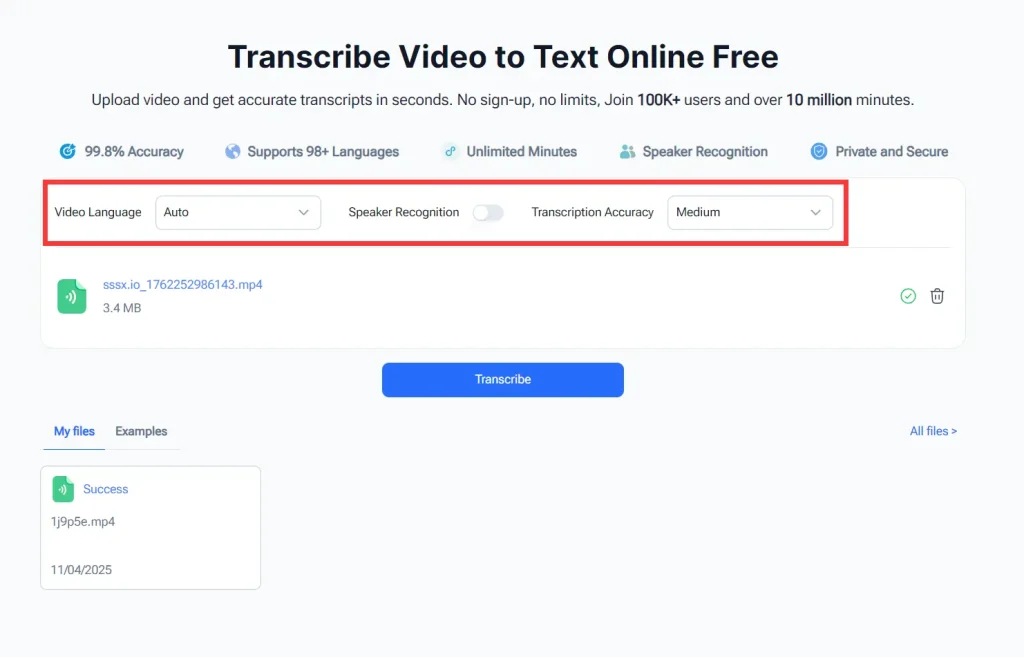
The language selector defaults to “Auto” which works well for most cases, but selecting the specific language can improve accuracy if you know what was spoken.
The speaker recognition toggle determines whether the transcript labels different voices. Leave this on for meetings or interviews, turn it off for solo presentations.
Pick your accuracy mode based on priorities: high accuracy takes longer but produces cleaner results, while low accuracy processes faster with more errors to fix.
3. Click the transcribe button and wait while the system processes your video. A progress bar shows the status. Processing time varies by video length and accuracy setting, but most videos under 30 minutes finish within a few minutes.
4. Once the transcription is complete, you can copy the text (with or without timestamps), download it as a file (TXT, SRT, DOCX), or share it with others.
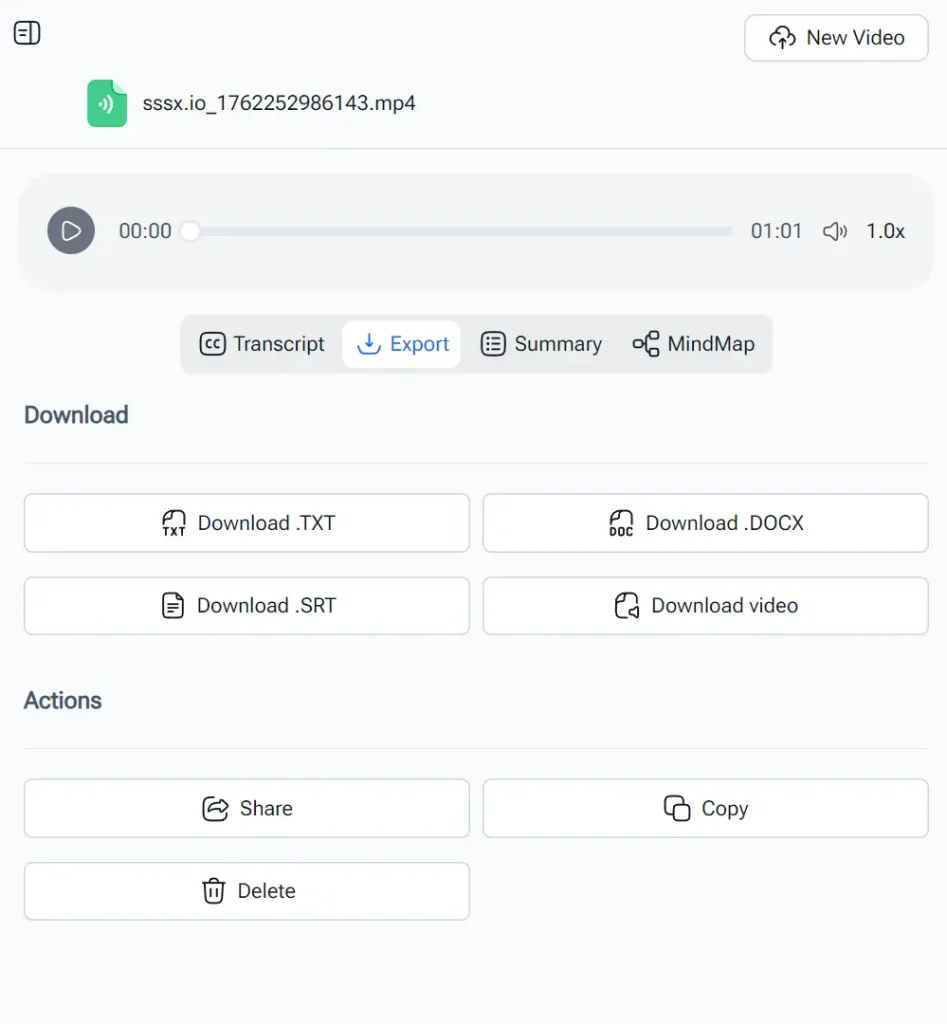
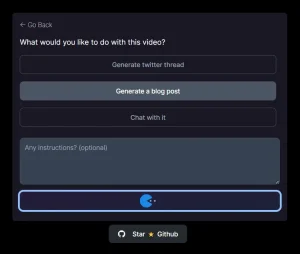
5. You can also use the ‘Summary’ tab to get a summary of the transcript or the ‘Mindmap’ tab to create a visual representation of the content.

Pros
- Zero Barriers to Entry: No account creation, no payment information, no software installation. You open the site and start transcribing immediately.
- Fast Turnaround: Most videos process quickly enough that you can wait rather than coming back later.
- Flexible Language Handling: The 98+ language support means you can transcribe content from international sources. Auto-detection works reliably in my tests with English, Spanish, and French content.
- Multiple Output Options: Having TXT, SRT, and DOCX exports covers different use cases without needing conversion tools.
Cons
- File Size Limit: There is a 1GB limit per video.
- Accuracy Varies: The accuracy of the transcription can be affected by the audio quality and background noise.
- Limited Editing Features: The tool doesn’t offer advanced editing options for the transcript.
FAQs
Q: How does Video Transcriber maintain privacy if I’m uploading sensitive content?
A: The tool processes videos without requiring account creation, which means it doesn’t store personal identifying information. That said, your video files do get uploaded to their servers for processing. If you’re handling confidential material like legal depositions or proprietary business meetings, verify their security practices or consider local transcription software that processes entirely on your device.
Q: Can I edit the transcript directly in Video Transcriber before downloading?
A: No, the interface displays the transcript as read-only text. You can copy portions or download the whole thing, but any corrections happen in your text editor after export. This limitation means you’ll spend extra time in a second application fixing errors rather than correcting them immediately while listening.
Q: Does the speaker recognition actually identify who’s speaking, or just that speakers have changed?
A: Speaker recognition detects when different voices speak and labels them numerically (Speaker 1, Speaker 2, etc.). It doesn’t perform voice identification to determine who those people are. You’ll see conversation structure but need to manually figure out which numeric label corresponds to which person based on context.
Q: Does Video Transcriber work with live streams or only pre-recorded videos?
A: The tool only handles pre-recorded video files and URLs to recorded content. It can’t transcribe live streams in real-time. You’d need to wait until the stream finishes and becomes an accessible recording, then process that file through Video Transcriber.
Q: What file formats are supported?
A: The tool supports popular formats like MP4, MOV, AVI, and recordings from platforms like Zoom.