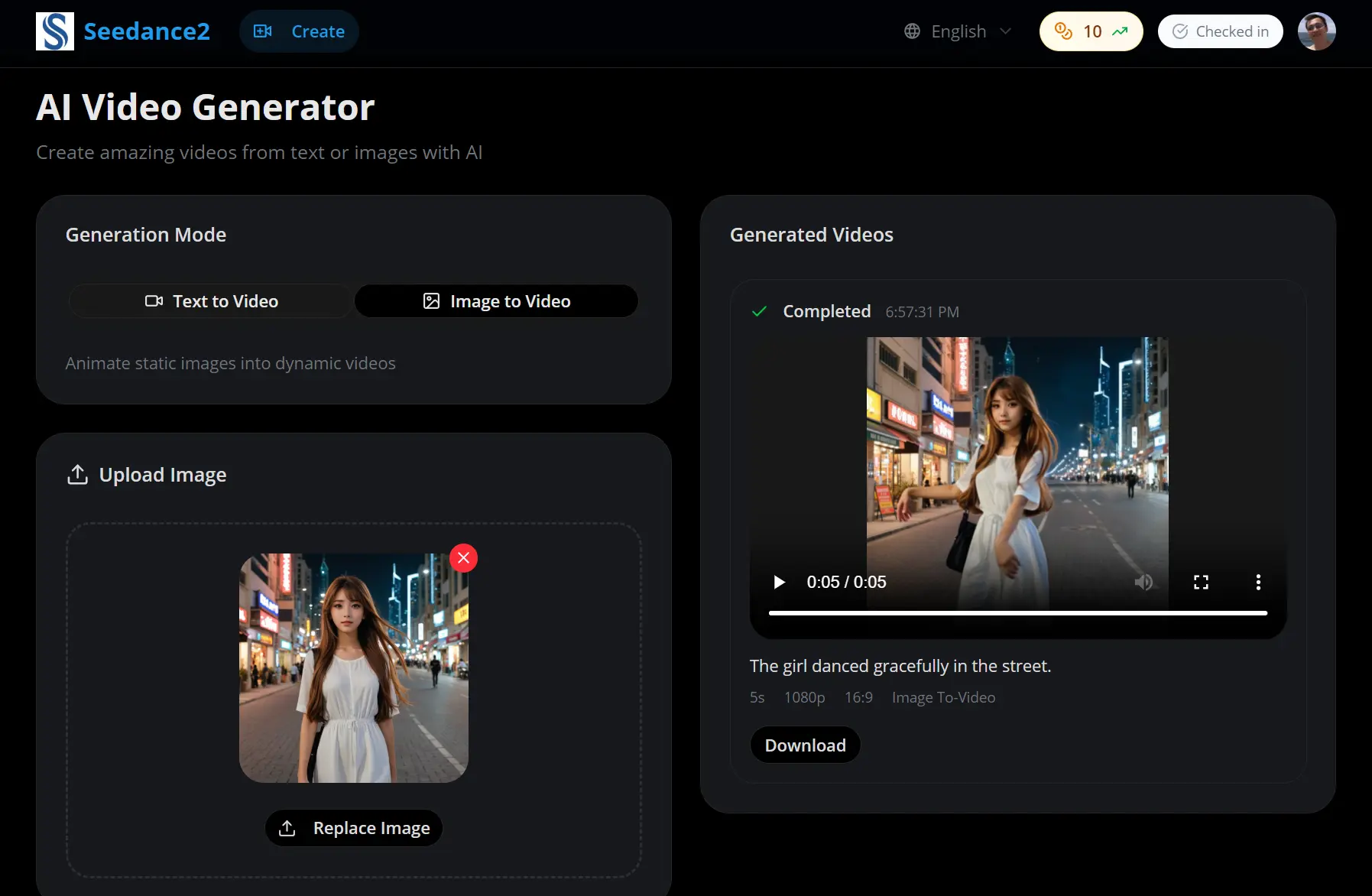
The Seedance2 Video Generator transforms text descriptions and static images into high-quality, cinematic videos.
It currently allows you to generate 5 to 8-second high-definition video clips at resolutions up to 1080p, powered by ByteDance’s advanced “Seedance” model (the same technology underpinning features in apps like CapCut and TikTok).
Features
- Fast Generation Speed: The Aurora engine processes your prompts quickly, so you can iterate on ideas without long wait times.
- Text-to-Video Creation: The model understands complex prompts involving multiple subjects, specific actions, and camera angles.
- Image-to-Video Animation: Great for bringing product photos or illustrations to life with realistic movement.
- Multiple Aspect Ratios: Choose from 16:9, 9:16, 4:3, 3:1, or 1:1 formats.
- Quality Settings: Generate in 720p for quick previews or 1080p for final outputs.
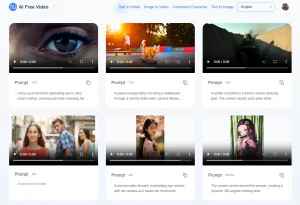
See It In Action
Use Cases
- Social Media Content: Create short-form videos for Instagram Reels, TikTok, or YouTube Shorts.
- Product Demonstrations: Turn product photos into video clips that showcase features and benefits.
- Marketing Campaigns: Generate promotional videos for ad campaigns without hiring videographers.
- Educational Content: Transform complex concepts into visual explanations.
How to Use It
1. Create your account at the Seedance2 Video Generator website and log in. New users receive 10 credits immediately, and you can earn 5 additional credits each day just by logging into the platform.
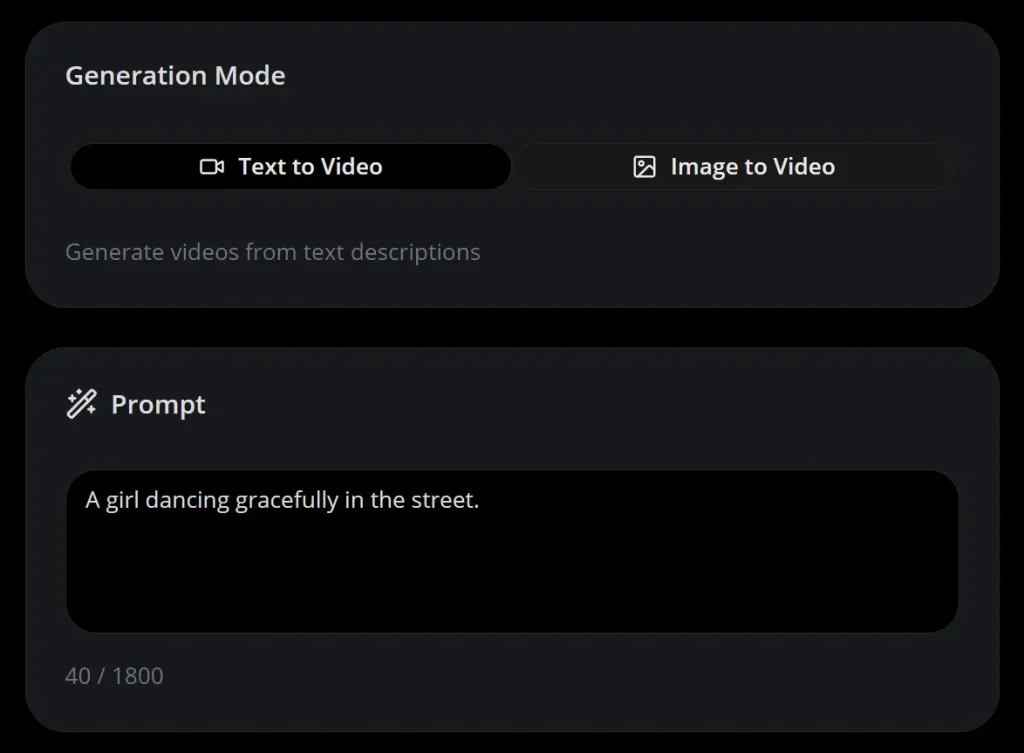
2. Click “Start Creating” to access the video creation interface. You’ll see two generation modes: Text to Video and Image to Video. Pick the mode that matches your source material.
3. For text-to-video creation, enter a detailed prompt in the text field. Be specific about what you want: describe the scene, the action, the mood, and the camera angle. The more detail you provide, the better the AI understands your vision.
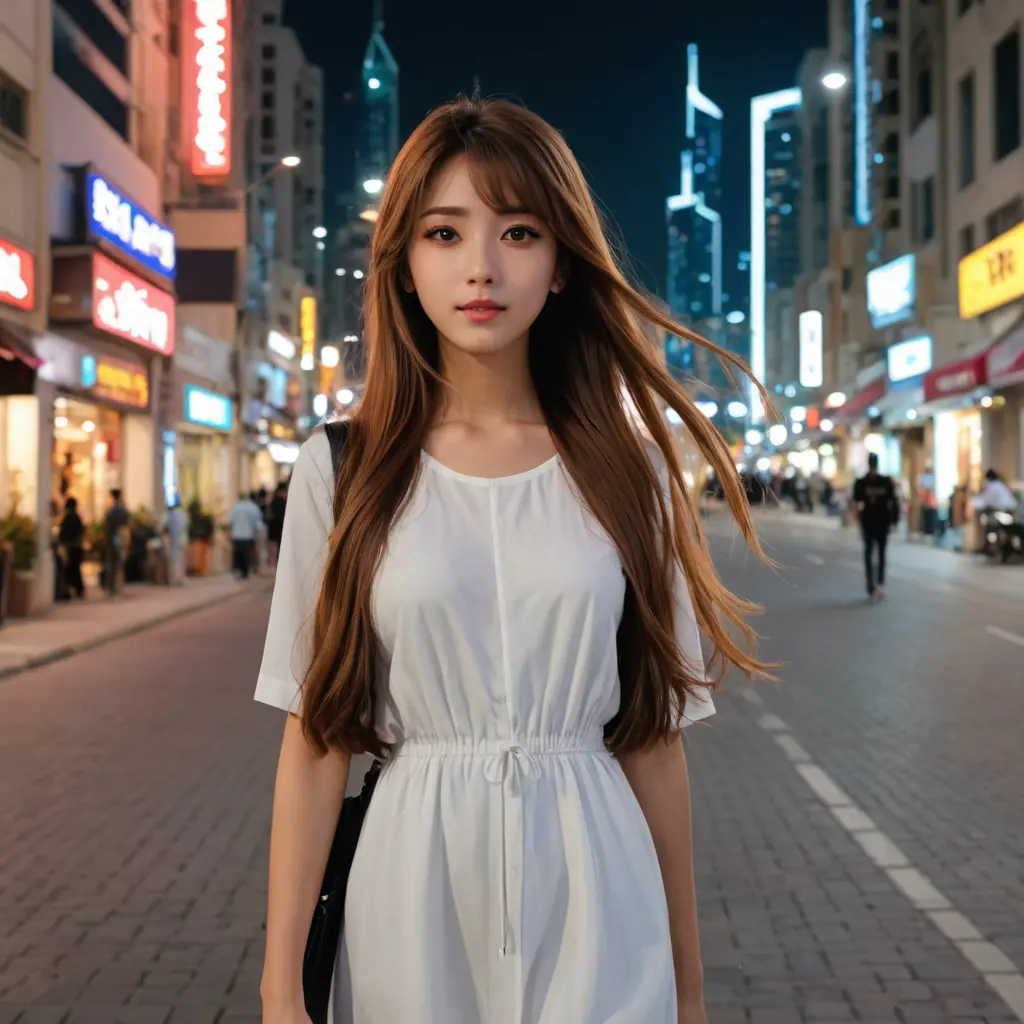
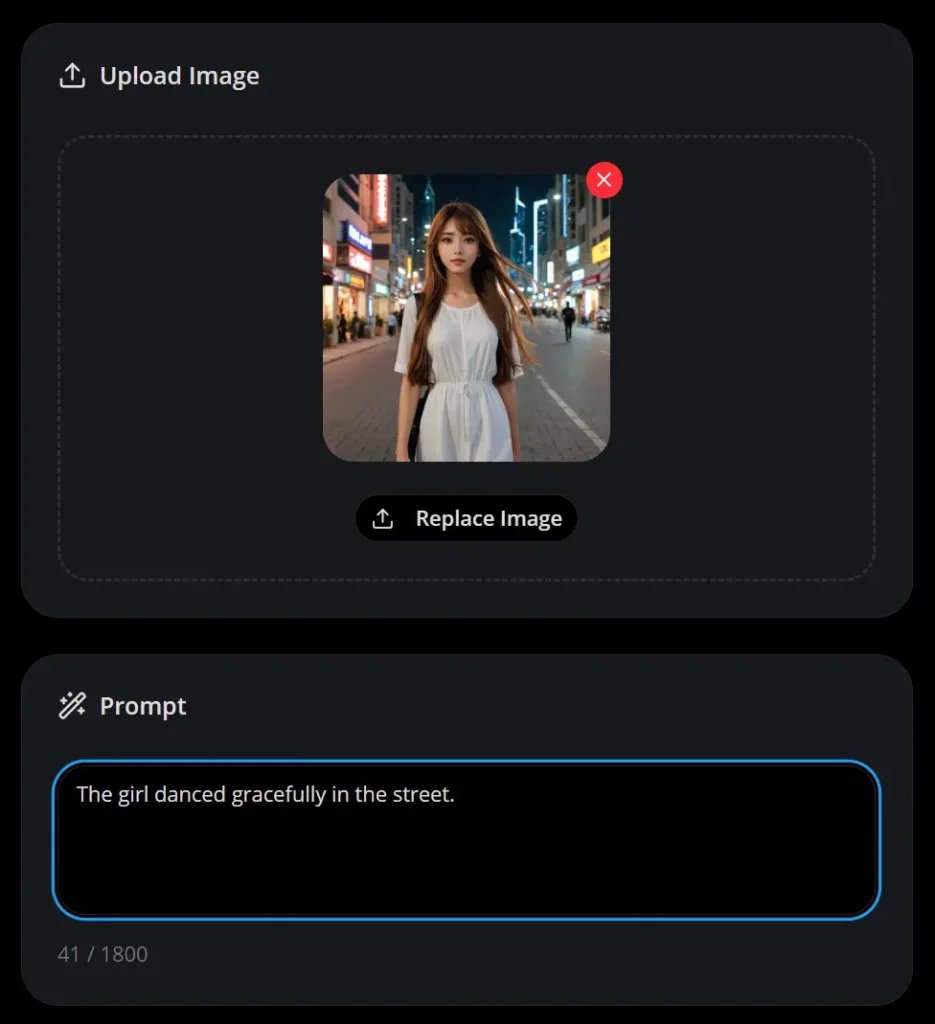
3. For image-to-video creation, upload your source image (JPEG, JPG, or PNG formats accepted, maximum 5MB file size). Then add a text prompt describing how you want the image to move or what action should happen. The AI uses both the image and your description to generate the animation.
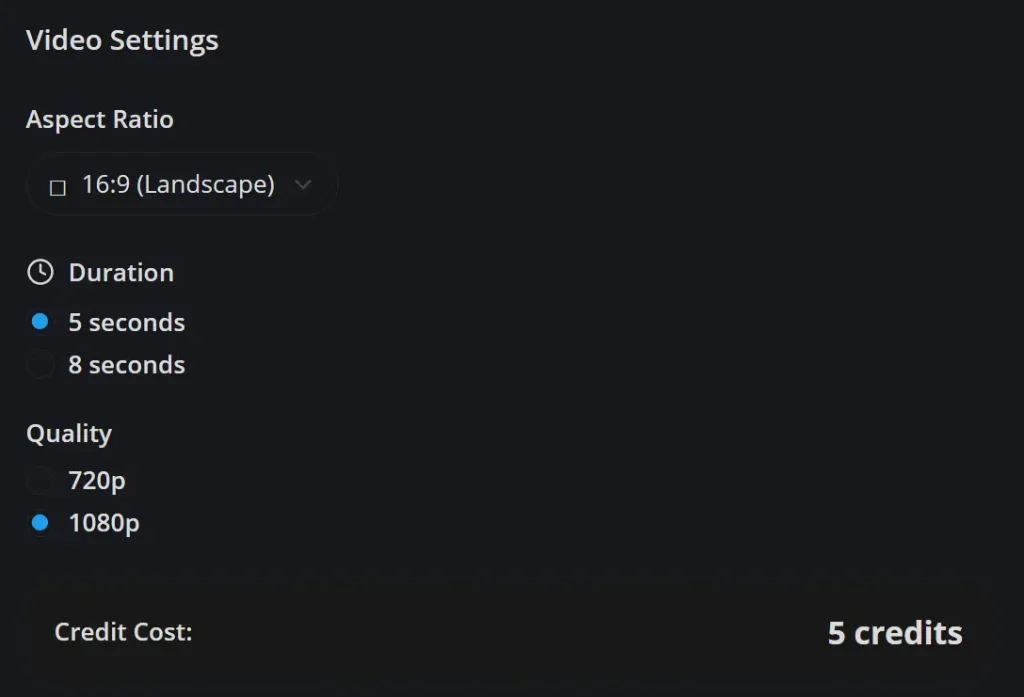
4. Configure your video settings before generation. Select your aspect ratio based on where you’ll publish the content. Choose between 5-second and 8-second durations (longer videos cost more credits). Set your quality preference to either 720p or 1080p. The interface shows exactly how many credits each configuration will consume before you generate.
5. Click “Generate Video” and wait for the AI to process your request.
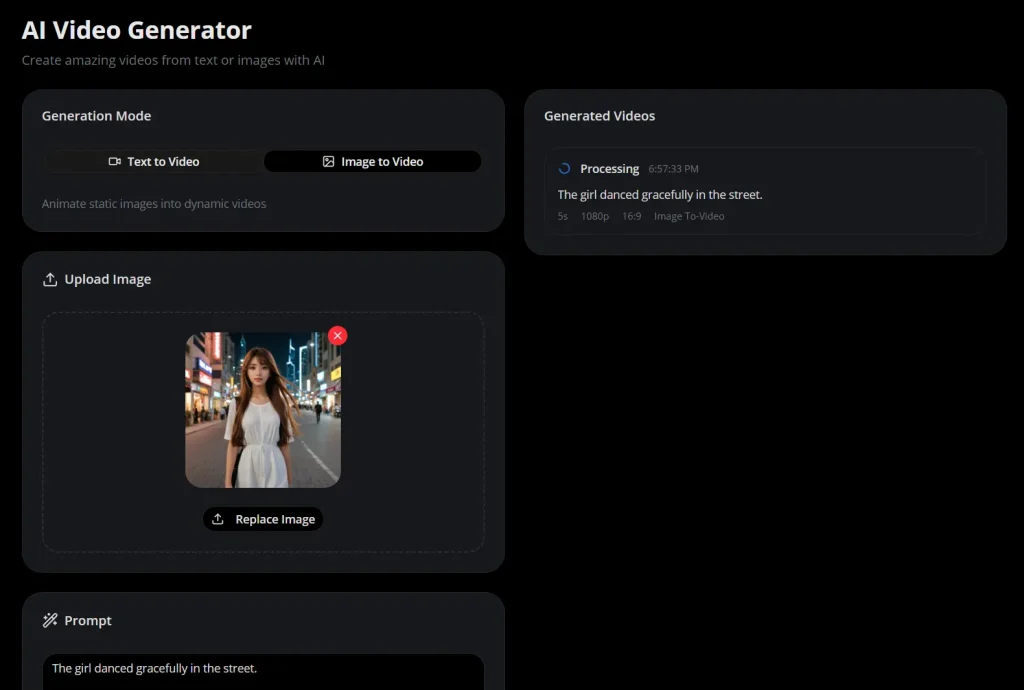
6. Once generation completes, preview your video directly in the browser. If you’re satisfied with the result, download it to your device. If not, adjust your prompt or settings and generate again.
Pros
- High Quality: The AI produces videos with photorealistic detail and cinematic motion.
- No Technical Skills Required: If you can write a description or upload an image, you can create videos.
- Output Options: Multiple aspect ratios and quality settings let you optimize for different platforms and use cases.
- Free Credits Available: The daily login bonus (5 credits) and initial signup credits (10 points) let you experiment without paying.
Cons
- Credit Costs Vary Significantly: A 5-second 720p video costs 3 credits, but an 8-second 1080p video costs 10 credits.
- Limited Video Duration: The maximum 8-second length restricts storytelling possibilities.
- Quality Depends on Prompt Skill: Vague or poorly structured prompts produce mediocre results.
Related Resources
- ByteDance SEED Lab: The official research page for the Seedance AI model. Read technical papers and see case studies from the development team.
- Seedance AI Community: A larger community platform where creators share AI-generated artwork and videos. Browse examples for prompt inspiration and connect with other users.
FAQs
Q: Can I use generated videos for commercial projects?
A: Yes. Seedance2 supports commercial usage, and you can generate content featuring public figures, copyrighted characters, and branded logos for professional applications and marketing campaigns.
Q: What happens if my video generation fails?
A: Failed generations automatically refund your credits to your account. You can immediately try again with the same or modified prompts.
Q: Is there a limit to how many videos I can generate?
A: Your only limit is your available credits. Free users get 10 initial credits plus 5 daily login credits.
Q: How do I get better results from my prompts?
A: Be specific about scene details, camera angles, lighting conditions, and desired actions. Include descriptive adjectives about mood and atmosphere. For example, “A woman walks through a foggy forest at dawn, camera following from behind, soft golden light filtering through trees, melancholic mood” gives the AI more information to work with than “woman in forest.”
Q: Can I edit generated videos after creation?
A: Seedance2 generates final video files that you download. The platform itself doesn’t include editing tools. If you need to trim, combine, or modify generated videos, you’ll need to use external video editing software.