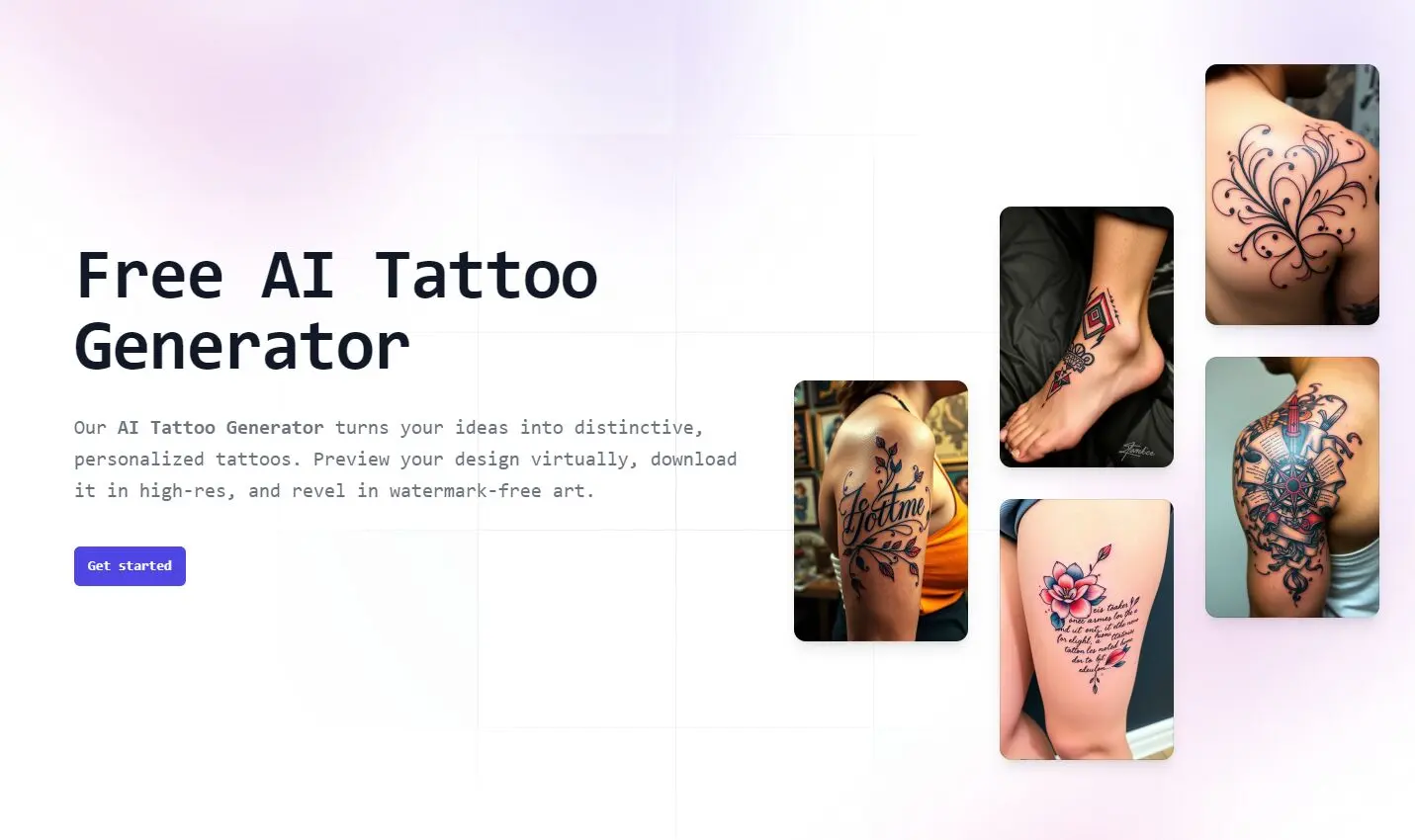
TattooGen.ai is a free and fast AI-powered tattoo generator that transforms your ideas into unique, personalized tattoo designs.
If you’ve ever felt frustrated by expensive design software & AI or limited free options loaded with watermarks, TattooGen.ai is your best choice. It is ideal for anyone thinking about a tattoo, from first-timers to seasoned enthusiasts. It provides a risk-free way to visualize and refine ideas before getting inked.
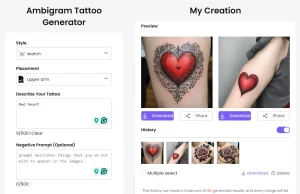
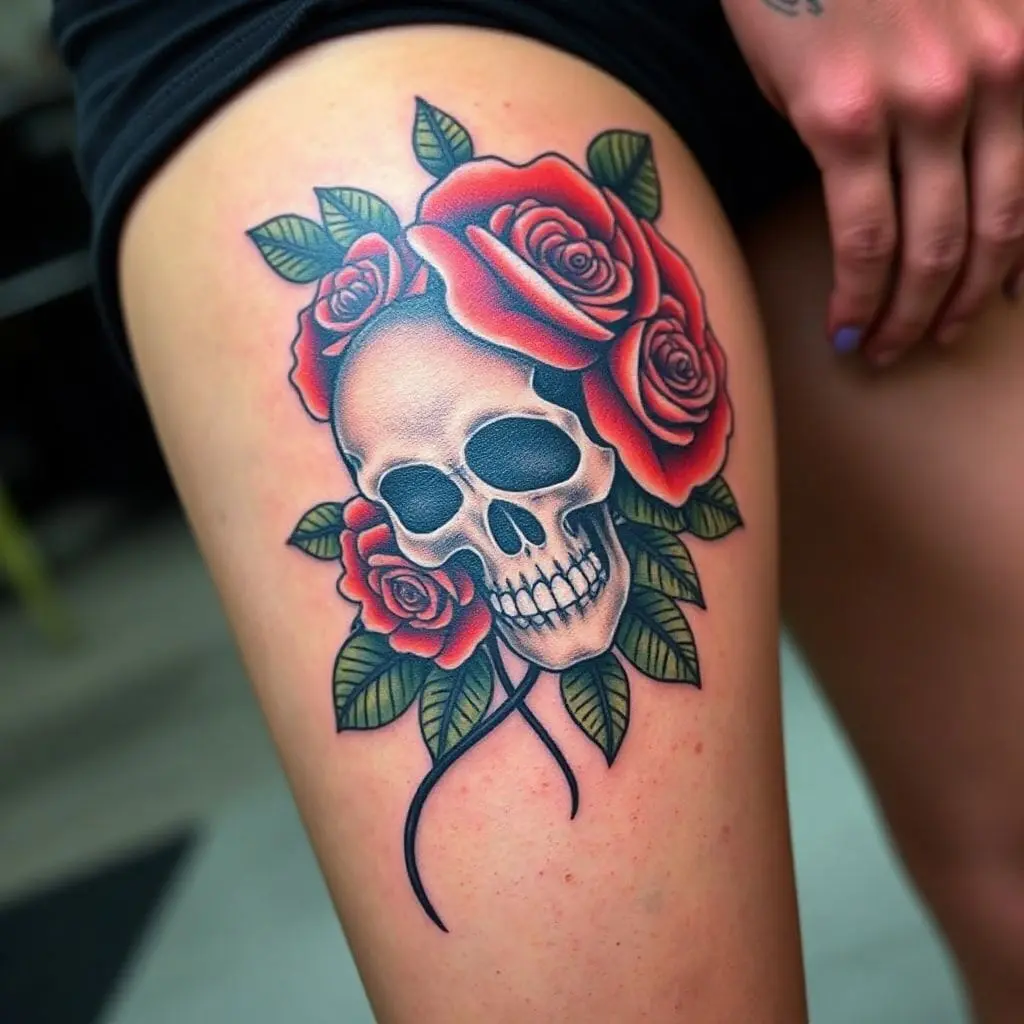
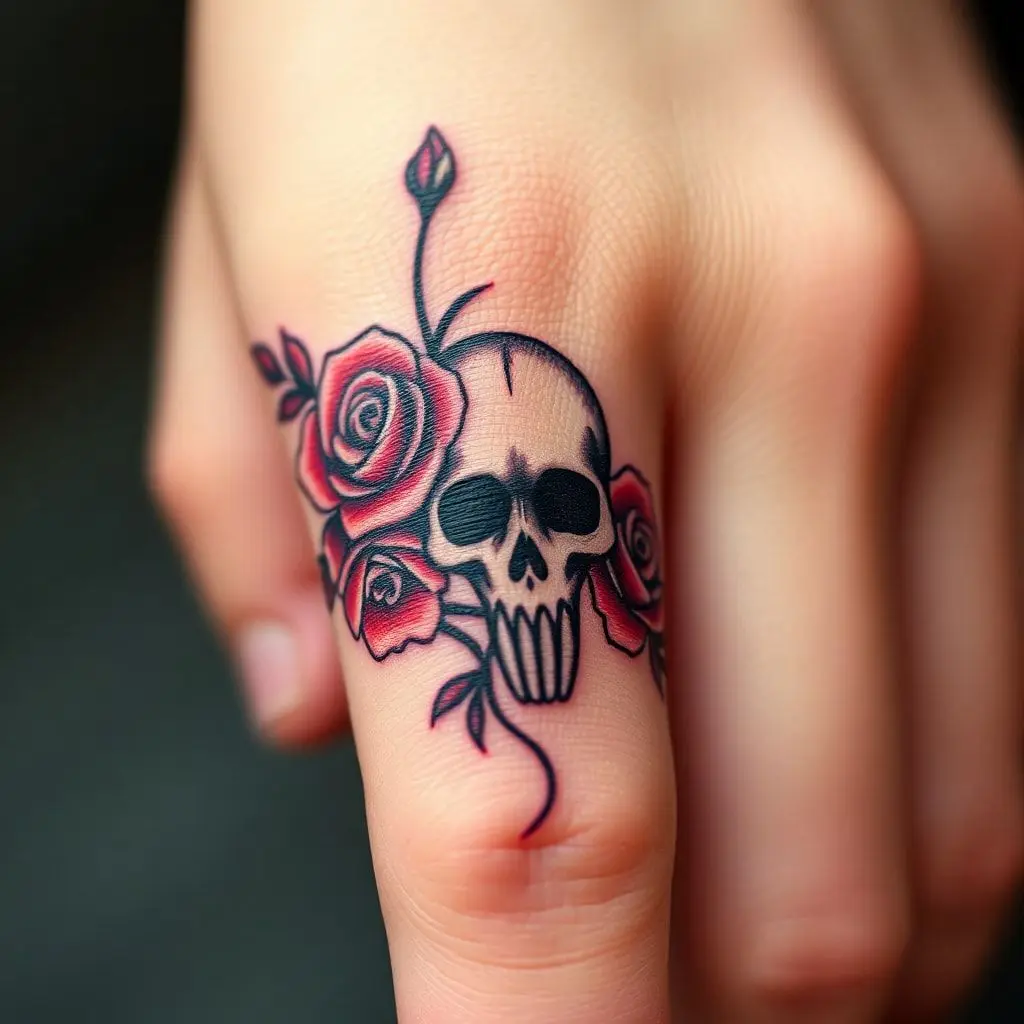
Here are some examples of tattoo designs I created with this AI tool:
Features
- Diverse Style Selection: Choose from a wide range of styles, including traditional, modern, realistic, and specialized tattoo art.
- Customizable Prompts: Input your tattoo concept with detailed descriptions to guide the AI.
- Placement Visualization: Specify the body part for tattoo placement to optimize design for visibility and impact.
- AI Model Selection: Opt for “Fine Art” for all-purpose designs or “Real Ink” for detailed, artistic creations.
- High-Resolution Downloads: Download your designs in high resolution without watermarks.
- Unlimited Designs: Generate as many designs as you need without any limitations or hidden fees.
- No Account Required: Access the tool instantly without the need for registration or sign-up.
- Real-Time Skin Preview: Preview your tattoo design on a realistic skin texture for a better sense of how it will look.
Use Cases
- First-Time Tattoo Enthusiasts: Explore various tattoo styles and ideas before committing to your first tattoo.
- Experienced Tattoo Collectors: Develop and visualize complex tattoo concepts and placements for your next piece.
- Tattoo Artists: Use the tool as a starting point or inspiration for client consultations and design creation.
- Design Inspiration: Generate unique artwork for various creative projects beyond tattoos, such as graphic design or illustrations.
- Personalized Art: Create custom artwork for personal use, such as phone wallpapers, social media profiles, or printed merchandise.
How To Use It
1. Visit the TattooGen.ai.
2. Enter your tattoo idea. Include as many details as possible to help the AI understand your vision, such as the subject matter, desired elements, and overall aesthetic.
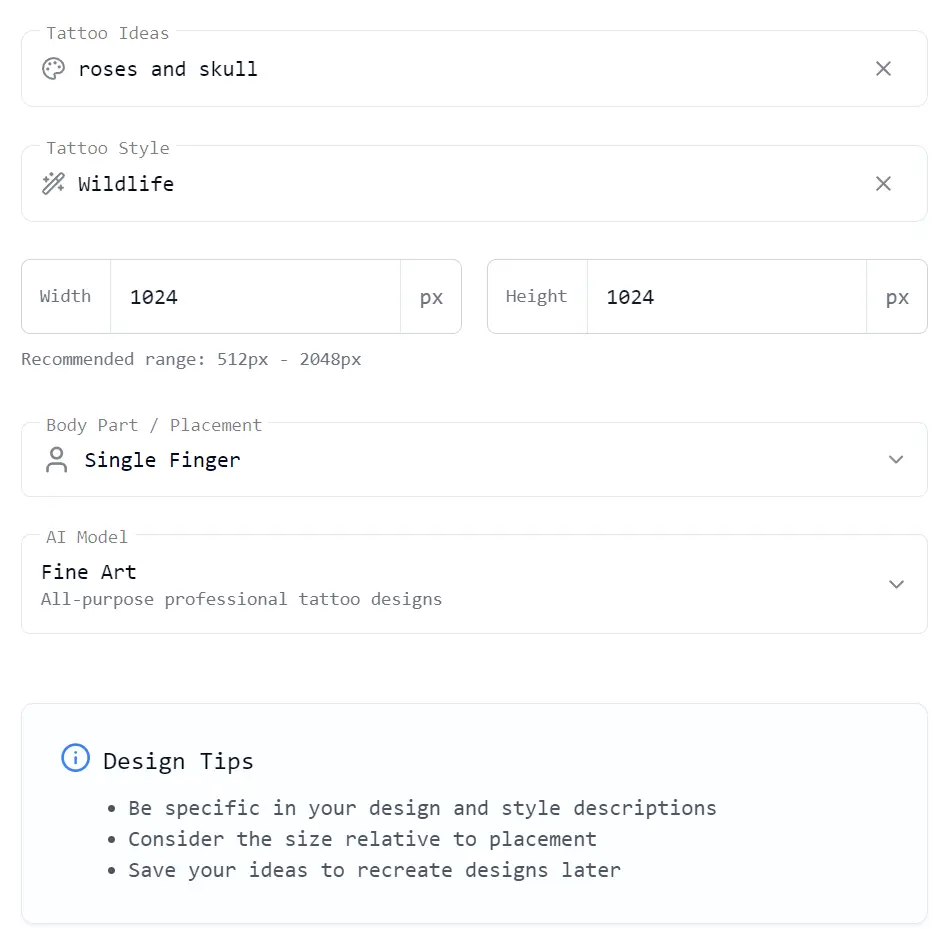
3. Select Style and Size: Choose the tattoo style that best fits your vision from the available options. These include Traditional, Modern, Realistic, and Specialized styles, each with multiple sub-categories.
Available predefined Styles:
- American Traditional
- Japanese Irezumi
- Neo-Traditional
- Tribal
- Geometrical
- Minimalist
- Geometric
- Watercolor
- Abstract
- 3D
- Surreal
- Black & Grey
- Portrait
- Wildlife
- Nature
- Black and White
- Fine Line
- Dotwork
- Blackwork
- Ornamental
- Sketch
4. Choose Tattoo Placement: Specify where you want the tattoo to be placed on your body. Options include Full Back, Chest, Upper Arm, Shoulder, Forearm, Thigh, Calf, Ankle, Wrist, Neck, Behind Ear, Single Finger, Lower Abdomen, and Groin. This helps the AI optimize the design for the chosen location.
5. Select the AI Model: Choose between the “Fine Art” model for all-purpose professional designs or the “Real Ink” model for detailed artistic renderings.
6. Generate Tattoo Design: Click the ‘Generate Tattoo Design’ button. The AI will process your inputs and create a unique tattoo design based on your specifications.
7. Download Your Design: Once the design is generated, you can right-click the image and save it to your device in high resolution without watermarks.
Pros
- Completely Free: Access all features and generate unlimited designs without any cost.
- High-Quality Designs: Produce professional-grade tattoo designs with detailed artwork and various styles.
- User-Friendly Interface: Navigate the platform easily and generate designs with a few simple steps.
- No Watermarks: Download designs in high resolution without any distracting watermarks.
- Fast Generation: Obtain designs quickly, saving time and effort in the design process.
- Versatile Styles: Explore a wide range of tattoo styles to suit diverse preferences.
- Placement Visualization: Preview how the tattoo will look on different body parts.
Cons
- Limited Skin Tone Customization: The AI does not currently adjust designs based on skin tone.
- No Sizing Parameters: The tool does not provide specific sizing or scaling options.
FAQs
Q: Are the generated tattoos truly unique?
A: Yes. TattooGen.ai ensures each design is a one-of-a-kind creation, even when using identical prompts and styles.
Q: Can I use these designs with a real tattoo artist?
A: Absolutely. These designs serve as excellent references and inspiration for professional tattoo artists.
Q: How accurate are the body placement previews?
A: While helpful, these are generalized representations. Consulting a professional tattoo artist for precise placement is recommended.
Q: Do you support all skin tones?
A: The current version doesn’t customize designs for specific skin tones.