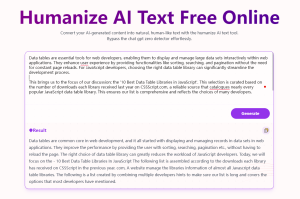
SuperHumanizer is a free AI humanizer that converts AI-generated content from ChatGPT, Claude, Gemini, and other AI writing tools into natural-sounding text.
AI-generated content often sounds mechanical. You copy something from ChatGPT, and it reads clean but too perfect. The sentence structures feel predictable.
SuperHumanizer addresses this by rewriting AI-generated text to add variance in phrasing and flow. It works directly in your browser with no signup required.
Features
- Two Humanizing Modes: Super Lite handles quick polishing in one pass. Super Ultra runs background validation checks before displaying results to provide higher quality output.
- 1000-Word Processing: Each run handles up to 1000 words. You can process unlimited runs without account creation.
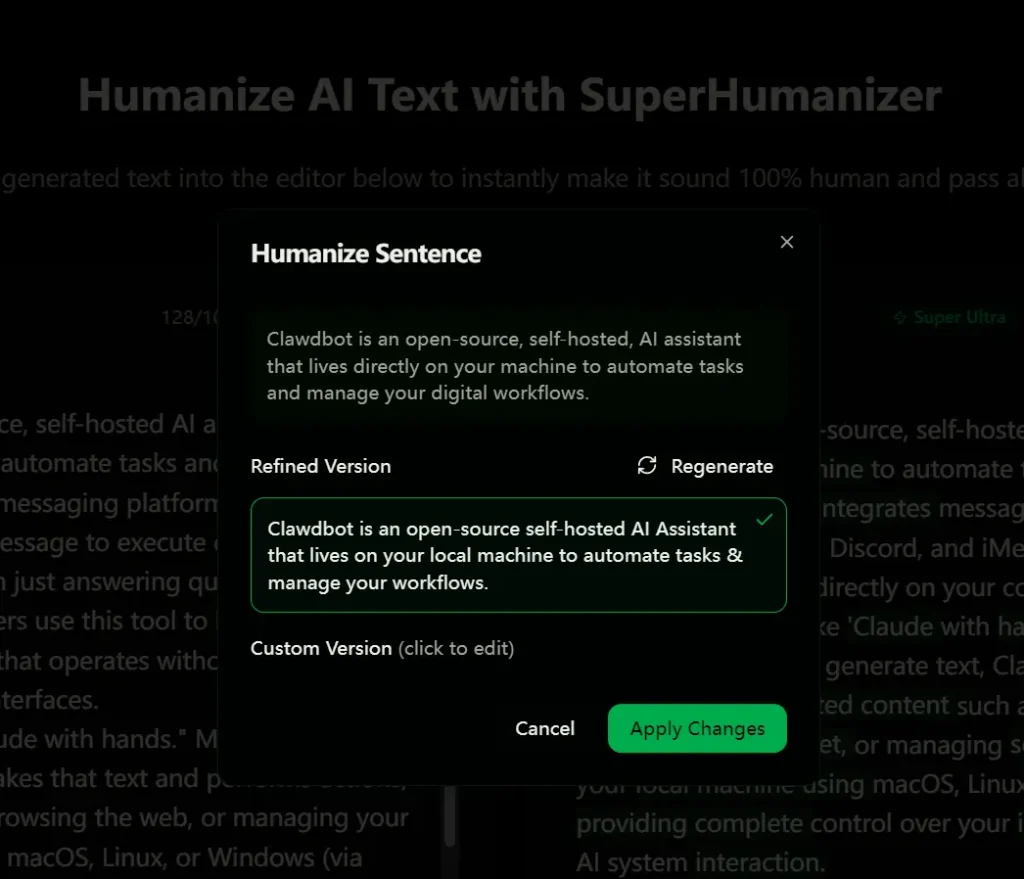
- Sentence-Level Editing: After the initial humanization, you can click individual sentences to refine them further.
- Context Preservation: The rewrite engine maintains the original meaning while restructuring sentence patterns and vocabulary choices.
- No Registration Required: Open the tool, paste text, and start humanizing.
Case Studies: The “Clawdbot” Test
I tested SuperHumanizer with a technical description of an open-source tool called “Clawdbot.” The goal was to see if it could remove the “plastic” feel of the AI text without losing technical accuracy.
Before (Raw AI Output)
The original text felt very standard and descriptive but lacked personality. It used common AI patterns like “runs directly on” and “You can think of it as.”
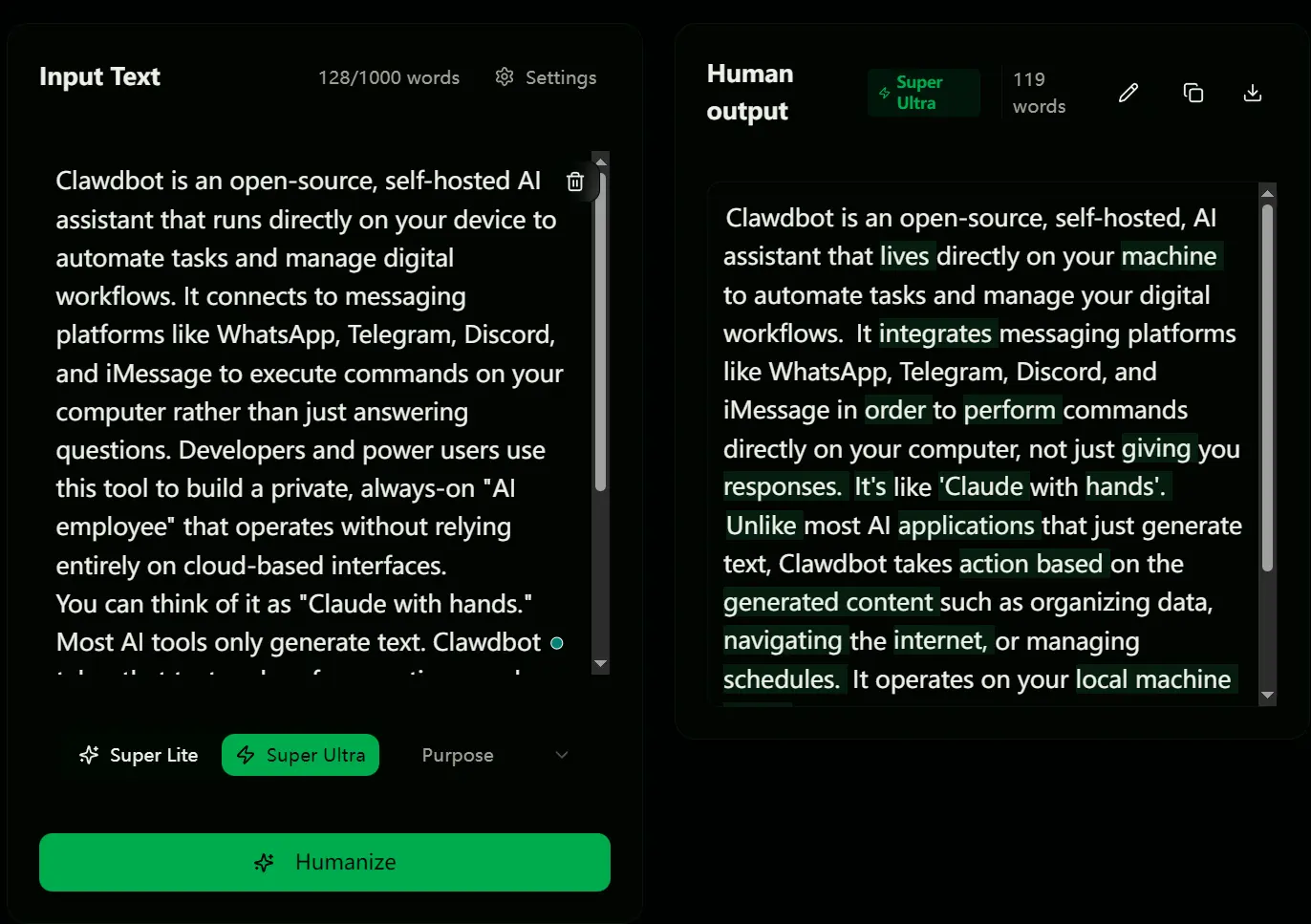
“Clawdbot is an open-source, self-hosted AI assistant that runs directly on your device to automate tasks and manage digital workflows. It connects to messaging platforms like WhatsApp, Telegram, Discord, and iMessage to execute commands on your computer rather than just answering questions. Developers and power users use this tool to build a private, always-on ‘AI employee’ that operates without relying entirely on cloud-based interfaces. You can think of it as ‘Claude with hands.’ Most AI tools only generate text. Clawdbot takes that text and performs actions, such as organizing files, browsing the web, or managing your calendar. It runs locally on macOS, Linux, or Windows (via WSL2), which gives you full control over your data and the ability to customize exactly how the AI interacts with your system.”
Humanized by SuperHumanizer
The output below shows significant improvements in word choice and sentence variety.
“Clawdbot is an open-source, self-hosted, AI assistant that lives directly on your machine to automate tasks and manage your digital workflows. It integrates messaging platforms like WhatsApp, Telegram, Discord, and iMessage in order to perform commands directly on your computer, not just giving you responses. It enables developers and advanced users to create an invisible, always-available ‘AI employee’ that doesn’t completely depend on cloud interfaces. It’s like ‘Claude with hands’. Unlike most AI applications that just generate text, Clawdbot takes action based on the generated content such as organizing data, navigating the internet, or managing schedules. It operates on your local machine using macOS, Linux, or Windows (via WSL2), providing complete control over your information and tailored AI system interaction.”
Analysis of the Result
The tool made three specific changes that drastically reduced the AI score:
- Vocabulary Temperature: It changed “runs directly on” to “lives directly on.” This personification gives the software a sense of presence that AI models rarely select.
- Sentence Structure: It replaced the stiff “You can think of it as…” with the more conversational “It’s like…”. This contraction and directness mimic how a human speaks to a friend.
- Detail Addition: The tool added the adjective “invisible” when describing the AI employee. This adds a sensory detail that the original text lacked.
Use Cases
- Content Writers Refining AI Drafts: You generate a blog post outline with AI but need to make it sound less formulaic before publishing. SuperHumanizer rewrites the robotic phrasing while keeping your main points intact.
- Marketing Teams Polishing Copy: An email campaign draft from AI sounds too stiff for your brand voice. The tool adjusts tone and flow to match conversational marketing language.
- Business Professionals Preparing Reports: You used AI to draft a quarterly report but it needs to sound more natural for stakeholder presentations. SuperHumanizer removes repetitive structures common in AI writing.
- SEO Specialists Improving Readability: Search engines favor content that reads naturally. You can process AI-generated articles to improve flow and reduce bounce rates from overly mechanical writing.
- Students Understanding Natural Writing: Academic assignments benefit from clear, authentic language.
How To Use It
1. Go to the SuperHumanizer website and paste your AI-generated text.
2. Select a mode: Super Lite for quick polish or Super Ultra (recommended) for deep humanization.
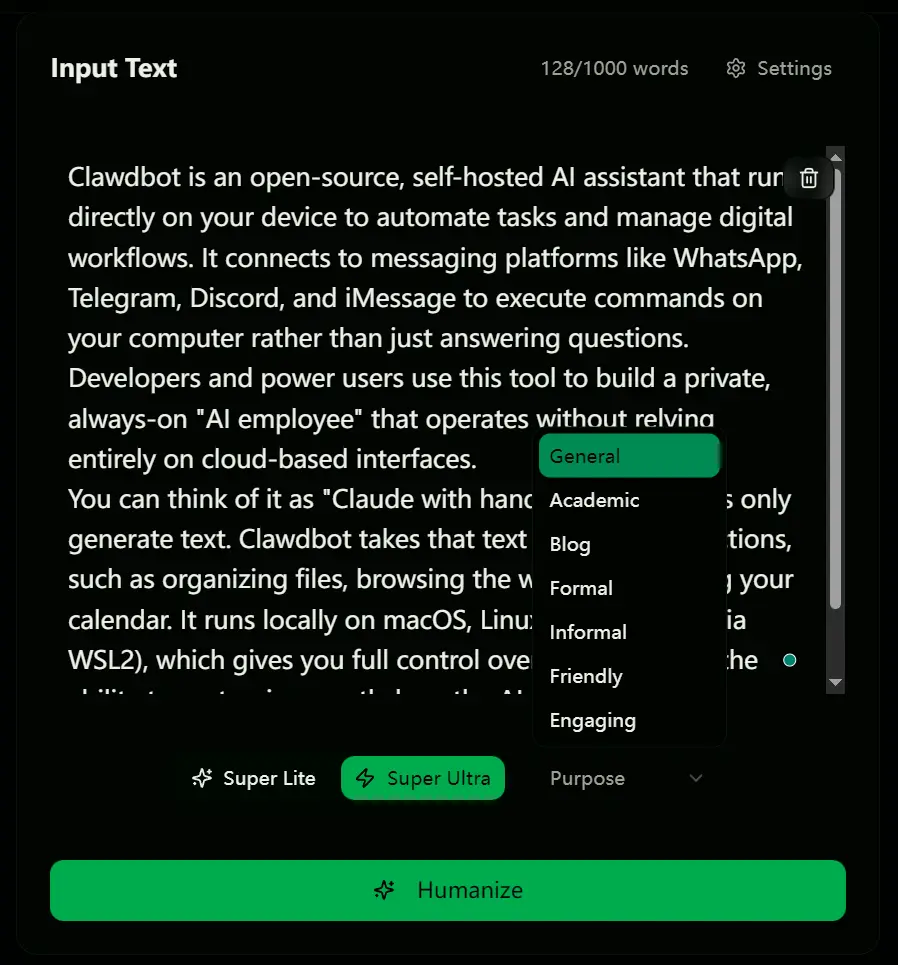
3. Click Humanize to transform your text.
4. Proofread the output. If you don’t like a sentence, simply click on it to get alternative versions to choose from.
Pros
- 100% Free: No account, registration, or hidden paywalls.
- High Privacy: The tool does not store or sell user data.
- Interactive Editing: You can refine individual sentences.
- No Daily Limits: You can run the tool as many times as needed.
Cons
- Word Count Limit: The tool processes up to 1000 words per run.
- Detection Guarantee: No tool can guarantee a 100% bypass rate against every detector on the market.
FAQs
Q: Does SuperHumanizer actually bypass AI detectors like GPTZero?
A: The tool aims to reduce AI detection scores, but complete bypass isn’t guaranteed. AI detectors constantly evolve their algorithms. SuperHumanizer works best as a readability improvement tool rather than a detection avoidance solution.
Q: Will humanizing change my technical content or factual information?
A: The tool preserves meaning and context during rewriting. Technical terms and specific data points generally stay intact.
Q: How does Super Ultra mode differ from Super Lite?
A: Super Lite does basic humanization in one pass. Super Ultra runs additional background checks on sentence structure and AI detection markers before showing results.
Related Resources
- 7 Best Free AI Content Detectors: Real Accuracy Data & Rankings
- I Tested 10 Free AI Humanizers: All Failed GPTZero Detection