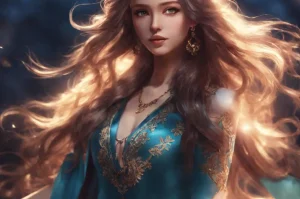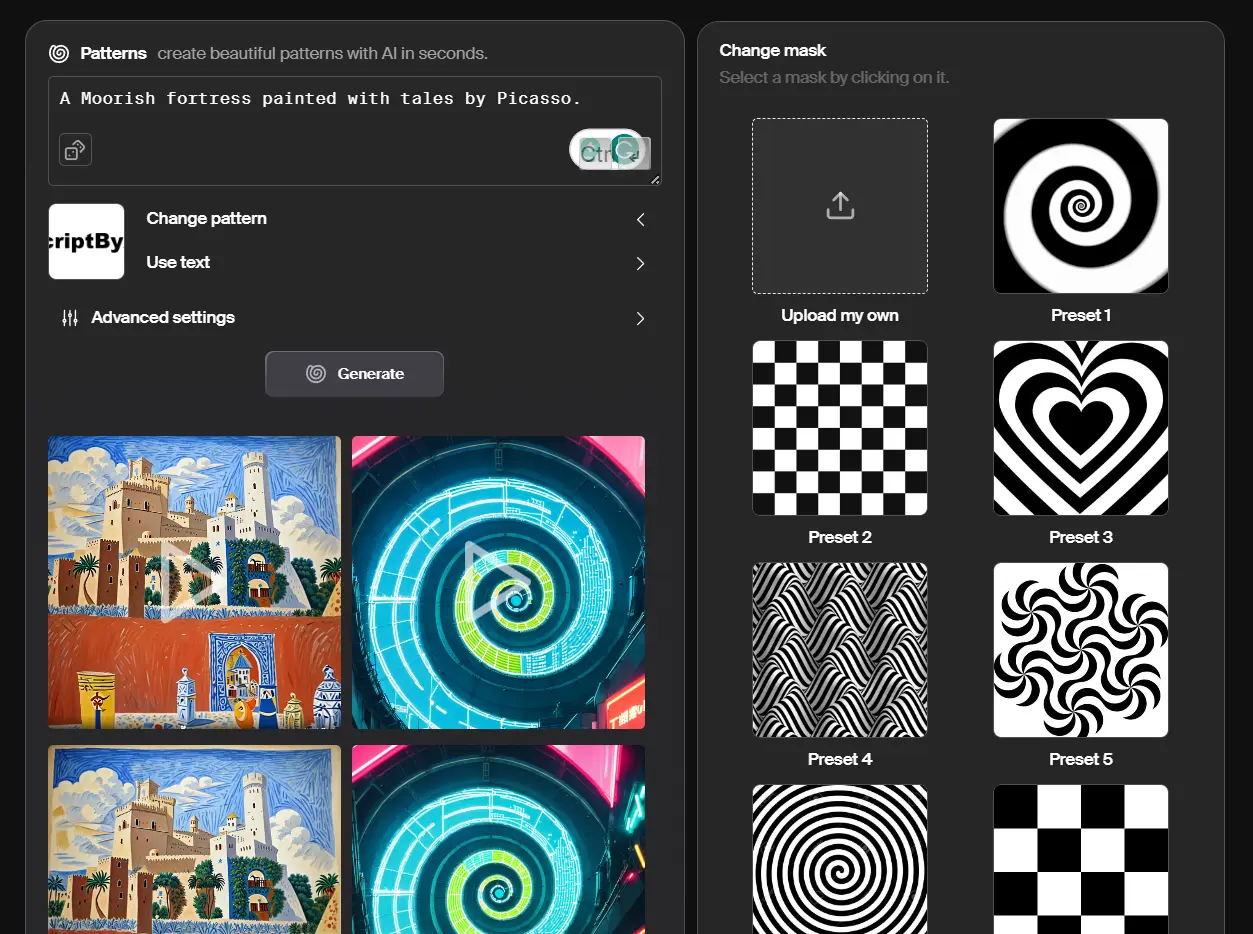
AI Patterns is a free online tool that allows users to turn text or patterns into beautiful abstract artwork. Users can type or paste any text, emoji, keywords, or drawings to instantly produce artistic patterns. The advanced settings give control over the image style and quality. Once happy with the design, users can bring patterns to life by generating short videos that pulse and flow with creative flair.
How to use it:
1. Visit AI Patterns Website.
2. Type in your text prompt and choose from a library of pre-made patterns or upload your own to shape your artwork.
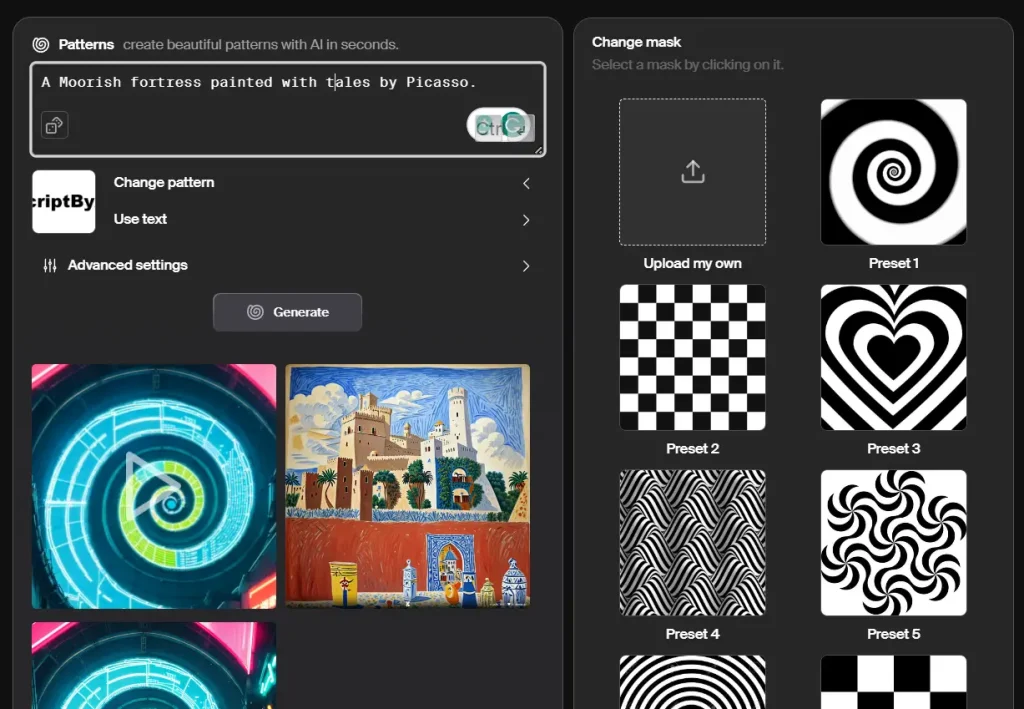
3. You can also use plain text as a mask for generating unique patterns.

4. Fine-tune your creation with advanced settings:
- Pattern Strength: Control the influence of the pattern on the final image.
- Guidance Scale: Balance aesthetics and prompt adherence.
- Negative Prompt: Exclude unwanted elements.
- Diffusion Steps: Decide the level of detail, balancing speed and quality.
- Seed: Set the starting point for the algorithm.
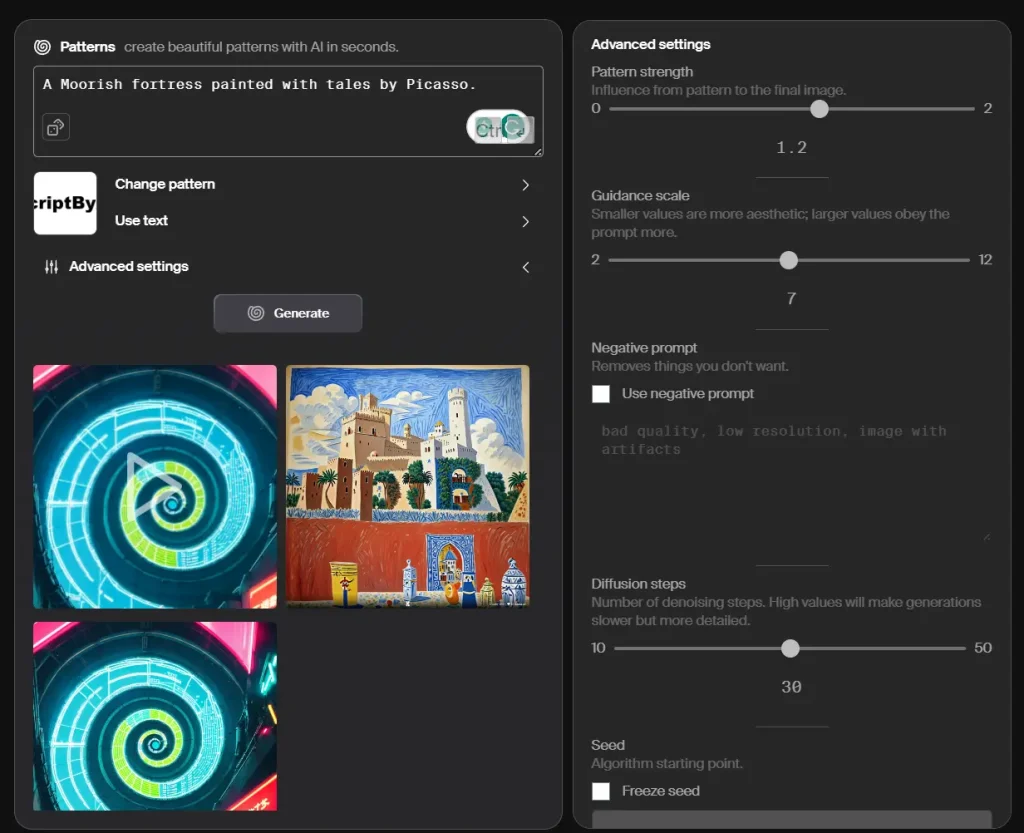
5. Let AI Patterns take over and watch as your idea turns into art.
6. Add the animation spark (optional). Click the “Animate” button and watch your still image come alive in a short video.