OpenBrowserClaw is a free, open-source, browser-native personal AI assistant that runs entirely inside a browser tab.
It brings Claude-powered intelligence, a sandboxed Linux VM, file management, and task scheduling together in a single static web app.
The project is a browser-only reimagination of NanoClaw, built on the same single-user philosophy but stripped of all server-side dependencies.
Features
- Runs the Anthropic API with a full tool-use loop so Claude can execute code, read and write files, fetch URLs, and schedule tasks.
- Runs shell commands inside a v86-emulated Alpine Linux environment executing in WASM inside the browser.
- Installs as a Progressive Web App on phones, tablets, and desktops.
- Encrypts API keys at rest using a non-extractable
CryptoKeystored in IndexedDB. - Persists all messages, sessions, tasks, configuration, and files locally in the browser.
- Connects a Telegram bot via pure HTTPS to send and receive messages from the assistant.
- Schedules recurring automated tasks using cron expressions.
- Runs the agent in a dedicated Web Worker, separate from the UI thread.
- Saves context to a
CLAUDE.mdfile that loads automatically at the start of every conversation.
Use Cases
- Run scheduled tasks like daily summaries, file processing, or web fetches on a cron schedule, all from a browser tab.
- Store, read, and write files in the OPFS per-group workspace and use Claude to process, summarize, or transform them on demand.
- Test shell scripts or JavaScript snippets in an isolated environment.
- Connect a Telegram bot and send messages to your assistant from a phone while the browser tab handles processing in the background on a desktop.
How to Use It
1. Clone and install the project from GitHub.
git clone https://github.com/sachaa/openbrowserclaw
cd openbrowserclaw
npm install
2. Start the Dev Server and open your browser at http://localhost:5173.
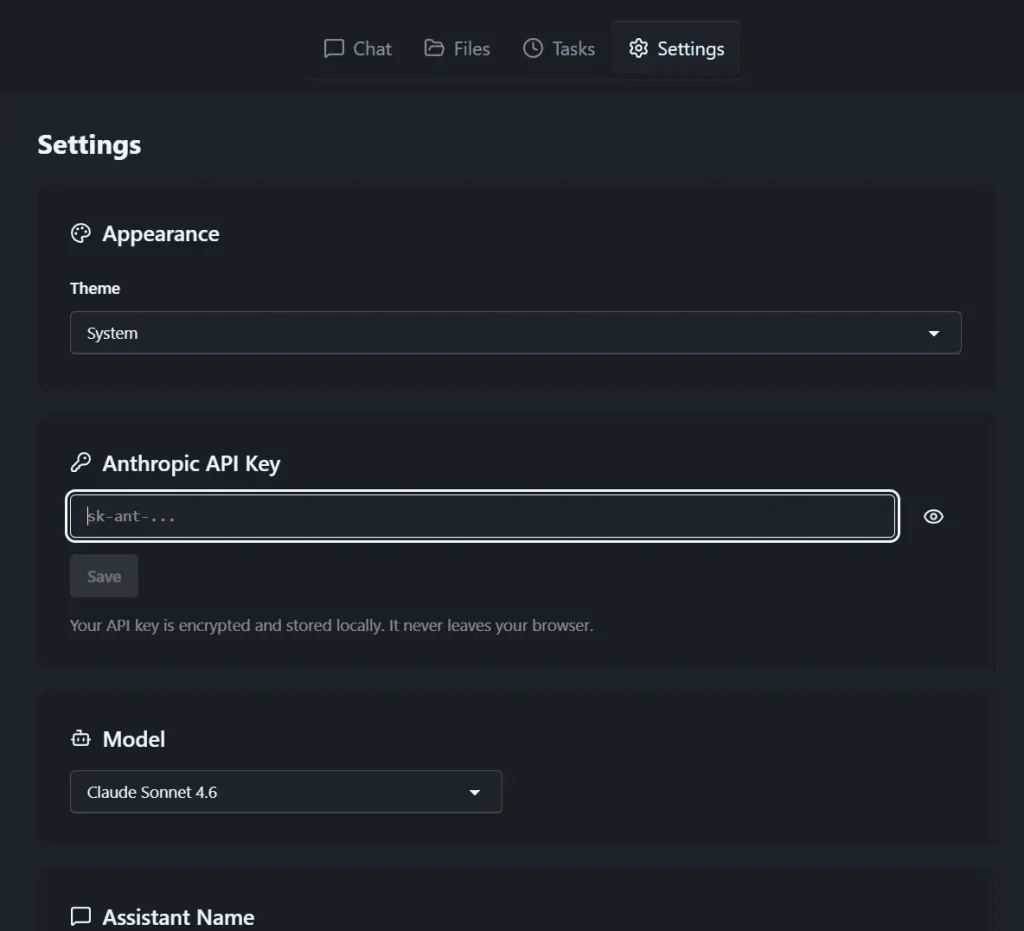
npm run dev3. Paste your Anthropic API key from console.anthropic.com into the Settings panel. The key is encrypted with AES-256-GCM and stored in IndexedDB. It never leaves your machine except in the Authorization header of API requests to Anthropic.
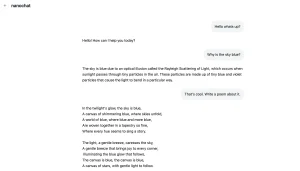
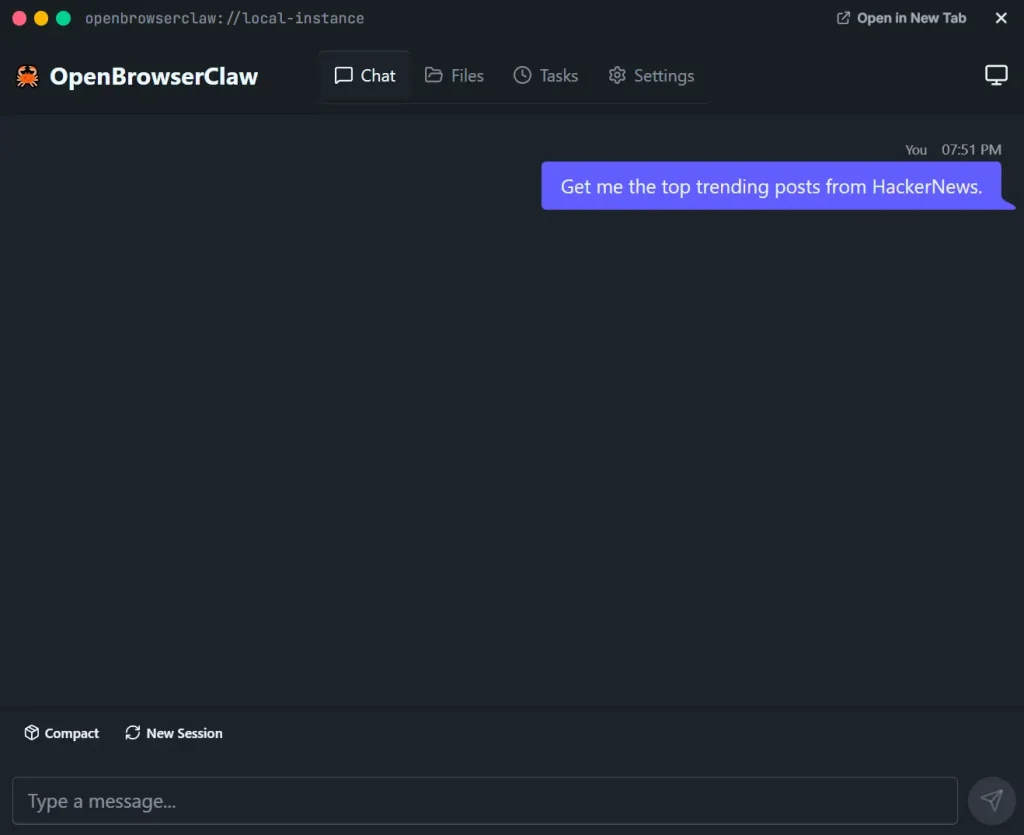
4. Type a message in the chatbox. The orchestrator queues the message, the agent worker sends it plus full conversation history to the Anthropic API, and the tool-use loop runs until Claude produces a final text response.
5. Enable the WebVM (Optional). The bash tool requires three assets placed in public/assets/:
public/assets/v86.wasm
public/assets/v86/libv86.js
public/assets/alpine-rootfs.ext2
Download the v86 WASM binary and Alpine rootfs image separately and place them there. The VM boots on first bash use and takes roughly 5 to 15 seconds.
6. Connect Telegram (Optional):
- Create a bot with
@BotFatheron Telegram. - Open Settings in OpenBrowserClaw and paste the bot token.
- Send
/chatidto your bot to retrieve the chat ID. - Add the chat ID in Settings.
The browser tab must remain open for the bot to process incoming messages. Telegram queues messages on its side when the tab is closed.
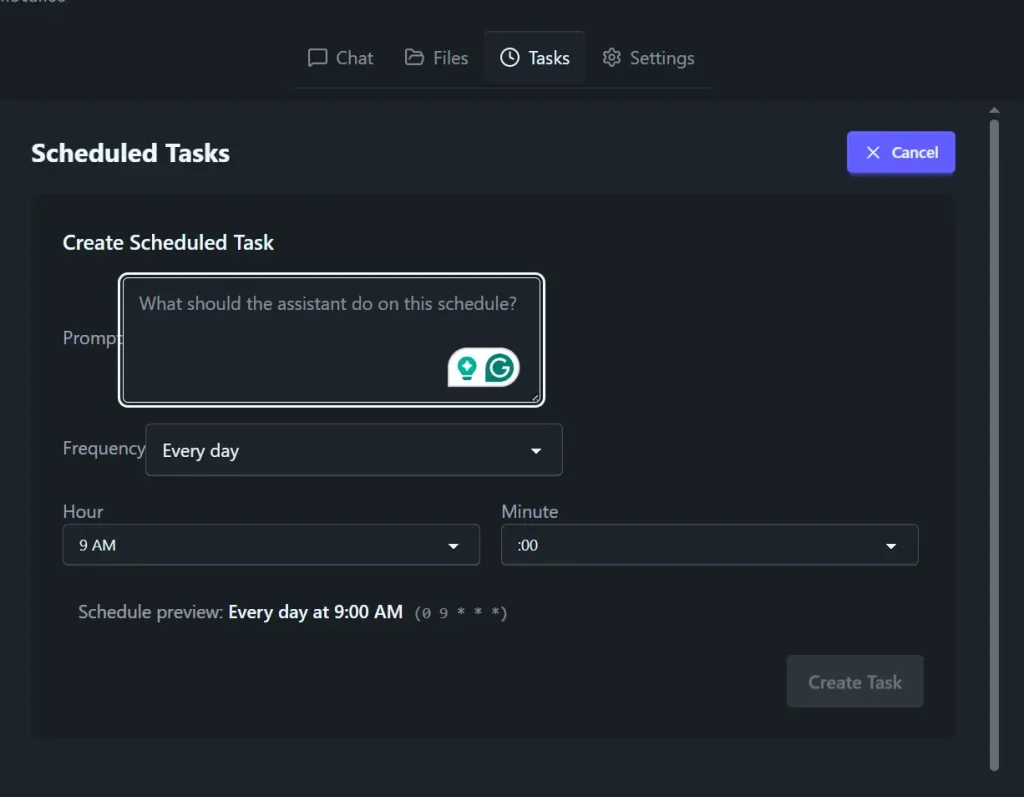
7. Use the Task Manager panel to create tasks with cron expressions. Claude handles execution at the scheduled interval as long as the tab is open.
8. Deploy it to GitHub Pages, Cloudflare Pages, Netlify, Vercel, or S3. No server configuration is needed.
npm run build
# Upload the dist/ folder to any static host
9. Available tools:
| Tool Name | What It Does |
|---|---|
bash | Executes shell commands in a sandboxed v86 Alpine Linux VM running in WASM |
javascript | Runs JavaScript in an isolated scope (lighter than launching the full VM) |
read_file | Reads files from the OPFS per-group workspace |
write_file | Creates and writes files to the sandboxed filesystem |
list_files | Lists files in the workspace directory |
fetch_url | Makes HTTP requests via the browser’s Fetch API (subject to CORS) |
update_memory | Persists context to CLAUDE.md, which loads automatically on every conversation |
create_task | Schedules recurring tasks using cron expressions |
Pros
- Zero Infrastructure. The browser acts as the server.
- Your data stays on your machine.
- Claude can use bash, JavaScript, file I/O, HTTP fetches, memory, and task scheduling in a real agent loop.
Cons
- The Telegram bot requires the browser tab to remain open to process incoming messages.
- The current implementation does not protect against XSS attacks on the same origin.
Related Resources
- Anthropic API Console: Get your API key and manage usage for OpenBrowserClaw’s Claude integration.
- OpenBrowserClaw GitHub Repository: Access the full source code, file issues, and follow development.
- v86 Emulator Project: The WASM-based x86 emulator that powers the sandboxed Alpine Linux VM inside OpenBrowserClaw.
- Anthropic Tool Use Documentation: Reference for understanding how the Claude tool-use loop works under the hood.
FAQs
Q: Does OpenBrowserClaw require a paid Anthropic plan?
A: It requires an Anthropic API key from console.anthropic.com. Anthropic offers usage-based billing, so costs depend entirely on how much you use Claude through the API.
Q: Is my data sent to any server?
A: All data stays in your browser’s IndexedDB and OPFS storage. The only outbound traffic is the API call to Anthropic’s servers when Claude processes a message.
Q: Can I run it on a phone?
A: Yes. You can install it on iOS or Android and use the browser chat interface directly.
Q: What happens to scheduled tasks when I close the browser?
A: Scheduled tasks stop executing when the tab closes. The setInterval-based scheduler only runs while the tab is active. Tasks will resume the next time the tab is open and the scheduler runs again.
Q: Do I need to enable the WebVM to use OpenBrowserClaw?
A: No. The WebVM is optional and only required for the bash tool. All other tools work fully without it.
Q: Can I deploy this to a team or share it with others?
A: The architecture is designed for a single user. Multi-user or shared deployments are outside the current scope of the project.
Q: How does the Telegram integration work technically?
A: OpenBrowserClaw polls the Telegram Bot API over standard HTTPS. The browser tab checks for new Telegram messages, processes them through the same agent loop as browser chat, and sends responses back via the Bot API.