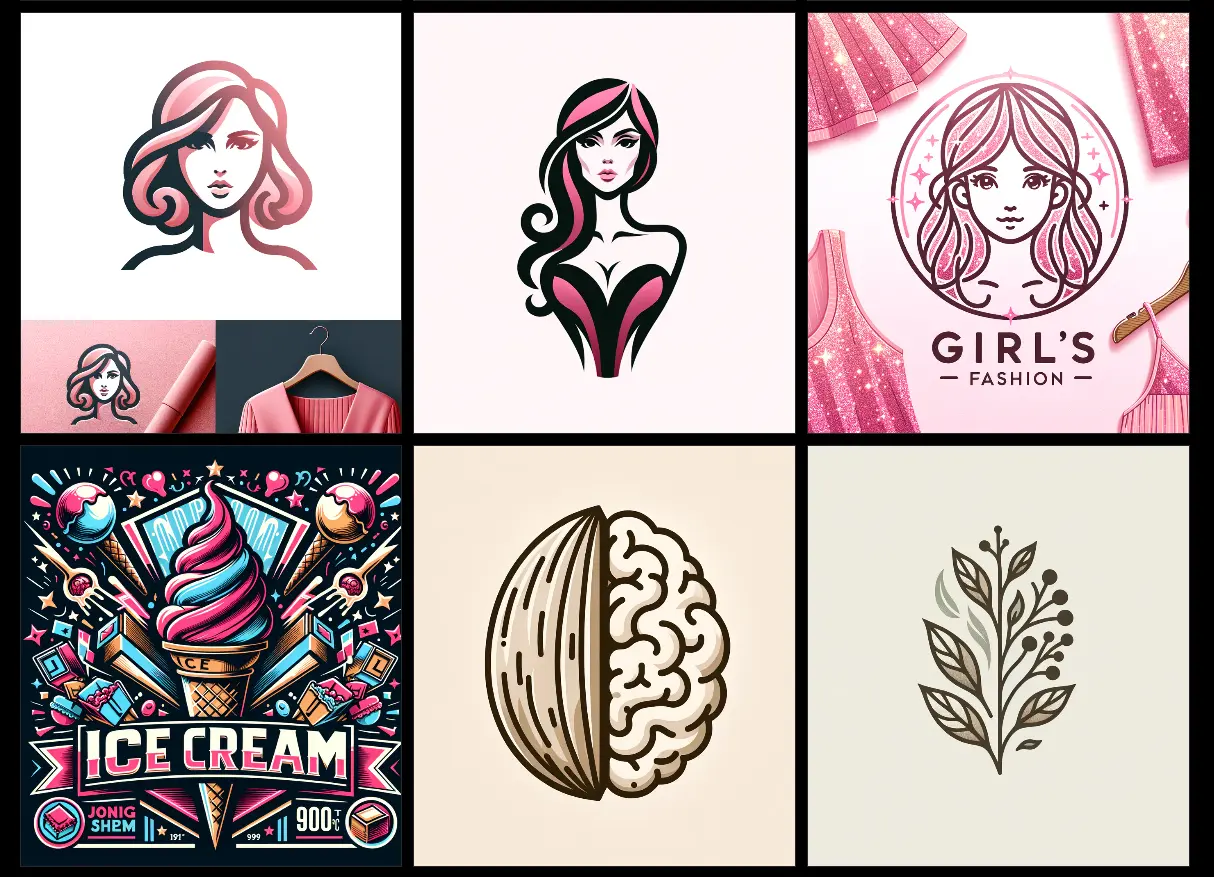
OwlAI is a free AI logo maker that uses OpenAI’s GPT-4o model to generate high-quality logos from text descriptions.
This tool offers several logo styles, including Abstract Expressionism, Minimalistic, Mascot, Emblem, Crystal Cubism, Lettermark, Japanese, and Gradient logos, to suit various preferences and industries.
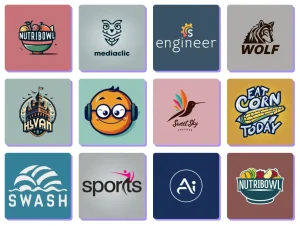
In addition, OwlAI fosters a community where creativity blossoms—you can explore, download, or draw inspiration from logos crafted by others.
How to use it:
1. Visit the OwlAI Logo Maker website and register for a free account.
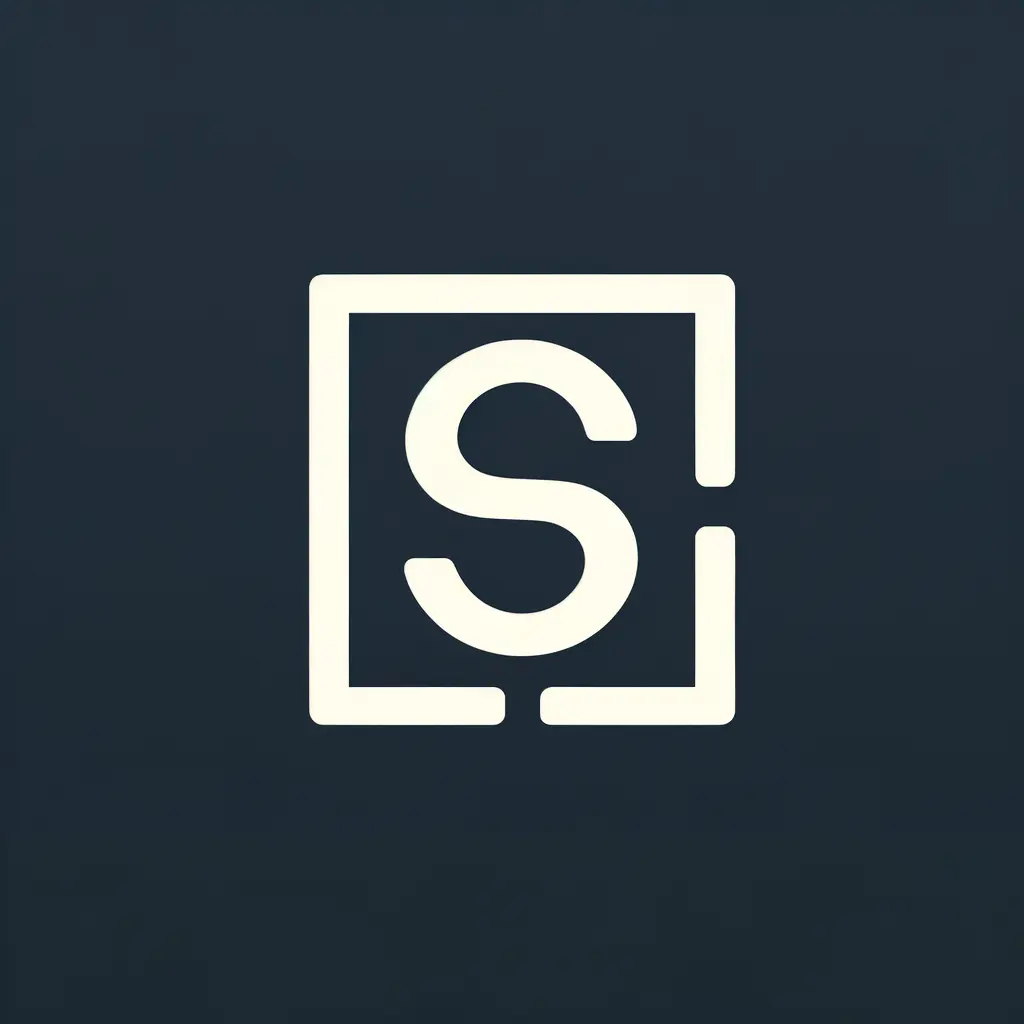
2. After logging in, describe the logo you want to generate. Use clear and specific language to guide the AI, incorporating details like the desired graphic element, font style, and overall aesthetic. For instance, I’m aiming for a simple logo for ScriptbyAI.com featuring the letter “S,” I entered something like:
'A lettermark of a letter "S", logo, serif font, vector, simple'
3. OPTIONAL. Select an artistic style for your logo. OwlAI offers several distinct options, such as Abstract Expressionism, Minimalism, Mascot, Emblem, Crystal Cubism, Lettermark, Japanese, and Gradient logos. Each style has a unique visual character that can influence the overall appearance of your logo.

4. Click the Generate button. In a moment, OwlAI will generate a logo that meets your specifications. The image below demonstrates a logo created using the prompt mentioned earlier.
5. Once satisfied with the result, download the logo in high-quality PNG format, or save it to your favorites for future reference.

6. If you’re seeking inspiration for your logo or prompts, visit the online community to explore the work of other OwlAI users. You can download logos, add them to your favorites, or copy the prompts that generated them.