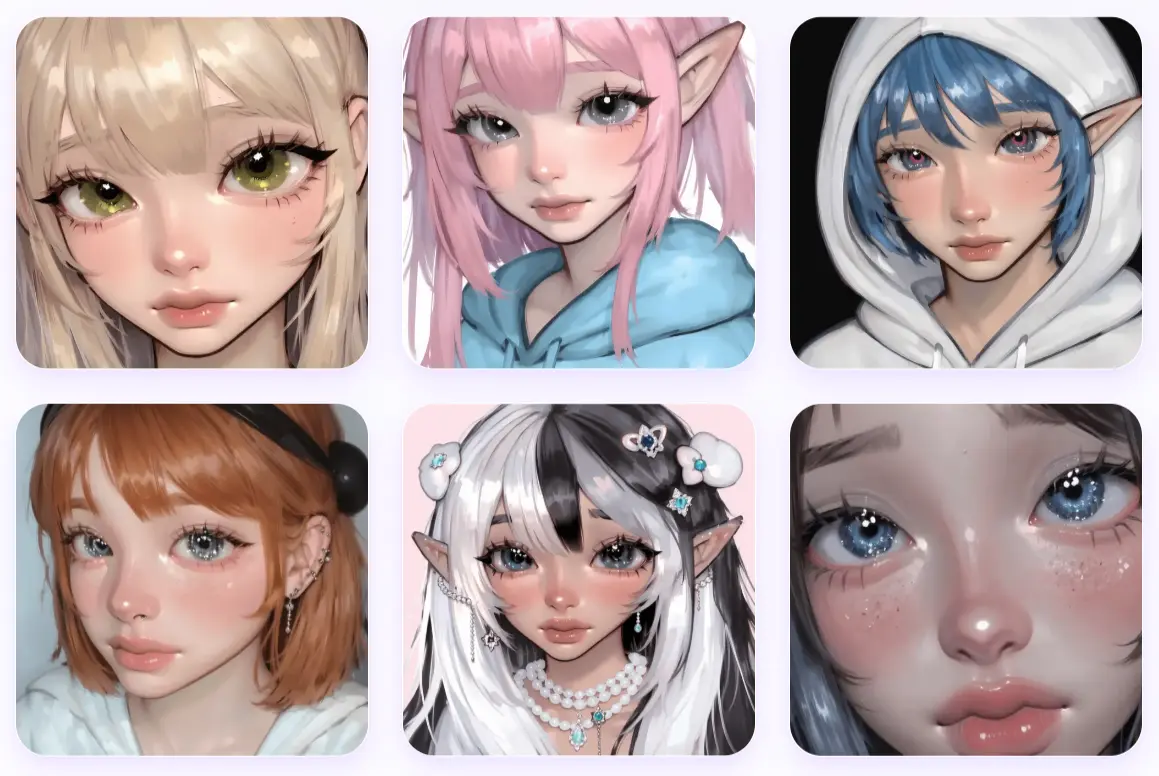
If you’ve been looking for an AI tool that creates those soft, glossy, jelly-like artworks popping up on social media, Jelly Art Style is worth a spin.
It’s a 100% free AI image generator that specializes in that trendy aesthetic—think pastel colors, dewy textures, and characters that look like they’re made of shimmering gelatin.
Features
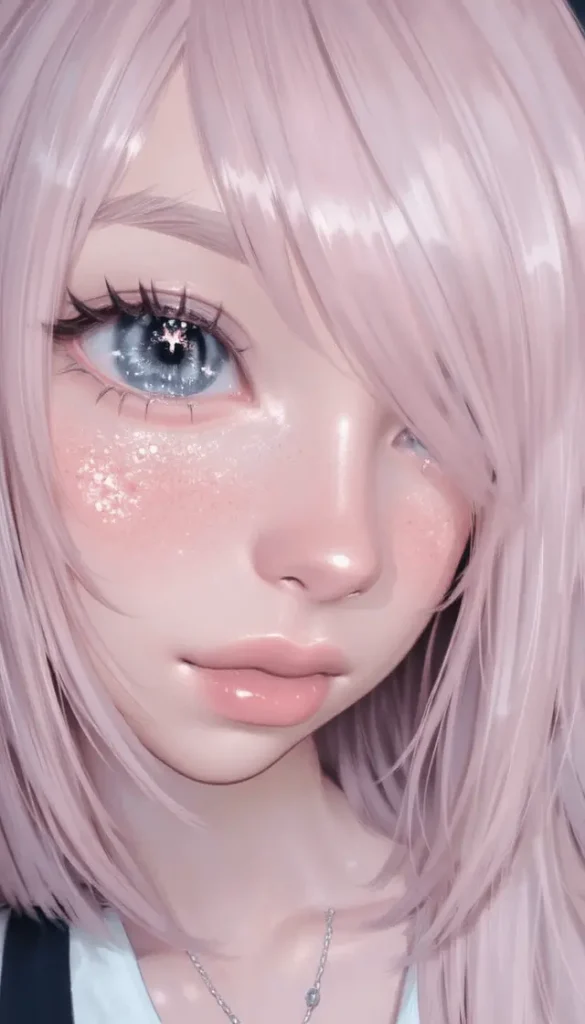
- Specific “Jelly” Aesthetic: It’s tuned specifically for this style – glossy, soft, often cute or anime-inspired visuals.
- Multiple Aspect Ratios: You can choose from common formats like 1:1, 16:9, 3:2, 2:3, 3:4, 4:3, or 9:16 before generating. Handy for different platforms.
- Free to Use: No cost to generate images.
- Web-Based: Runs entirely in your browser. Nothing to install.
- Fast Generation: Images usually appear within seconds.
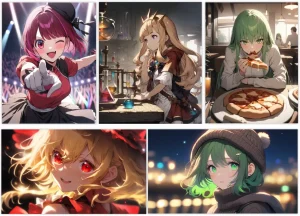
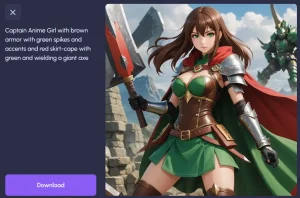
Examples & Prompts
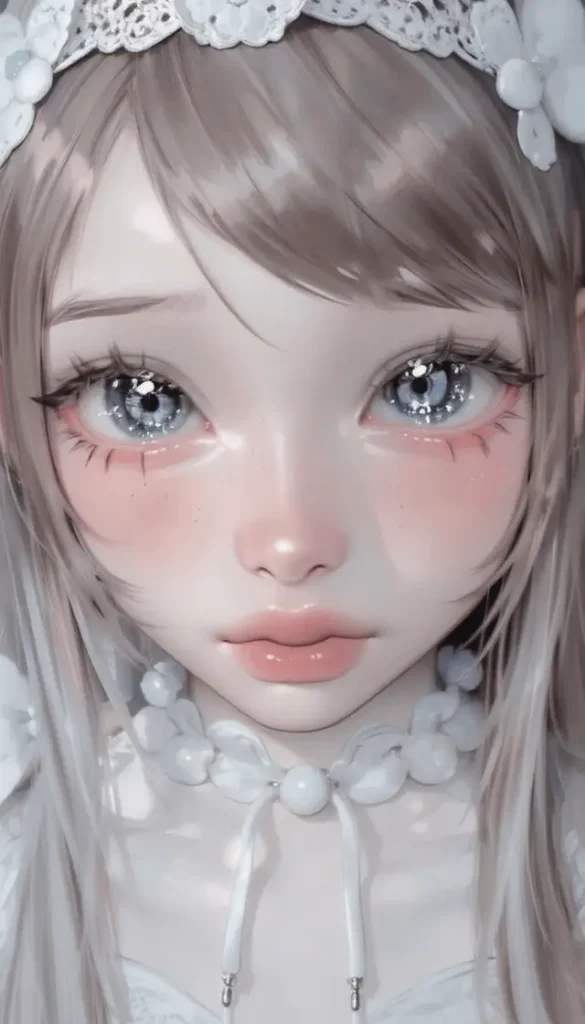
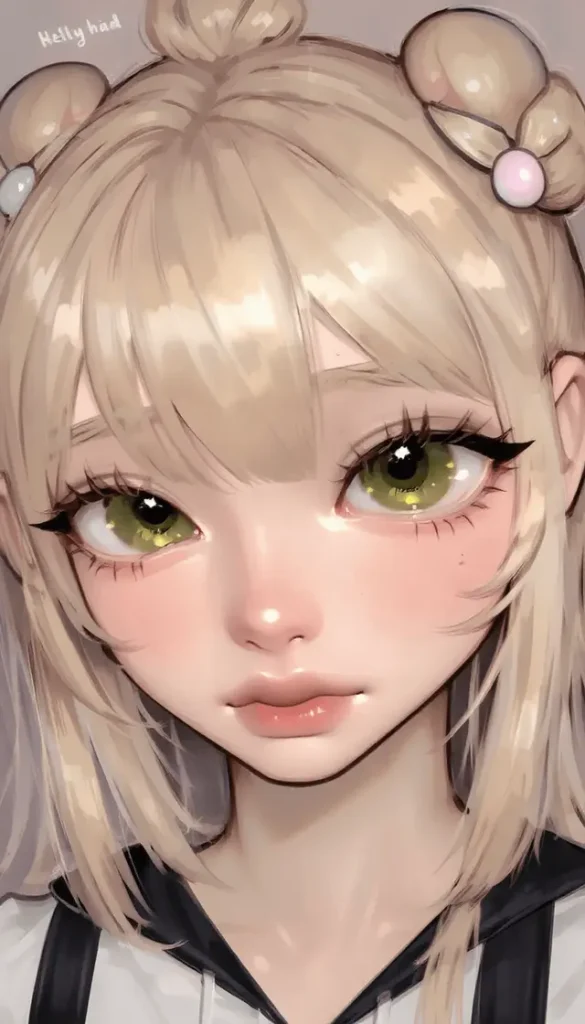
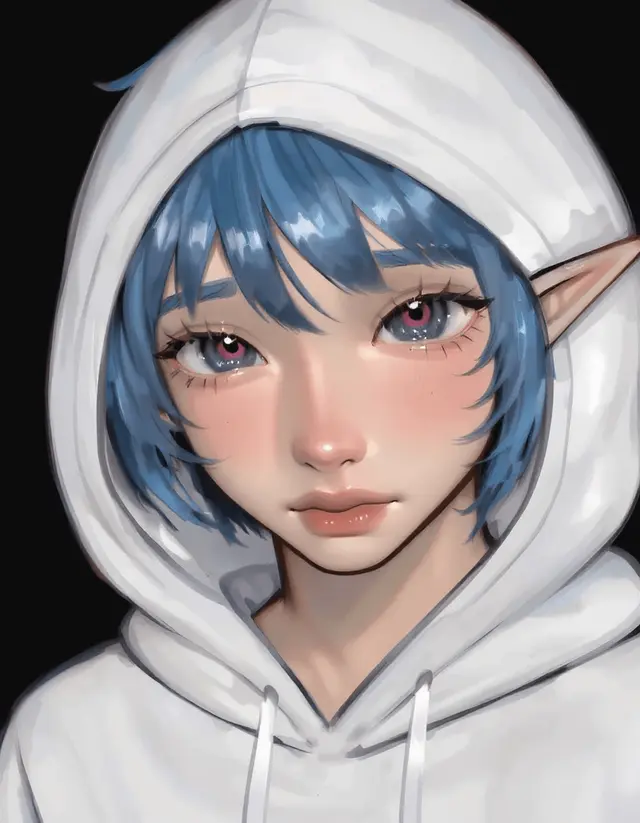
Use Cases
- Quick Character Concepts: Need a fast visual for a cute or anime-style character? It can give you a starting point, especially with prompts focusing on hair/eye color, clothing, etc.
- Unique Avatars/Profile Pics: Generate something distinctively ‘jelly’ for social profiles or forums.
- Social Media Visuals: The aesthetic seems well-suited for platforms like TikTok or Instagram where eye-catching, trendy visuals work well. Especially with vertical aspect ratios available.
- Mood Board Elements: If you’re designing something targeting a soft, cute, or whimsical feel, generated images could add to your inspiration board.
How To Use Jelly Art Style
1. Go to the Jelly Art Style site.
2. Describe the image you want. Based on the examples, be descriptive. Include keywords related to the subject, colors, composition, and maybe reinforce the style (jelly, cute, glossy). Don’t be afraid to list multiple attributes.
3. Choose from available aspect ratio options (1:1, 16:9, 3:2, 2:3, 3:4, 4:3, or 9:16) depending on your intended use. I’ve found that portrait orientations (2:3, 3:4, 9:16) work best for character-focused images.
4. Hit the ‘Generate’ button, and your image should appear pretty quickly below the prompt box. You can then right-click to save it.
5. If you don’t like the first result, tweak your prompt slightly (add/remove keywords, change descriptors) and try again. Since it’s fast and free, iteration is easy. Sometimes adding terms like detailed or intricate might help, though mileage may vary with specialized models. Experimenting is key.
Pros
- Niche Aesthetic: Few free tools do this specific jelly look well.
- Fast Iteration: No login or queue.
- Anime-Friendly: Handles anime descriptors better than most general-purpose AI art tools.
- Useful Aspect Ratios: Covers most common needs for web and social media.
Cons
- Highly Limited Style: It only does the jelly art style. Don’t expect photorealism, painterly styles, or anything else.
- Less Control: Compared to Stable Diffusion or Midjourney, you have far fewer parameters to tweak (no negative prompts mentioned, no fine-tuning models, etc.). Control is mainly through the text prompt.
- Potential for Generic Results: If prompts are too simple, the outputs might lack distinction. Relies heavily on prompt detail.
FAQ
Q: What kind of text prompts work best?
A: Descriptive prompts are key. Include details about the subject (person, object), attributes (colors, clothing, expression), composition (portrait, full body, background), and reinforce the style with keywords like jelly, cute, glossy, shiny, soft, aesthetic. Look at the example prompts for ideas.
Q: Can it generate images in styles other than ‘jelly art’?
A: No, it’s specifically designed and tuned only for the jelly art style. That’s its main purpose and limitation.
Q: How does it compare to bigger AI models like Midjourney or Stable Diffusion?
A: It’s much simpler and far more limited in scope. MJ and SD offer vast style flexibility, more control parameters (negative prompts, weights, models, etc.), and higher potential detail/complexity. Jelly Art Style is specialized – easier and faster for its specific niche, but not a general-purpose replacement.