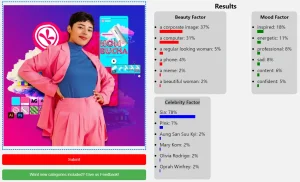
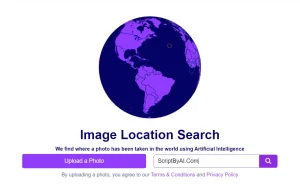
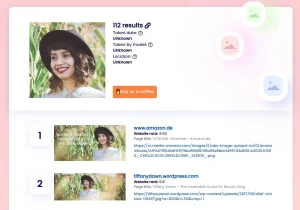
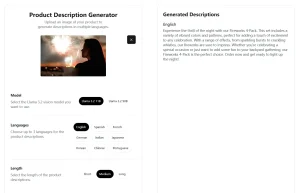
They See Your Photos is a free AI tool that extracts detailed information from images using Google’s Vision AI.
You likely have many photos and wonder what hidden details they contain. This tool solves that problem by analyzing your photos and providing in-depth descriptions, revealing the story behind each image.
Features
- Image Analysis: Upload an image and the AI will automatically analyze its content.
- Detailed Descriptions: Receive comprehensive descriptions of the image, including objects, scenes, and context.
- Facial Recognition: Identifies people in the photo along with their likely age range and emotional state.
- Object Detection: Detects and lists various objects present within the image.
- Scene Understanding: Determines the overall scene and context of the photo.
- Contextual Analysis: Provides insights into the possible social or economic context of the image.
Use Cases
- Content Creation: Generate detailed captions for social media posts, blog articles, or website content.
- AI Image Generation: Use extracted details to create better prompts for AI image generators.
- Design and Development: Understand image content for better design choices and accessibility features.
- Personal Use: Discover hidden details in your photos and gain a new perspective on your memories.
- Research: Analyze images for research purposes, quickly extracting key information and contextual clues.
Case Studies
I tested They See Your Photos with an AI-generated photo of a young woman in a pink dress at the beach. After uploading the image, the tool immediately began analyzing it. Within seconds, I received a detailed description. The AI identified the woman’s clothing, noting the pink off-the-shoulder dress and its light material. It recognized the background as a vibrant blue ocean with white-capped waves under a clear sky, suggesting a sunny day.
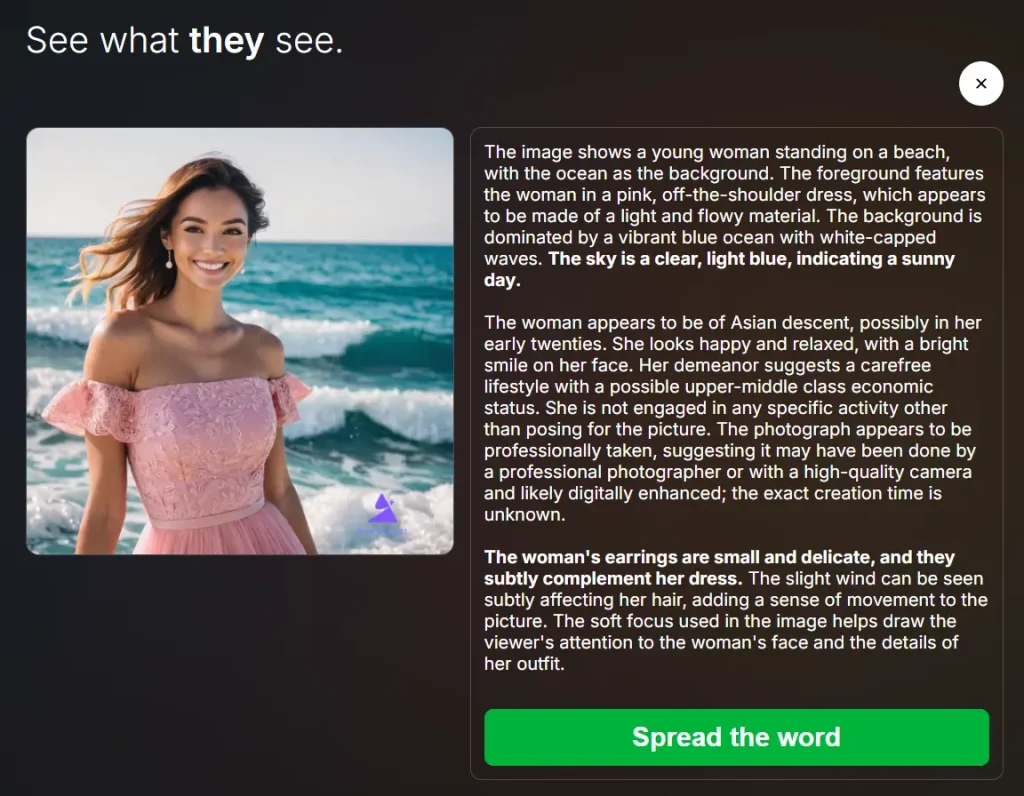
The tool went further, estimating the woman’s age as early twenties and her ethnicity as Asian. It even described her emotional state as happy and relaxed, noting her smile. The description also inferred a carefree lifestyle and a possible upper-middle-class economic status. It mentioned the professional quality of the photo and suggested it could have been taken by a professional photographer or enhanced digitally. The analysis also included subtle details like her earrings and the effect of the wind on her hair, indicating a comprehensive image evaluation.
This experience showed me how effectively the tool can transform a simple image into a rich source of information. I can easily imagine using the image details provided to construct vivid social media posts or as detailed prompts for further AI image exploration.
How To Use It
- Go to the They See Your Photos website.
- Click the upload button to select a photo from your device.
- Once the photo uploads successfully, the AI automatically begins analyzing it using Google’s Vision AI.
- View the detailed, AI-generated insights about your photo directly on the site.
Pros
- Free to Use: Access powerful image analysis without any cost.
- Fast Analysis: Get results in seconds.
- Detailed Insights: Gain comprehensive information about your images.
- Easy to Use: Simple interface for a smooth user experience.
- No Account Required: Use the tool instantly without signing up.
Cons
- Accuracy Limitations: AI analysis may not always be perfect.
- Privacy Concerns: Uploading photos to a third-party service has privacy implications.
- Limited Functionality: Focuses solely on image analysis without additional features like editing.
FAQs
Q: Is my data safe when using this tool?
A: Yes, the tool processes your images securely and does not store personal data.
Q: What types of images work best?
A: High-resolution photos with clear subjects yield the most accurate results.
Q: Can I analyze multiple photos at once?
A: Currently, the tool supports single-photo analysis only.
Q: Is the tool completely free?
A: Yes, there are no charges or hidden fees.
Q: How accurate are the insights?
A: The tool leverages Google’s Vision AI for highly precise image analysis.