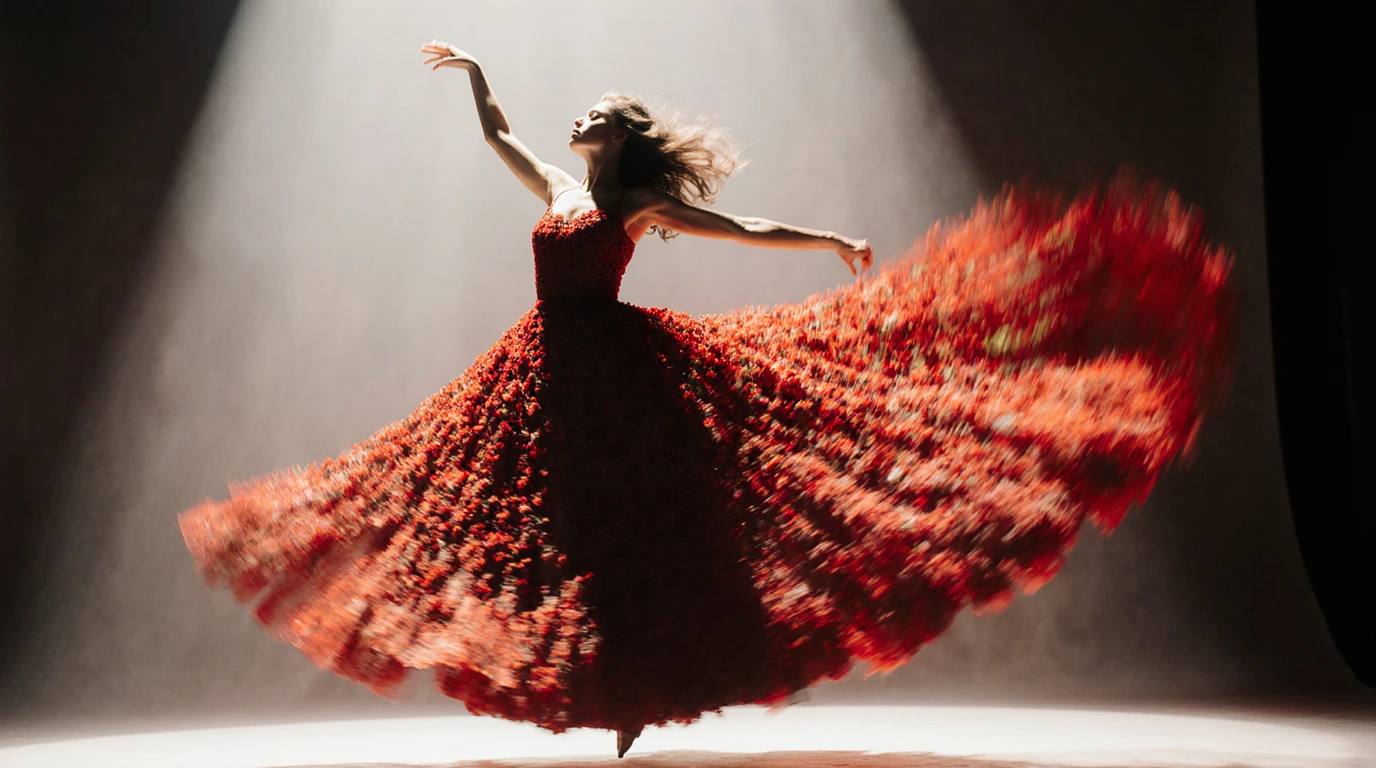
FLUX.1-Krea is an open-source AI image generation model developed by Black Forest Labs and Krea AI that produces photorealistic images with a deliberate focus on aesthetic quality.
This 12-billion-parameter model specifically targets the common “AI look” problem by generating images with authentic skin textures, natural backgrounds, and diverse aesthetic styles.
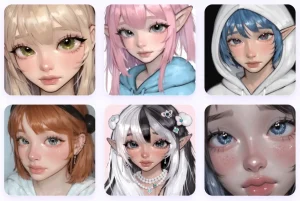
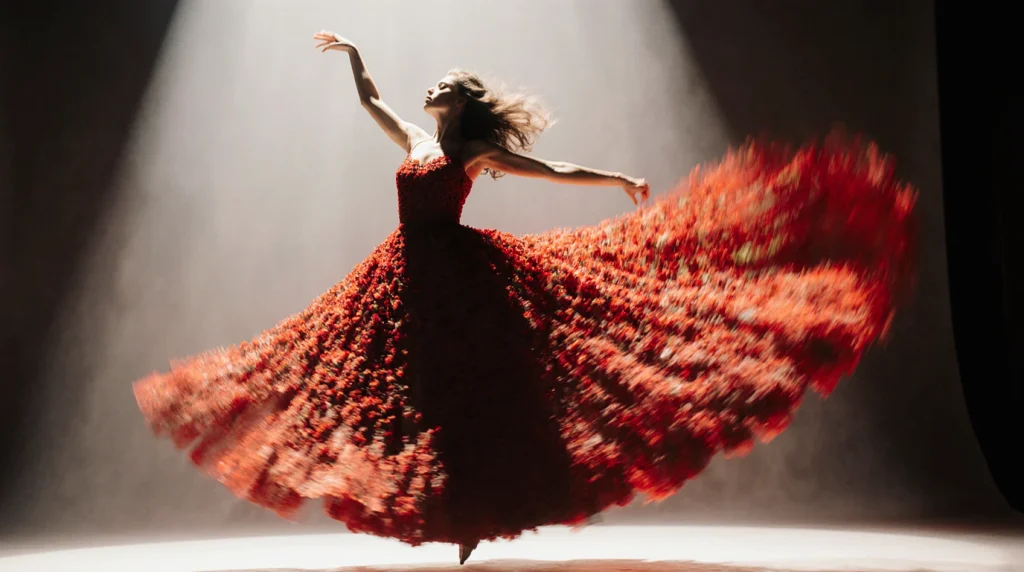
Let’s look at some example images first.


Highlights
- Photorealistic Output: Generates images with natural skin textures, authentic lighting, and realistic material properties that avoid the artificial sheen common in AI images.
- Open Source Architecture: Available as a 22GB download on Hugging Face with full weights accessible for research and commercial applications.
- Guidance Distillation: Uses fewer sampling steps than traditional diffusion models, resulting in faster generation times while maintaining quality.
- Ecosystem Compatibility: Works seamlessly with existing tools like Diffusers, ComfyUI, and other FLUX-compatible platforms.
- Aesthetic Control: Supports style references, aspect ratio adjustments, and text prompts for fine-tuned creative control.
- High Resolution Support: Generates images between 1024 and 1280 pixels with exceptional detail preservation.
- Multi-language Prompting: Accepts prompts in multiple languages for global accessibility.
Technical Details
The creator Krea AI partnered with Black Forest Labs to start with a “raw” base model that hadn’t been overly trained to the point of having a baked-in, generic style. This raw model had a ton of world knowledge but didn’t consistently produce great images.
From there, they took a two-stage approach:
1. Supervised Finetuning (SFT): They curated a small, high-quality dataset (less than 1 million images) that matched their specific aesthetic standards. This included synthetic images from their internal Krea 1 model to help stabilize performance. This aligns with a growing understanding in the field that data quality is far more important than quantity for post-training.
2. Reinforcement Learning from Human Feedback (RLHF): After SFT, they used human preference data to refine the model further. Instead of using broad, “global” user preference datasets—which often lead to average results that please no one—they used internal, focused data from labelers who understood the project’s specific aesthetic goals.

This “opinionated” approach is why the model succeeds. By intentionally collapsing the model’s potential outputs towards a specific, high-quality aesthetic, they avoided the “AI look” that results from models trying to please everyone at once. It’s a bit like a photographer who develops a signature style instead of trying to shoot in every style imaginable. It’s a strong opinion, but it works.
How to Use It
Web Interface Access:
Visit the Krea platform at krea.ai and navigate to the FLUX.1 Krea generator. Simply describe your desired image in the text prompt field and click generate to create your image. The web interface provides immediate access without setup requirements.
Local Installation:
Download the 22GB model weights from the Hugging Face repository at black-forest-labs/FLUX.1-Krea-dev. The initial download may take several minutes, but subsequent generations run locally on your hardware.
API Integration:
Access FLUX.1-Krea through API endpoints provided by partners, including FAL, Replicate, Runware, DataCrunch, and TogetherAI for seamless integration into applications.
Platform Compatibility:
Use ComfyUI workflows for advanced control over generation parameters, or integrate with standard Diffusers pipelines for Python-based applications.
Pro Tips
Craft effective prompts: Focus on aesthetic descriptions rather than technical photography terms. Instead of “DSLR photo with 50mm lens,” try “cinematic portrait, natural lighting, film grain texture.”
Adjust guidance scale: Start with a guidance scale of 7-8 for best results. Higher values can make outputs too rigid, while lower values lose the aesthetic focus.
Use negative prompts strategically: Include terms like “oversaturated, waxy skin, blurry background, symmetrical composition” to avoid the classic AI pitfalls.
Generate and refine: Create multiple variations and select the ones that best match your aesthetic vision. The model works best when you give it room to interpret your prompt artistically.
I found that adding specific film references works wonders. “Kodak Portra 400 style” or “Fuji Pro 400H aesthetic” produces remarkably authentic film-like results.
Pros
- Excellent image quality: It consistently produces images with a realistic, photographic quality that sidesteps the common “AI look.”
- Avoids common AI flaws: Users report that issues like the infamous “flux chin” and mangled hands are significantly improved compared to earlier models.
- Open and accessible: The weights are open for research and non-commercial use, which is a huge plus for the creative and scientific communities.
- Opinionated by design: The focused aesthetic is a major strength. It provides a reliable baseline for high-quality, artistic outputs without extensive prompt engineering.
Cons
- Large File Size: The 22GB model download requires significant storage space and bandwidth for local installation.
- Hardware Requirements: Running locally demands substantial computational resources, particularly GPU memory for reasonable generation speeds.
- Limited Resolution Range: Optimal performance restricted to 1024-1280 pixel range may not meet ultra-high-resolution requirements.
- Opinionated Aesthetics: The model’s strong aesthetic bias, while reducing AI look, may not align with all creative preferences or style requirements.
- Setup Complexity: Local installation requires technical knowledge of machine learning environments and dependency management.
- Commercial Licensing Costs: While open for research, commercial applications require separate licensing agreements.
Related Resources
- Hugging Face Repository: https://huggingface.co/black-forest-labs/FLUX.1-Krea-dev Access the complete model weights and documentation for local deployment.
- Official GitHub Repository: https://github.com/krea-ai/flux-krea Find inference code, examples, and integration guides for developers.
- ComfyUI Tutorial: https://docs.comfy.org/tutorials/flux/flux1-krea-dev Learn advanced workflow techniques for professional image generation.
- Black Forest Labs Documentation: https://bfl.ai/announcements/flux-1-krea-dev Official technical specifications and licensing information.
FAQs
Q: Is FLUX.1 Krea free to use?
A: Yes, the FLUX.1 Krea model is free to download and use for personal, scientific, and other non-commercial purposes under its specific license. A commercial license is available for purchase.
Q: What does it mean that the model is “opinionated”?
A: An “opinionated” model means it has been intentionally trained to favor a specific aesthetic—in this case, realistic photography that avoids the “AI look.” It doesn’t try to cater to every possible style, which results in a more consistent and refined output.
Q: What is guidance distillation?
A: Guidance distillation is a training technique where knowledge from a large, powerful AI model (the “teacher”) is transferred to a smaller, more efficient one (the “student”). This allows the smaller model to achieve comparable performance with less computational power.
Q: Do I need a powerful computer to run FLUX.1 Krea?
A: Yes. Due to its 12 billion parameters and large file size, you need a computer with a high-end GPU and significant VRAM (at least 12-24GB) to run it locally.