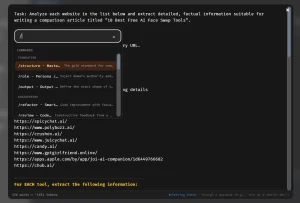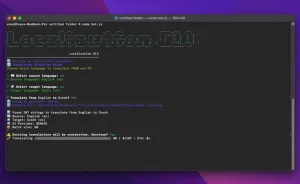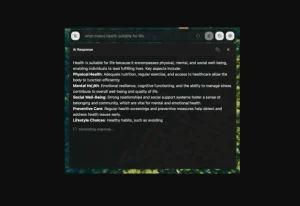
Whispo is an open-source, locally-hosted, AI-powered dictation tool that converts spoken words into text and inserts them directly into the active application.
The AI tool currently uses OpenAI’s Whisper or Groq’s large language models for accurate transcription. Additionally, it offers flexibility by allowing custom APIs for transcription, which can be beneficial for those with specialized needs.
More Features
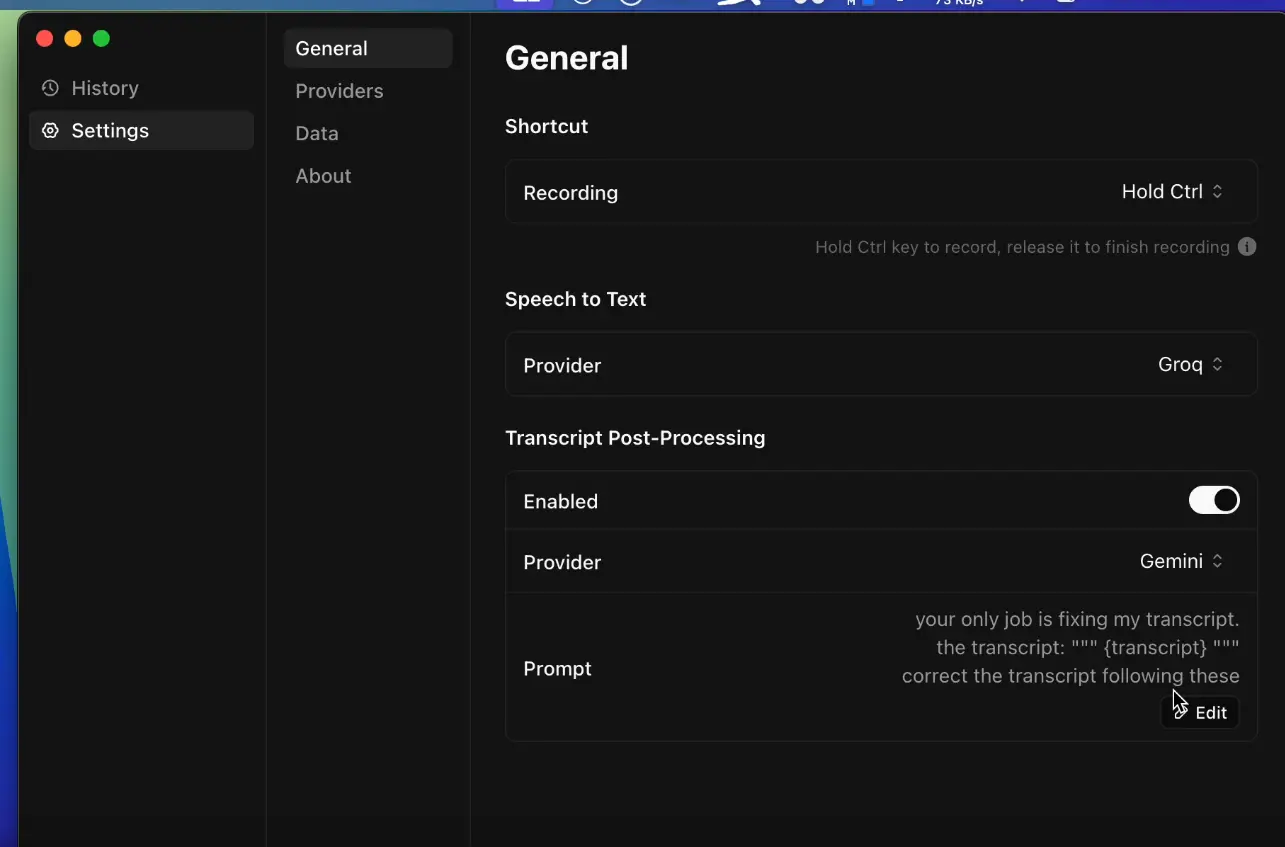
- Voice-Activated Transcription: Hold the Control key to dictate, release to transcribe.
- Seamless Integration: Works with any application supporting text input.
- Offline Functionality: Data remains local, enhancing privacy.
- Post-Processing with LLMs: Refine transcripts using OpenAI, Groq, or Gemini.
Use Cases
- Rapid Email Composition: Dictate emails directly into your email client without typing.
- Efficient Note-Taking: Quickly capture meeting notes or lecture summaries in real-time.
- Streamlined Coding: Insert code comments or snippets verbally.
- Accessible Content Creation: Write articles or blog posts using voice input.
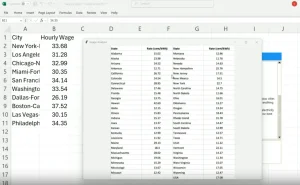
- Simplified Data Entry: Populate spreadsheets and forms through dictation.
How It Works
Whispo monitors keyboard input, activating when the Control key is pressed. While held, it records your voice. Upon release, the audio is processed by the selected transcription model (OpenAI Whisper or Groq). The resulting text is then automatically inserted into your active application. Users can configure custom API URLs and select LLMs for post-processing, refining the transcribed text.
Pros
- Enhanced Productivity: Accelerates writing and data entry tasks.
- Privacy Focused: Local data storage safeguards sensitive information.
- Flexibility: Supports multiple transcription engines and LLM integrations.
- Cross-Application Compatibility: Works seamlessly across various software.
Cons
- Limited OS Support: Currently restricted to macOS and Windows.
- In-Development: Potentially subject to bugs or limited functionality as a preview release.
Pricing
Whispo is currently open-source and free to use.
FAQs
Q: Can I use Whispo offline?
A: Internet connection is required for transcription services.
Q: Which operating systems support Whispo?
A: Currently macOS (Apple Silicon) and Windows x64.
Q: Where is my voice data stored?
A: All data remains local on your device.
Preview
GitHub Repo: https://github.com/egoist/whispo
Download: https://github.com/egoist/whispo/releases