Remove-BG is a free, open-source image background remover that works directly in your browser. It uses WebGPU to process images quickly without uploading them to external servers, protecting your privacy.
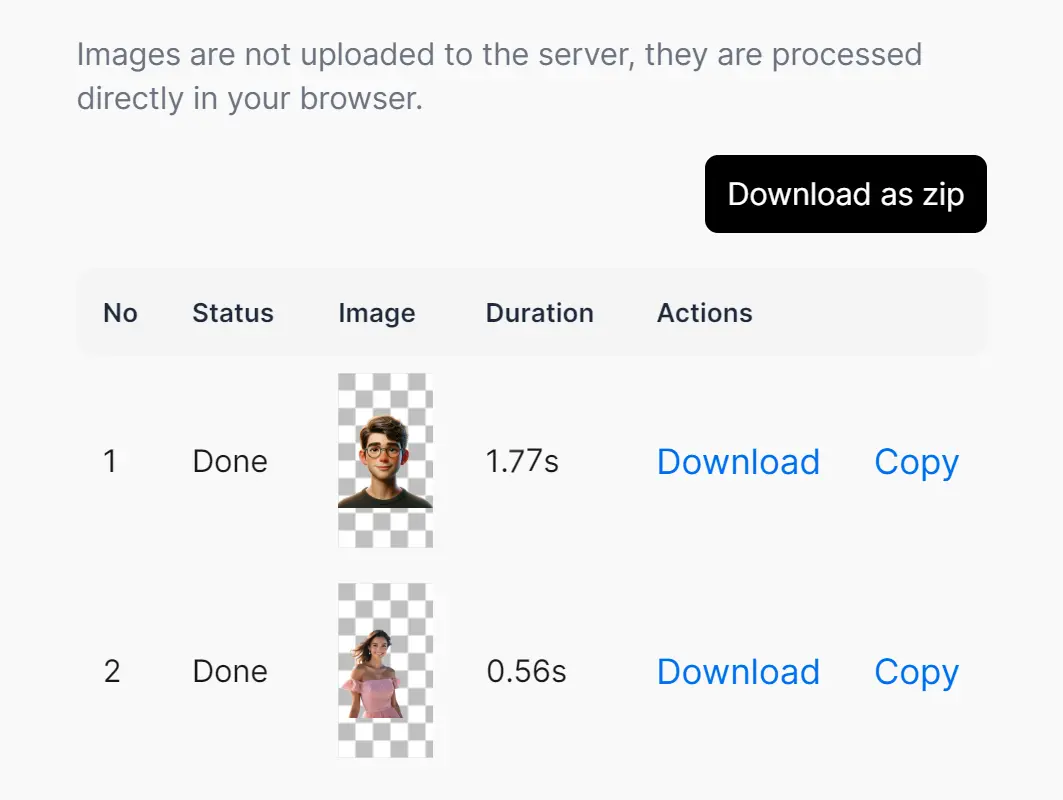
I tested Remove-BG and found it impressively fast. It took under 1 second to remove the background from a 1024×1024 image. The tool accurately extracted the main subjects from both simple and complex backgrounds without quality loss. After processing, you can download transparent PNG files of the isolated subjects.
The background removal is powered by the RMBG model via transformer.js. This AI background removal model was designed to separate foregrounds from various image types. It’s trained on diverse datasets spanning stock photos, e-commerce, gaming, and advertising. The model rivals leading alternatives in accuracy and versatility while prioritizing content safety and bias mitigation.
To evaluate Remove-BG’s performance, I ran tests with different image types.
First, I used a photo with a solid background. Remove-BG took 1.77 seconds to isolate the subject – a boy wearing glasses. The result was a clean PNG with a transparent background.


Next, I tried a more challenging image: a woman against a complex seascape background. Surprisingly, Remove-BG processed this in just 0.56 seconds, even faster than the simpler image. It cleanly separated the woman from the intricate sea backdrop.


This speed and accuracy make Remove-BG useful for professionals in e-commerce, content creation, and advertising, where high-quality image processing is crucial.
How to use it:
1. Go to the Remove-BG web app.
2. Upload Your Image: Choose the image you want to edit from your device, or drag and drop it directly into the upload area. For batch processing, upload a folder of images or select multiple files at once.
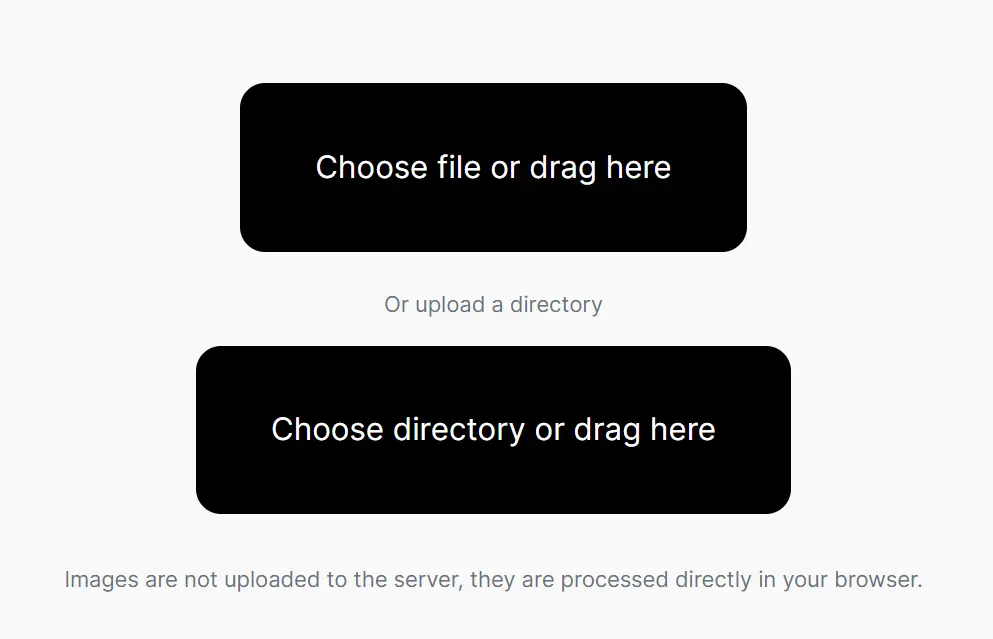
3. Download Your Image: The tool will automatically begin removing the background using WebGPU. You can then download the resulting transparent PNG image.
4. If your browser crashes, you may need to enable WebGPU support:
- Make sure your browser is updated to Chrome/Edge version 113 or above.
- Enter
chrome://flags/#enable-unsafe-webgpuin the address bar. - Enable “Unsafe WebGPU Support” and restart the browser.
- Restart your browser, reopen the tool, and proceed with background removal.
5. For those interested in the technical aspects, this open-source web app, written in TypeScript, is available on GitHub. You can even fork the repository and customize it to create your own background remover.
FAQs:
Q: What is WebGPU?
A: WebGPU is a new web standard that allows websites to access the power of your computer’s graphics card (GPU). This results in significantly faster processing times for tasks like image editing.
Q: What is an Image Background Remover?
A: An image background remover is a tool that automatically identifies and removes the background of an image, leaving the main subject isolated. This is useful for creating transparent images, collages, and other creative projects.