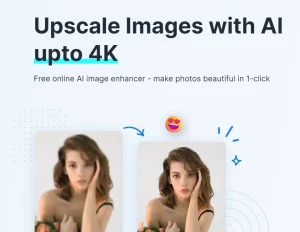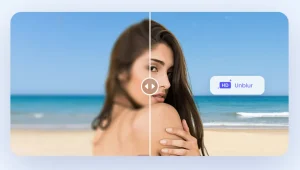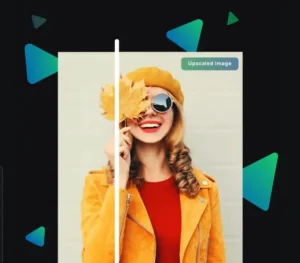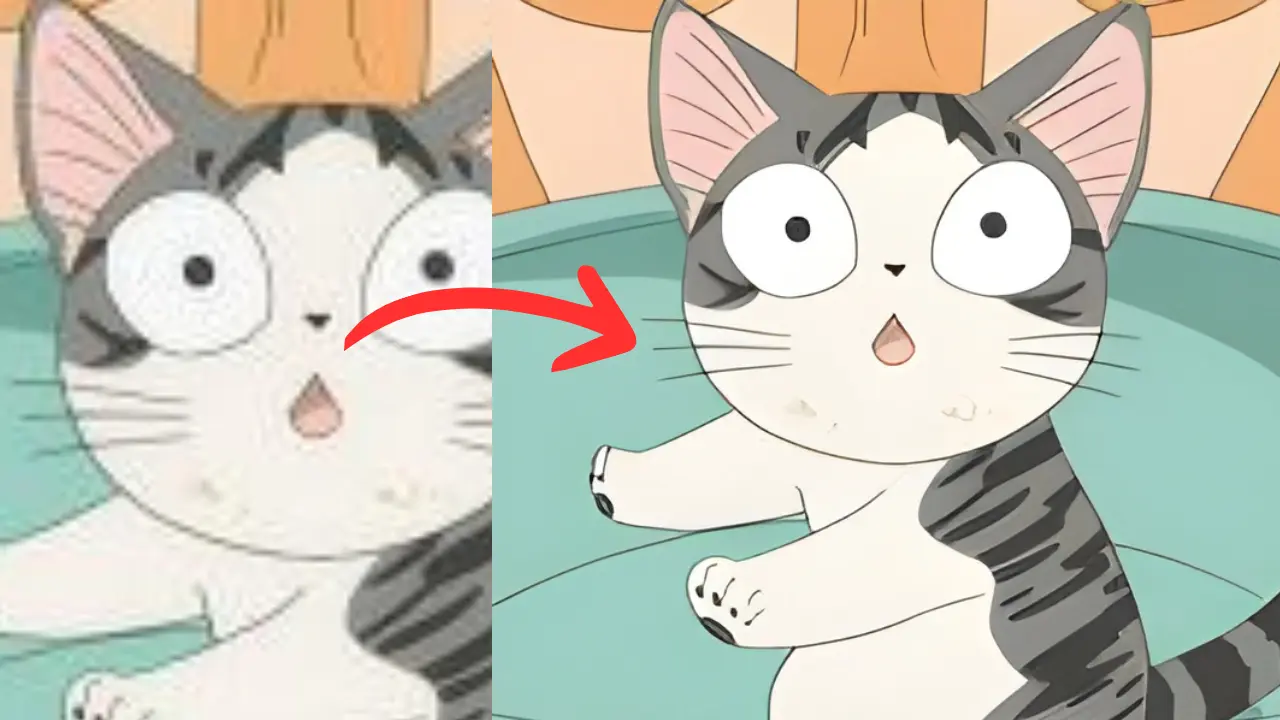
AI image upscaling has become a popular way to improve image quality, but many tools come with a price tag. I recently discovered AI Image Upscaling, a completely free tool that uses AI to scale images up to 4x their original size while maintaining clarity.
AI Image Upscaling is powered by artificial intelligence and can increase your image resolution by 4x. It delivers impressive results that outshine traditional upscaling methods. The best part is that it’s entirely free, with no registration required. You can upload images up to 25 megapixels, allowing for scaling to a maximum of 20,000 x 20,000 pixels.
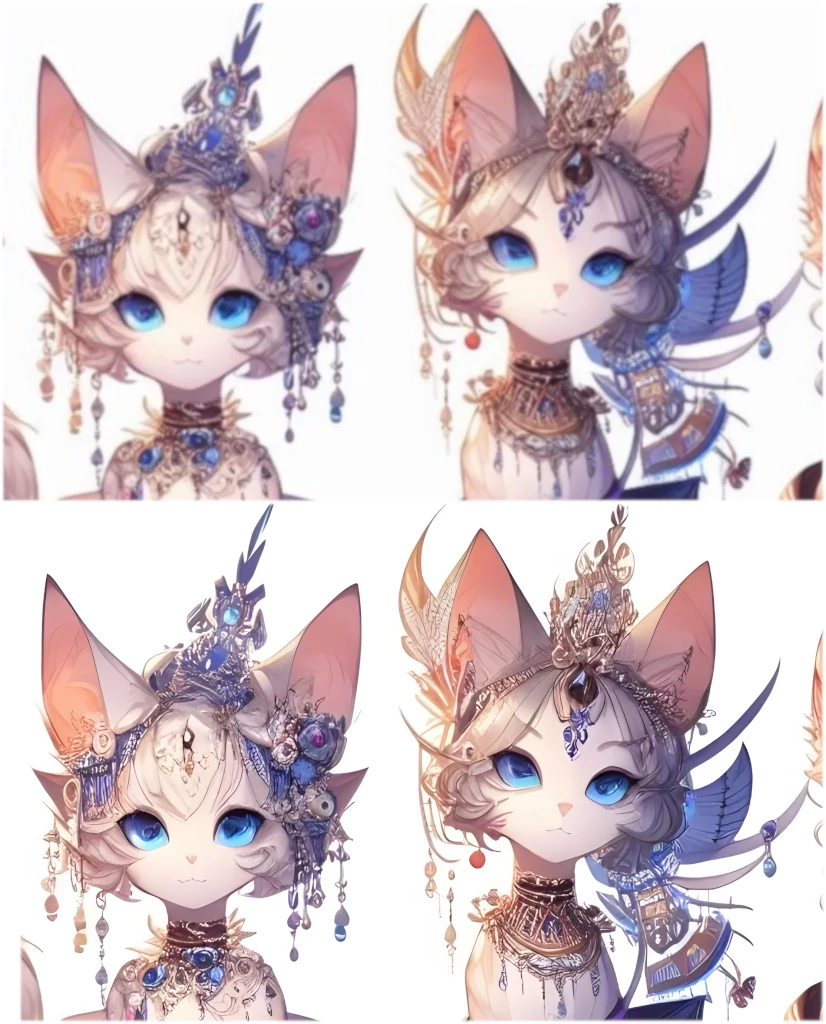
I tested AI Image Upscaling using a photo of an AI-generated anime girl with an original resolution of 896x1152px. After a brief processing period, the tool delivered an ultra-high-definition image at 3584x4608px. Even with significant magnification, the upscaled image remained crisp and clear. This can be useful for revitalizing old, low-resolution photos or sharpening blurry thumbnails after enlargement.
How to use it:
1. Visit the AI Image Upscaling website and select the image you want to enhance from your computer. Remember that the maximum image size is 25 megapixels. For images up to 2073.6KPx (1920×1080), consider using the premium model for optimal results.

2. After selecting your image, the AI will present several options you can enable or disable based on your needs:
- Use Face Restoration. Activate this if the upscaled image has unnatural-looking faces.
- Use repair mode. Use this option if your original image is extremely blurry or pixelated. I recommend trying without it first.
- Use large model. Very slow, but better results.
3. Click the “Upload” button to start the AI upscaling process. The processing time depends on the image resolution and the AI model selected:
- A 1920×1080 image takes approximately 16 seconds with the premium model.
- A 1024×1024 image takes around 3 seconds with the “small” model.
- A 5000×5000 image takes about 40 seconds with the “small” model.
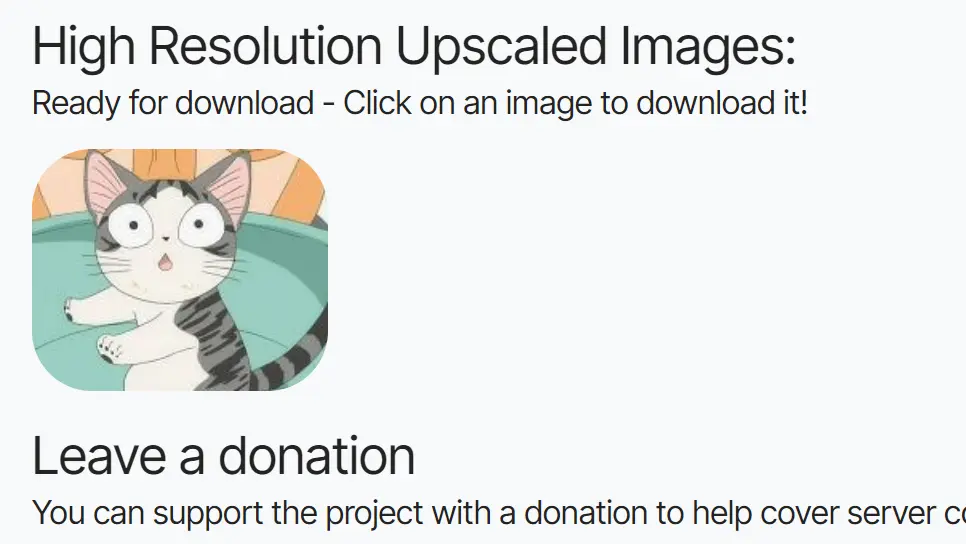
4. After a few minutes, revisit the website. You’ll find your upscaled, high-resolution image ready for download.
FAQs:
Q: What is AI Image Upscaling?
A: AI image upscaling uses artificial intelligence to increase the resolution of an image. Instead of simply stretching the existing pixels, AI algorithms analyze the image and intelligently add new pixels to create a larger, sharper image.
Q: How does AI Upscaling differ from traditional scaling?
A: Traditional image scaling methods often result in blurry or pixelated images when enlarging. AI upscaling, on the other hand, uses machine learning to fill in missing details and produce a much clearer and more natural-looking result.
Q: Is there a limit to the number of images I can upscale?
A: No, AI Image Upscaling allows unlimited uploads.
Q: Can AI Image Upscaling fix blurry faces in photos?
A: Yes, the tool offers a Face Restoration option specifically designed to improve facial details in blurry or pixelated images.
Q: How Long Does It Take to Upscale an Image?
A: The processing time depends on your image’s resolution. Smaller images take just a few seconds, while larger images may take longer, especially during peak times.