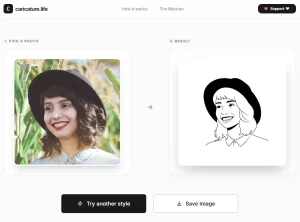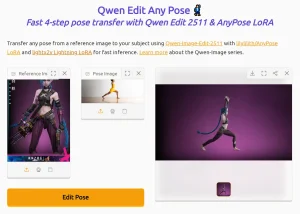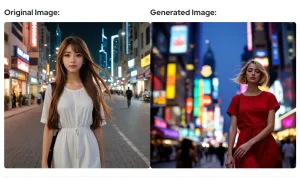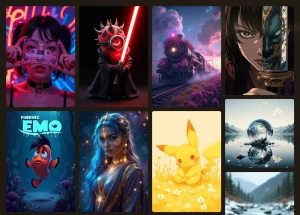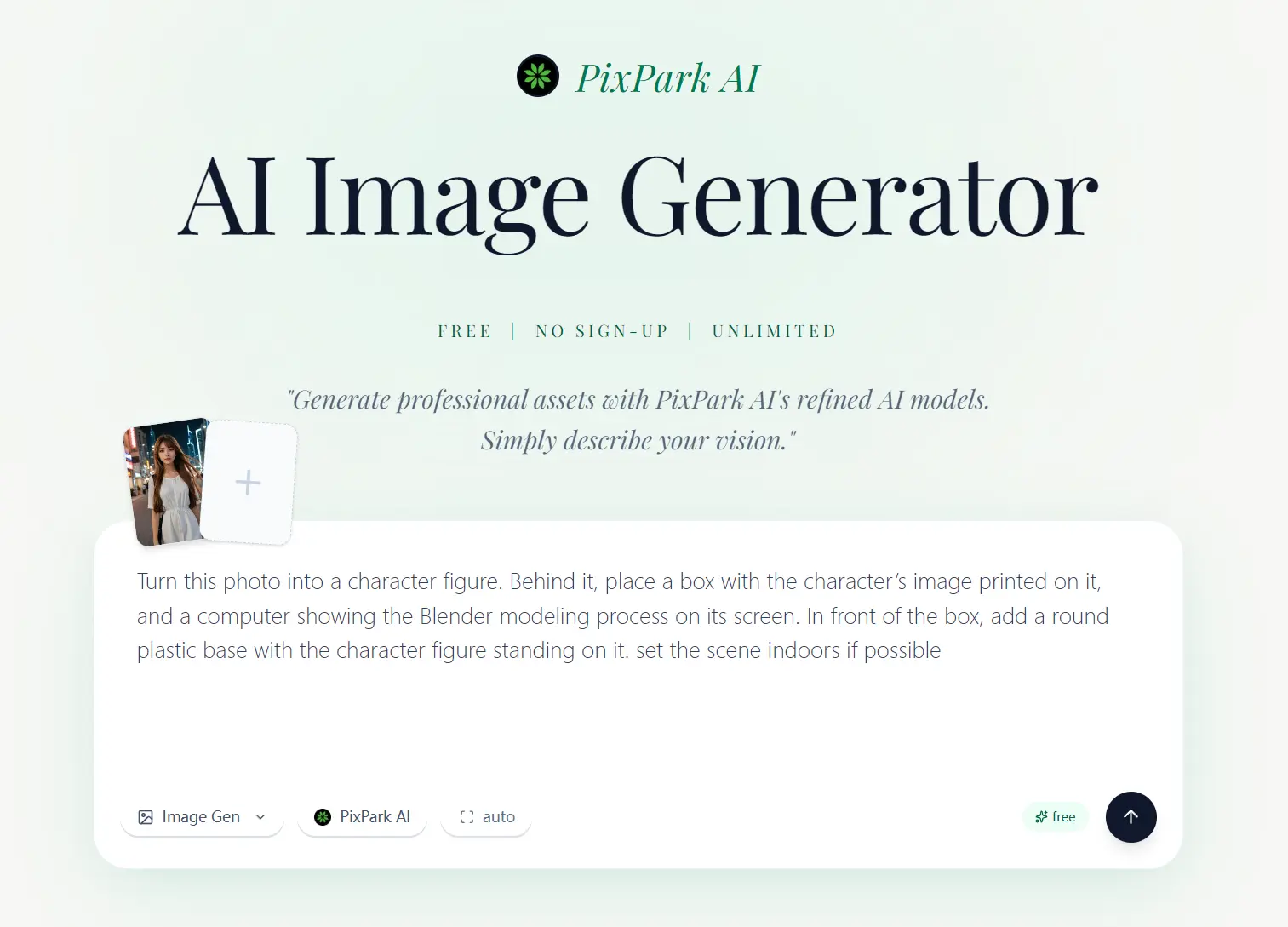
PixPark AI is a 100% free, blazing-fast AI image generator that allows you to generate high-quality images from text prompts or reference photos.
I’ve been testing AI image generators for years, and most free options hit you with daily limits, watermarks, or forced sign-ups. PixPark AI does none of that.
I fed it prompts, uploaded reference images, and generated dozens of variations without hitting a single paywall. The quality holds up against paid tools like NanoBanana and Midjouney.
Features
- Accepts uploaded reference images for image-conditioned generation.
- Produces output in approximately 10 seconds.
- Supports seven aspect ratios: 16:9, 3:2, 4:3, 1:1, 3:4, 2:3, and 9:16.
- Includes a Studio workspace for prompt iteration, refinement, and image editing after initial generation.
- Grants full commercial usage rights to every image generated on the platform.
Use Cases
I tested this tool using a popular prompt for 3D cartoon figurines. I ran the same prompt and reference images through Nano Banana 2 (currently a leading paid image generation tool). The two AI tools generated images of identical quality.
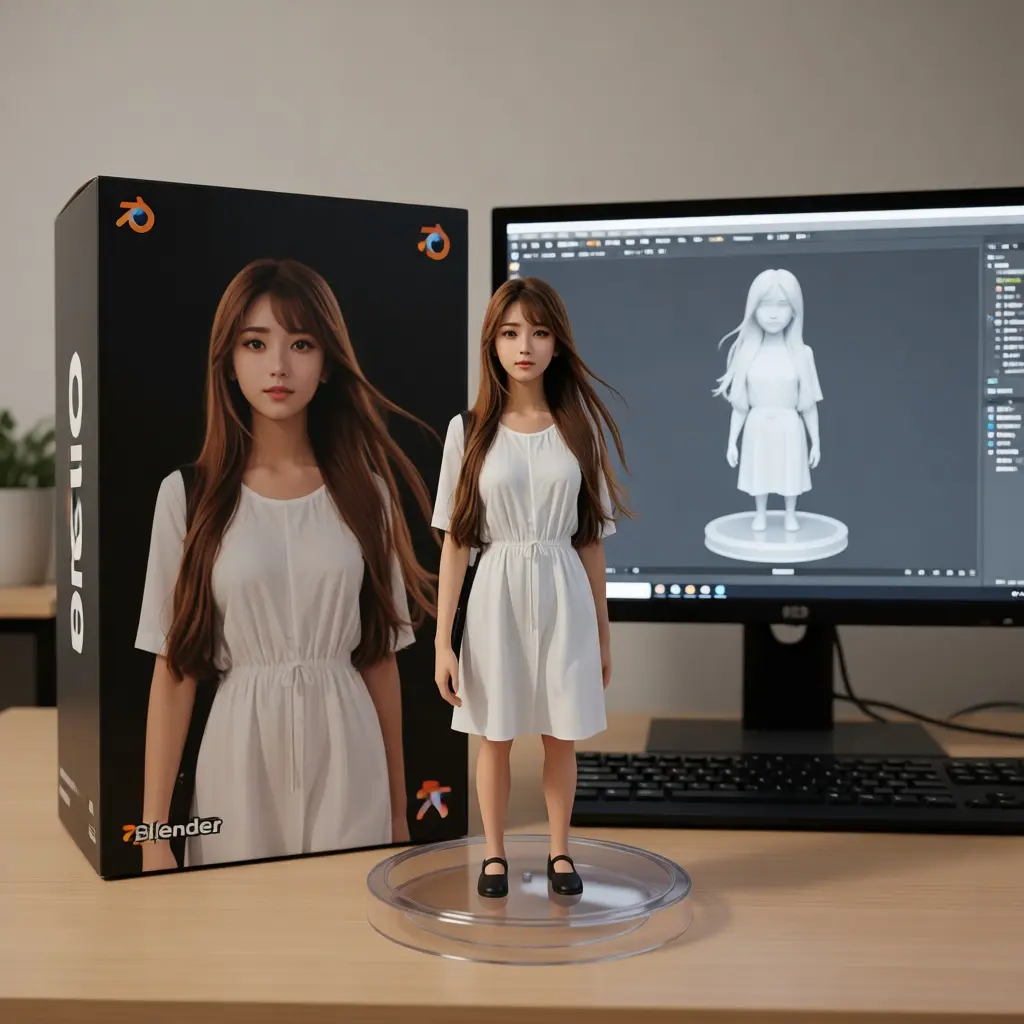
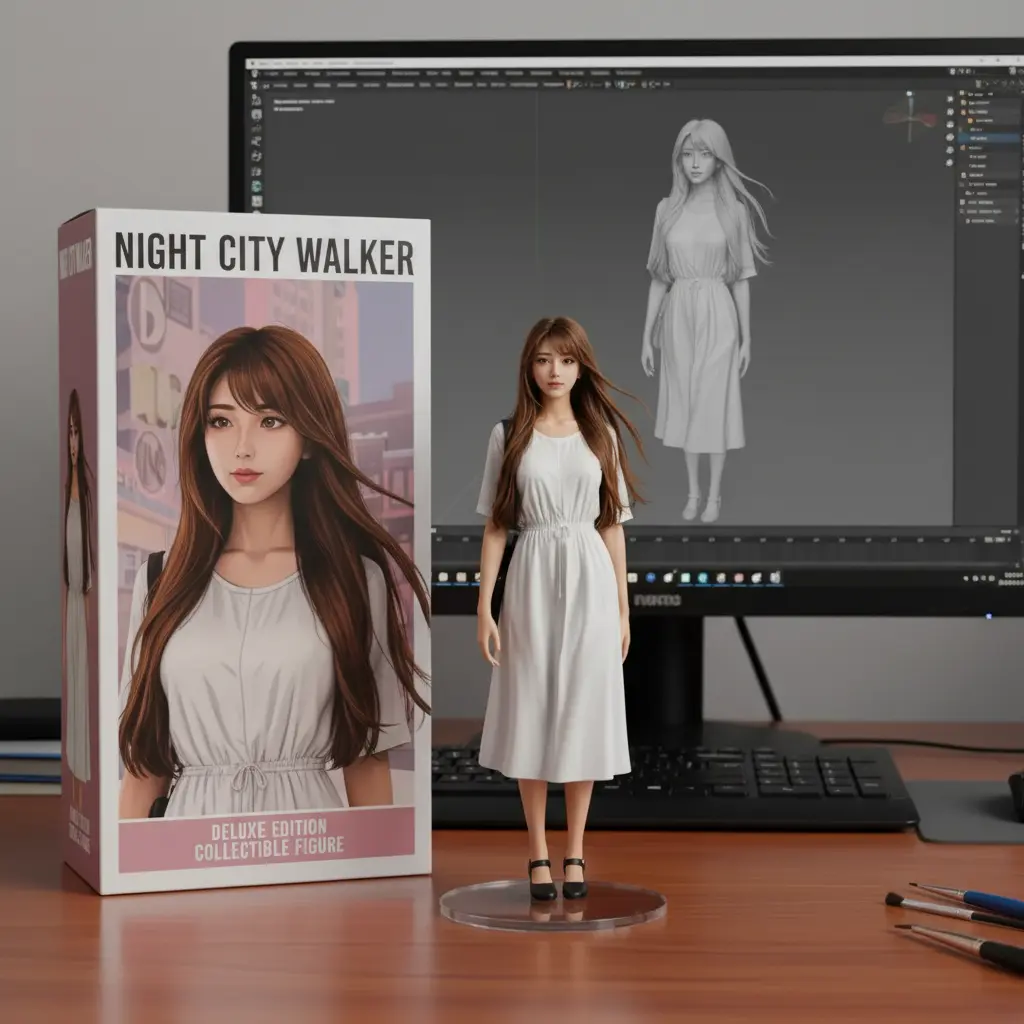
PixPark AI generated the same professional results completely free of charge. I personally prefer the UI of PixPark AI because it feels less cluttered. The tool generally works well for most standard prompts.
How to Use It
1. Go to Pixpark AI website and type a description of the image you want in the prompt box. Be specific about subject, style, lighting, and composition.
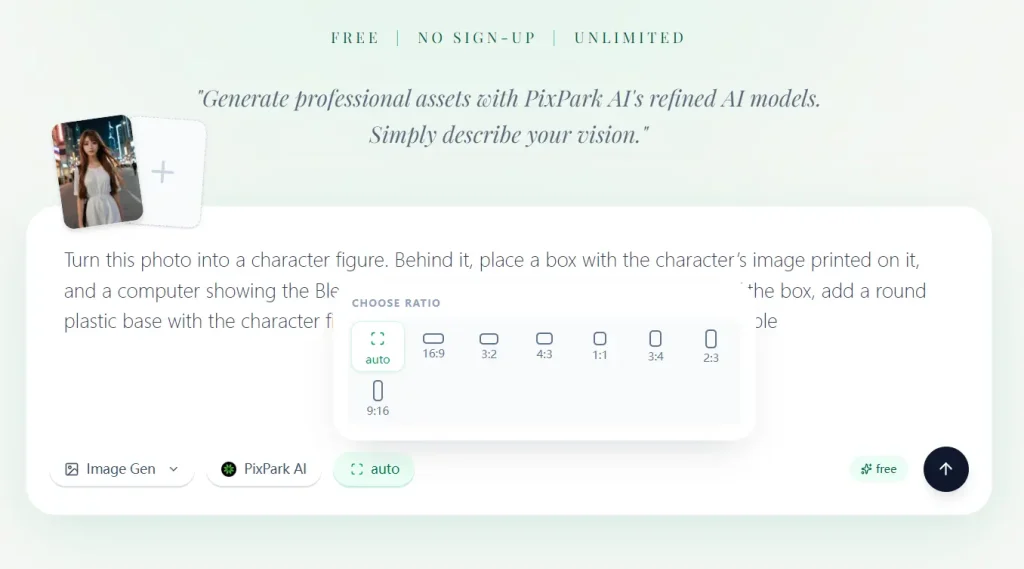
2. OPTIONAL. Click the image upload option to add a reference photo. This enables image-conditioned generation on supported models, where the AI uses your uploaded image as a visual anchor alongside the text prompt.
3. Select one of the seven available ratios before generating:
| Ratio | Best For |
|---|---|
| 16:9 | Widescreen banners, YouTube thumbnails |
| 3:2 | Standard photography format |
| 4:3 | Presentations, traditional landscape |
| 1:1 | Social media posts, profile images |
| 3:4 | Posters, vertical artwork |
| 2:3 | Portrait photography format |
| 9:16 | Mobile stories, Reels, TikTok |
4. Click the Send button. Your image generates in about 10 seconds. Download it immediately if you want to keep it. The platform deletes stored images after 24 hours.
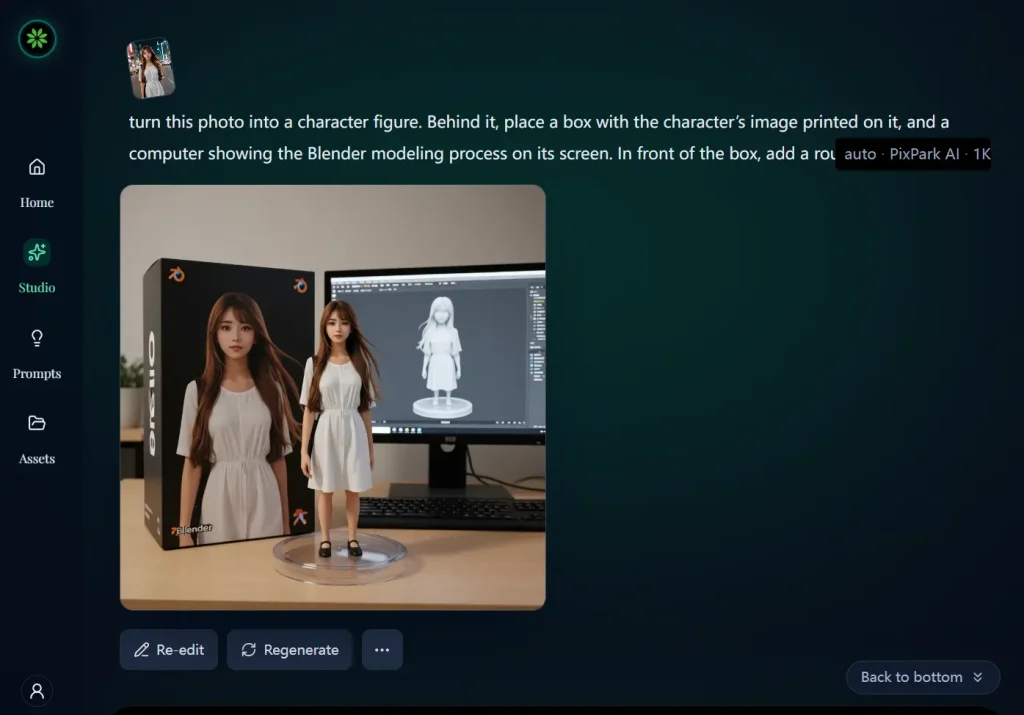
5. You can then use a new prompt or reference image in the Studio workspace to regenerate or edit your image.
Pros
- Unlimited generations.
- Full commercial rights with no watermarks.
- Generation speed is super fast.
Cons
- Generated images disappear after 24 hours.
- High traffic periods occasionally slow down generation times.
Related Resources
- 10 Best & 100% Free AI Image Background Remove Tools
- 10 Best AI Image Enhancers and Upscalers for High-Quality Photos
- 10 Best AI Image Editors to Edit Photos Fast
- 10 Best AI Image Generators
- Discover more 100% Free AI Image Generators