Bensafer is an AI-powered text-to-speech service that allows you to quickly convert your written words into natural-sounding speech in 9 languages and over 78 unique voices.
You could use it to create voiceovers for videos, narrate audiobooks, or even just listen to your own writing read back to you. It’s also great for accessibility purposes like helping people with visual impairments consume written content.
For casual users, Bensafer generously allows the generation of up to 10 audios daily, with each audio accommodating up to 200 characters.
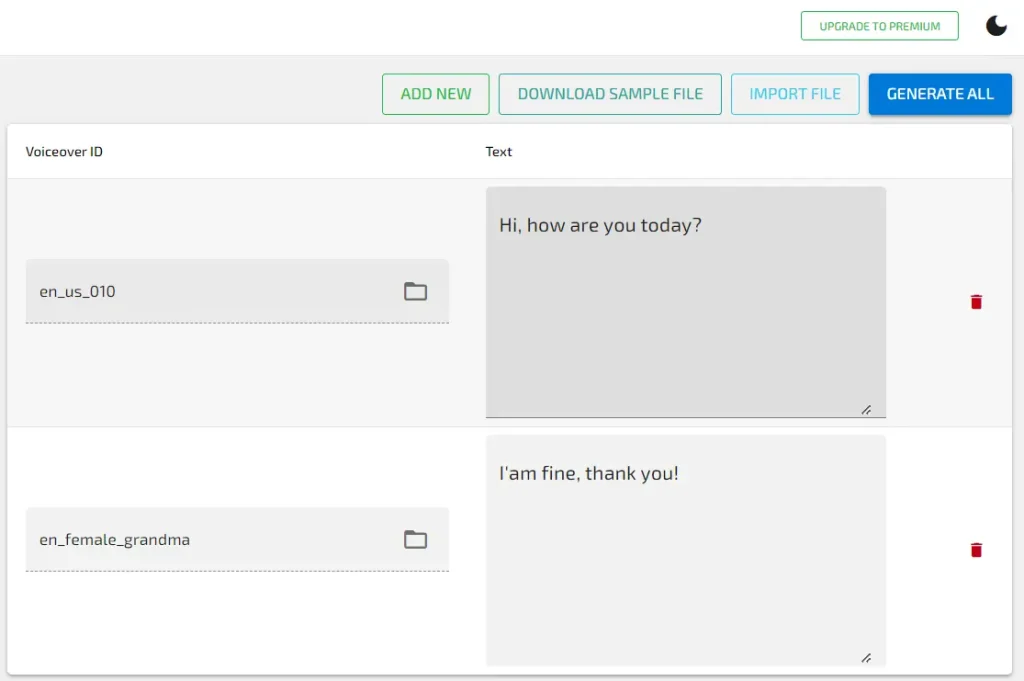
For those seeking more extensive features, a modest subscription fee of $3 per month unlocks unlimited audio and text generations, plus a convenient bulk generation feature.
How to use it:
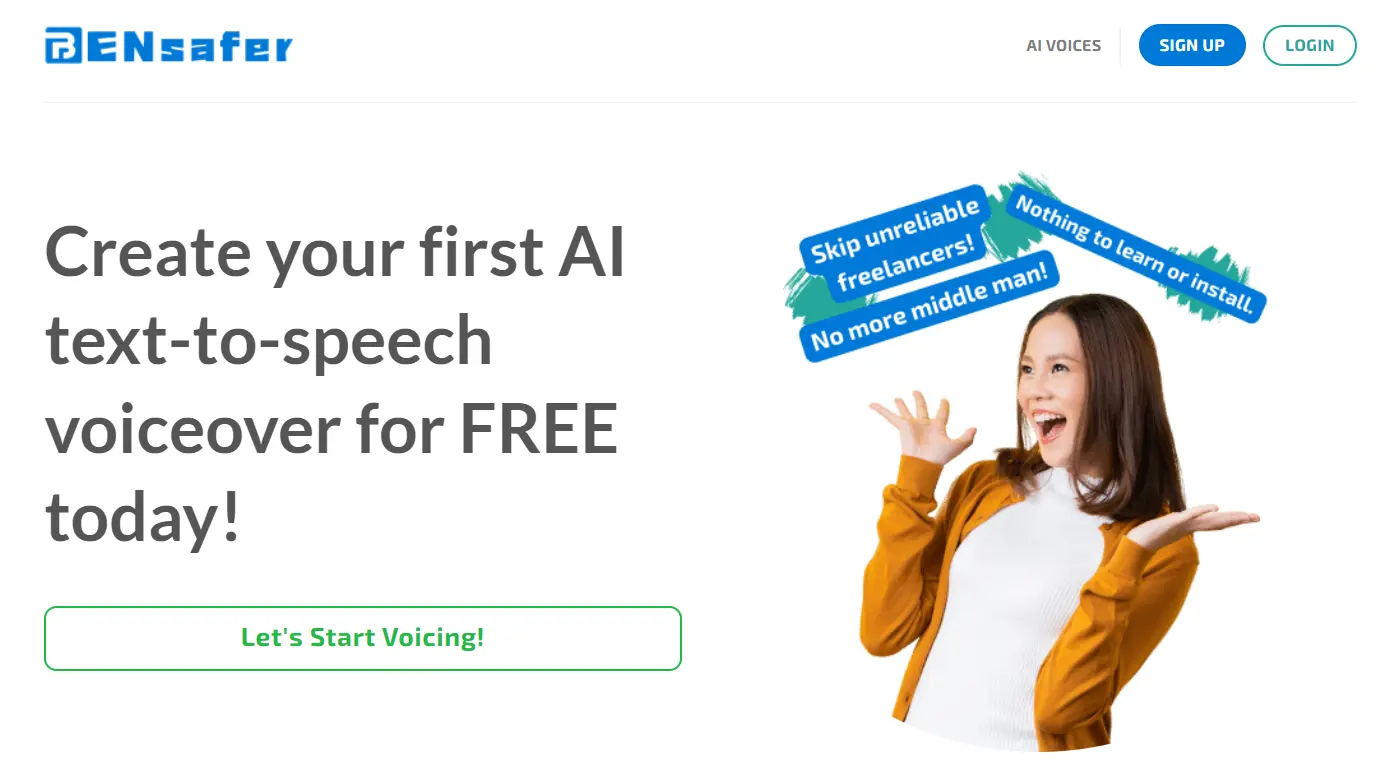
1. Visit the Bensafer platform and click the ‘Let’s Start Voicing!’ button to create your first AI text-to-speech voiceover at no cost.
2. Select the voice you’d like to use. Bensafer offers a diverse range of over 78 AI voices, available in multiple languages. Preview each voice to find the perfect match for your needs and enhance your brand’s identity.

3. Type in your text. This is where you’ll put the words you want the AI to read aloud.

4. Hit “Generate” and that’s it! Your audio file will automatically download, ready for you to use.
5. If you subscribe to Bensafer’s service, you can unlock their bulk text-to-speech feature. This is perfect for content creators who need to generate large amounts of audio quickly and consistently.
6. This is my voiceover for the introduction of the ScriptByAI.COM, using the voiceover Debutante—English. You can give it a listen to see how it goes.