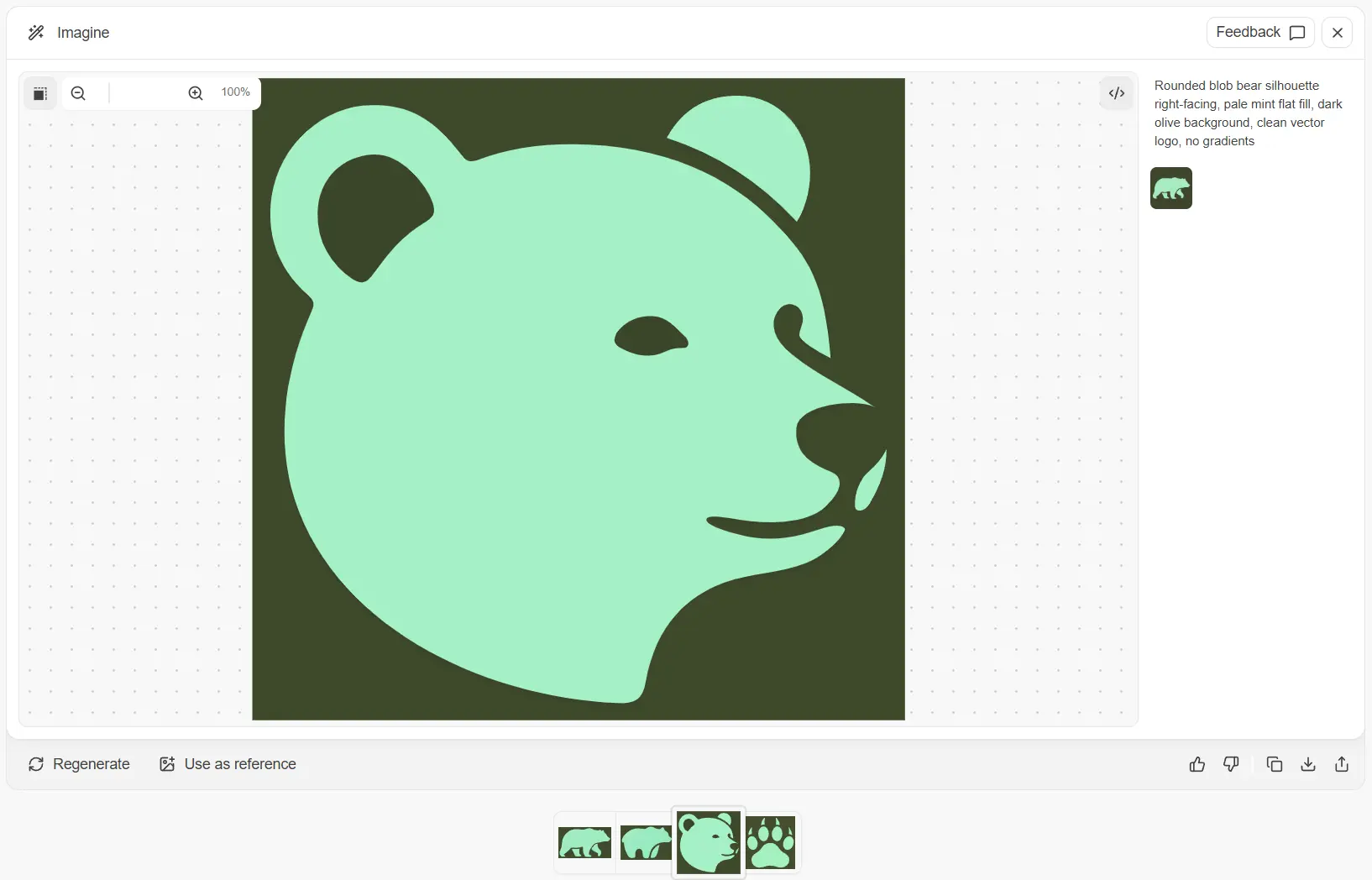
Quiver AI is a free AI-powered SVG generator that turns text prompts and raster images into production-ready vector graphics. The tool runs on Arrow 1.0, a multimodal model built from the ground up for native SVG output. It generates structured, layered vector files that you can edit at the path level, recolor, and scale to any resolution without loss of quality.
The team behind Quiver AI authored StarVector and RLRF, two foundational research papers on using large language models for SVG generation. The company raised $8.3M in seed funding led by a16z in February 2026. Angel investors include Linda Tong (CEO of Webflow), Amjad Masad (CEO of Replit), and Michele Catasta (Head of AI at Replit).
Arrow 1.0 claimed the #1 spot on the SVG Arena leaderboard with an Elo rating of 1583, the first model to break 1500 on any Design Arena benchmark. It beat Gemini 3.1 Pro’s previous record of 1421 by 162 points.
The tool is currently in public beta right now. The free plan gives you 20 SVG generations per week. You can use it to generate logos, icons, illustrations, and technical drawings from natural language descriptions.
Features
- Text-to-SVG Generation: Arrow 1.0 converts natural language prompts into structured, layered SVG code with support for gradients, polygons, and complex shapes.
- Image-to-SVG Vectorization: The Vectorize tab converts raster images (PNG, JPEG, WebP) into editable SVG files with an optional auto-crop feature.
- Reference Image Guidance: You can upload up to 4 reference images per request to guide the style, color palette, and composition of generated SVGs.
- Natural Language Refinement: The model accepts edit instructions in plain English so you can adjust colors, shapes, and details without touching SVG code.
- Layered SVG Output: Generated files maintain proper layer structure with overlapping elements on separate layers.
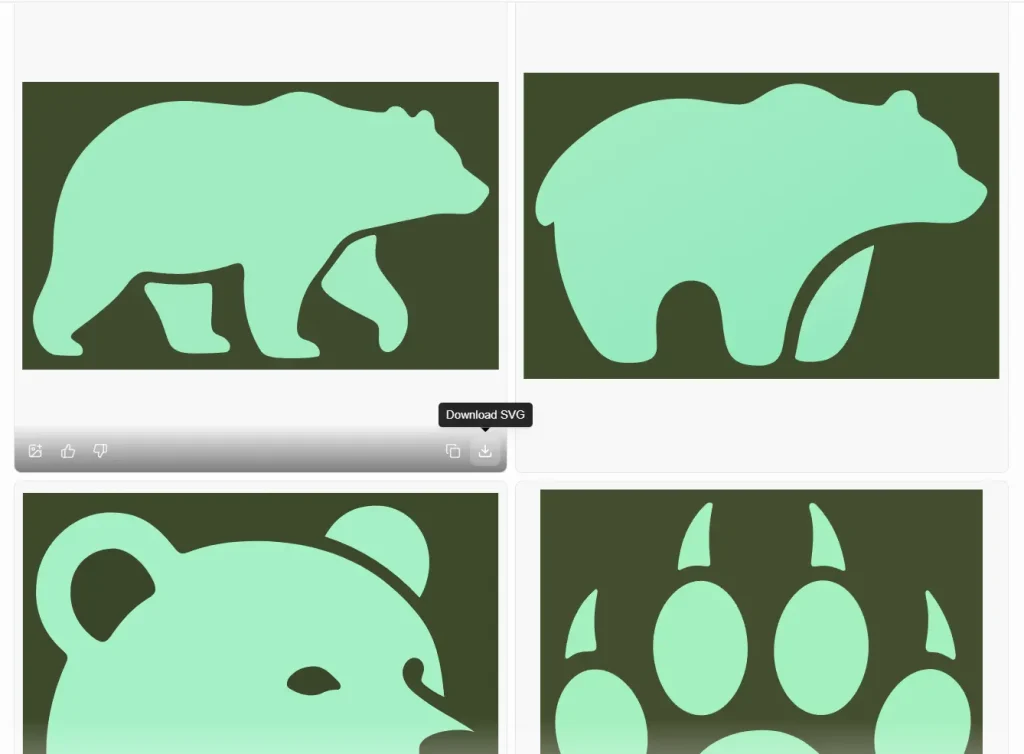
- SVG Code Export: Every output can be downloaded as an .svg file or copied as raw SVG code ready for direct use in code or design tools.
- Developer API: A REST API at api.quiver.ai/v1 and an official Node.js SDK let you add SVG generation to your own applications.
- Streaming Rendering: The API supports Server-Sent Events for real-time progressive rendering through reasoning, draft, and content phases.
- Typography (Coming Soon): A planned feature for generating custom vector letterforms and fonts with control over weight, contrast, and character details.
- SVG Animation (Coming Soon): A planned feature that adds CSS animations to existing SVGs from motion prompts.
Use Cases
- Brand Identity Exploration: A startup founder can generate 20 logo variations per week on the free plan, test color palettes and layouts, then hand the best SVG file to a designer for final polish.
- Front-End Development: A developer building a web app can generate icons and UI illustrations through the API and receive SVG code that drops into a React or Vue component with zero raster-to-vector conversion.
- Technical Drawing and Diagrams: Architects, fashion designers, and engineers can produce structured SVGs for floorplans, garment patterns, or industrial schematics where editability and precision matter more than photorealism.
- Marketing Asset Production: A marketing team can describe campaign illustrations in natural language and get vector files that scale from social media thumbnails to large-format prints with no quality loss.
- Raster Image Vectorization: A designer working with a client’s existing PNG logo can upload the file and convert it to a fully editable SVG that preserves the original look at the vector level.
How to Use Quiver AI
1. Go to Quiver AI’s website and register for a free account.
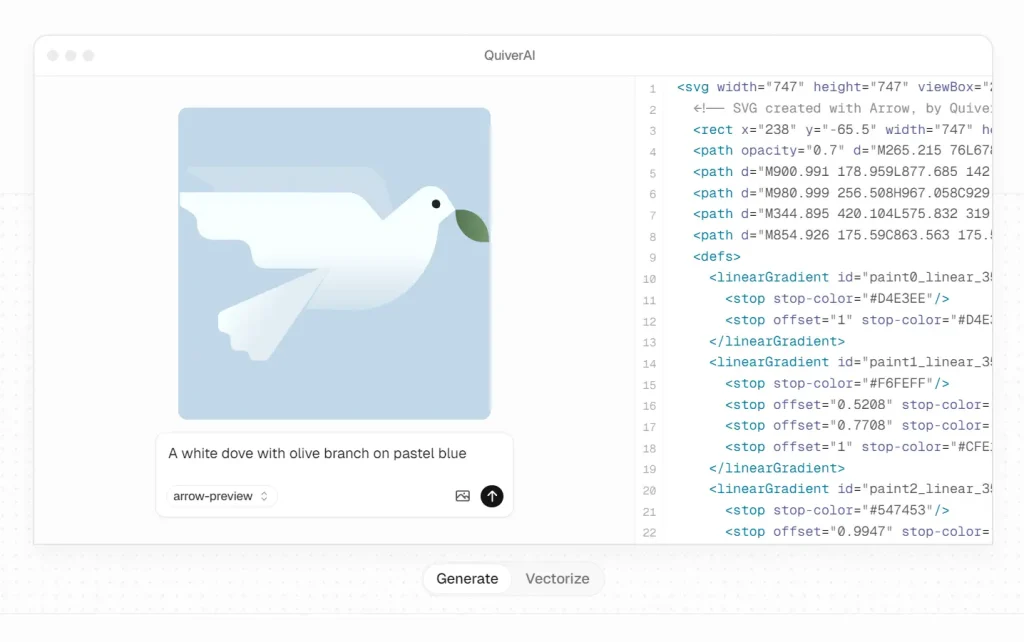
2. Type a clear description of what you want. Be specific about subject, style, color palette, and composition. Here’s an example:
A white dove with olive branch on pastel blue.
A tip from my own testing: the more precise your prompt, the fewer regeneration attempts you burn through. Include hex color codes if you have a brand palette. Something like “background: #e9edc9 and logo in #fb8500” gives you much tighter control over the result.
3. Vectorize a raster image. Click the Vectorize tab and upload a PNG, JPEG, or WebP file. The tool converts it to SVG.
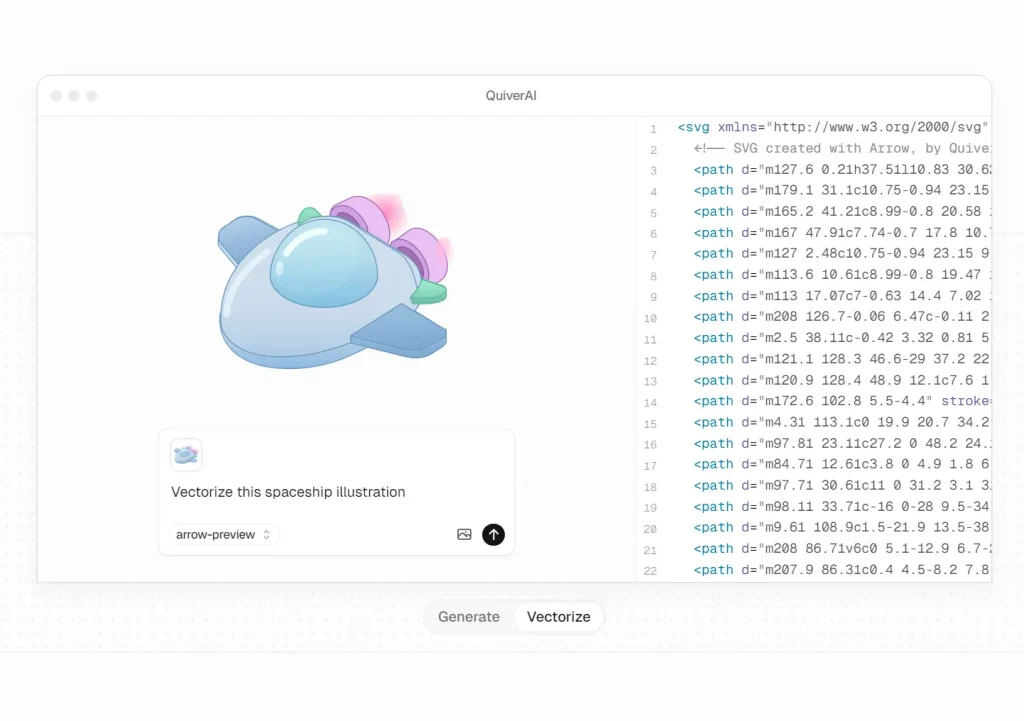
4. Type follow-up instructions in natural language to refine the SVG. You can change colors, adjust shapes, or add details without starting from scratch.
5. Export the result as an SVG file or copy the raw SVG code directly.
Pros
- Clean code output: The model generates SVGs with minimal control points.
- Editability: The generated files maintain proper layer structure.
- Multimodal inputs: The system accepts both text prompts and image references.
- Generous free tier: The basic plan includes 20 SVG generations per week.
Cons
- Complex gradient handling: Intricate shading sometimes requires manual cleanup.
- Export restrictions: The free tier only supports basic SVG export formats.
Related Resources
- Quiver AI Official Documentation: Read the technical specifications for the Arrow API.
- MDN Web Docs on SVG: Learn the fundamentals of Scalable Vector Graphics.
- W3C SVG Specification: Review the official standards for vector graphic code.
FAQs
Q: What is the Arrow 1.0 model?
A: Arrow 1.0 is a multimodal AI model trained specifically to generate and edit vector graphics. It treats visual design as a coding problem. It writes structured SVG code instead of generating pixel-based images.
Q: How much does Quiver AI cost?
A: The platform offers a free tier with 20 SVGs per week. The Basic plan costs $20 per month for 100 SVGs. The Pro plan costs $40 per month for 250 SVGs. Enterprise pricing is available for custom needs.
Q: Can I edit the generated SVGs?
A: Yes. The tool produces standard SVG files. You can open these files in any vector design software or code editor. The paths and layers remain fully editable.