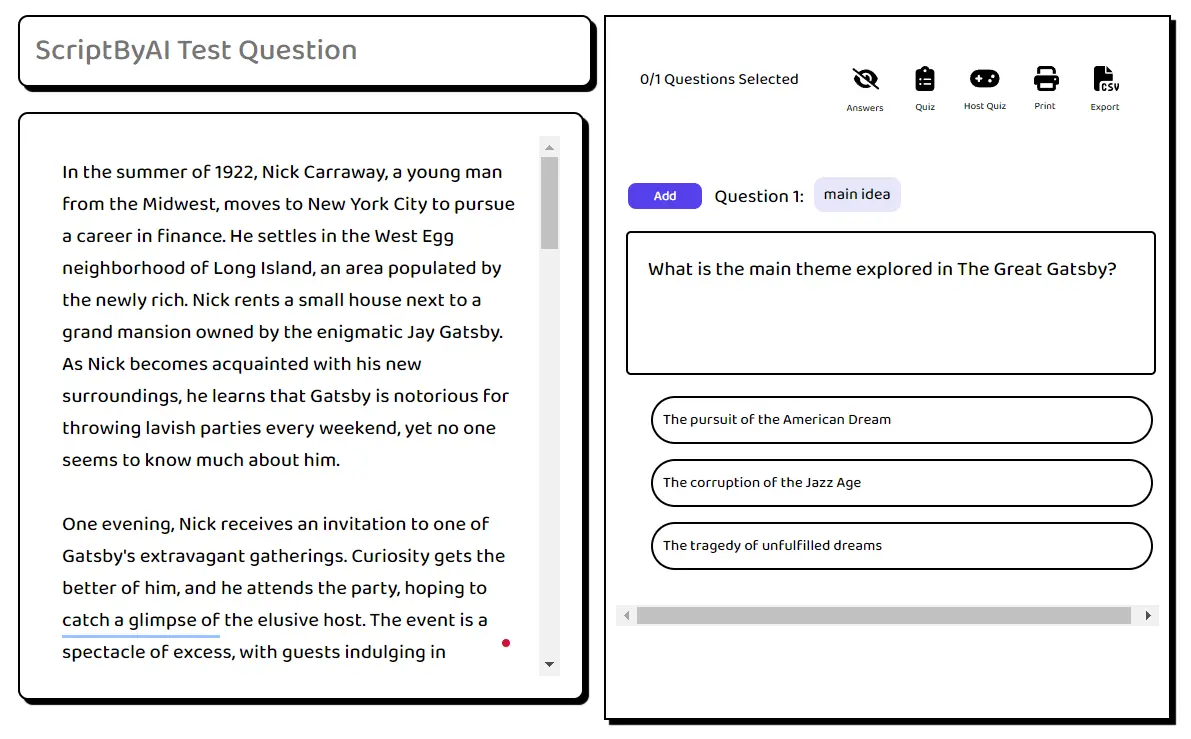
Readingdojo is a free AI education platform that uses AI to generate customized reading comprehension questions. All question sets are saved, editable, printable, and exportable.
Teachers can use it to create customized quizzes. Parents can practice reading skills with their kids. Students can use it to study and boost comprehension. The multi-participant quizzes make it easy to give assignments to a whole class.
How to use it:
1. Go to the Readingdojo app and sign up for free. It’s quick and easy, and you’ll have access to all the features.
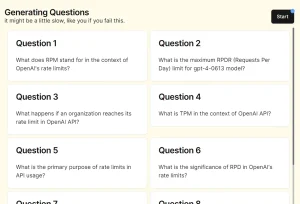
2. Log in and click ‘Generate Questions’ to start creating your question set.
3. Give your question set a title and let the AI know what you’re working with.

4. Customize your question set by selecting the number of questions, format (multiple choice or short answer), difficulty level, number of choices (for multiple choice), language, and whether to include explanations.
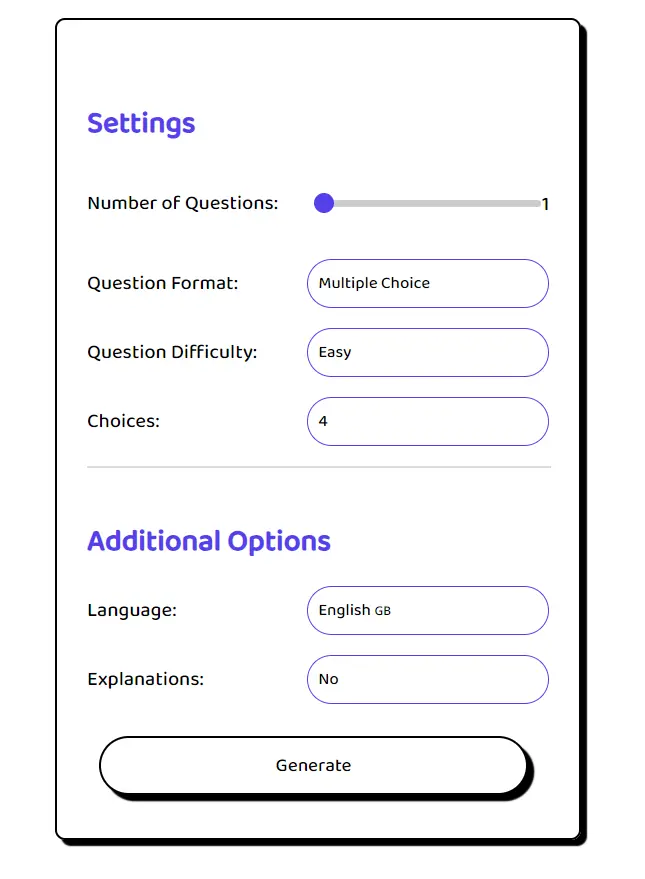
5. Click ‘Generate’ to let the AI create a comprehensive reading passage.

6. Add questions to your set and utilize the toolbar features for answers, quizzes, hosting, printing, and exporting.
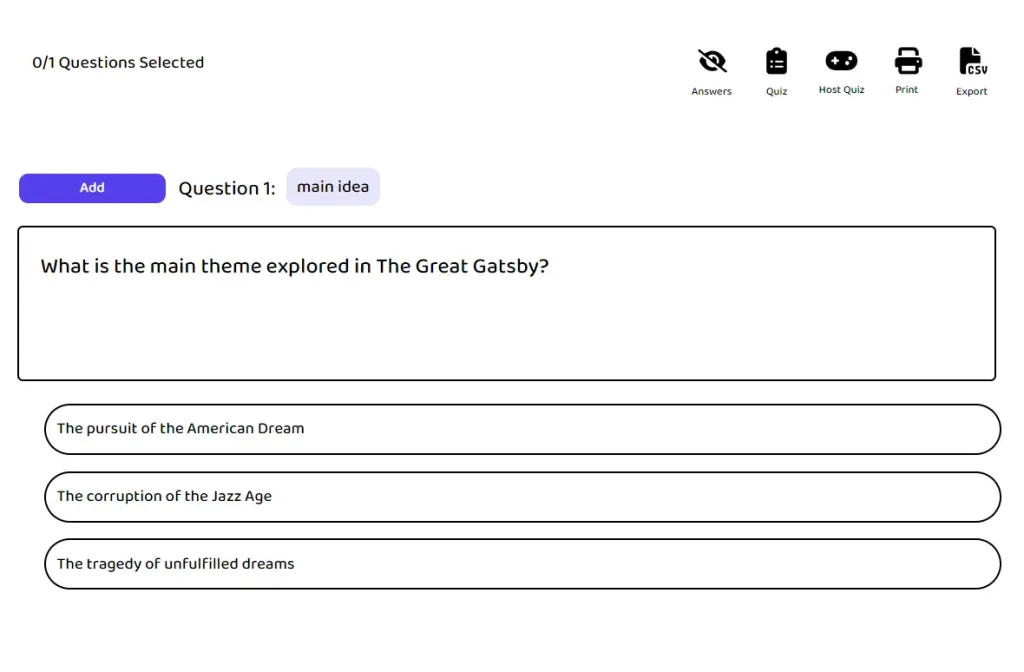
7. Access all your question sets via the dashboard for easy management.