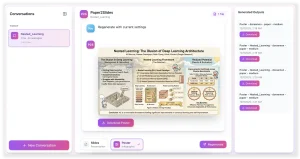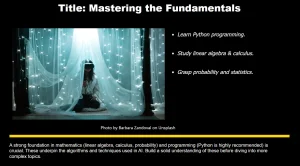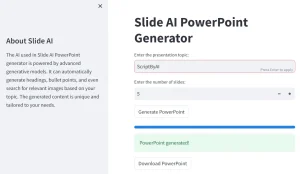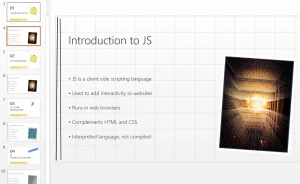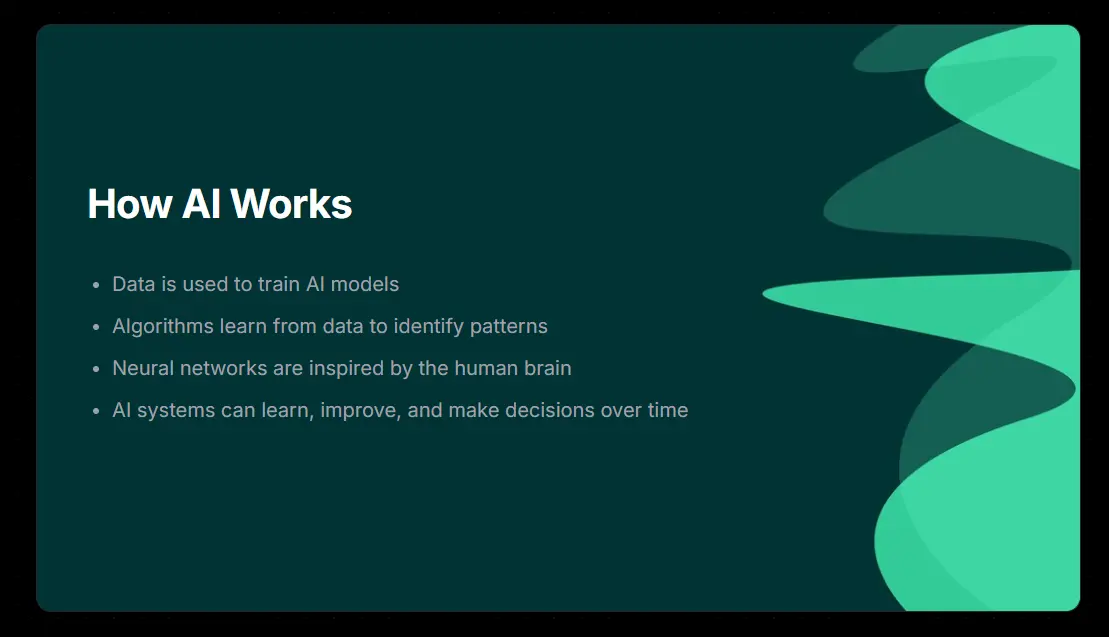
PPTAI transforms presentation creation by automatically generating professional PowerPoint slides from your ideas.
This free AI tool allows you to generate polished complete slide decks with organized content and visual elements that communicate your message effectively. All in seconds!
Features
- Smart Content Generation: The AI engine intelligently crafts presentation content, including narratives, bullet points, and visual suggestions, based on your topic.
- Zero Cost Access: PPTAI is completely free to use, eliminating subscription fees and hidden charges.
- Cutting-Edge AI Engine: Powered by advanced AI, PPTAI understands context and ensures presentation coherence and quality.
- Theme and Color Customization: Offers 9 themes and 6 color palettes to personalize your presentation’s look.
- PPTX Download: Presentations can be downloaded as PPTX files, compatible with PowerPoint for further editing.
- Slide Number Control: Users can specify the desired number of slides for their presentation.
- Content Style Selection: Choose between bullet points or paragraph styles for content generation.
- Existing Topic Detection: The platform checks for previously generated presentations on the same topic, preventing redundancy and offering access to existing content.
Use Cases
- Business Pitches: Quickly generate pitch decks for investor meetings or client presentations. Input your business idea, and PPTAI can structure a compelling presentation outline.
- Educational Lectures: Educators can create engaging lecture slides rapidly. Input the lecture topic, and PPTAI can generate slides with key points and visual suggestions.
- Project Reports: Students and professionals can transform project data into presentation format. Describe your project, and PPTAI can create slides summarizing findings and recommendations.
- Conference Presentations: Researchers and speakers can prepare presentation materials for conferences efficiently. Input your research topic, and PPTAI can outline your presentation flow.
- Webinars: Generate visual aids for online webinars. Input your webinar topic, and PPTAI can create slides to support your online sessions.
How To Use it
1. Enter Your Topic: Go to the PPTAI platform and input your desired presentation topic.
2. Specify Slides and Style: Indicate the number of slides you need and choose your preferred content style—bullet points or paragraphs.
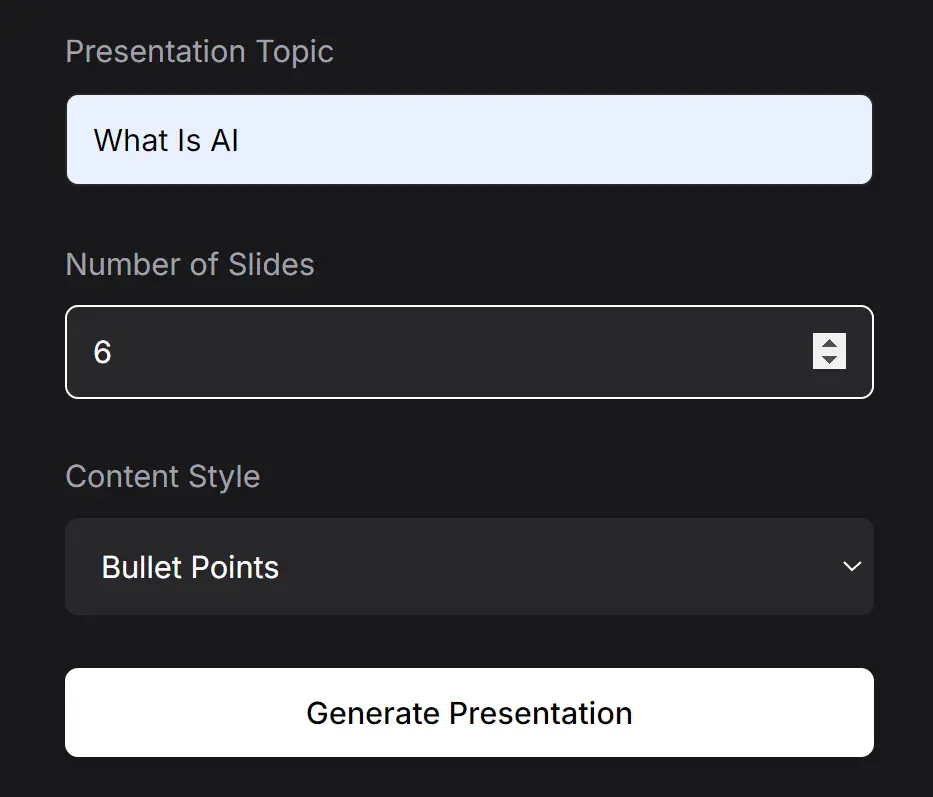
3. Generate Presentation: Click the ‘Generate Presentation’ button. The AI will begin processing your request.
4. Review Existing Presentation (If Applicable): If a presentation on your topic already exists, PPTAI will notify you and offer the option to view it or create a new one.

5. Review Slides: Once generated, review your presentation slide by slide to check the content and flow.
6. Customize Theme and Color: Scroll down to explore theme and color options. Select from 9 themes and 6 colors to customize the presentation’s visual style.

7. Download PPTX: When satisfied, click ‘Download Presentation’ to save your PPT as a PPTX file. You can then open and edit it in PowerPoint.
Pros
- No registration or payment required
- Reduces slide creation time by 80-90%
- Maintains font and layout consistency
- Works for technical and non-technical topics
Cons
- Limited theme variety compared to premium tools
- Requires manual edits for hyper-specific branding
- No direct collaboration features
FAQs
Q: How does PPTAI create presentations?
A: You input your topic and preferences. PPTAI’s AI then analyzes these inputs to generate a structured presentation with relevant content and visuals rapidly.
Q: Can I edit the presentations created by PPTAI?
A: Yes, you can download your presentation as a PPTX file and modify it further using PowerPoint.
Q: What happens if my internet connection drops during generation?
A: Simply refresh the page and restart the generation process. No progress is saved between sessions.
Q: Does PPTAI retain rights to my presentation content?
A: Your content remains private and yours to use. PPTAI does not store or claim ownership of generated presentations.
Q: Is there a limit to how many presentations I can create?
A: No, create as many presentations as you need without restrictions.
Try out PPTAI today and see how it can make your presentation creation process faster and more efficient. Share your experience with us in the comments below!