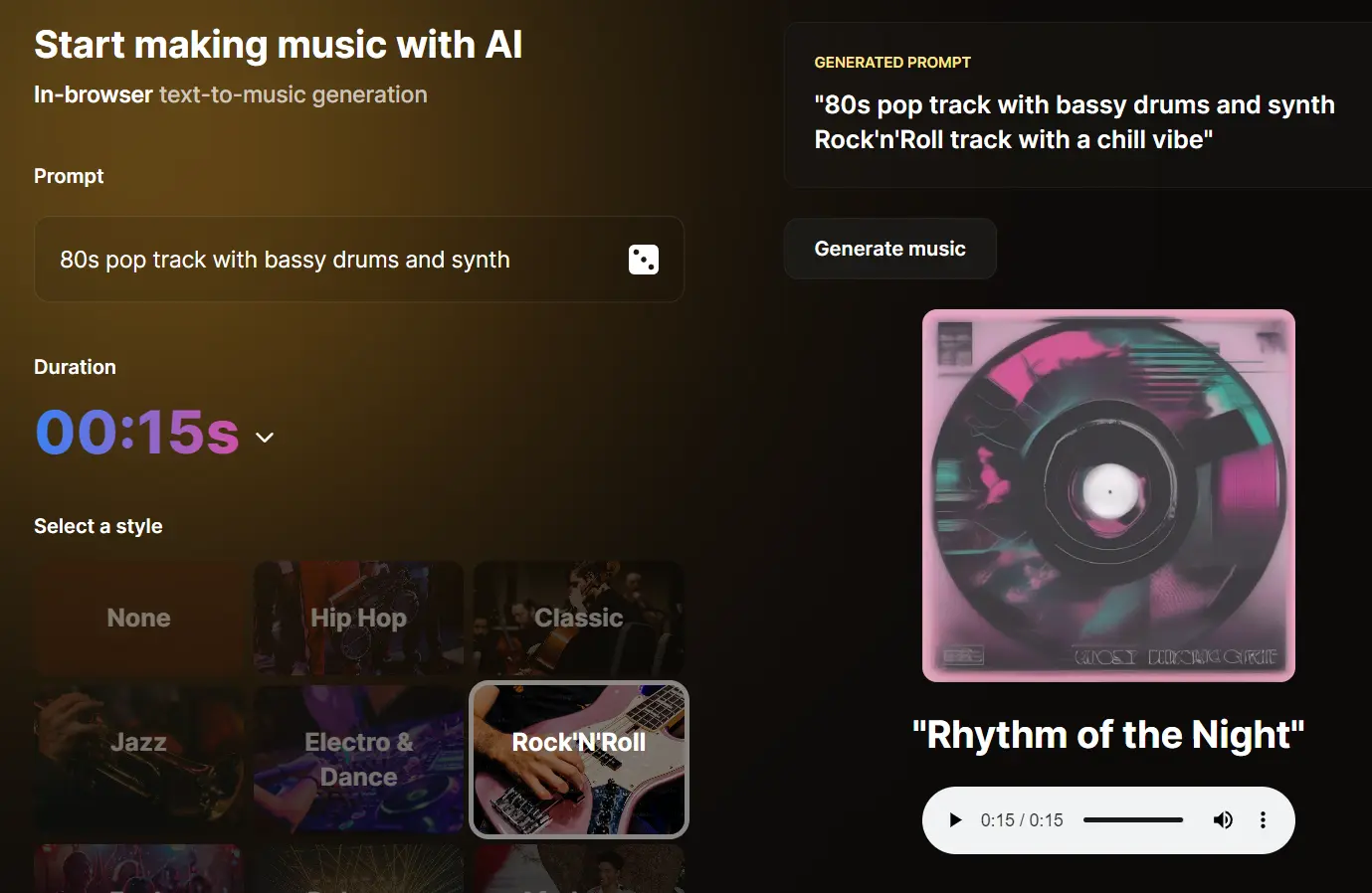
AI Jukebox is an in-browser text-to-music generation tool that uses AI to generate fresh and original music snippets from text descriptions.
Users can experiment with different musical styles, from Jazz to Electro & Dance, and emotional moods like Happy or Mysterious. It allows anyone to create short snippets of music, perfect for sound effects or jingles, or longer pieces up to 30 seconds.
How to use it:
1. Visit the AI Jukebox space on Hugging Face. Your browser will automatically download the necessary language model for music generation. Don’t worry, this only happens the first time you visit.
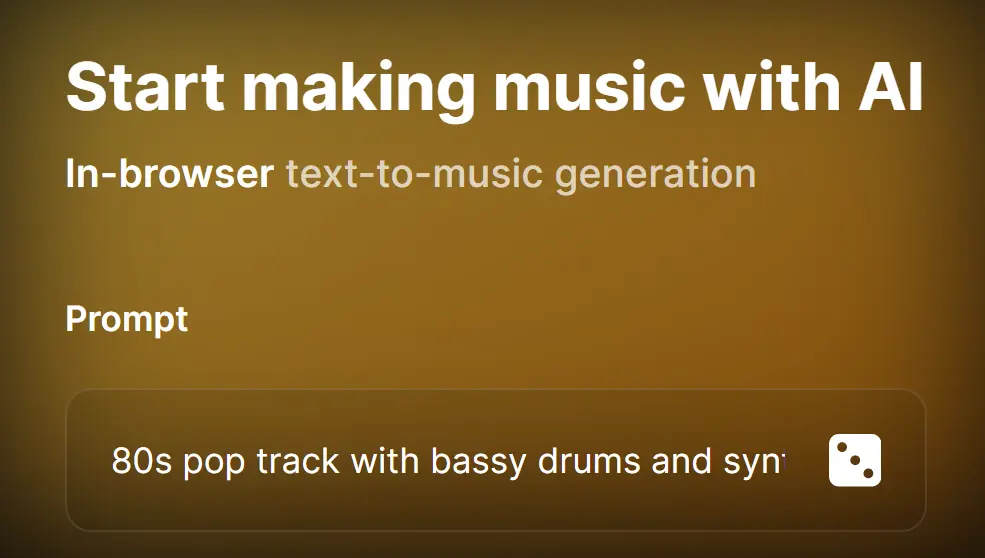
2. Enter a prompt that describes the kind of music you want to create. For instance, you could write “80s pop track with bassy drums and synth” or “Rock’n’Roll track with a chill vibe”. Feeling adventurous? Click the dice icon for a random prompt.
3. Choose the duration of your music, from a short 5 seconds to a more substantial 30 seconds. Then, pick a music style from the options provided, such as Hip Hop, Classic, Jazz, Electro & Dance, Rock’N’Roll, Funk, Dubstep, Afrobeats, Orchestral, Pop, Reggae, Metal, Country, Blues, Soul, R&B, Disco, Trap, Ambient, or Lofi.

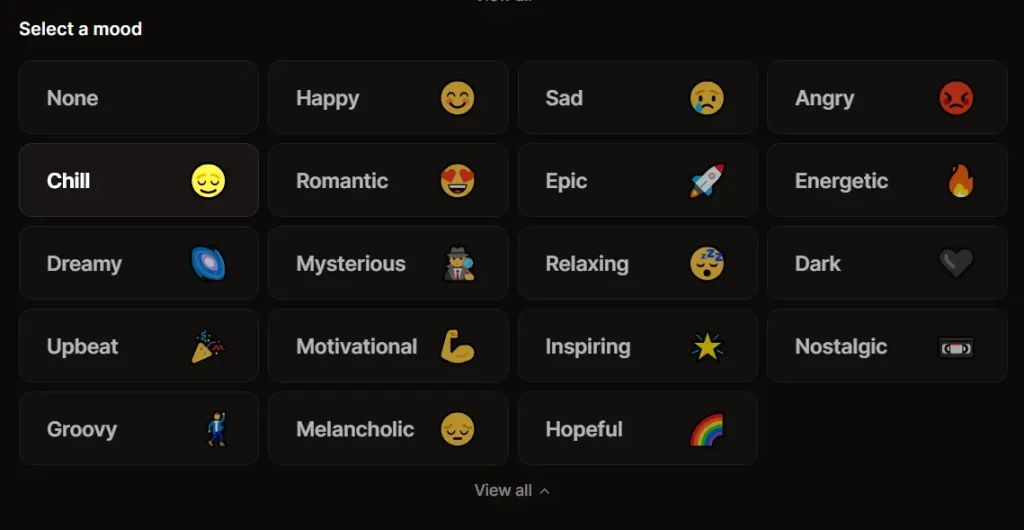
4. Add another layer to your creation by selecting the mood of your music. Do you want something happy, sad, energetic, or relaxing? The choice is yours.
5. Click the ‘Generator’ button to start generating your music. The generation time may vary depending on the complexity and length of the music.
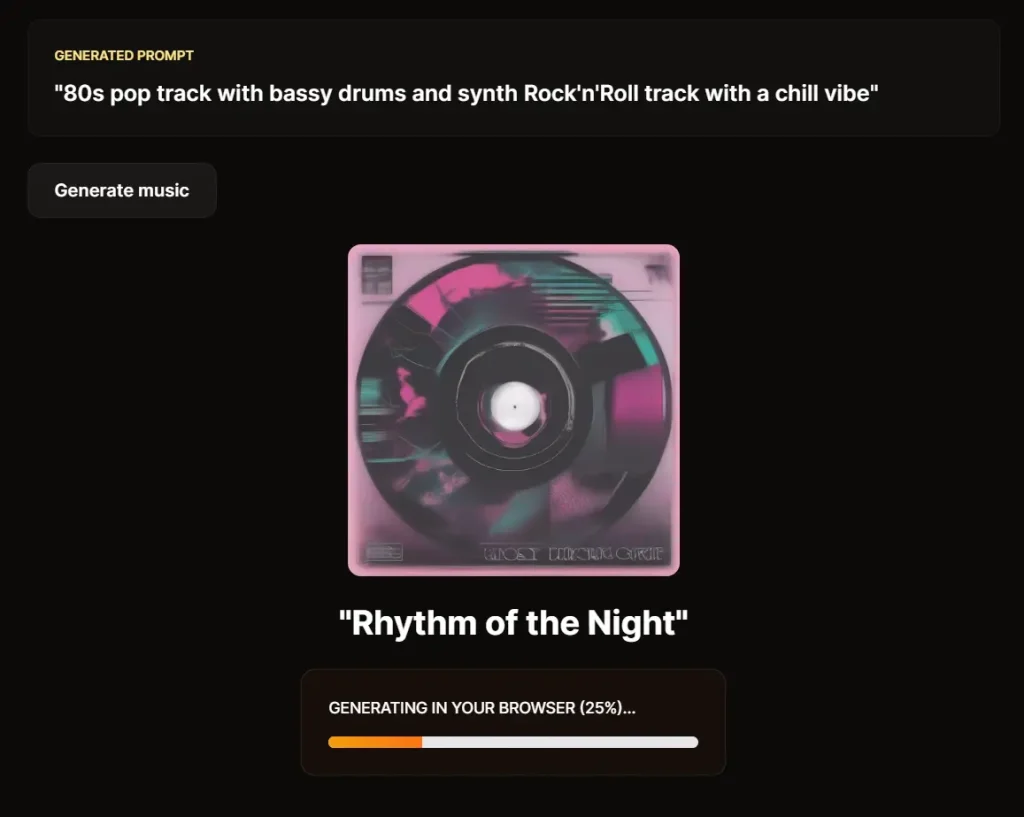
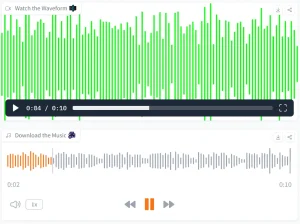
6. Here’s a sample I created using the prompt “80s pop track with bassy drums and synth”, set to a 15-second duration, Hip Hop style, and Happy mood.