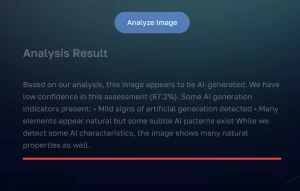
DeepfakeScam is a free online tool that helps you identify AI-generated images in just a few seconds.
As AI-generated images become increasingly realistic, distinguishing them from authentic photos can be a challenging task. This tool solves that problem by using multiple deepfake detection models, providing reliable results for verifying image authenticity.
I tested DeepfakeScam using a highly realistic AI-generated photo created with Flux 1.1.

The tool processed the image in 30 seconds, revealing mixed results across different detection models.

While most models marked the image as “Undetected,” both SightEngine and Winston AI identified it as “AI/General,” demonstrating the tool’s ability to catch sophisticated AI-generated content through its multi-model approach.
Features
The tool currently incorporates 10+ distinct AI detection models:
- AIORNOT: Quickly checks if an image is AI-generated or not.
- Adobe Firefly: Adobe’s deepfake detection model helps identify AI images.
- Dall-E: Detects images generated by the popular DALL-E model.
- Midjourney: A model to recognize images created by Midjourney.
- Stable Diffusion: Identifies images produced by Stable Diffusion’s AI.
- SightEngine: Offers general AI detection for images.
- TextIn: Analyzes text patterns within images to detect AI origins.
- Is It AI: A reliable AI-checker that provides an AI or non-AI label.
- C2PA: Detects changes made to images, signaling AI manipulation.
- The Hive: Analyzes metadata and patterns to identify deepfakes.
- Deepfake Detector: Specializes in deepfake image recognition.
- AI-Tool Detector: Focuses on identifying images created by other AI tools.
- Winston AI: A general-purpose AI detection model.
- Winston C2PA: Combines image analysis and metadata to detect AI content.
- Watermark Detector: Detects embedded watermarks that might indicate AI usage.
- EXIF Detector: Reviews EXIF data to help spot AI alterations.
- SyntheticEye-Argus: A high-accuracy model focused on detecting synthetic images.
Use Cases
- Social Media Verification: Users can quickly verify the authenticity of profile pictures and viral images before sharing or reporting them.
- Journalism and Fact-Checking: News organizations can validate image submissions and verify source materials before publication.
- Content Moderation: Online platforms can screen user-submitted images to maintain authentic content standards.
How To Use It
1. Go to the DeepfakeScam website.
2. Upload an image or paste the URL of the image you wish to analyze.
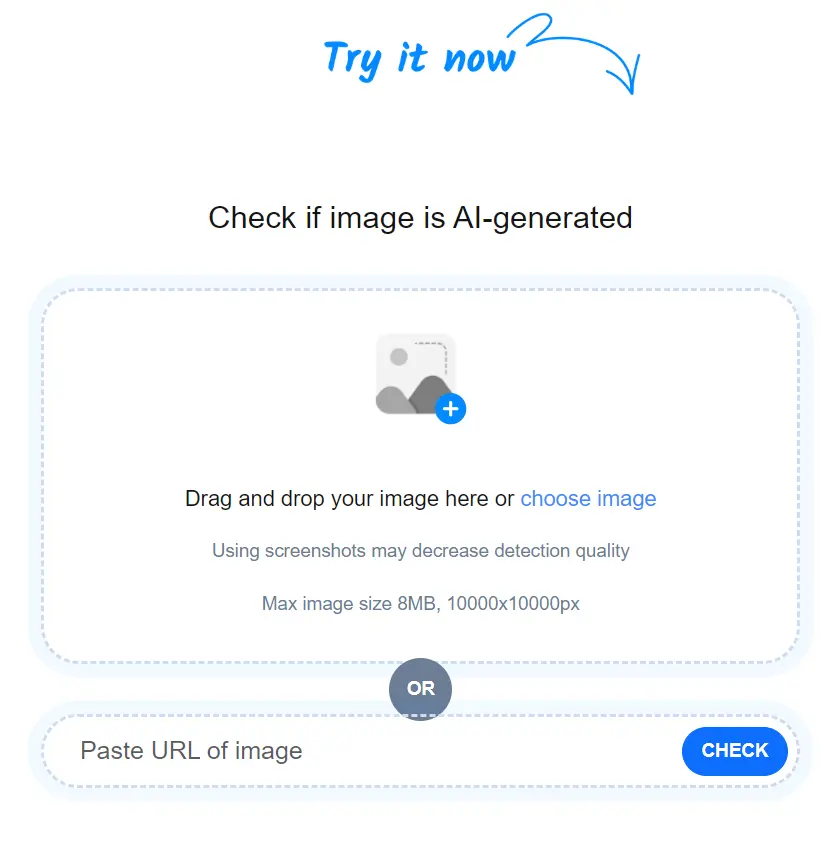
3. Once your image is uploaded, the tool will analyze it with over 10 AI models. Results will be available within seconds, showing a detailed report on whether the image is AI-generated.
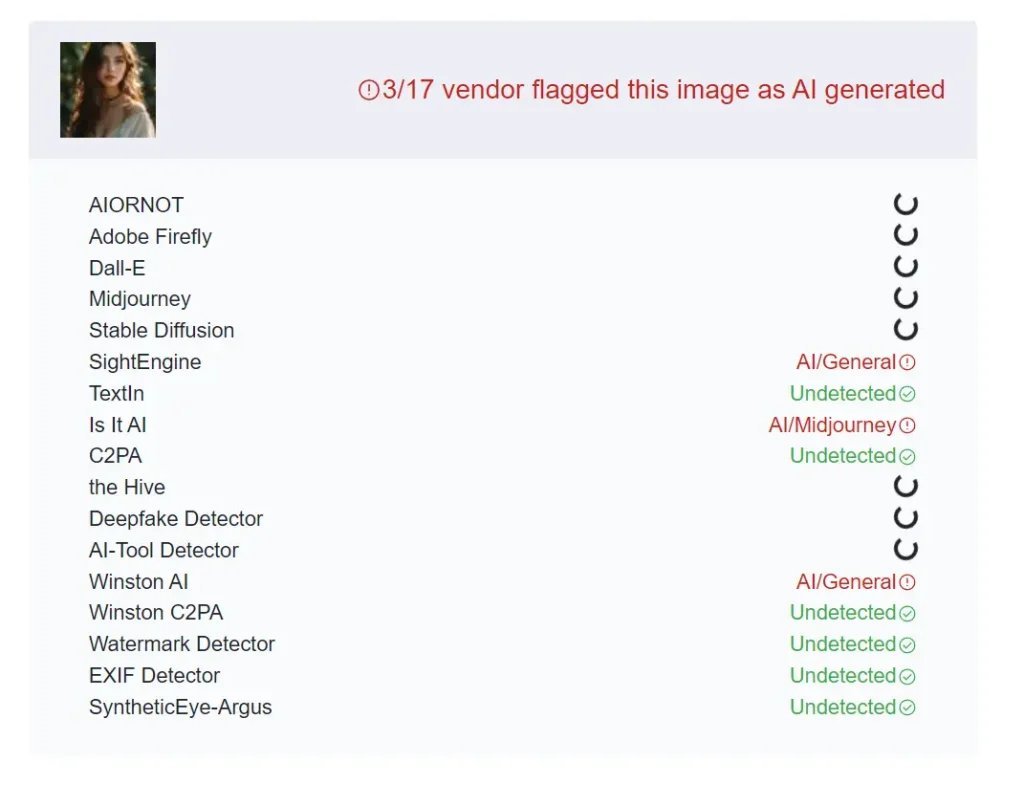
4. “Undetected” indicates the AI model believes the image is not AI-generated. “AI/General” suggests a high likelihood of AI generation, warranting closer inspection. “AI/Model Name” pinpoints the specific AI model the detector believes generated the image.
Pros
- Free to Use: Accessible to everyone without cost.
- Multi-Model Analysis: Improves detection accuracy by using several AI models.
- Supports Various Upload Methods: Offers flexibility with drag-and-drop and URL input.
- Fast Processing: Delivers quick results.
- Detailed Feedback: Provides specific insights from individual detection models.
Cons
- Not 100% Accurate: AI detection technology is constantly evolving, and some AI-generated images may still go undetected.
- Varying Model Sensitivities: Different models may produce conflicting results.
FAQs
Q: HOW ACCURATE IS DEEPFAKESCAM?
A: DeepfakeScam’s accuracy is enhanced by using multiple AI detection models. However, AI detection technology is constantly evolving, so it may not catch every AI-generated image.
Q: DO I NEED TO CREATE AN ACCOUNT TO USE DEEPFAKESCAM?
A: No, DeepfakeScam is a free online tool that does not require any account creation.
Q: WHAT TYPES OF IMAGES CAN DEEPFAKESCAM DETECT?
A: DeepfakeScam can analyze various image formats and attempts to detect images generated by different AI models.