KChat is a free, open-source AI tool that lets you build a local, privacy-first AI chatbot using the Gemini API.
All your conversations, settings, and custom personas stay on your device. No data leaves your browser except API calls to Gemini.
Features
- Multiple Gemini Models: Switch between different Gemini models based on your specific needs.
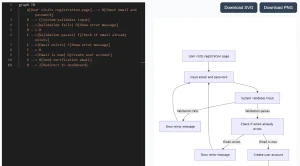
- Rich Content Rendering: Supports Markdown, LaTeX math formulas, Mermaid diagrams, and syntax-highlighted code blocks.
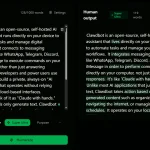
- Custom AI Personas: Create and manage different AI personalities with unique conversation styles and expertise areas.
- Built-in Translation Tool: Dedicated interface with automatic language detection and multiple translation modes.
- Advanced Organization: Drag-and-drop folder system with searchable chat history and archive functionality.
- File Attachment Support: Upload images and documents directly into your conversations.
- Glassmorphism UI: Modern interface design with fluid animations and responsive layout.
- Data Export/Import: Full backup and restore capabilities through JSON format.
How To Use It
1. Get a free Gemini API key from Google AI Studio.
2. Clone the repository from GitHub.
git clone https://github.com/KuekHaoYang/KChat.git
cd KChat
3. Install Dependencies.
npm install4. Start the Server, and your app will be hosted at http://localhost:5173
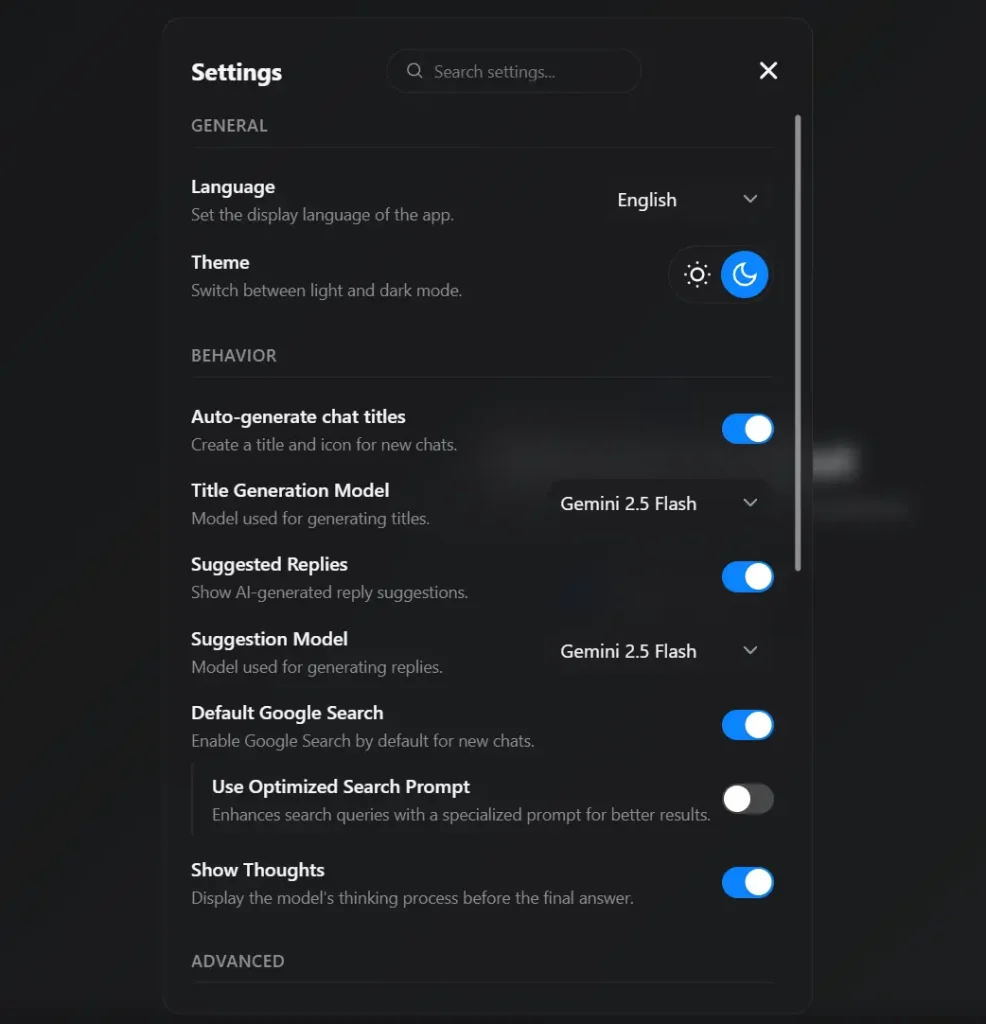
npm run dev5. Click the settings icon (a small cog) in the sidebar and paste your Gemini API key. The application is now ready to use.
6. You can enter multiple Gemini API keys separated by commas. The application will rotate through them, which can be useful for managing usage limits.
Pros
- Complete Privacy: Your conversations never leave your device except for API calls to Google’s servers.
- No Registration Required: Start chatting immediately without creating accounts or providing personal information.
- Persistent History: All conversations survive browser restarts and remain accessible indefinitely unless manually deleted.
- Flexible Organization: Folder system and search functionality help manage extensive conversation histories effectively.
- Multiple AI Personalities: Create specialized assistants for different tasks or conversation styles without switching applications.
- Free to Use: Only cost is the Gemini API usage, which includes generous free tiers for most users.
Cons
- Technical Setup Required: Requires Node.js installation and basic command-line familiarity for local deployment.
- Browser Dependency: All data exists only in your browser’s local storage, creating risk if storage gets cleared.
- No Cloud Sync: Conversations cannot sync across different devices or browsers without manual export/import.
- Single AI Provider: Limited to Google’s Gemini models only, unlike tools that support multiple AI providers.
FAQs
Q: Is KChat completely free to use?
A: Yes, the KChat application itself is free and open-source. However, it requires a Google Gemini API key to function. Google provides a free tier for the Gemini API that is generous enough for most personal use cases.
Q: How secure is my data in KChat?
A: Your conversation history stays entirely in your browser’s local storage. Only your messages get sent to Google’s Gemini API for responses. Google processes these according to their privacy policy, but your complete chat history never leaves your device. Clear your browser data if you want to remove all traces.
Q: What happens if I clear my browser data?
A: All conversations, personas, and settings get permanently deleted since they’re stored in local browser storage. Export your data regularly through the settings panel to create backups. The JSON export includes everything and can be imported into a fresh installation.
Q: Can I run KChat on multiple devices?
A: Each device maintains its own independent chat history. You can manually export data from one device and import it to another, but there’s no automatic synchronization. This design prioritizes privacy over convenience.