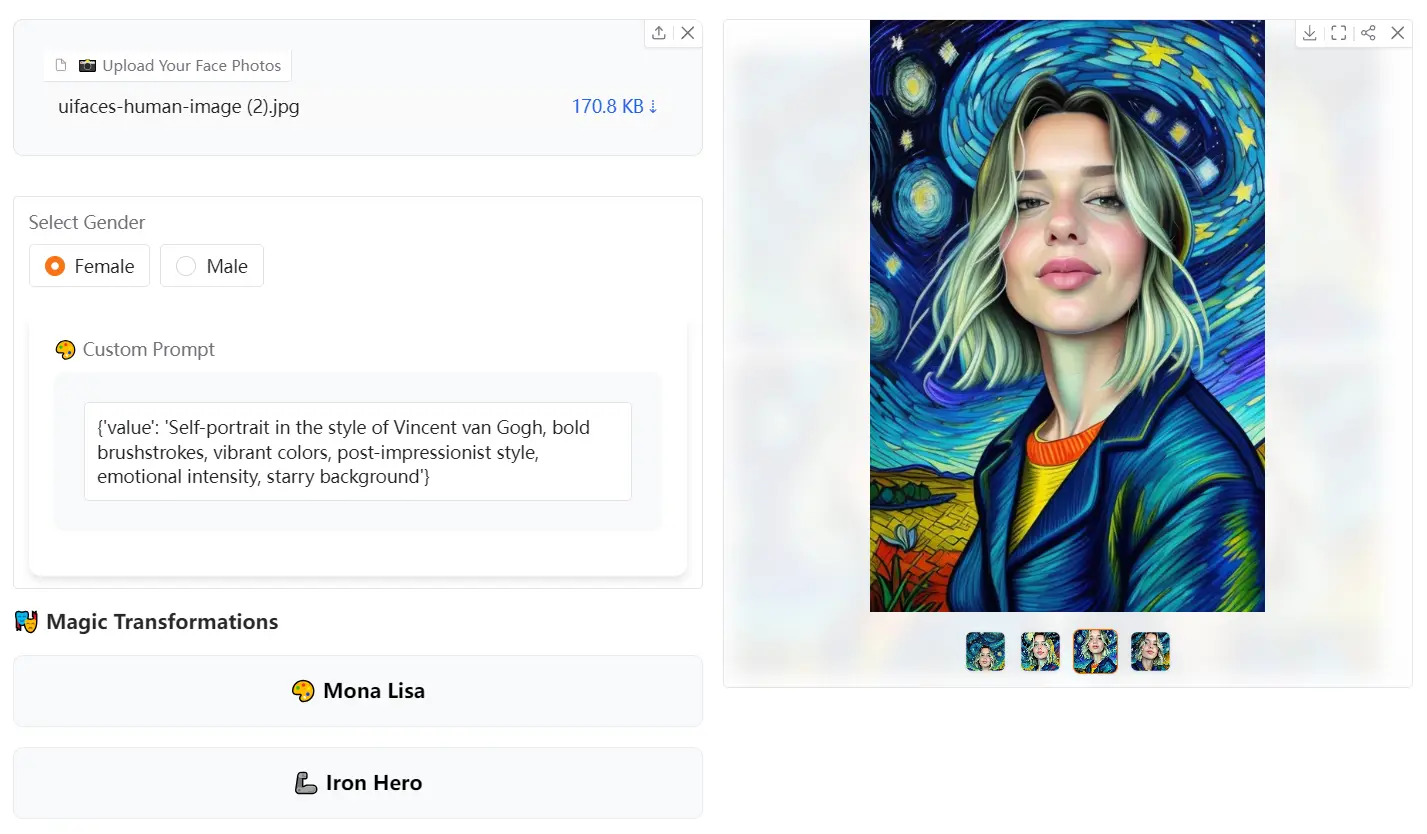
Magic Face is a free, AI-powered tool that allows you to transform your face into iconic, legendary characters from history, pop culture, and mythology.
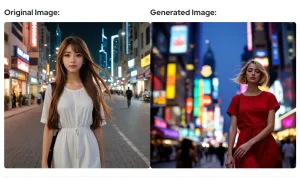
You can turn your photos into styles ranging from classical masterpieces like the Mona Lisa to pop culture icons from Star Wars and The Matrix. The tool processes multiple facial angles to create accurate transformations while preserving your key facial features.
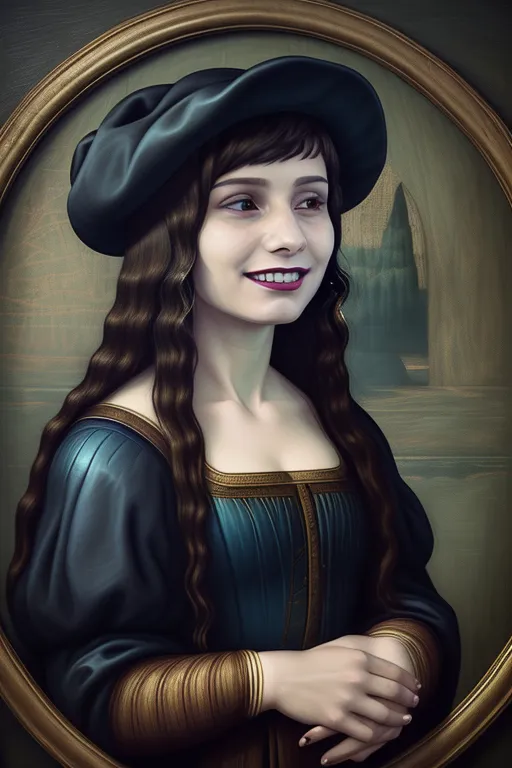
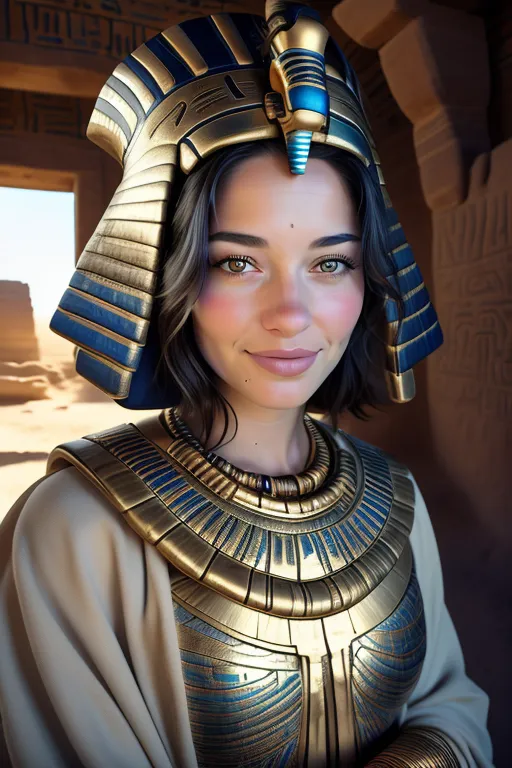
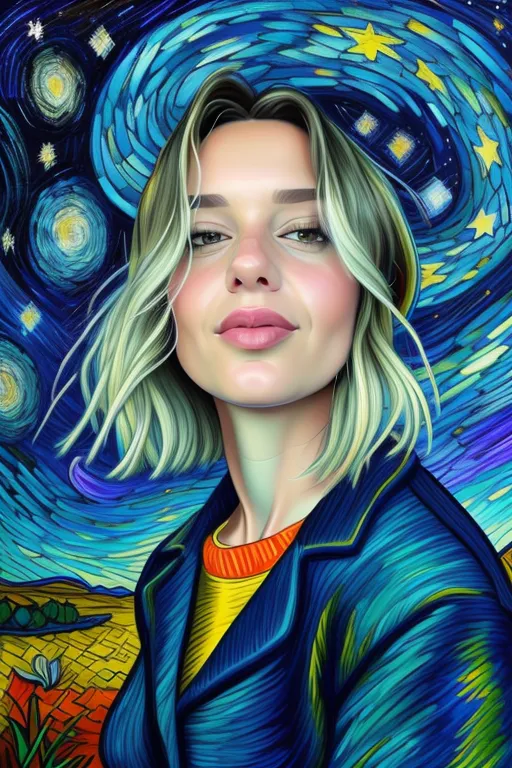
I tested Magic Face with several photos to evaluate its transformation capabilities. Here’re the results:



Playground
Features
- Diverse Character Options: Choose from a wide range of legendary characters like Mona Lisa, Iron Hero, Ancient Egyptian, Sherlock Holmes, Star Wars Jedi, Van Gogh Style, Greek God, Medieval Knight, Matrix Hero, and Pirate Captain.
- Custom Prompts: You can use preset character options or write your own prompt to combine different historical or fictional figures.
- Multiple Photo Uploads: Upload multiple angles of your face to achieve improved results.
- Gender Selection: Specify your gender to tailor the transformation.
Use Cases
- Social Media Content: Create unique profile pictures or share fun, transformed images on social platforms.
- Creative Projects: Designers and artists can use this to generate creative inspiration and prototypes.
- Character Design: Writers can use the tool to visualize characters from their stories.
- Personal Entertainment: Explore how you look as your favorite historical and fictional figures.
- Gifting and Fun: Create funny and unique photos for friends and family.
How To Use Magic Face
1. Access the Tool
- Visit Magic Face’s Hugging Face Space
- Find the embedded version directly on this page
2. Upload Your Photos
- Select one or more face photos
- Include multiple angles for better accuracy
- Ensure good lighting and clear facial visibility
3. Configure Settings
- Select your gender for optimized results
- Choose a preset character or write a custom prompt
- Adjust any additional settings if needed
4. Generate and Download
- Click “Generate Magic” to start the transformation
- Wait for the AI to process your photos
- Click generated images to view and download in full resolution
Pros
- Free to Use: There are no costs associated with using this tool.
- Creative Control: Users can select from a variety of preset characters or input their own.
- Versatile Results: Transformations are of high quality and diverse.
- Time-Saving: The tool generates images quickly, saving time on manual photo editing.
Cons
- Image Accuracy: Results depend on the quality and angles of the uploaded images.
- Limited Character Options: Some specific character requests might not be available.
FAQs
Q: How many photos can I transform at once?
A: You can upload multiple photos for better results, but the tool processes one transformation at a time.
Q: Can I combine different character styles?
A: Yes, you can write custom prompts to blend various character elements and create unique combinations.
Q: Will my original photos be stored on the server?
A: The tool processes your photos temporarily and doesn’t permanently store them.