Oh My Images is a free AI image generator that creates professional-grade images from text prompts and reference images (OPTIONAL), with quality comparable to Google’s latest Gemini 2.5 Flash Image (Nano Banana) model.
The tool runs entirely in your browser with no account creation needed. You describe what you want, hit generate, and get high-quality images in 10-30 seconds. There are no daily limits, no credit systems, and no premium tiers pushing you toward paid plans.
Features
- 100% Free: The service is completely free with no hidden costs or premium tiers.
- Powered by Advanced AI: Produces high-resolution, professional-quality images suitable for a variety of purposes.
- Unlimited Generations: Create as many images as you want without daily or monthly limits.
- Multiple Styles: The AI can generate images in numerous styles, including photorealistic, artistic, cartoon, and abstract.
- Reference Images: You can upload an image to guide the AI.
- Privacy First: The platform does not store your images or personal data.
- Commercial Use: Images you create can be used for commercial projects without restrictions.
Case Study: Testing the Illustration to Figure Prompt
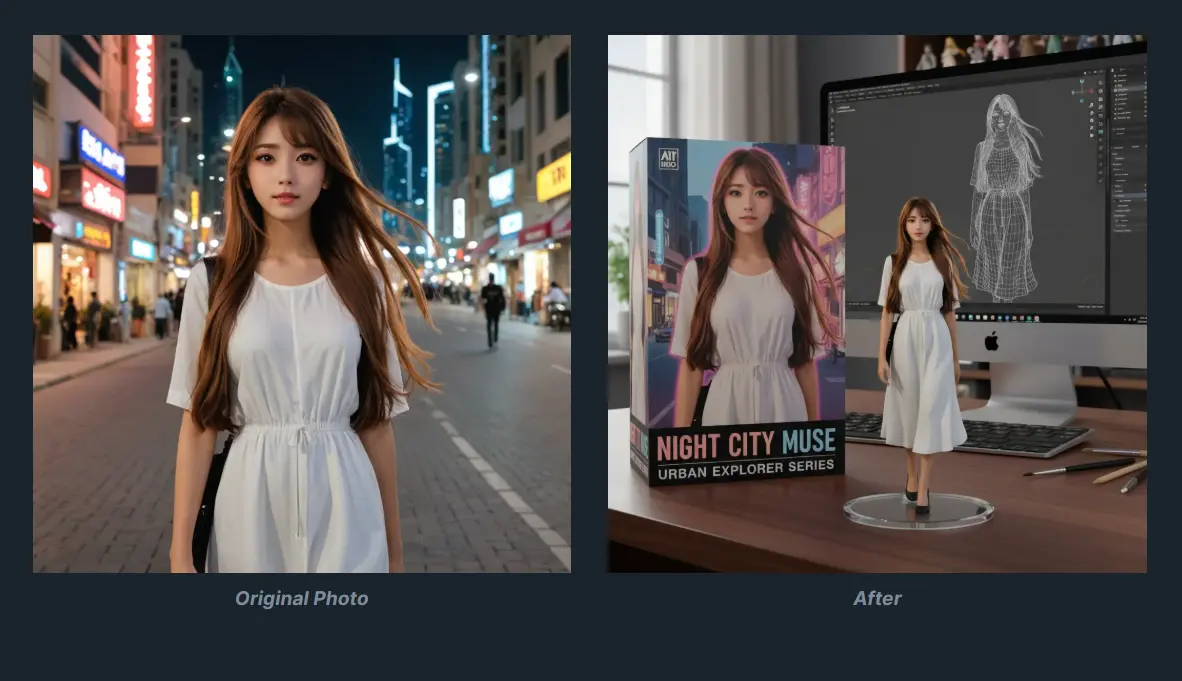
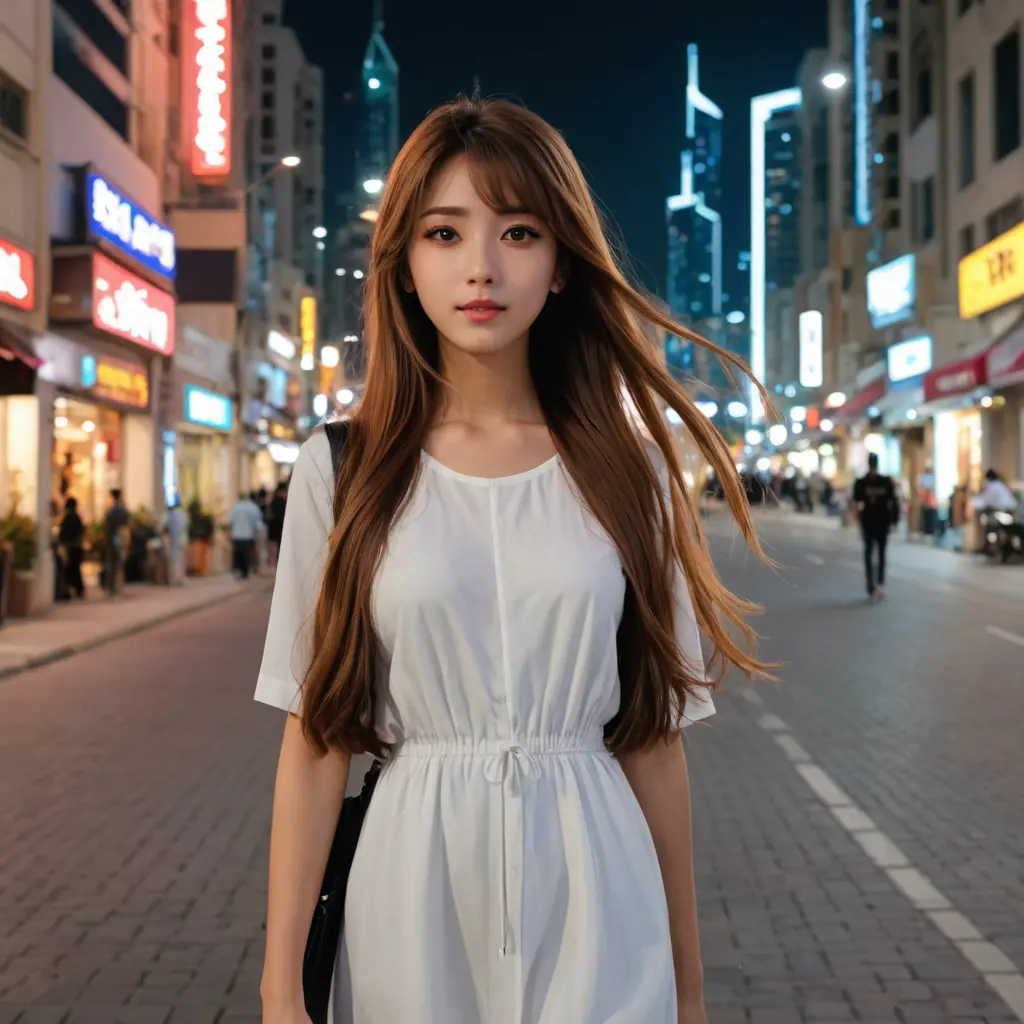
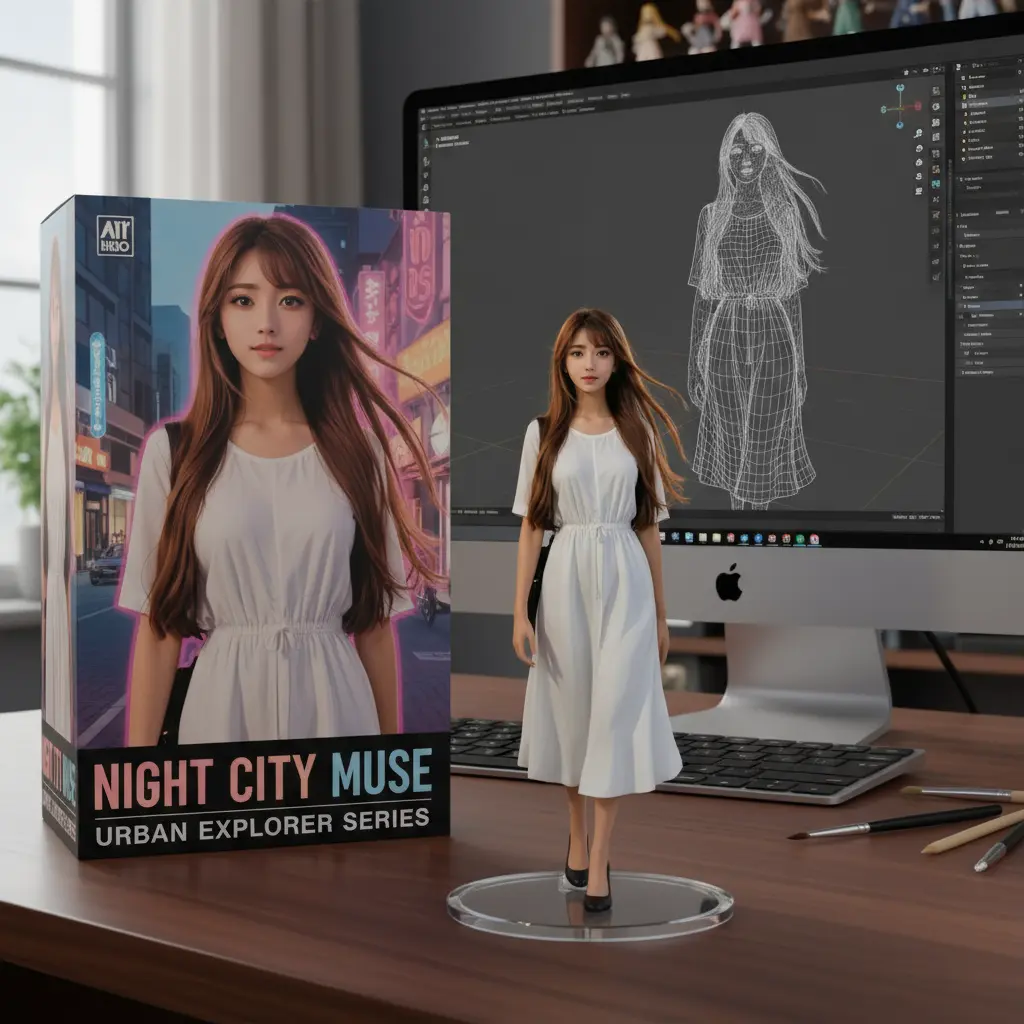
I ran tests using the popular “Illustration to Figure” prompt that went viral after Gemini 2.5 Flash Image (Nano Banana) launched. This prompt transforms cartoon characters into realistic action figure mockups, complete with packaging and display scenes.
Turn this photo into a character figure. Behind it, place a box with the character's image printed on it, and a computer showing the Blender modeling process on its screen. In front of the box, add a round plastic base with the character figure standing on it. set the scene indoors if possible.
The results from Oh My Images matched the quality of direct Nano Banana API outputs remarkably well, with the same level of detail in the packaging design, consistent lighting on the figure sculpt, and realistic product photography aesthetics.
The comparison images showed nearly identical output quality between the restricted Nano Banana API and Oh My Images’ unlimited free access. For anyone who has reached usage limits on official Gemini app, this tool offers a viable workaround without compromising quality.
Use Cases
- Content Creation: Generate unique images for blog posts, articles, and social media feeds to capture audience attention.
- Marketing Materials: Create custom visuals for advertisements, brochures, and presentations without hiring a designer.
- Prototyping and Mood Boards: Quickly visualize concepts for creative projects, product designs, or brand aesthetics.
- Personal Projects: Design custom artwork, illustrations for a story, or just have fun bringing imaginative ideas to life.
How To Use It
1. Open ohmyimages.com and type your image description. Be specific about what you want: mention styles, colors, compositions, and any key details. For example: “a sleek modern living room with floor-to-ceiling windows, minimalist furniture, warm afternoon sunlight” works better than just “living room.”
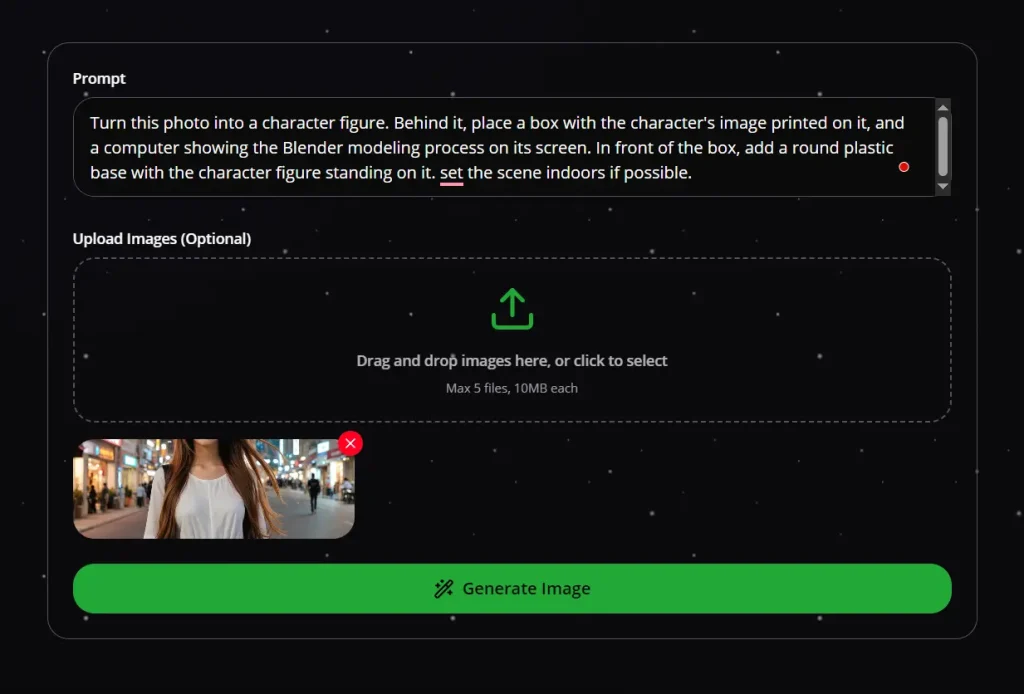
2. Upload a reference image if you want to guide the AI toward specific visual characteristics. Click the upload area and select an image from your device. The AI will analyze elements like composition, color palette, and style from your reference.
3. Click the generate button and wait 10-30 seconds. The tool processes your request and displays the result directly in the browser window.
4. Download your image by clicking the download button below the generated result. Images save to your default downloads folder in high resolution. The file expires on the server shortly after generation, so grab it right away if you plan to use it.
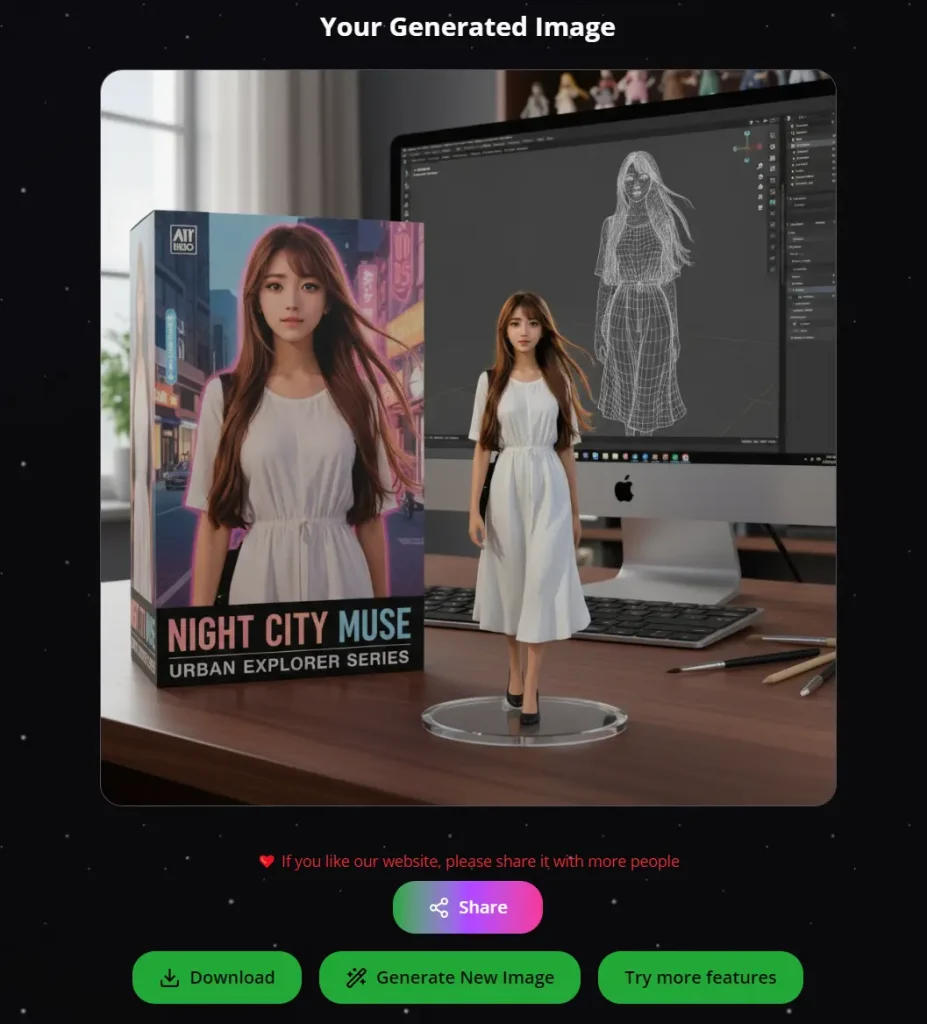
5. If the first result isn’t quite right, tweak your prompt and regenerate. There’s no penalty for iteration since generations are unlimited. Try adding more descriptive terms or adjusting your reference image.
Pros
- No Cost, Ever: It’s completely free, which is its biggest selling point.
- Truly Unlimited: You can generate images all day without hitting a cap.
- Zero Barrier to Entry: The no-login policy means you can use it instantly and anonymously.
- Fast Generations: Getting images in under 30 seconds is great for rapid brainstorming.
- Commercial License Included: You have full rights to use the images in for-profit projects.
Cons
- No Generation History: The tool doesn’t save your past creations. If you don’t download an image, it’s gone for good.
- Limited Advanced Controls: It lacks features found in some paid tools, like negative prompts or granular control over AI model parameters.
Related Resources
- Google Nano Banana: Google’s latest image generation model.
- Free Image Editors: Explore the top free AI image editors to enhance photos.
- 10 Best AI Image Generators (Free & Paid Options)
FAQs
Q: What types of AI images can I create?
A: You can create almost anything you can imagine: artwork, realistic photos, logos, illustrations, product mockups, and more. The AI is versatile enough to handle prompts for fantasy landscapes, abstract art, or realistic portraits.
Q: How long does it take to generate an image?
A: Most generations complete in 10-30 seconds, depending on image complexity and server load. Simple compositions with fewer elements tend to process faster than detailed scenes with multiple objects.
Q: Can I view my historical generation records?
A: No, Oh My Images does not store any uploaded or generated images to protect user privacy. All processing happens in real-time, and you must download any image you want to keep before leaving the page.