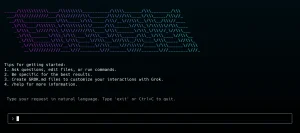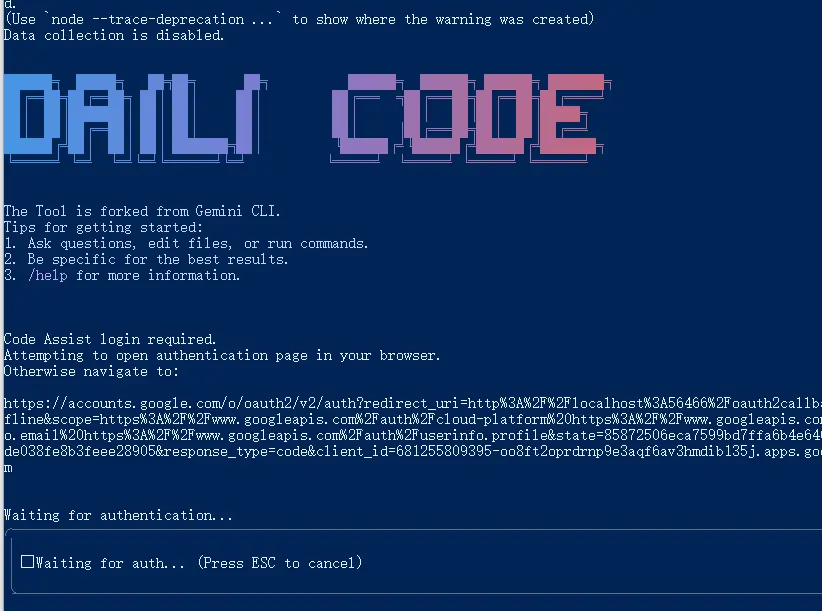
Daili Code is a free, open-source command-line AI workflow tool that connects multiple LLM models to your development environment, code repositories, and operational tasks.
It’s a forked version of Google’s Gemini CLI, but with a key difference: it supports multiple LLM providers.
This means you aren’t locked into a single ecosystem. You can use Google’s Gemini, OpenAI’s models, or any LLM that uses the standard OpenAI API format, all from the same interface.
Features
- Multi-LLM Support: Connect to Gemini, OpenAI, Claude Sonnet 4, Grok-4, and other major providers through a unified interface.
- Large Context Processing: Query and edit codebases using advanced LLM capabilities with large context windows.
- Multimodal Generation: Create applications from PDFs, sketches, and other visual inputs using multimodal AI capabilities.
- Tool Integration: Connect external capabilities through MCP servers and custom tools.
- Git Operations: Automate complex rebases, query pull requests, and handle version control tasks.
- Flexible Configuration: Switch between different LLM providers without changing your workflow.
- Programmatic API: Integrate directly into JavaScript applications for automated workflows.
How to Use It
1. Getting started with Daili Code requires Node.js version 20 or higher installed on your system.
2. Run the CLI directly without installation using npx:
npx daili-code3. Or install it globally with NPM for easier access:
npm install -g daili-code4. Configure your preferred LLM provider using environment variables:
export USE_CUSTOM_LLM=true
export CUSTOM_LLM_PROVIDER="openai"
export CUSTOM_LLM_API_KEY="your-api-key"
export CUSTOM_LLM_ENDPOINT="https://api.your-provider.com/v1"
export CUSTOM_LLM_MODEL_NAME="your-model-name"
5. Navigate to your project directory and start the CLI:
cd your-project/
dlc
> Describe the main pieces of this system's architecture.
6. Use the @ symbol to include file contents in your prompts:
> @src/components/ Explain how these React components work together7. Execute system commands directly with the ! prefix:
!git status
!ls -la
Slash Commands (/)
- /about: Shows version and session information.
- /auth: Opens a dialog to change your authentication method (e.g., Google login vs. API key).
- /bug: Helps you file a bug report on GitHub.
- /chat: Manages conversation histories.
- save : Saves the current conversation with a memorable tag.
- resume : Loads a previously saved conversation.
- list: Shows all saved conversation tags.
- /clear: Clears the terminal screen.
- /compress: Summarizes the entire conversation to save tokens for future prompts.
- /editor: Opens a menu to select a supported code editor.
- /help (or /?): Displays help information for all commands.
- /mcp: Lists available Model Context Protocol (MCP) servers and their tools, which extend the AI’s capabilities.
- /memory: Manages instructional context for the AI.
- add : Adds text to the AI’s short-term memory.
- show: Displays the full instructional context loaded from
GEMINI.mdfiles. - refresh: Reloads the instructional memory from
GEMINI.mdfiles.
- /restore [tool_call_id]: Undoes file changes made by a tool.
- /stats: Displays session statistics, including token usage.
- /theme: Opens a dialog to change the CLI’s visual theme.
- /tools: Lists the tools the AI can currently use.
- /quit (or /exit): Exits the Daili Code session.
At Commands (@)
- @: Reads the content of the specified file or all files within a directory and adds it to your query. It automatically ignores files listed in your
.gitignore. - @: A lone at-symbol is treated as a literal character in your prompt.
Shell Commands (!)
- !: Executes a single command in your system’s shell (e.g.,
!ls -laor!git status). - !: Toggles “shell mode.” When active, all input is sent directly to your system shell until you toggle it off by entering
!again.
Pros
- Provider Flexibility: Switch between different LLM providers without changing your workflow or learning new commands.
- Open Source: Full access to source code allows customization and community contributions.
- Comprehensive Testing: Extensive model compatibility testing across multiple dimensions, including tool calling and multimodal capabilities.
- Rich Command Set: Built-in commands for chat management, memory handling, file restoration, and theme customization.
- Enterprise Integration: MCP server support enables connection to enterprise collaboration tools and local systems.
- Context Preservation: Advanced memory management and conversation state saving for complex, multi-session projects.
Cons
Several limitations may affect certain use cases and workflows:
- Node.js Dependency: Requires Node.js version 20 or higher.
- Command Line Interface: Terminal-based interaction may not appeal to developers who prefer graphical interfaces.
- Model Limitations: Some features like multimodal capabilities are not available across all supported LLM providers.
- Learning Curve: The command set and configuration options require time investment to master fully.
- Local Setup Required: It requires local installation and configuration for each development environment.
Related Resources
- Gemini CLI Repository: The upstream project that Daili Code is based on, useful for understanding core concepts.
- Model Context Protocol Documentation: Official documentation for MCP servers and tool integration capabilities.
- OpenAI API Documentation: Essential reference for understanding API compatibility and configuration options.
- Node.js Installation Guide: Official Node.js download and installation instructions for different operating systems.
- Grok CLI: Open Alternative to Claude Code and Gemini CLI.
- MCP Servers: A directory of curated & open-source Model Context Protocol servers.
- Qwen Code: Open-source Command-line AI Agent.
FAQs
Q: Is Daili Code the same as Google’s Gemini CLI?
A: No. Daili Code is a “fork” (a copy with modifications) of Gemini CLI. While it shares the same core foundation, its main advantage is the added support for multiple LLM providers, not just Google’s Gemini.
Q: Do I need an API key to use Daili Code?
A: It depends. If you use the default Gemini model, you can log in with a personal Google account for a generous free tier. If you want to use a model from another provider like OpenAI or a custom endpoint, you will need to provide an API key for that service.
Q: What are MCP servers?
A: MCP stands for Model Context Protocol. It’s a system that allows Daili Code to connect with other tools and services. Think of it as a way to give the AI new skills, like generating charts or interacting with a specific API.
Q: Can I use this with a model running on my own machine?
A: Yes. As long as your local model is served through an API that is compatible with OpenAI’s API format, you can point Daili Code to it by setting the CUSTOM_LLM_ENDPOINT environment variable to your local address.