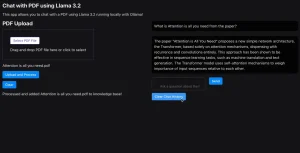
Chat with PDF is a 100% free, user-friendly tool that enables users to summarize and interact with PDF files using AI.
This free AI PDF tool allows you to ask questions about your PDF documents and get answers in natural language. For example, you can ask for a summary of the document, translate specific content, or even have the AI rephrase certain parts.
It can be useful for students, professionals, and researchers who need quick insights or detailed information from PDF files without manual reading.
Chat with PDF is developed by PDF Flex, a robust platform for converting PDFs to various formats, such as Word, PowerPoint, PNG, Excel, JPG, and more.
How to use it:
1. Visit the Chat with PDF website and upload your PDF file. The maximum file size is 10MB. The service is entirely free and does not require sign-up.
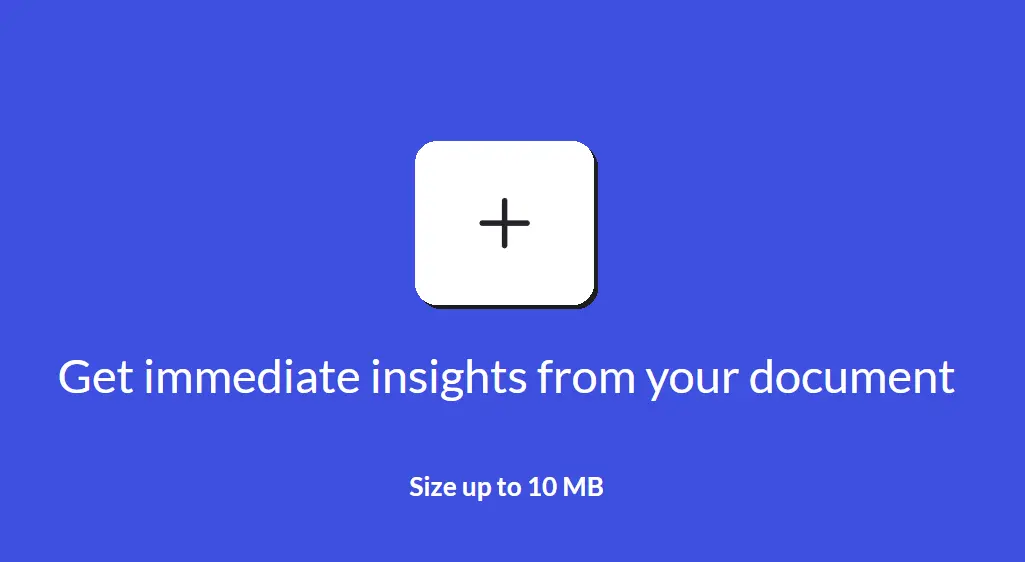
2. Once uploaded, the AI will analyze your PDF document and generate an insightful summary to grasp the overall content.

3. You can then ask the AI to summarize, translate, find specific information, generalize content, or even rephrase parts of the document. For example:
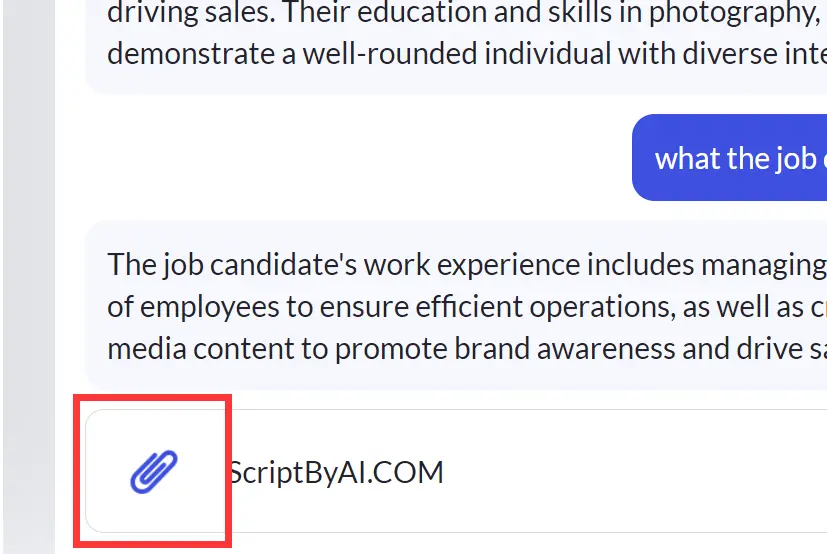
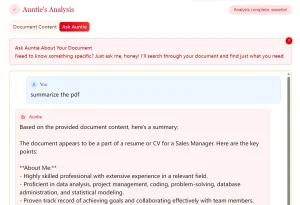
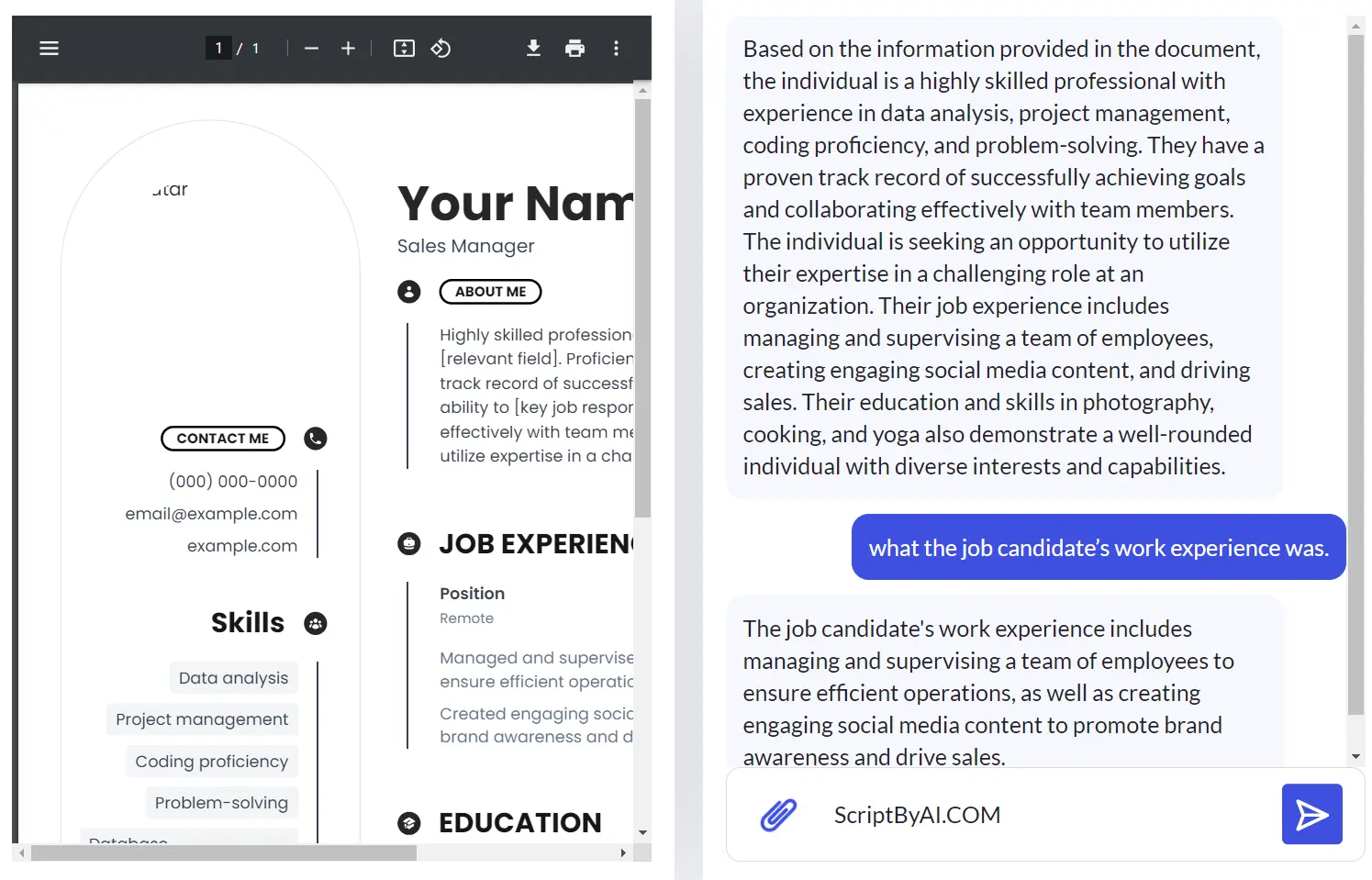
I uploaded a copy of my resume to the Chat with PDF tool. The AI first summarized the main content of the resume, which gave me a quick overview. I then asked the AI to tell me my work experience. The AI responded by accurately displaying my work history from the resume.
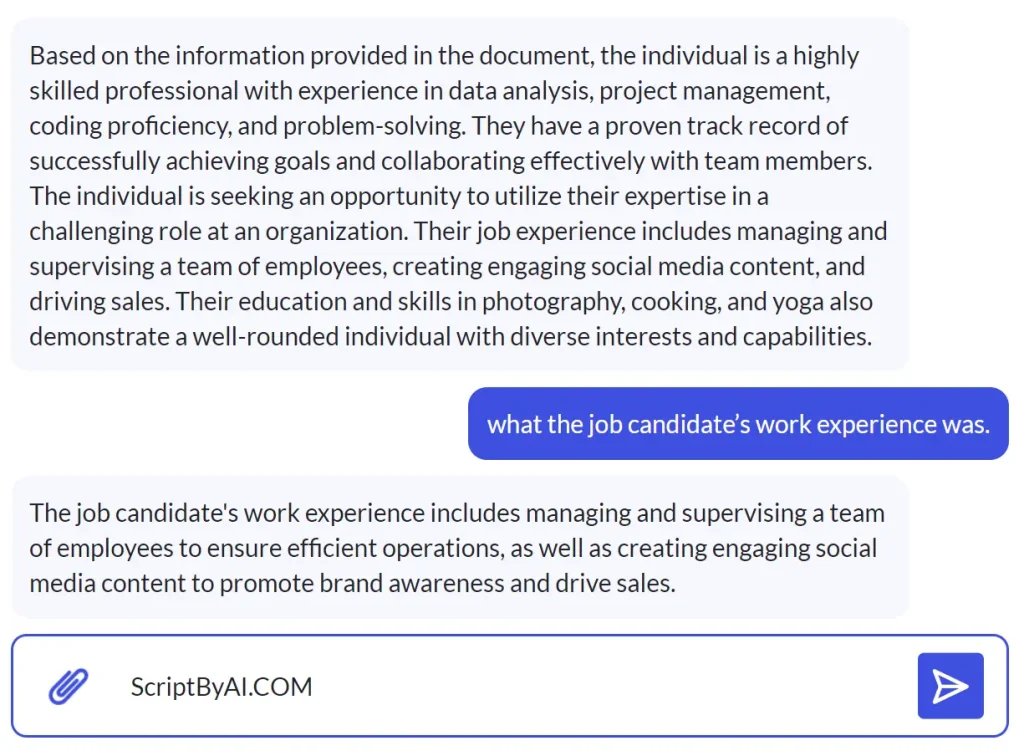
4. You can upload additional PDF files for analysis by clicking the attachment icon in the chat box.