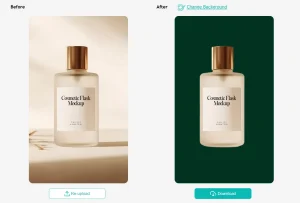
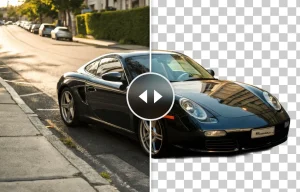
RemoveBG is an online tool that lets you quickly and easily remove and edit backgrounds from images using AI. It is completely free to use without any sign-up required.
After removing backgrounds, you can choose from hundreds of new background templates or upload your own custom backgrounds. This allows you to give images new contexts and layouts for endless design possibilities.
How to use it:
1. Visit the RemoveBG online tool.
2. Upload an image by clicking ‘Upload’ or drag and drop a file into the upload box.

3. RemoveBG will automatically detect and erase the existing background from the image you upload.
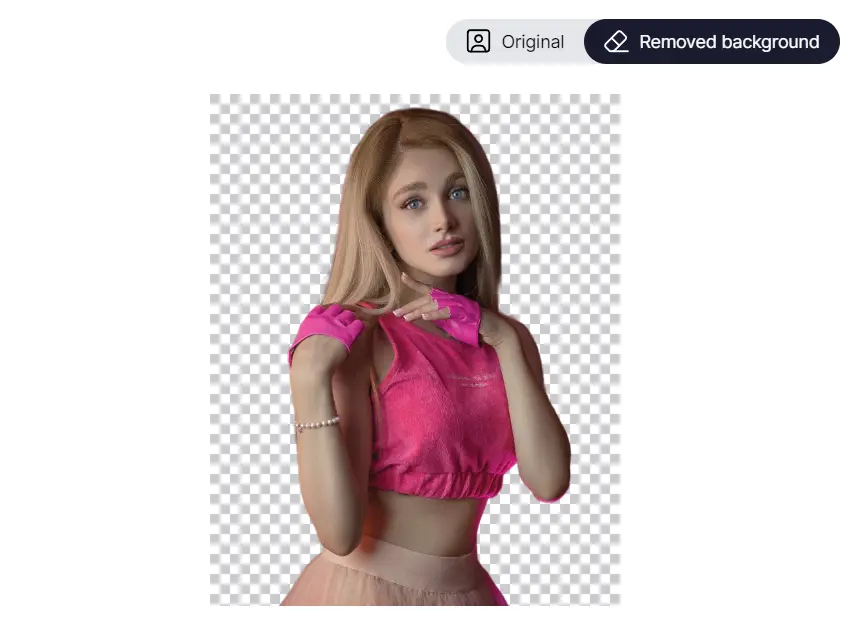
4. You can then edit further – change the background, make it transparent, or choose a new color or template for a fresh look.

5. Download your edited image in HD quality.