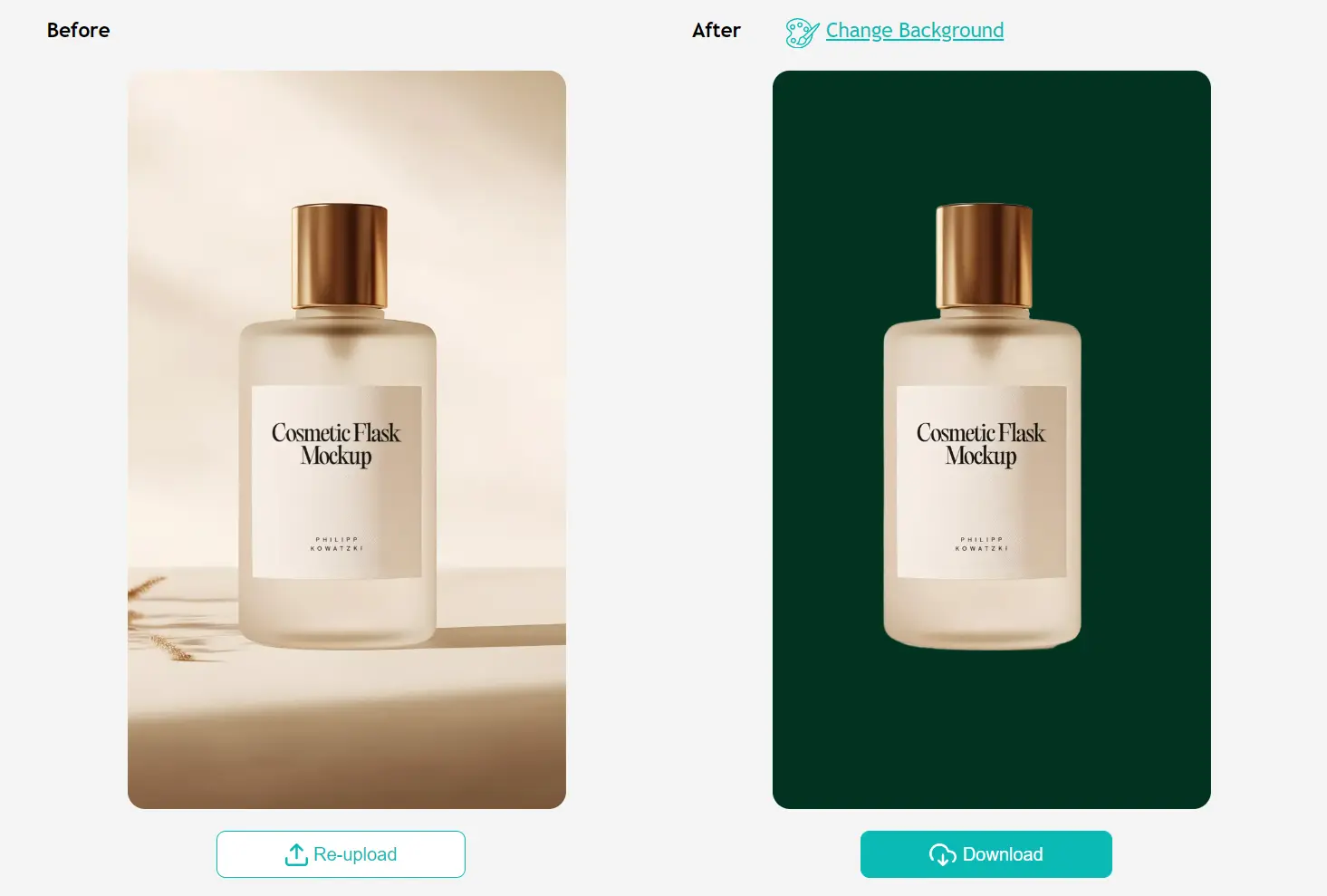
ezremove is a free AI-powered image background removal tool that automatically detects and isolates subjects in your photos.
It processes images in approximately five seconds using advanced machine learning algorithms trained to handle complex edges and fine details.
Features
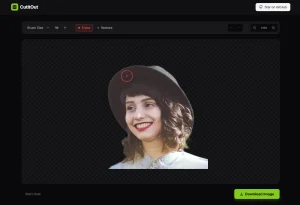
- AI-Powered Automatic Detection: Advanced algorithms identify subjects and remove backgrounds with high accuracy, handling complex edges and fine details like hair strands.
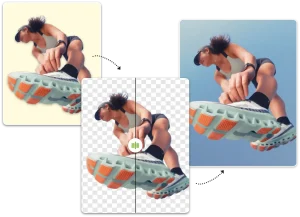
- Transparent Background Creation: Converts images to clean PNG files with transparent backgrounds suitable for design projects and e-commerce listings.
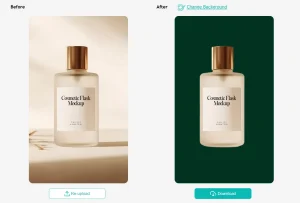
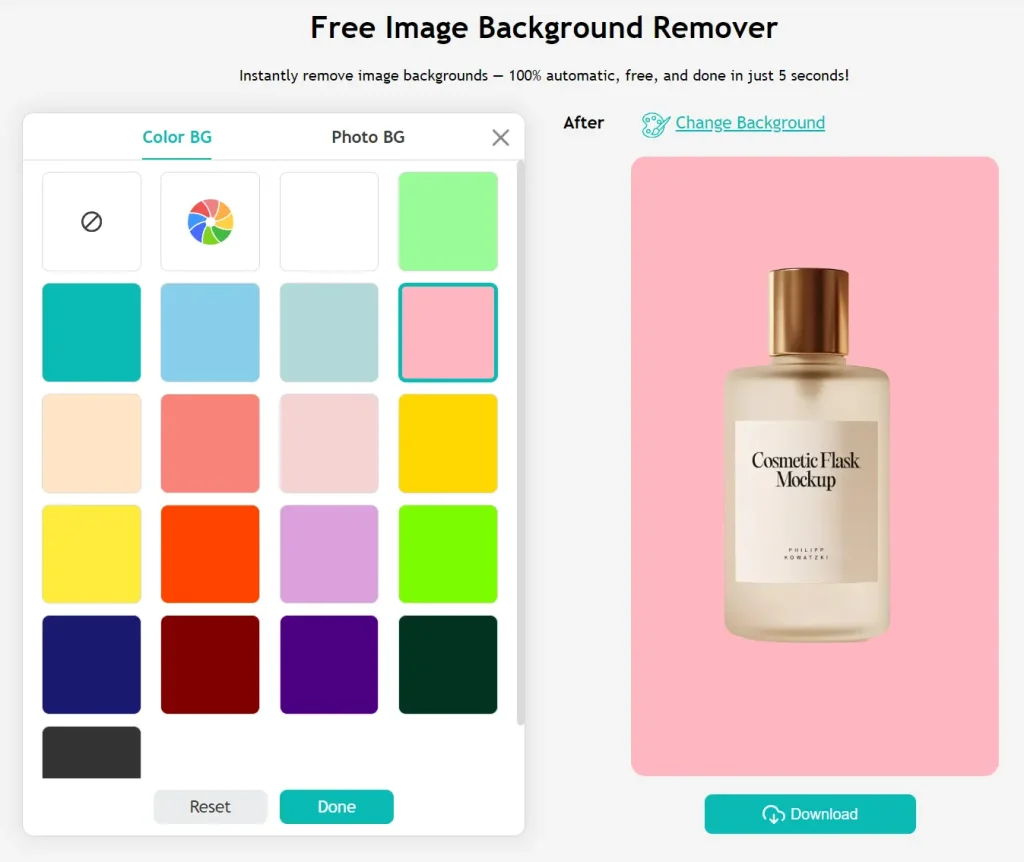
- Custom Background Options: Replace removed backgrounds with solid colors, white backgrounds, or custom images to match specific project requirements.
- Multiple Format Support: Compatible with JPG, PNG, WEBP, and other common image formats across desktop and mobile devices.
Use Cases
- E-commerce Product Photos: Quickly remove distracting backgrounds from product images to create a clean, uniform look for an online store. A white or transparent background helps products look more professional.
- Social Media Content: Isolate a person or object from a photo to create custom graphics, memes, or promotional materials for platforms like Instagram and Facebook.
- Graphic Design Projects: Designers can extract subjects from images to use in larger compositions, like posters, flyers, or website banners, without needing to perform manual cutouts.
- Photography: Photographers can use it to clean up portraits or subject photos, removing unwanted background elements to make the subject stand out.
How to Use It
1. Go to the ezremove.ai website and either drag and drop your image file onto the page or click the “Upload Image” button. For the best results, begin with a high-quality image where the subject is in focus and has clear edges. While the AI is good, a blurry or low-resolution photo can sometimes confuse it.
2. The AI immediately gets to work. You’ll see a preview of the result in a few seconds.
3. Once you’re happy with the result, you can download the image. The default is a transparent PNG, but you can also select the option to add a new background before downloading.
Pros
- Extremely Fast: The 5-second processing claim holds up. It’s much quicker than manual methods.
- No Cost: The tool is free to use, which is a huge advantage over subscription-based software.
- Good Accuracy: For most common subjects, the AI does a great job of creating a clean cutout without leaving awkward edges.
Cons
- Limited output customization: Fewer advanced editing options compared to desktop software solutions.
- Internet dependency: Requires consistent connection since processing occurs on remote servers.
- File format restrictions: Currently supports only common formats without RAW file compatibility.
- No offline functionality: Cannot process images without internet access.
- Background replacement limitations: Custom background options remain somewhat basic for complex compositing.
FAQs
Q: What image formats does ezremove support?
A: The tool currently works with JPG, PNG and WEBP files. These cover most common use cases for web and social media imagery.
Q: Can I use this on my phone?
A: Yes, the web interface is fully responsive and functions on mobile browsers.
Q: How does this compare to Photoshop’s background removal?
A: ezremove focuses specifically on automated background removal rather than comprehensive image editing. It delivers comparable results for subject isolation without requiring technical skills or software subscriptions. For advanced compositing work, Photoshop still offers more control, but for quick background removal, this handles about 90% of use cases effectively.