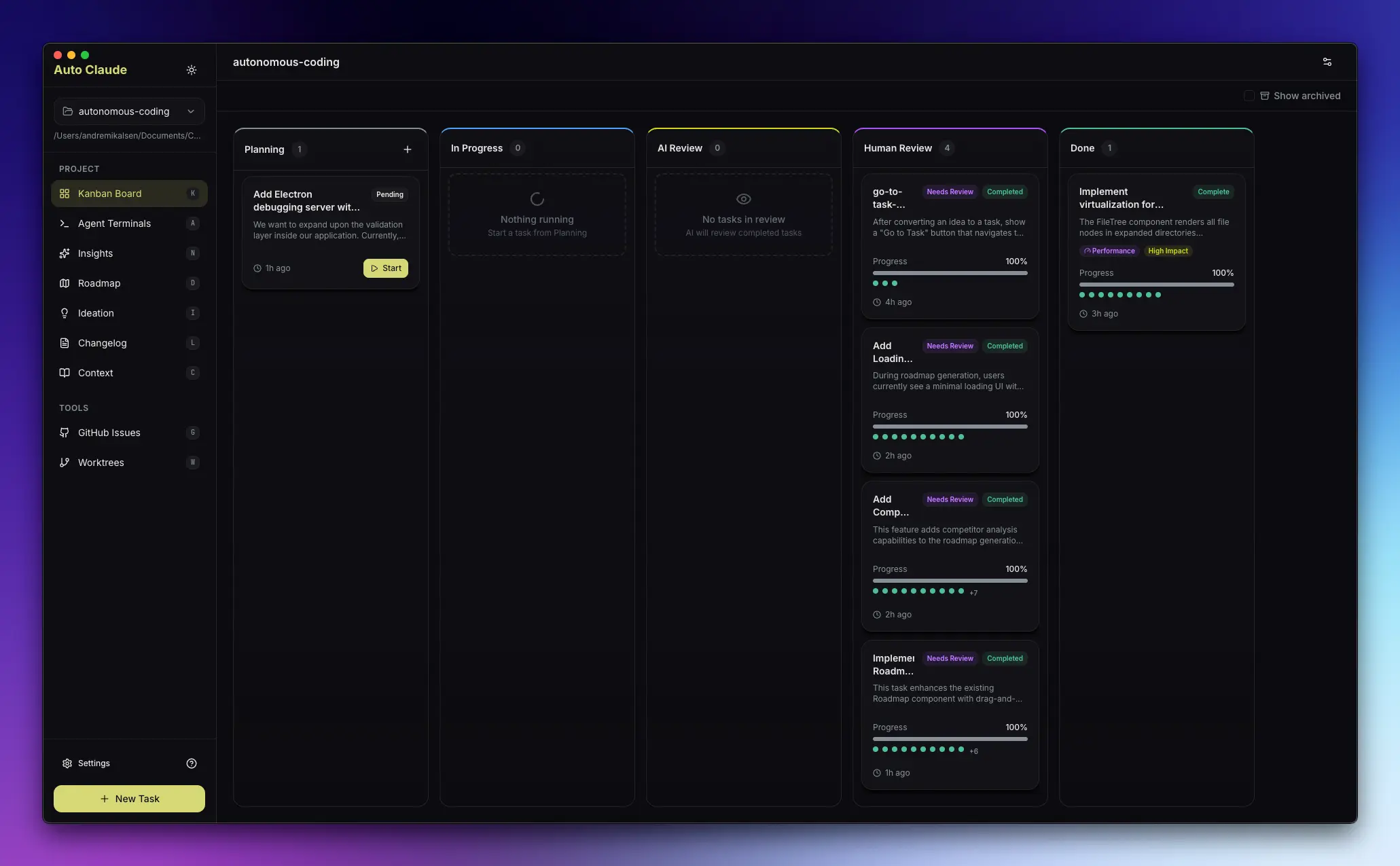
Auto Claude is an open-source desktop application that automates AI-powered software development through autonomous agents.
The app transforms Anthropic’s Claude Code into an autonomous software engineering agent. It handles the entire development lifecycle, from planning and coding to validation, so you can describe what you want to build and let AI agents execute the work.
You can run up to 12 parallel AI coding sessions. Each session operates in isolated git worktrees, which keeps your main codebase safe until you review and approve changes. The system includes built-in quality assurance agents that validate code before you see it.
Features
Autonomous Task Execution: Agents create a detailed specification, plan the implementation, write the code, and run QA validation loops. You focus on other work until the code is ready for your review.
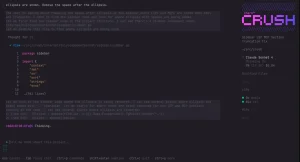
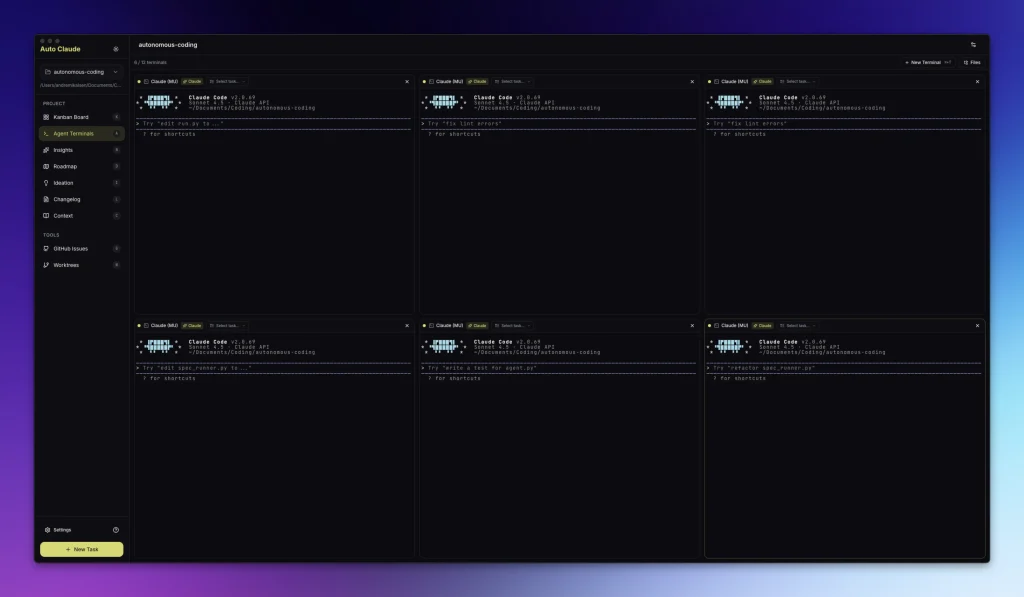
Parallel Agent Terminals: Run multiple Claude Code instances simultaneously. The interface supports up to 12 terminals with context-aware naming. You can inject task context into any terminal with one click. Power users can connect multiple Claude Code subscriptions to run even more agents at once.
Git Worktree Isolation: All development happens in separate git worktrees. Your main branch stays clean and functional. You test features in isolated environments before merging them back to your primary codebase.
Self-Validating QA Loop: After agents finish coding, a QA reviewer checks the implementation against acceptance criteria. If issues exist, a QA fixer agent addresses them automatically. This loop runs up to 50 iterations until the code passes validation.
AI-Powered Merge Resolution: The system detects conflicts between your main branch and the build branch. It resolves conflicts automatically using a three-tier approach: git auto-merge handles simple cases, AI resolves actual conflicts by processing only the conflict regions, and full-file AI acts as a fallback. This can merge builds that are 50+ commits behind main in seconds.
Cross-Session Memory Layer: Agents remember insights from previous sessions through a graph database (FalkorDB). The system stores discovered patterns, codebase structure knowledge, and historical context. This helps agents make better decisions on subsequent tasks.
Context Engineering: Before writing any code, agents analyze your project structure and understand your tech stack. They find relevant files, study your coding patterns, and create a comprehensive specification. This preparation phase results in higher-quality code that matches your project’s architecture.
Multi-Platform Support: The desktop app runs on macOS, Windows, and Linux. Installation requires Node.js 18+, Python 3.10+, Docker Desktop for the memory layer, and the Claude Code CLI.
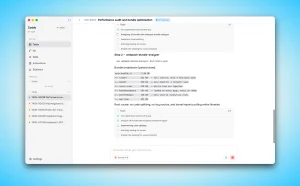
Visual Project Management: The Kanban board shows all tasks at a glance. You can see which tasks are in planning, which are being coded, and which are ready for review. The interface displays real-time progress tracking for active builds.
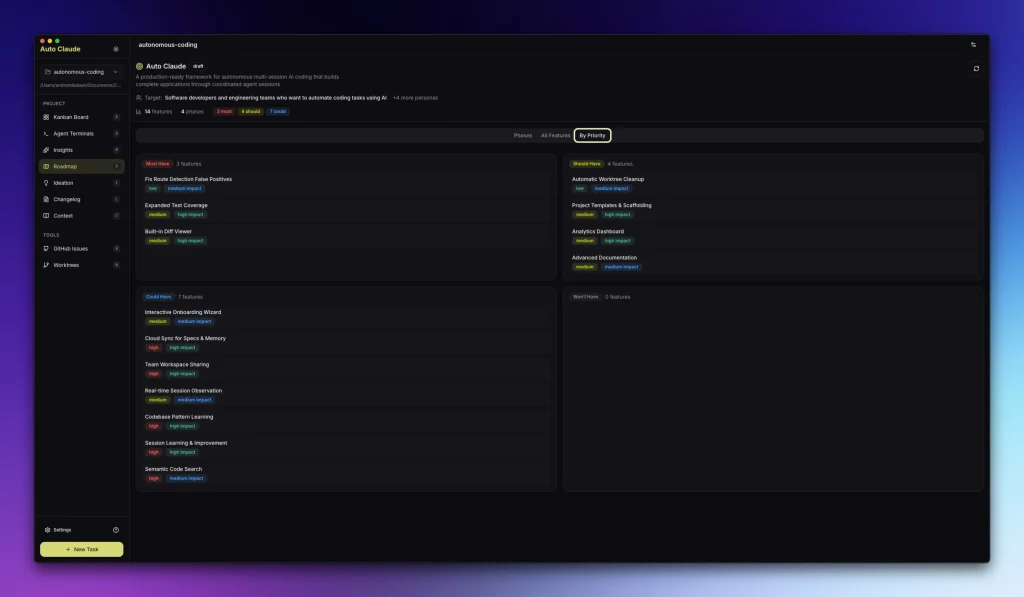
Roadmap Planning: Based on your target audience, AI suggests and prioritizes the most impactful features. The roadmap feature helps you focus on what matters most to your users.
Ideation Support: Ask questions about your project through a ChatGPT-style interface. The system analyzes your codebase and suggests improvements: refactoring opportunities, performance optimizations, security vulnerabilities, documentation gaps, and UI/UX enhancements.
Professional Changelog Generation: Create release notes automatically from completed tasks. You can also integrate with GitHub to generate changelogs from commit history.
Use Cases
Feature Development: You need to add user authentication with OAuth. You describe the requirements in a new task. Auto Claude creates a detailed specification (including API integrations and security considerations), generates an implementation plan broken into subtasks, codes the authentication flow, writes tests, and validates everything works before presenting it for your review.
Bug Fixing at Scale: Your application has multiple UI inconsistencies across different components. You create separate tasks for each issue. Auto Claude runs them in parallel across different worktrees. Each agent fixes its assigned bug, validates the fix, and prepares isolated changes. You review and merge fixes individually without any cross-contamination.
Code Refactoring: Your codebase has grown organically and needs architectural improvements. You ask the Ideation feature to analyze your project. It identifies tightly coupled components, suggests better separation of concerns, and finds performance bottlenecks. You create tasks based on these suggestions and let agents implement the refactoring systematically.
Documentation Generation: Your API lacks comprehensive documentation. You create a task asking for complete API documentation with examples. Auto Claude scans your codebase, understands the API structure, generates markdown documentation with request/response examples, and adds inline code comments. The QA agent verifies all examples are accurate and up-to-date.
Multi-Feature Parallel Development: You need to build a dashboard, implement data export functionality, and add email notifications. You create three separate tasks. Three agents work simultaneously in isolated worktrees. Each handles its own feature end-to-end. You review and merge them independently based on priority.
How to Use Auto Claude
1. To get started, you need Node.js 18+, Python 3.10+, and Docker Desktop installed. You also require a paid Claude Pro or Max subscription to access the Claude Code CLI.
2. Auto Claude requires a Git repository to function. Navigate to your project folder and ensure it is initialized.
cd your-project
git init
git add .
git commit -m "Initial commit"
3. Open Docker Desktop and wait for it to fully start (you’ll see the whale icon in your system tray). Navigate to the auto-claude directory in your terminal. Run docker-compose up -d falkordb to start the graph database. The Memory Layer stores insights and patterns across sessions.
4. Navigate to the auto-claude-ui directory. Run pnpm install or npm install to install frontend dependencies. Build and start the application with pnpm run build && pnpm run start (or the npm equivalents). The desktop app launches and displays the main interface.
5. Click “Add Project” in the desktop interface. Select your project directory (the one you initialized with git earlier). Auto Claude scans your project structure and creates a .auto-claude directory inside your project to store specs, plans, and reports.
6. Click “New Task” in the Kanban board. Write a description of what you want to build. Be specific about requirements and acceptance criteria. Click “Start” to begin the autonomous workflow.
7. Auto Claude moves through phases automatically: Discovery (analyzes your project), Requirements Gathering (asks clarifying questions), Spec Creation (writes detailed specifications), Planning (breaks work into chunks), Implementation (writes code), and QA Validation (tests the implementation). You can pause at any time by clicking the pause button or pressing Ctrl+C in agent terminals.
8. The completed task appears in the “Done” column. Click “Review” to see what changed. Navigate to .worktrees/auto-claude/ to test the feature in isolation. Run your project’s development server from that directory. Verify the feature works as expected without affecting your main codebase.
9. If you’re satisfied, click “Merge” to integrate changes into your main branch. Auto Claude handles merge conflicts automatically using AI resolution. If you’re not satisfied, click “Discard” to delete the worktree and all changes. You can also create a new task asking agents to fix specific issues before merging.
Pros
- Parallel Development: You can work on multiple features simultaneously.
- Zero Risk to Main Branch: All changes happen in git worktrees.
- Intelligent Merge Handling: Reduces token usage by ~98%.
- Quality Control Built-In: The QA validation loop catches issues before you review.
- Memory Across Sessions: The graph database remembers patterns, decisions, and insights.
- Context Engineering: Agents understand your codebase before writing code.
- Multiple Project Types: Auto Claude works with any software stack.
- Progress Tracking: The Kanban board provides clear visibility into all active and completed tasks.
Cons
- Requires Claude Subscription: You need Claude Pro ($20/month) or Max ($200/month) to access Claude Code CLI.
- Docker Dependency: The Memory Layer requires Docker Desktop.
- Setup Complexity: Initial installation involves multiple steps: Python environment, Docker, Node.js, Claude Code CLI, and the desktop app itself.
- Git Repository Requirement: Your project must be a git repository.
- Long Task Duration: Complex features can take 30+ minutes to complete as agents work through planning, implementation, and validation phases.
- Resource Intensive: Running multiple parallel agents consumes significant CPU and memory.
Related Resources
- Claude Code Documentation: Official guide for Claude Code CLI features, configuration, and best practices.
- Anthropic’s Autonomous Coding Quickstart: Sample implementation showing autonomous coding patterns with the Claude Agent SDK.
- Auto Claude Discord Community: Get help, share projects, and connect with other users.
- Claude Code Best Practices: Learn effective patterns for working with Claude Code from Anthropic engineers.
- Git Worktree Documentation: Understand how git worktrees work for managing parallel development.
- FalkorDB Documentation: Configure and optimize the graph database powering Auto Claude’s Memory Layer.
- Best CLI AI Coding Agents: The 7 best open-source AI Coding Agents.
FAQs
Q: Can I use Auto Claude without a Claude subscription?
A: No. Auto Claude requires Claude Pro ($20/month) or Max ($200/month) to access the Claude Code CLI. The tool won’t function with free tier Claude accounts.
Q: How does Auto Claude differ from Claude Code?
A: Claude Code is Anthropic’s official terminal-based AI coding assistant. Auto Claude builds on top of Claude Code by adding autonomous multi-session workflows, visual task management, parallel agent coordination, and self-validating QA loops. Claude Code requires your constant interaction, but Auto Claude can work autonomously for hours on complex features.
Q: Is my code safe with Auto Claude?
A: Yes. All work happens in isolated git worktrees separate from your main codebase. Auto Claude cannot modify your main branch without your explicit approval.
Q: What happens if an agent creates buggy code?
A: The QA validation loop catches most issues before you see them. The QA reviewer agent checks all acceptance criteria, identifies problems, and passes them to a QA fixer agent. This loop runs up to 50 times. If code still has issues after 50 iterations, you can discard the task and create a new one with more specific requirements.
Q: Can multiple team members use Auto Claude on the same project?
A: Yes. Each team member runs Auto Claude on their local machine with their own Claude subscription. They work on different tasks in parallel. The .auto-claude directory in your project stores specs and plans, which can be committed to git for team visibility. Each developer’s worktrees remain local and isolated.
Q: How long does a typical task take?
A: Simple tasks (1-2 files) take 10-20 minutes. Standard features (3-10 files) take 30-60 minutes. Complex features (10+ files with integrations) can take 2+ hours.