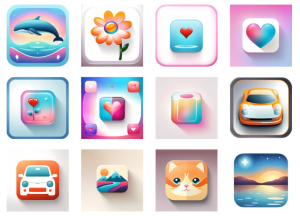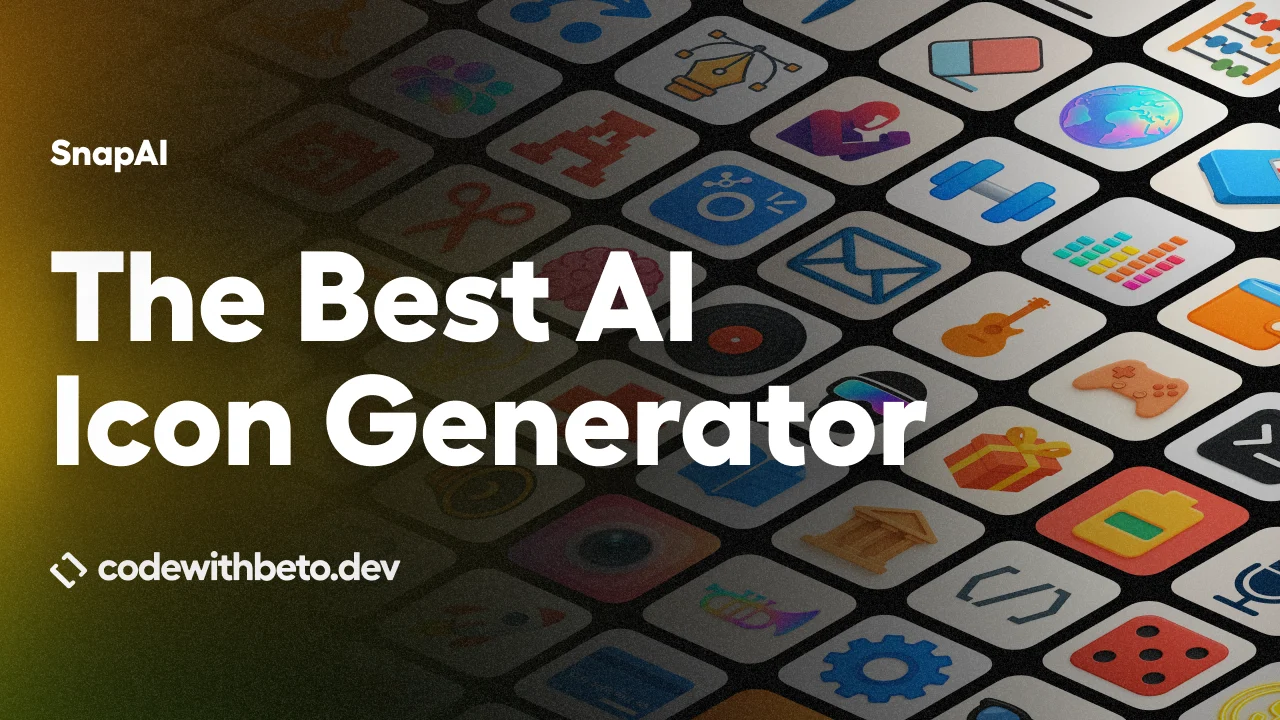
SnapAI is a CLI-based app icon generator that creates square 1024×1024 icon artwork using AI image models from OpenAI and Google Gemini.
It’s designed for web developers who need app icons for React Native, Expo, iOS, and Android projects with no graphic design skills.
Features
- Runs from your terminal, integrates into build scripts, or uses in CI/CD pipelines.
- Supports OpenAI image models through
gpt-1.5andgpt-1, which map togpt-image-1.5andgpt-image-1. - Supports Gemini image models, including normal Banana, Banana 2, and Banana Pro.
- Uses prompt enhancement tuned for app icon output.
- OpenAI quality controls-
auto,high,medium, andlow. - Banana Pro quality tiers-
1k,2k, and4k. - Supports transparent backgrounds and output format controls for OpenAI runs.
- Stores API keys locally only if you choose the config command.
- Sends requests directly to the selected provider and does not include telemetry or analytics.
How to Use SnapAI
1. Install or run with npx
npx snapai --helpFor repeated use, install it globally:
npm install -g snapai2. Set up your API key. SnapAI requires at least one API key from OpenAI or Google AI Studio. Store it locally for development:
snapai config --openai-api-key "sk-your-openai-api-key"
snapai config --google-api-key "your-google-ai-studio-key"
snapai config --show
Keys write to ~/.snapai/config.json. For CI/CD, use environment variables instead.
export SNAPAI_API_KEY="sk-..."
export SNAPAI_GOOGLE_API_KEY="..."
SnapAI also accepts the standard variable names OPENAI_API_KEY and GEMINI_API_KEY. You can also pass a key directly per command:
npx snapai icon --openai-api-key "sk-..." --prompt "modern app artwork"
npx snapai icon --model banana --google-api-key "..." --prompt "modern app artwork"
3. Generate your first icon
npx snapai icon --prompt "minimalist weather app with sun and cloud"Output lands in ./assets with a timestamped filename. Point it elsewhere with --output:
npx snapai icon --prompt "professional banking app with secure lock" --output ./assets/icons4. The default model is gpt-1.5 (OpenAI’s gpt-image-1.5). Switch to Gemini with --model banana:
npx snapai icon --prompt "modern app artwork" --model bananaFor Gemini Pro with quality tiers and multiple outputs:
npx snapai icon --prompt "modern app artwork" --model banana --pro --quality 2k -n 3Note: Banana normal mode always generates exactly one image and ignores -n and --quality. Only --pro unlocks those controls.
5. Preview the enhanced prompt before spending credits
npx snapai icon --prompt "calculator app" --prompt-only
npx snapai icon --prompt "calculator app" --style minimalism --prompt-only
npx snapai icon --prompt "calculator app" --raw-prompt --prompt-only
This prints exactly what SnapAI will send to the model. Useful for diagnosing unexpected results, especially when the model generates padding or misses the intended style.
6. Use GitHub Actions
- name: Generate app icon
  run: npx snapai icon --prompt "minimalist weather app with sun and cloud" --output ./assets/icons
  env:
    SNAPAI_API_KEY: ${{ secrets.SNAPAI_API_KEY }}
Never commit API keys to your repository. Always store them as Actions secrets.
Prompt Tips
Describe the product first, then the style. For example: "a finance app, shield + checkmark, modern, clean gradients".
If you see excessive empty border space, avoid including the words “icon” or “logo” in your prompt (SnapAI already omits them by default).
Add "fill the frame" explicitly if padding persists. The --use-icon-words flag does the opposite and will increase border space.
snapai icon Flag Reference
| Flag | Short | Default | Description |
|---|---|---|---|
--prompt | -p | required | Text description of the icon to generate |
--output | -o | ./assets | Output directory for generated files |
--model | -m | gpt-1.5 | gpt-1.5 or gpt-1 for OpenAI; banana for Google Gemini |
--quality | -q | auto | OpenAI: auto, high, medium, low (aliases: hd, standard). Banana Pro: 1k, 2k, 4k |
--background | -b | auto | transparent, opaque, or auto — OpenAI only |
--output-format | -f | png | png, jpeg, or webp — OpenAI only |
-n | -n | 1 | Number of images to generate, max 10. Banana normal mode must be 1. |
--moderation | auto | Content filtering: low or auto — OpenAI only | |
--prompt-only | false | Preview the final prompt and config without generating images | |
--raw-prompt | -r | false | Send prompt as-is, bypassing SnapAI’s prompt enhancement |
--style | -s | Rendering style hint: minimalism, material, pixel, kawaii, cute, glassy, neon | |
--use-icon-words | -i | false | Include “icon” and “logo” in the enhanced prompt (may increase visual padding) |
--pro | -P | false | Enable Banana Pro mode (Gemini Pro model, quality tiers, multiple outputs) |
--openai-api-key | -k | OpenAI API key per command, does not persist | |
--google-api-key | -g | Google API key per command, does not persist |
Pros
- Works entirely from the terminal.
- Supports both OpenAI and Google Gemini models.
- Built‑in prompt enhancement tuned specifically for app icons.
- Prompt preview saves wasted runs.
Cons
- Only generates square 1024×1024 images.
- Still depends on paid provider APIs.
Related Resources
- OpenAI Images API: Full reference for the image generation models that SnapAI wraps.
- Google AI Studio: The console where you can generate a Gemini API key.
- Expo App Icon Guide: Expo’s official documentation on icon sizing, format, and placement requirements.
- LLM API Pricing: The latest API pricing for popular AI models like GPT, Gemini, Claude, and more.