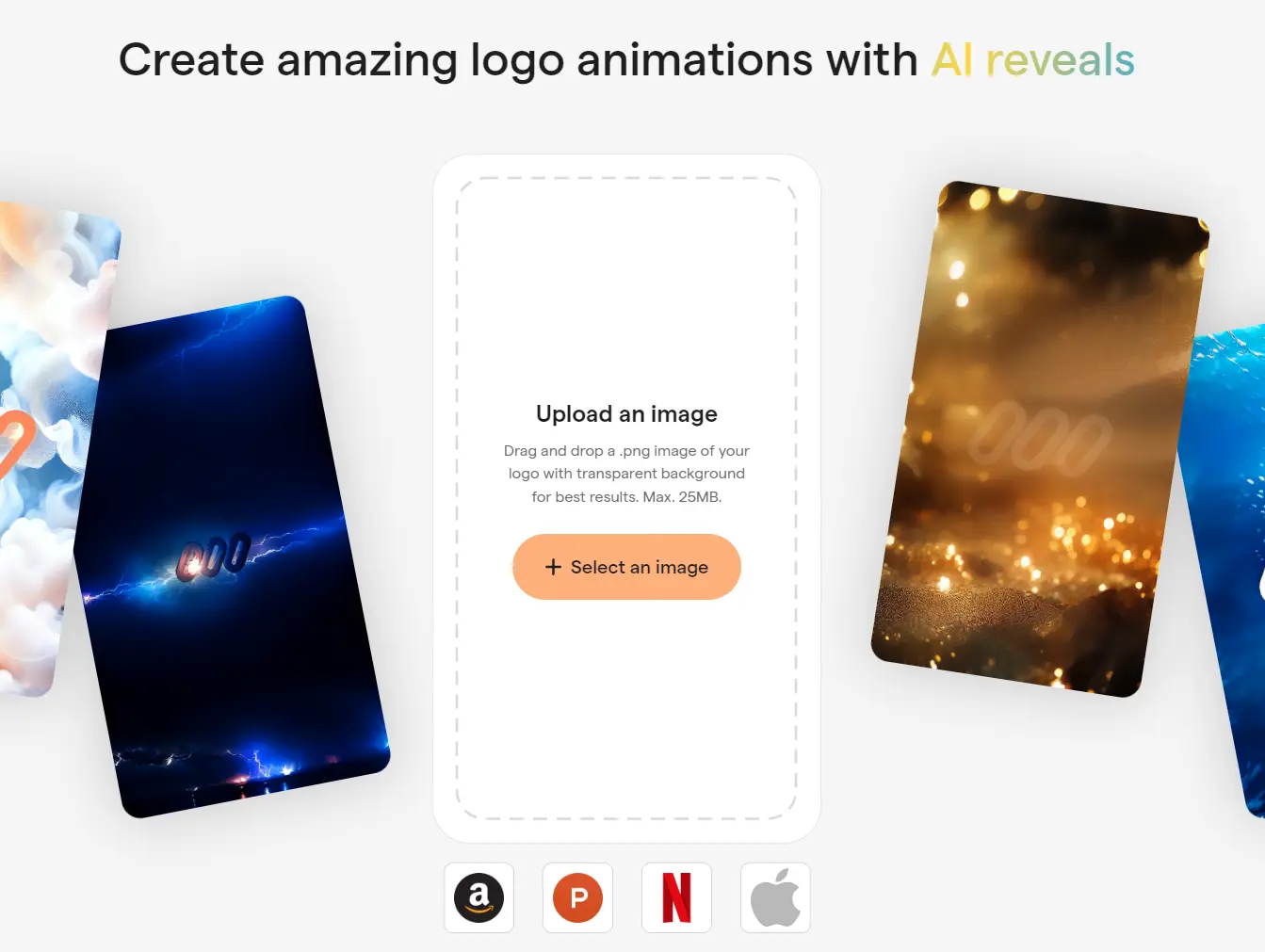
AI Logo Reveals is a free AI tool that transforms your logo into dynamic animations with a few clicks.
Upload your logo image, choose an AI preset, and export the animation as a video for video intros, presentations, or social media content.
How to use it:
1. Visit the AI Logo Reveals website and upload a .png image of your logo. For the best results, make sure your logo has a transparent background. The maximum file size is 25MB.

2. Select one of the available AI presets: Smoke, Lightning, Sands, or Splash.

3. Once you’ve selected a preset, the AI will automatically generate three video variations within two minutes.
If you don't want to wait for the video to generate on the page, you can click the "Notify Me" button and enter your email address. You'll receive a notification email when your video is ready.

4. Choose the video you like best and download it to your device. You can also select a different AI preset to generate more videos. Here’s an example of a logo animation I created for ScriptByAI using this tool: