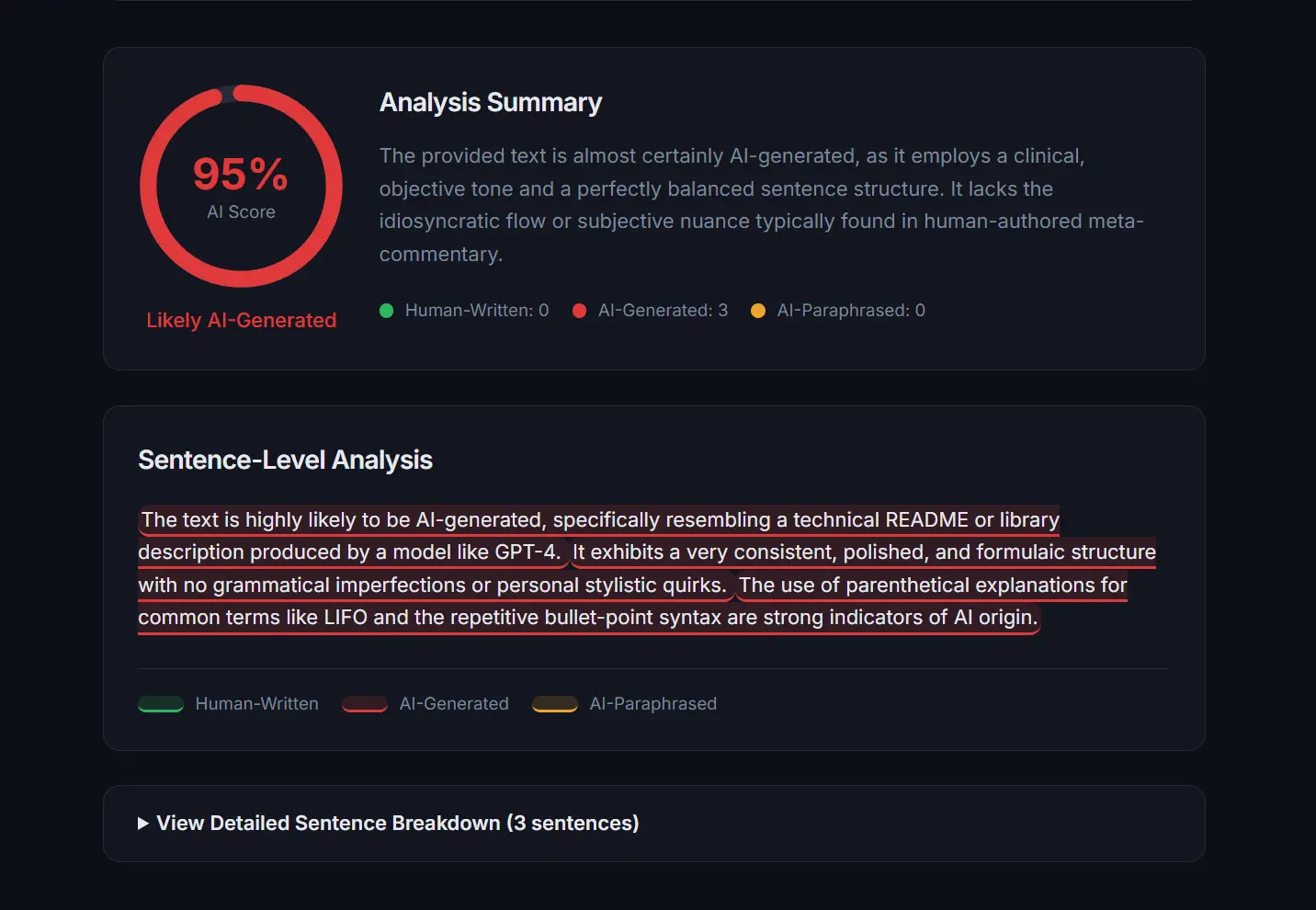
DetectMy is a free AI content detection tool that classifies text at the sentence level as human-written, AI-generated, or AI-paraphrased.
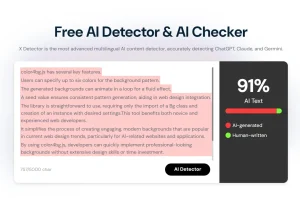
It accepts up to 12,000 characters per scan and returns an overall AI likelihood score alongside color-coded sentence highlights, a confidence rating per sentence, and a plain-language explanation of why each sentence was flagged.
The tool detects output from all major language models, including ChatGPT, Claude, Gemini, and other major LLMs. No signup is required, and none of the submitted text is stored after analysis.
Features
- Classifies each sentence individually as human-written, AI-generated, or AI-paraphrased.
- Returns an overall AI likelihood score from 0 to 100 percent.
- Attaches a confidence score to every sentence-level classification.
- Supports file uploads in TXT, DOC, and PDF formats up to 10 MB.
- Detects AI output from ChatGPT, Claude, Gemini, LLaMA, and other major language models.
- Provides an expandable sentence-by-sentence breakdown with the reasoning behind each classification.
- Color-codes results with a red background for AI-generated sentences and a yellow background for AI-paraphrased sentences.
- Processes all analysis in real time over encrypted connections with no data retained after delivery.
Use Cases
- Submit your own writing before turning in assignments to verify it reads as authentically human.
- Check scholarship essays, personal statements, and capstone reports for unintended AI patterns.
- Review student submissions as one component of an academic integrity strategy.
- Vet freelance submissions to ensure content meets editorial standards.
- Audit existing marketing copy to maintain brand authenticity.
- Refine AI-assisted drafts by identifying and rewriting flagged sentences.
- Verify that proposals, reports, and internal communications reflect a genuine human voice.
Case Study
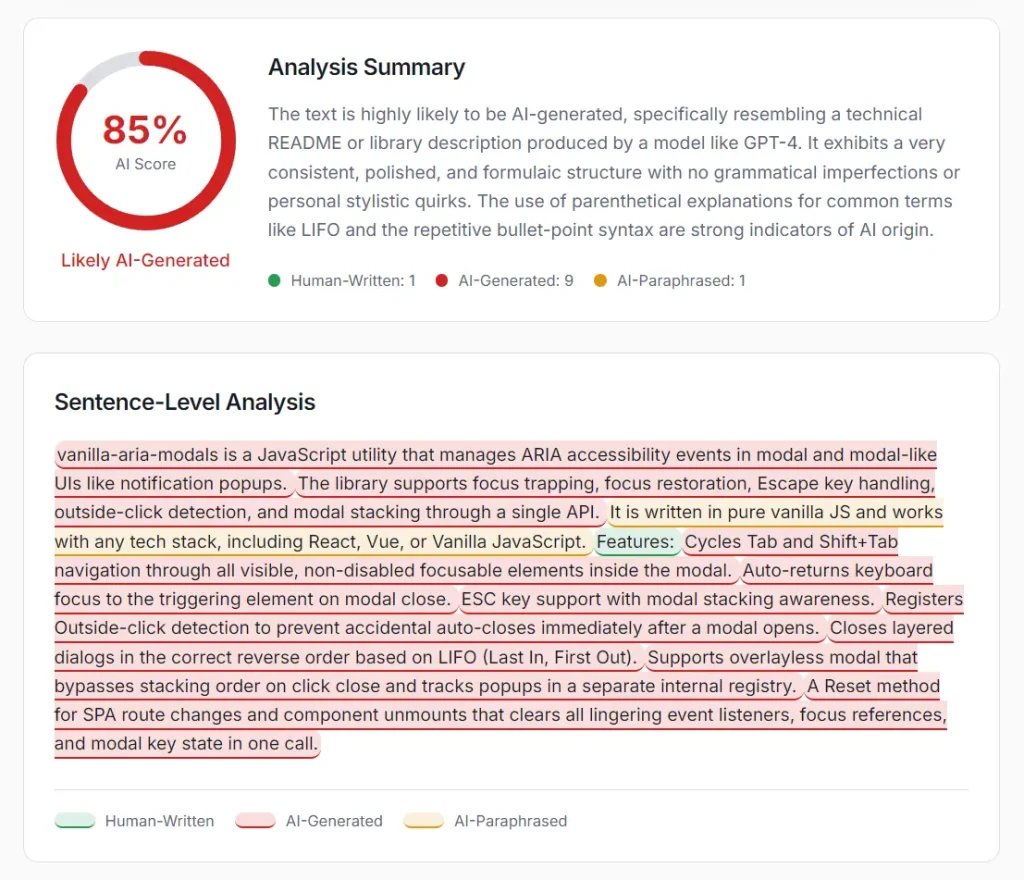
I ran a test on text originally generated by Claude Sonnet 4.6 and then edited by a human. The tool returned an AI score of 85 percent. The analysis summary read:
“The text is highly likely to be AI-generated, specifically resembling a technical README or library description produced by a model like GPT-4. It exhibits a very consistent, polished, and formulaic structure with no grammatical imperfections or personal stylistic quirks. The use of parenthetical explanations for common terms like LIFO and the repetitive bullet-point syntax are strong indicators of AI origin.”
The classification totals came back as Human-Written: 1, AI-Generated: 9, AI-Paraphrased: 1.
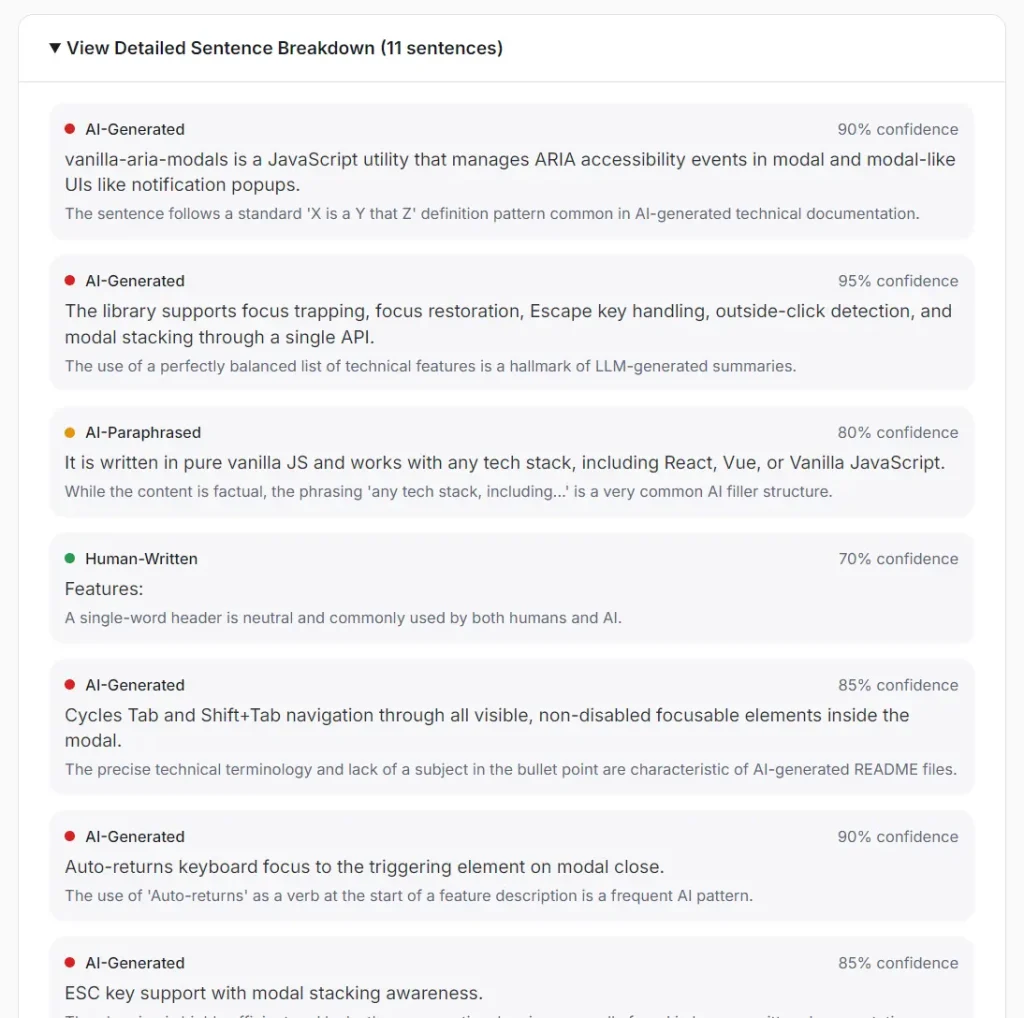
The detailed breakdown listed each flagged sentence with a specific reason, such as “This sentence uses formulaic parallel structure common in AI-generated lists.” That made targeted rewrites straightforward.
How to Use DetectMy
1. Paste your content directly into the text field on the homepage, or upload a file using the drag-and-drop upload area. The maximum file size is 10 MB. Uploaded files are automatically converted to plain text before analysis. The text input field accepts up to 12,000 characters per scan, and the minimum input length is 50 characters.
2. Click the Check Text button. The tool processes your submission through its language model analysis in real time.
3. The results page displays an overall AI likelihood score from 0 to 100 percent:
| Score Range | Interpretation |
|---|---|
| 0–20 | Predominantly human-written |
| 21–50 | Mixed content or lower detection certainty |
| 51–80 | Likely AI-assisted or AI-paraphrased |
| 81–100 | Predominantly AI-generated |
4. Each sentence in your text appears with a color applied based on its classification.
| Color | Classification |
|---|---|
| Green background | Human-written |
| Red background | AI-generated |
| Yellow background | AI-paraphrased |
5. Click View Detailed Sentence Breakdown to access the full sentence-by-sentence report. Each sentence entry includes:
| Field | Description |
|---|---|
| Sentence text | The exact sentence from your submission |
| Classification | Human-written, AI-generated, or AI-paraphrased |
| Confidence score | A numeric indicator of how certain the system is about the classification |
| Reasoning | A plain-language explanation of what triggered the classification |
This breakdown is the most actionable part of the tool. Each explanation tells you what pattern triggered the flag, so you know what to change, not just where to change it.
Pros
- No account or sign-up required.
- Processes text in real time without storing submitted content.
- Provides specific rewrite guidance through sentence-level flags and explanations.
- Detects AI-paraphrased content.
Cons
- Maximum 12,000 characters per scan.
- No API access for automated workflows.
- Accuracy varies with text length, writing style, and the AI model used.
Related Resources
- 7 Best Free AI Content Detectors: Real Accuracy Data & Rankings
- I Tested 10 Free AI Humanizers: All Failed GPTZero Detection
FAQs
Q: How does DetectMy identify AI-generated text?
A: The tool analyzes sentence structure, vocabulary choices, stylistic consistency, and other linguistic markers across the full submitted text. Each sentence receives its own classification and confidence score.
Q: Can the tool detect AI text that a human has edited?
A: The AI-paraphrased category targets exactly this scenario. It looks for text where the ideas feel human but the expression carries patterns typical of AI processing. Accuracy in this tier is lower than for purely AI-generated text, and the confidence scores reflect that.
Q: Is there a risk of false positives on human-written content?
A: Yes, and the tool acknowledges this openly. Highly formal, technically structured, or unusually consistent human writing can trigger AI-generated flags.