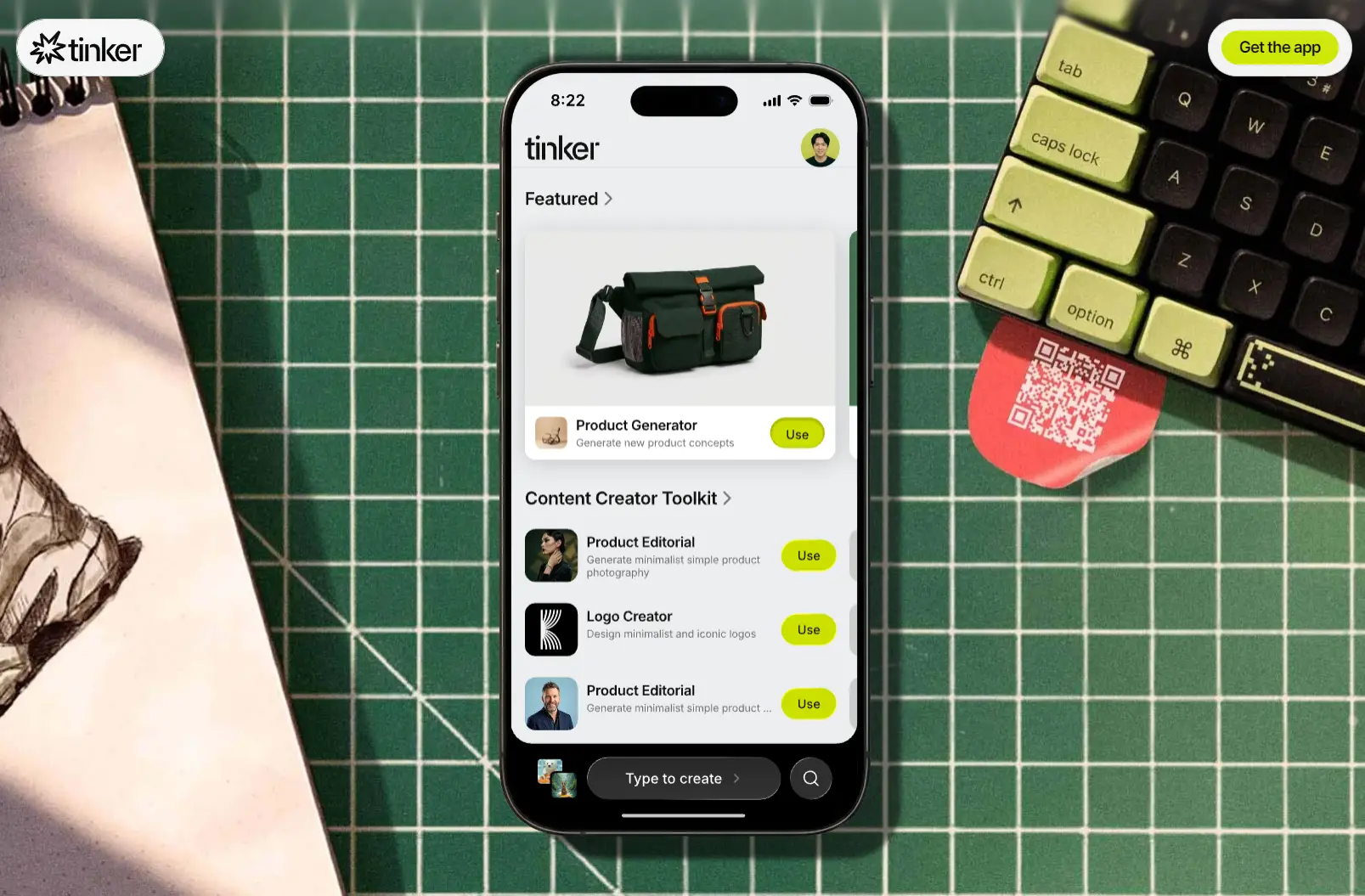
Tinker is a free AI app by Shopify that provides 100+ AI creative tools for product photography, logo design, video ads, 3D rendering, and brand asset creation.
It launched globally on March 26, 2026, for iOS and Android, and it’s ideal for entrepreneurs, merchants, and content creators who need professional-quality visual assets quickly and at no cost.
Each tool in the app is organized by creative outcome. Pick what you want to make, describe it in plain language, and Tinker handles the AI prompting behind the scenes.
The app pulls from models from OpenAI, Google, Anthropic, and other providers, selects the appropriate model for each task, and automatically updates its toolkit as new models become available.
Features
- Generates studio-quality product photography from a single uploaded product image.
- Creates professional logos from a one-sentence brand description.
- Produces 8-second rap-style video ads for social media campaigns.
- Converts product images into loopable morph videos for 360-degree visual presentations.
- Generates selfie-style vlog videos from a plain-language text prompt.
- Creates high-fashion editorial product shots from uploaded photos.
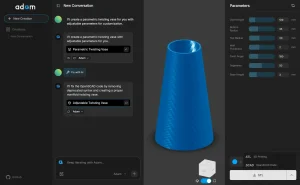
- Transforms 2D floor plans into 3D rendered spatial visualizations.
- Generates virtual try-on visuals from personal photos for apparel and fashion items.
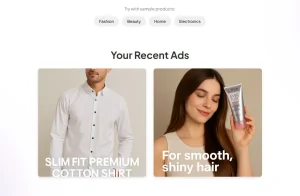
- Creates social media ad creative from product images or text descriptions.
- Produces concept explainer visuals from plain-language descriptions of any idea or product.
- Retains brand context across all projects to make sure visual consistency across each asset.
- Connects to AI models from OpenAI, Google, and Anthropic and updates its model library automatically.
- Queues multiple generations simultaneously for batch processing.
- Saves all creations to named projects within the app.
- Shares creations via a direct link for team or customer feedback before downloading.
- And much more…
Use Cases
- Create product listing photography for an e-commerce store at no cost.
- Generate a logo for a new brand before committing budget to a designer. The app produces multiple visual directions in a single session.
- Produce short-form video ads from existing product photos for Instagram and TikTok campaigns.
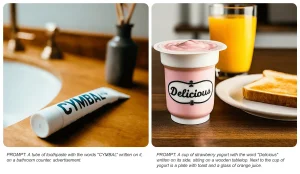
- Mock up supplement or food product packaging with accurate label text.
- Build out a full brand identity, including logo, editorial shots, and social ad creative, in a single app session.
- Produce animated icons, 3D figurines, or background-removed product cutouts for digital and print use.
Available Tools At a Glance
- Product Photography: studio-quality editorial shots, product generators, high-fashion looks.
- Video and Motion: selfie-style vlog videos, 8-second rap ad creators, social media ad generators.
- 3D and Spatial: 2D floor plan to 3D render conversion.
- Virtual Try-On: try on outfits from your photos.
- Branding and Marketing: logo generation from a one-sentence description, social media ads, concept explainers.
- Creative Extras: comics, 360-degree product views, background removal, animated icon creator, image editor, 3D figurine creator.
Creating Your First Asset
1. Open the app and browse the tool library. Tools are grouped by creative outcome: product photography, logo design, video, 3D, branding, and more.
2. Select the tool that matches what you want to produce.
3. Review the built-in example outputs shown within each tool to confirm it produces the right type of asset.
4. Enter a plain-language description in the text input field. Short and specific works better than long and vague. For example: “minimalist logo for a jewelry brand called Loire” or “studio shot of a brown leather wallet on a white marble surface.”
5. Upload a reference photo if the tool requires or supports one. Product photography tools produce better results with an actual product image.
6. Tap Generate. The app handles all model selection and prompt optimization.
7. Review the output. Refine the description and regenerate if needed.
8. Save to a project, download to your device, or share via the in-app link feature for external feedback.
Pros
- Completely free at launch with no subscription or paywalls.
- 100+ tools across photography, video, 3D, logo, and social ad categories.
- Queues batch generations in the background for higher productivity during downtime.
- Retains brand context across sessions for consistent visual output.
- Updates its AI model library automatically as new models become available.
Cons
- Output quality depends heavily on the quality of the input.
- Mobile-only at launch.
- Generation times for complex assets can reach 10 to 30 seconds.
FAQs
Q: Is Tinker 100% free to use?
A: Yes. Tinker is completely free to download and use. All 100+ tools are available at no cost.
Q: Do I need a Shopify account to use Tinker?
A: No. Basic use requires only an email address. A free Shopify account unlocks additional features, including organized project saving and access to any Shopify-connected features added in future updates.
Q: How long do generations take?
A: Simple creations generate in a few seconds. Complex outputs, such as video or detailed editorial product shots, can take 10 to 30 seconds. The batch queue feature lets you submit multiple jobs and return to finished results rather than waiting in-app.