Generate Study Cards From Any Document With Figy’s Free AI
Generate AI flashcards from any document in seconds. Figy AI processes PDFs, Word files, and text into shareable study cards.
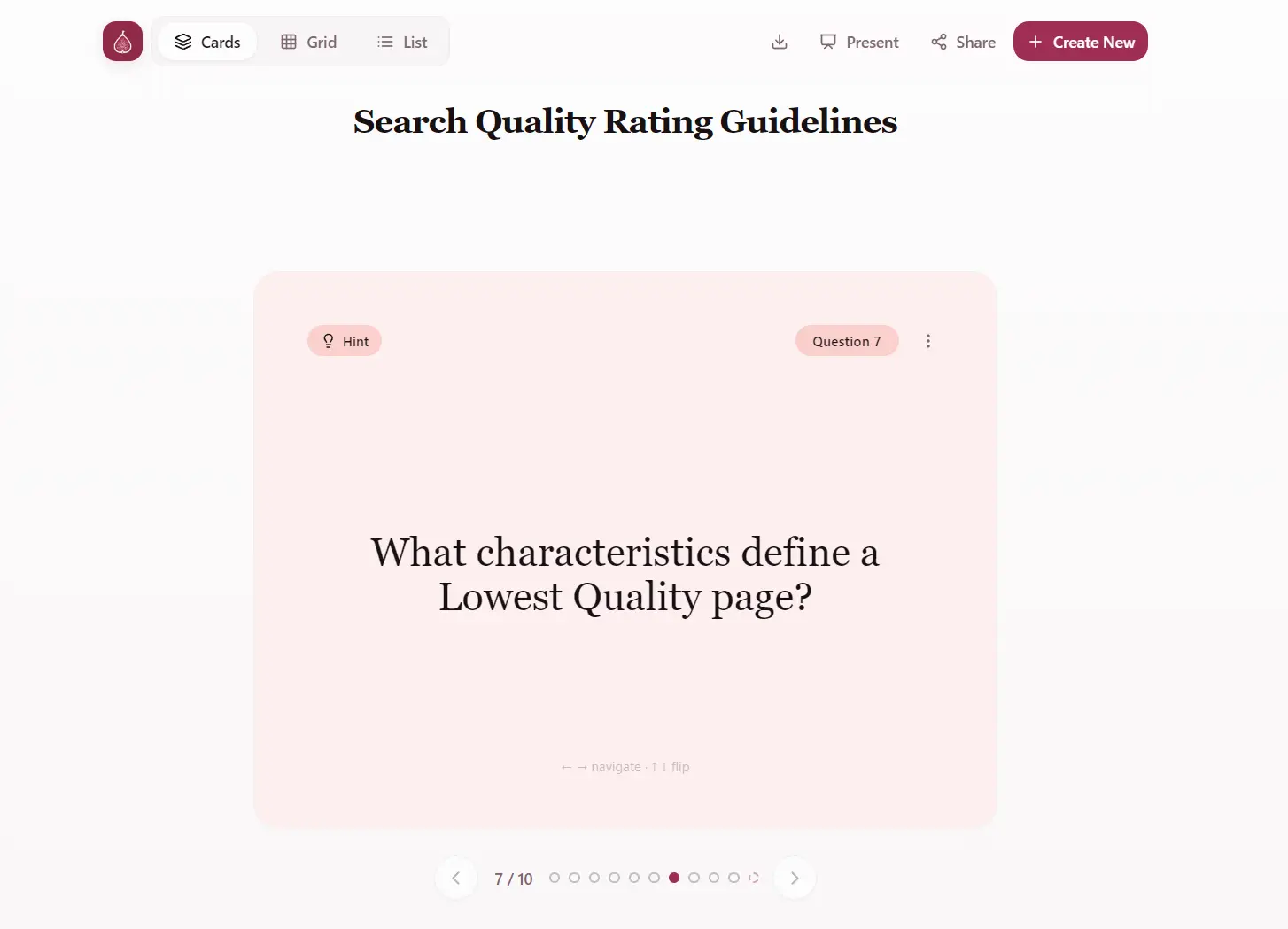
Figy AI is a free AI-powered flashcard generator that converts any content or document into interactive study cards.
You can paste text, upload PDFs, Word documents, or other learning materials, and get question-answer flashcards in seconds.
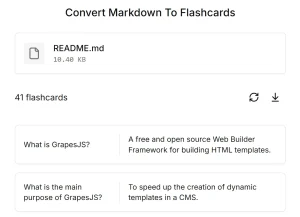
I tested it with a 9MB PDF of Google’s Search Quality Evaluation Guide, and Figy AI generated 10 comprehensive flashcards in just over 10 seconds.
The results covered key concepts from the document with questions like “What is the primary goal of assigning a Page Quality rating?” and “Why is Trust the most important element of E-E-A-T?”
Features
- Text and Document Input: Paste any text content directly or upload files.
- Fast Generation Speed: Processes large documents quickly.
- Customizable Card Count: Free users can generate up to 10 flashcards per session, while Pro users can create up to 30 flashcards at once.
- Automatic Language Detection: The AI detects the language from your content automatically, or you can manually select from supported languages.
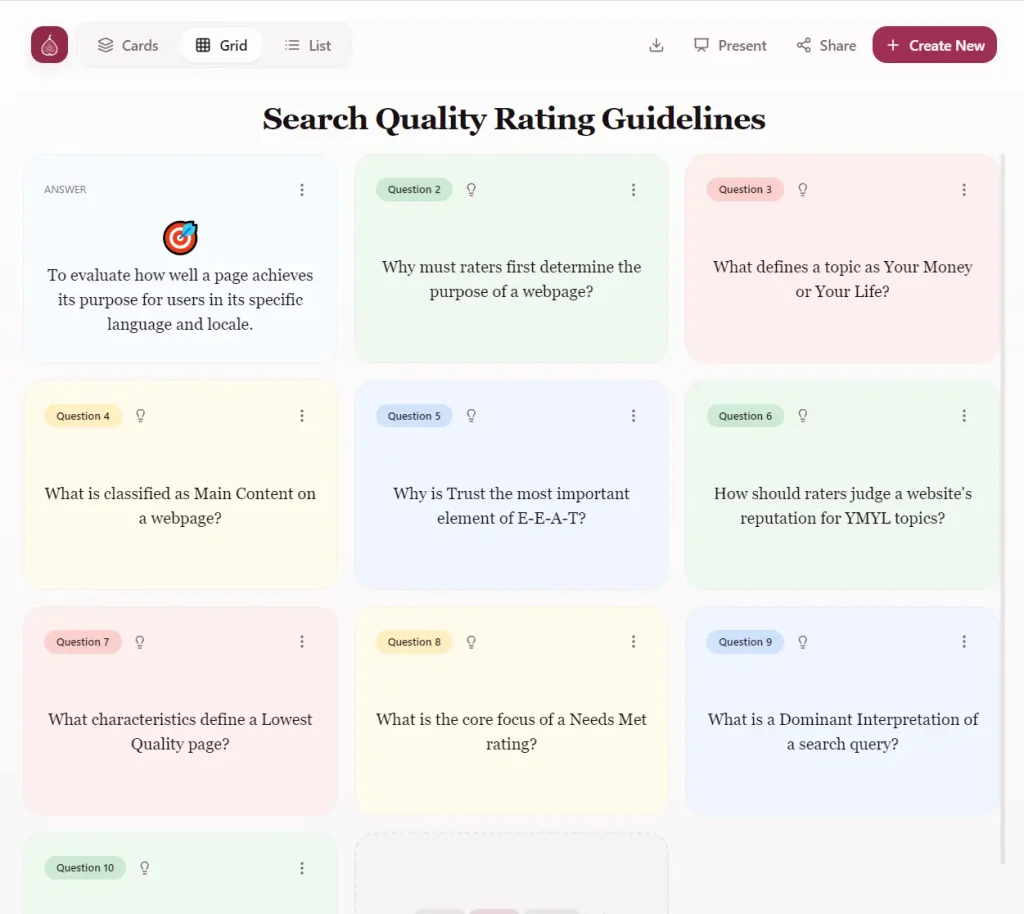
- Multiple View Modes: Switch between Card view (traditional flip cards), Grid view (see multiple cards at once), or List view (all questions and answers in sequence).
- Export Options: Download your generated flashcards as TXT or CSV files for use in other applications or offline study.
- Shareable Links: Generate unique URLs for your flashcard sets so you can share them with classmates or study groups.
- History Access: All your previously generated flashcard sets remain accessible in your profile for future reference.
Use Cases
- Exam Preparation: Students can upload lecture notes, textbook chapters, or study guides to quickly create review materials for upcoming tests.
- Professional Training: Corporate trainers can convert training manuals, policy documents, or compliance materials into flashcards for employees onboarding and continued education programs.
- Language Learning: Upload vocabulary lists, grammar rules, or reading passages in your target language. The AI creates flashcards that help reinforce new words and language patterns through spaced repetition.
- Medical and Technical Studies: Students in specialized fields can process complex documents like research papers, technical specifications, or medical journals.
- Teacher Resource Creation: Educators can upload curriculum materials to generate flashcard sets for their students.
How To Use It:
1. Type your topic, paste your text content, or click the upload area to select a file (PDF, DOCX, etc.).
2. Select the number of flashcards you want to generate. Free accounts can create up to 10 cards per session. Pro accounts can generate up to 30 cards.
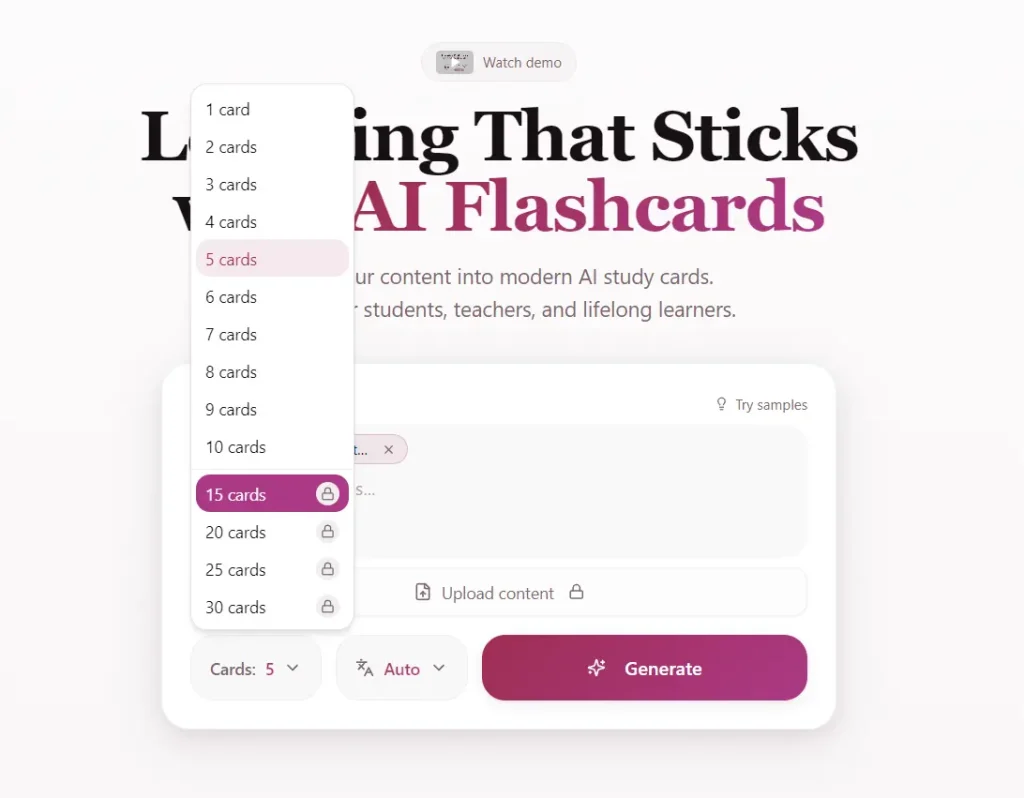
3. Choose your target language or leave it on “Auto” to match the source document.
4. Click the Generate button. The AI processes your content and creates flashcards. These display in three different view modes:
- Card view shows traditional flip-style cards where you see the question and can click to reveal the answer.
- Grid view displays multiple cards simultaneously so you can scan several questions at once.
- List view presents all questions and answers in a scrollable list format.
5. Switch between these views using the tabs at the top of the screen. Click any card to reveal the answer.
6. You can download your flashcards in two formats: TXT or CSV. The CSV format works well if you want to import the cards into spreadsheet software or other flashcard applications.
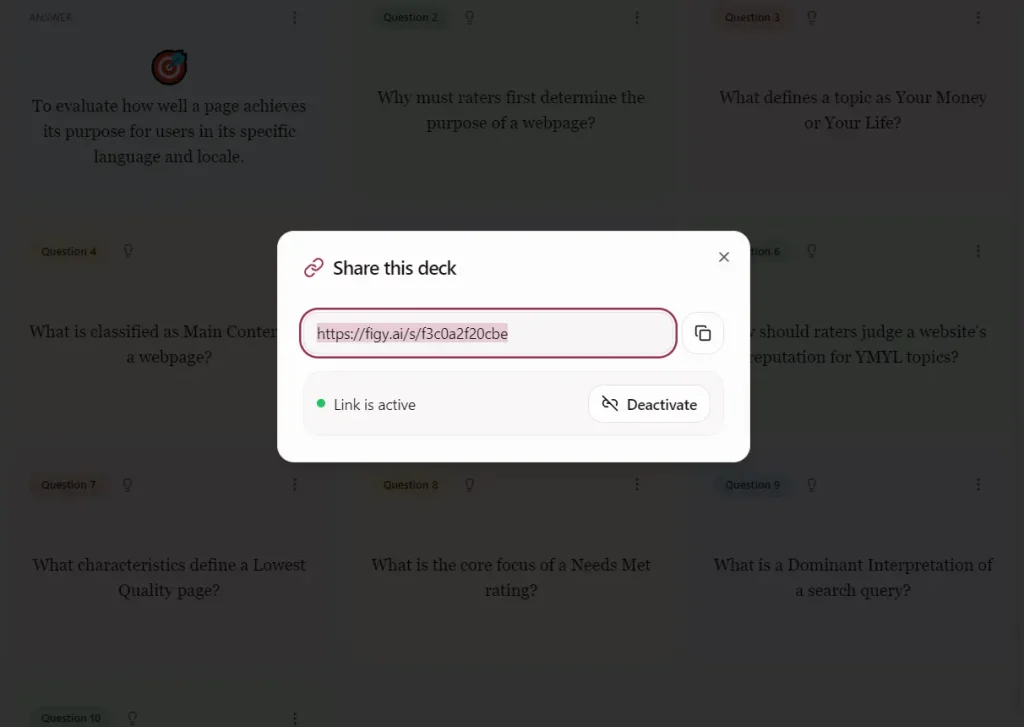
7. Click the Share button to generate a unique URL for your flashcard set. Anyone with this link can view and study your flashcards without needing a Figy AI account. This feature is useful for study groups or when teachers want to distribute materials to students.
8. All your generated flashcard sets save automatically to your profile. Access your history by clicking on your profile section.
Pros
- High Speed: The tool processes large files in seconds.
- Multiple Content Sources: Accepts both pasted text and file uploads.
- Viewing Options: Three display modes let you choose the study format that fits your learning style.
- Free Tier Available: The free version provides enough functionality for casual users and students on a budget.
Cons
- Limited Free Generation: Free users can only create 10 flashcards at a time.
- No Built-in Study Features: The tool generates flashcards but doesn’t include spaced repetition algorithms, progress tracking, or other advanced study features.
Related Resources
- Anki: Download this free spaced repetition software to import your CSV files and study with scientifically-proven intervals.
- Learning Scientists: Read research-backed strategies for effective studying including how to maximize flashcard effectiveness.
- Free AI Education Tools: Discover more free AI tool for students and teachers.
FAQs
Q: Can I edit the flashcards after they’re generated?
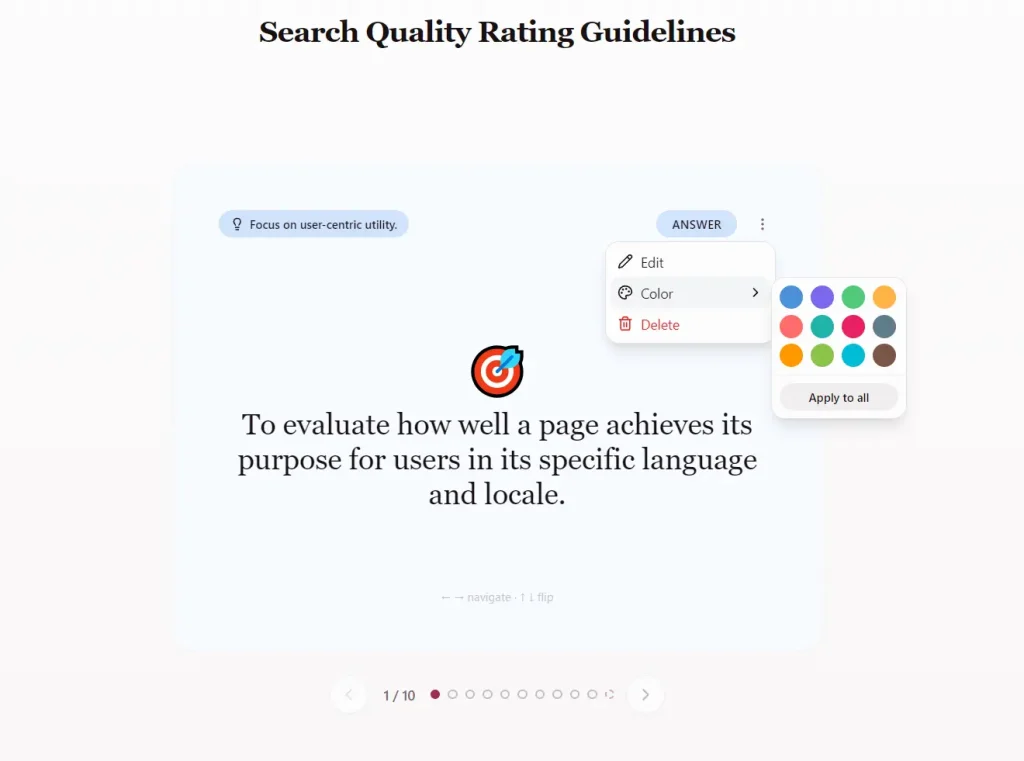
A: Yes, you can edit the content and color of each card.
Q: How accurate are the AI-generated questions?
A: The accuracy depends on your source material quality. Well-structured documents with clear concepts produce better flashcards.
Q: Does Figy AI work with images or videos?
A: The tool processes text-based content and documents. It doesn’t extract information from images embedded in PDFs or from video files.
Q: Can I use generated flashcards offline?
A: You need to download the flashcards as TXT or CSV files first. Once downloaded, you can study them offline using any text editor or import them into offline flashcard applications.