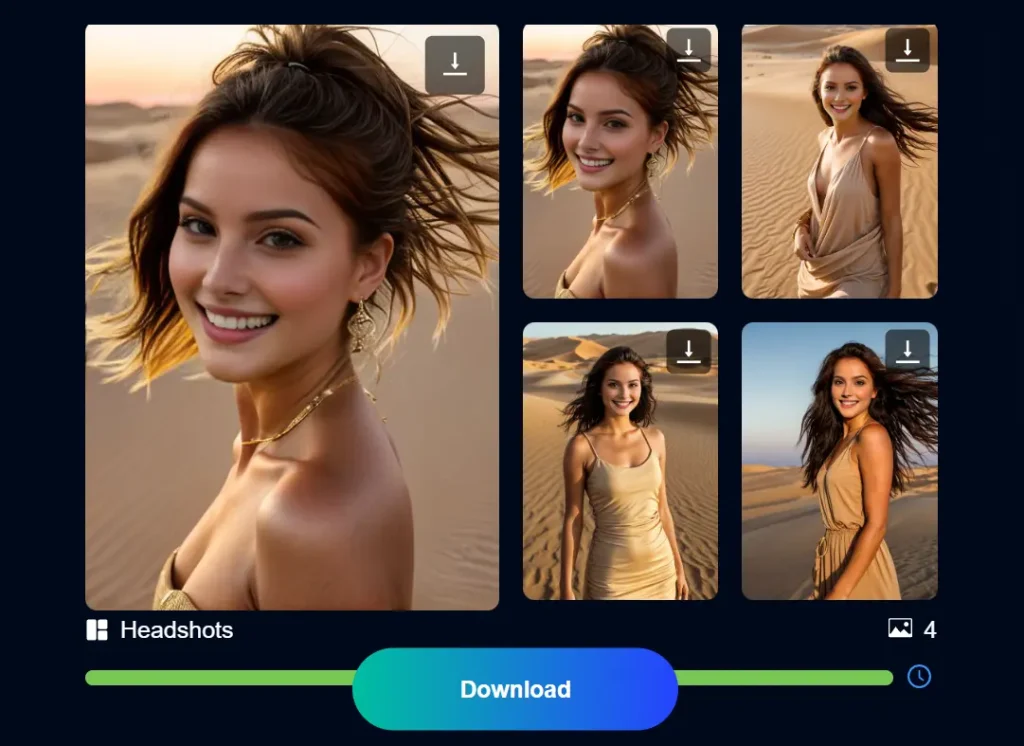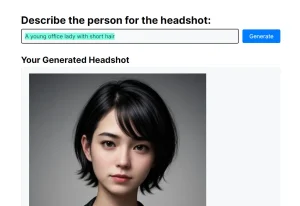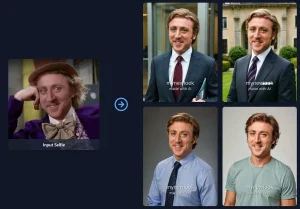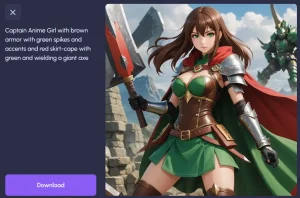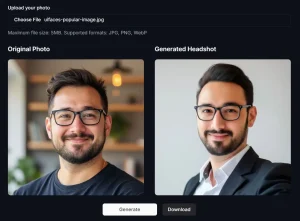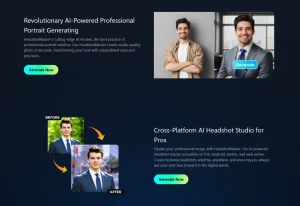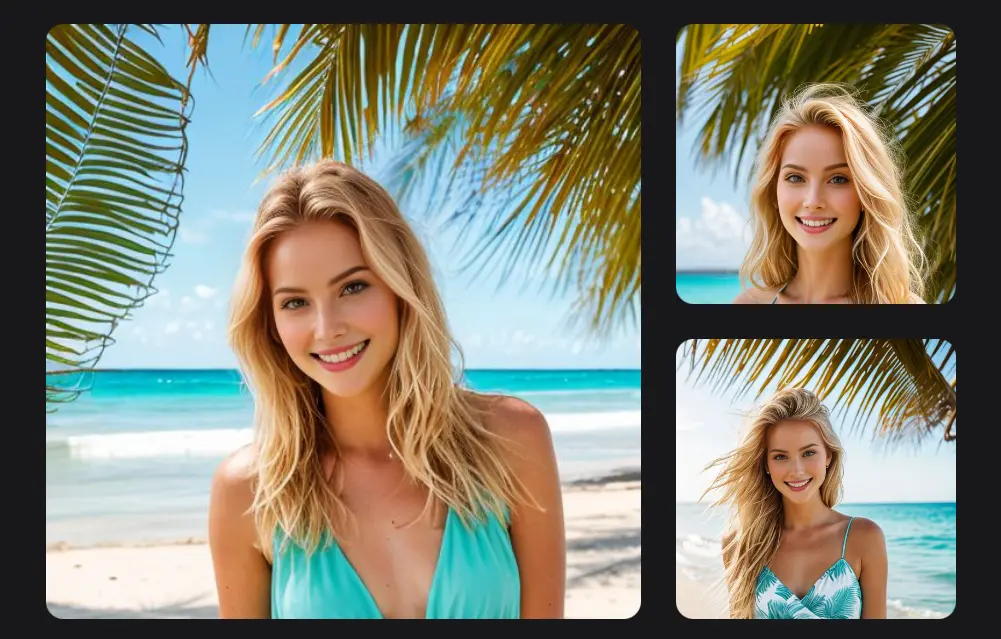
The Supawork AI headshot generator lets you generate high-quality professional headshots from regular pictures.
You can change outfits and backgrounds while keeping your natural look. It offers many pre-made styles to choose from. The results look realistic and polished.
Forget expensive photoshoots and time-consuming editing – Supawork provides an affordable, convenient, and realistic solution for all your professional headshot needs.
How to use it:
1. Visit the AI headshot generator and create a free account. You’ll receive 12 credits, enough for three headshot sets (each set includes four variations).
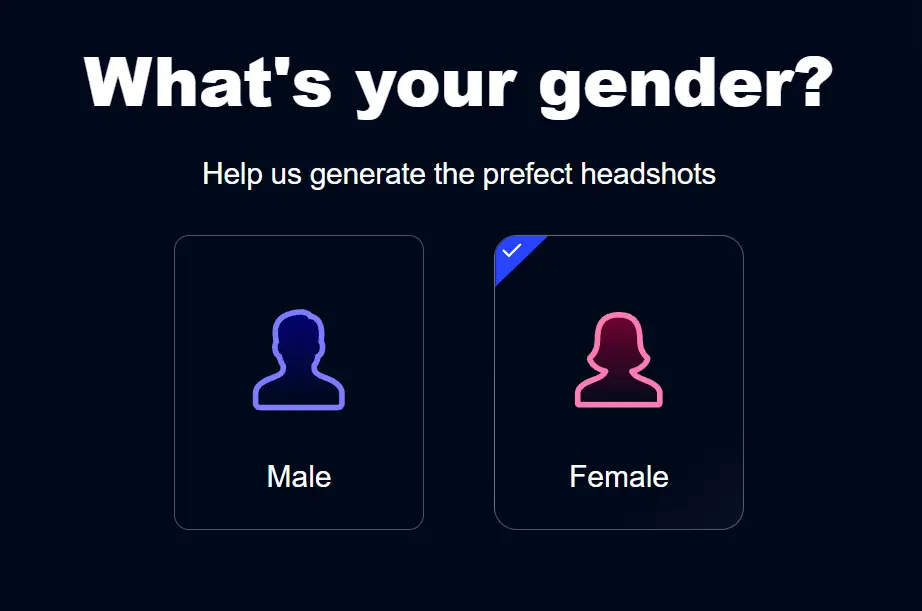
2. Select your gender to guide the AI in creating your perfect headshot.
3. Choose from 15 preset styles that best fit your desired look.

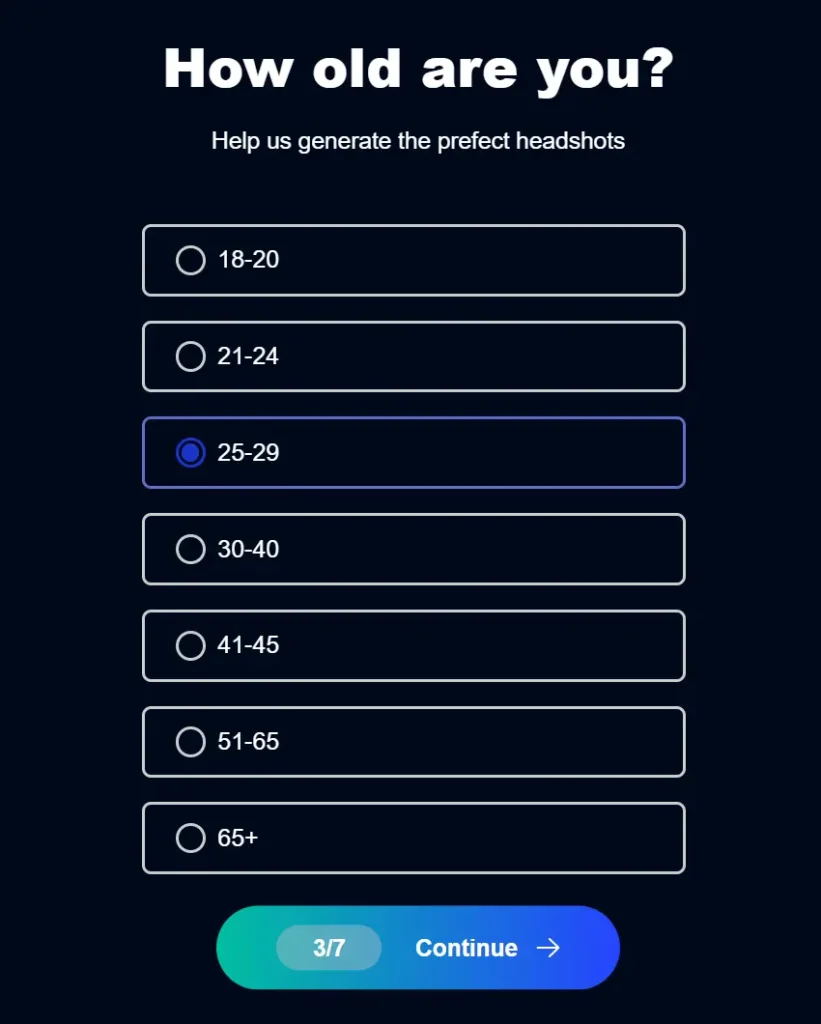
4. Select your age range for added accuracy in the generated image.
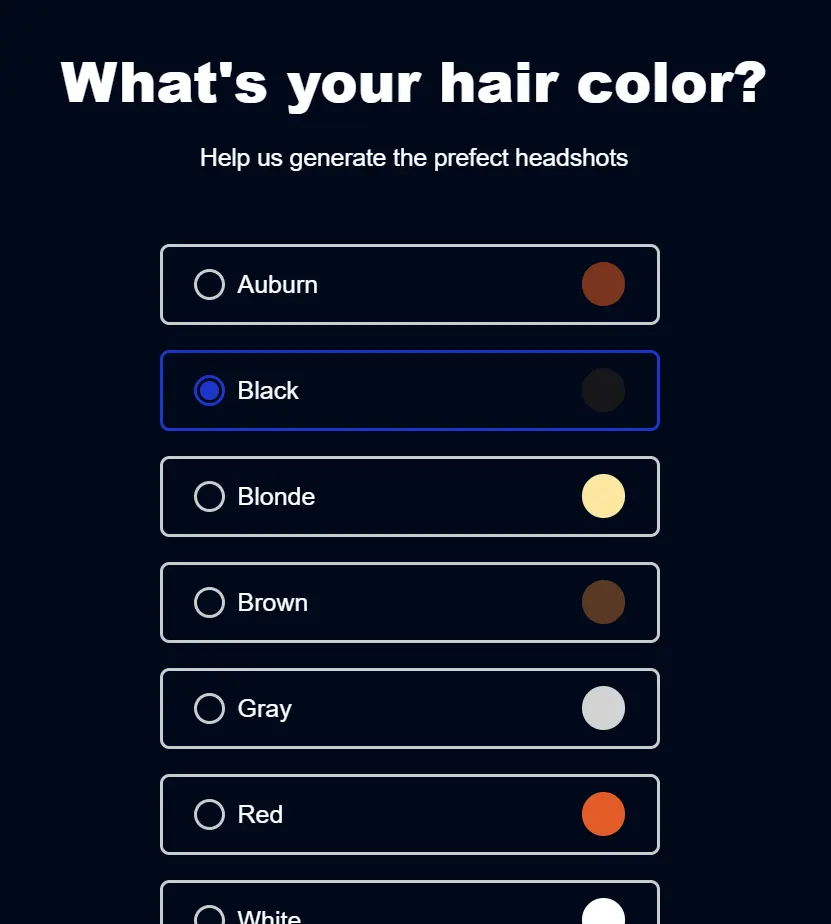
5. Choose your hair color: Auburn, Black, Blonde, Brown, Gray, Red, White, Other, or Bald.
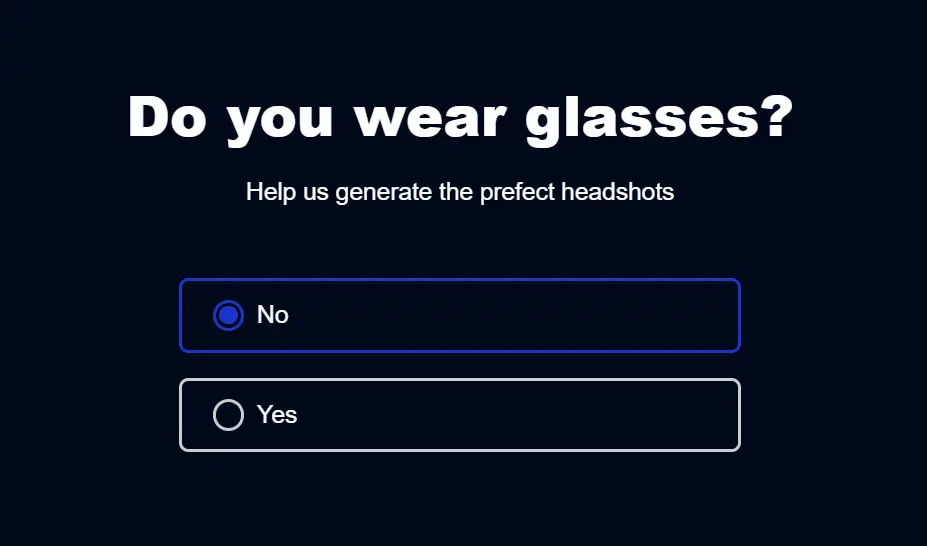
6. Indicate if you wear glasses.
7. Choose your ethnicity from a detailed list, including options like Caucasian, African descent, Asian, Hispanic, Middle Eastern, and more.

8. Upload at least one clear, well-lit photo of yourself. You can add up to six photos in JPEG or PNG format, each up to 5MB.
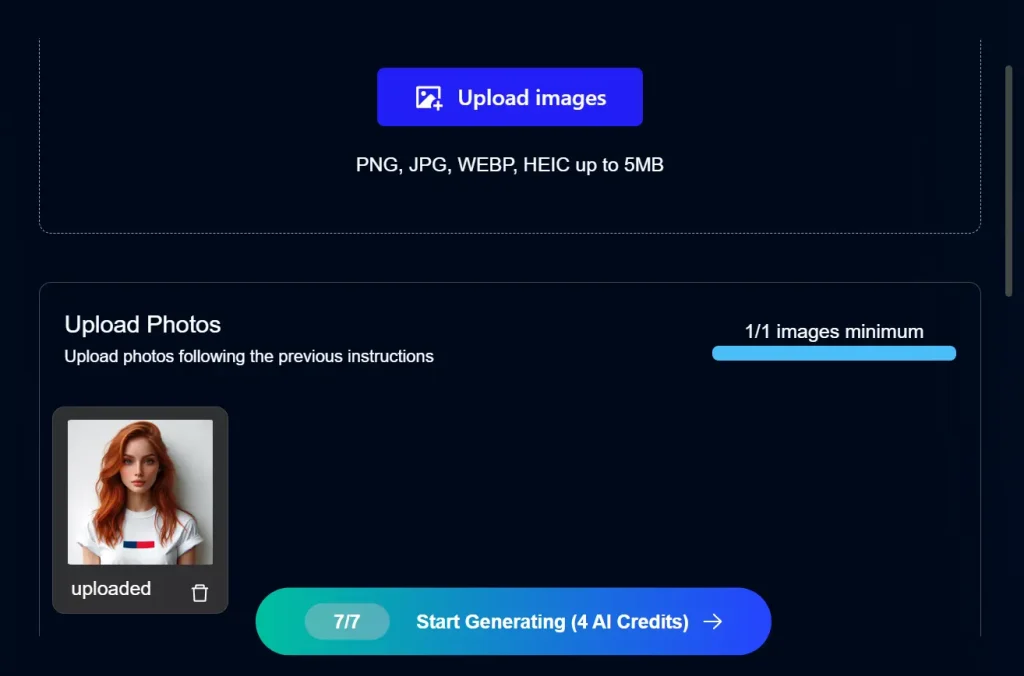
9. Click ‘Generate headshots’ to produce your professional AI-generated headshot. Once completed, download and use your headshot as needed.