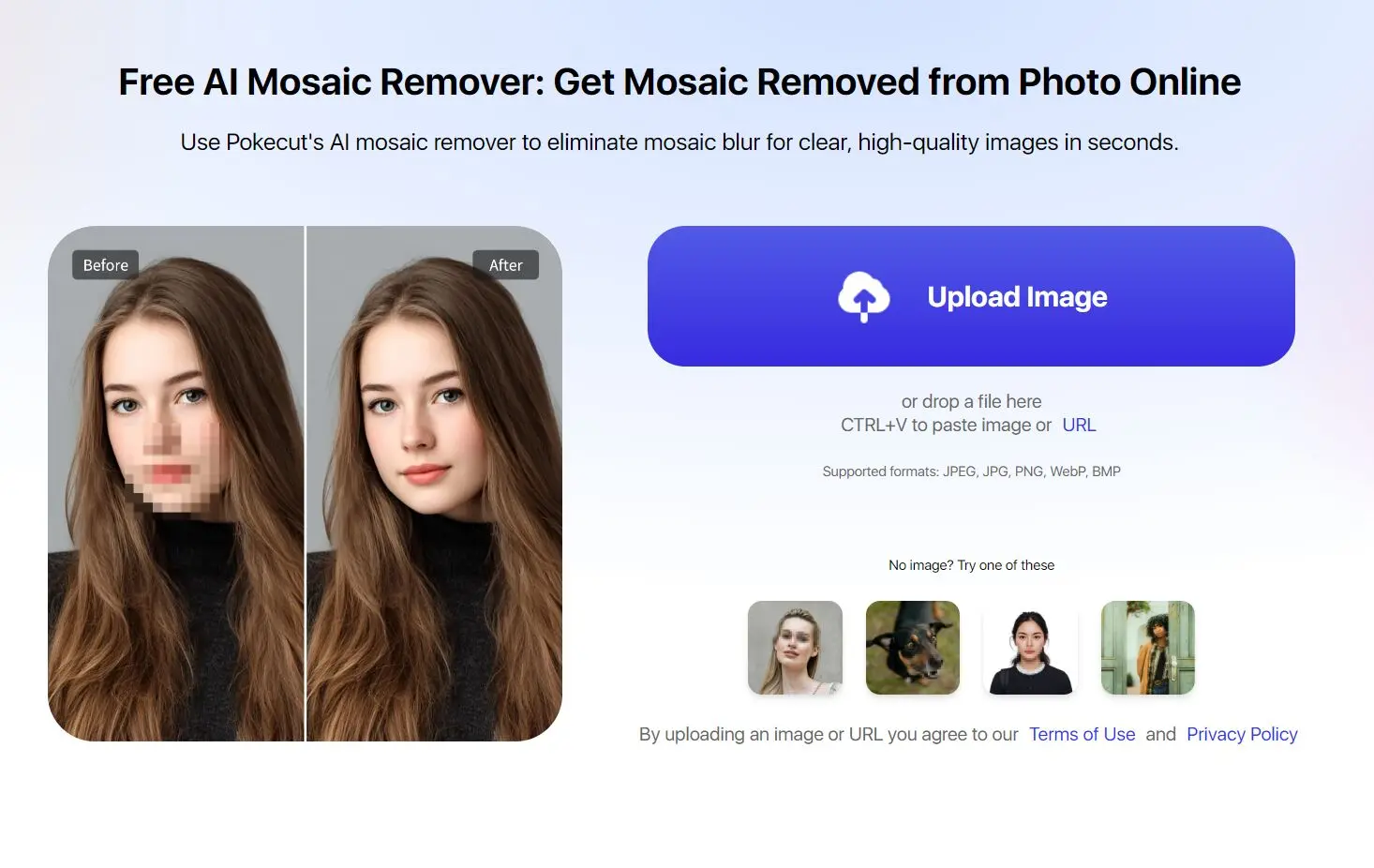
Mosaic Remover is a free web-based tool that removes pixelated or mosaic effects from images using AI.
It reconstructs facial details and other censored areas in photos, restoring clarity to images that have been intentionally blurred or pixelated for privacy reasons.
Features
- AI-Powered Restoration: The tool uses artificial intelligence to analyze the mosaic and reconstruct the underlying image details.
- Facial Detail Recovery: It’s good at restoring facial features in censored selfies or group photos.
- HD Output Quality: Downloads processed images in high-definition resolution.
- Privacy Protection: Images are deleted from servers after processing completion
- Browser-Based: You don’t need to download any software; it works directly in your web browser.
- No Login Required: For quick use, you can process images without creating an account.
- Selective Removal: A brush tool allows you to highlight the specific mosaic area you want to remove.
- Free Usage Tier: Offers up to 5 free uses per day.
See It In Action
Use Cases
- Personal Photo Recovery: Restore your own face in selfies where you previously added mosaic blur for privacy before sharing online
- Family Photo Restoration: Remove censorship from old family portraits or group pictures where faces were pixelated to protect identities
- ID Document Processing: Clear mosaic effects from badge photos, school IDs, or staff cards for official document preparation
- Pet Photo Enhancement: Restore natural appearance to pet photos where faces were pixelated before online sharing
- Social Media Content: Process celebrity photos downloaded from social platforms that have intentional face pixelation
- Archive Photo Cleaning: Restore clarity to historical or archived images with mosaic censorship applied over time
How to Use It
1. Go to the Navigate to the Pokecut mosaic remover website and click “Upload Image.” Select the photo containing mosaic blur from your device.
For best results, select mosaic areas precisely rather than painting over large image sections. The tool works most effectively on standard pixelation patterns rather than heavy artistic distortions.
2. Use the brush tool to paint over the specific mosaic or pixelated regions you want to remove. You can adjust brush size for precision: use smaller brushes for detailed facial features and larger ones for broader censored areas. The tool highlights selected areas in a different color.
3. Click the “Remove” button to start the AI processing. The algorithm analyzes the selected mosaic patterns and reconstructs the underlying details based on surrounding image context and facial recognition patterns.
4. Review the processed image to check if the mosaic removal meets your expectations. Download the final result in HD quality directly to your device. The entire process typically takes 10-30 seconds depending on image size and complexity.
Pros
- Free Daily Access: Process 5 images daily without payment or subscription requirements
- No Software Installation: Works entirely through web browsers on any device including phones, tablets, and computers
- Quick Processing Speed: Removes mosaic effects in seconds rather than requiring manual photo editing
- Privacy-Conscious Design: Images are automatically deleted from servers after processing completion
- Multiple Use Cases: Handles various image types from personal photos to ID documents and pet pictures
Cons
- Daily Usage Limits: Free tier restricts processing to 5 images per day, which may be insufficient for heavy users
- Limited Reconstruction Accuracy: AI may not perfectly recreate original details, especially with heavily pixelated or artistically distorted areas
- No Batch Processing: Must process images individually rather than uploading multiple files simultaneously
- Quality Varies by Input: Results depend heavily on original image quality and mosaic pattern complexity
- No Advanced Editing Features: Tool focuses solely on mosaic removal without additional photo enhancement options
FAQs
Q: Can I use Pokecut’s Mosaic Remover on any type of image?
A: Yes, it works on various image types, including portraits, documents, and images with mosaic censorship.
Q: What types of mosaic patterns can the tool remove?
A: The AI mosaic remover works best on standard pixelation and mosaic blur effects commonly used for privacy censorship. It handles rectangular pixel blocks, gaussian blur mosaics, and basic distortion patterns. Complex artistic filters or heavy image distortions may produce less accurate results.
Q: How accurate is the facial reconstruction compared to the original?
A: Reconstruction accuracy varies based on the original mosaic intensity and surrounding image context. Light pixelation typically produces more accurate results than heavy mosaic distortion. The AI generates plausible facial features based on visible context clues, but won’t perfectly match unknown original details.