FacePoke is an open-source AI-powered web app that provides real-time head transformation.
It uses the LivePortrait: Efficient Portrait Animation with Stitching and Retargeting Control, an efficient portrait animation method using implicit keypoints for balance between speed and control. This allows modifications to head pose and facial expressions in portrait images.
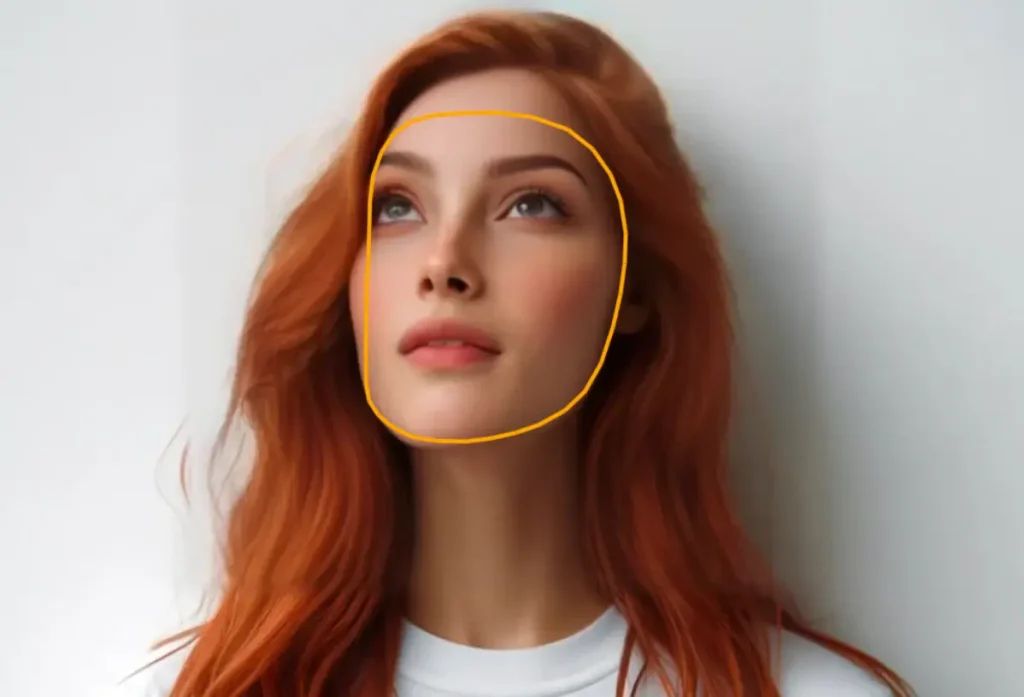
This web app allows you to change the gaze direction and head pose within a portrait. I tested it and found I could subtly adjust where the subject appears to be looking, creating variations on the original image. This opens up possibilities for correcting awkward gazes in photos or creating more dynamic compositions.




How to use it:
1. Run the App on Your Local Machine. For the best experience, it’s recommended to run FacePoke locally. The installation process is simple:
- Head to the FacePoke GitHub Repository.
- Follow the setup instructions provided in the readme file.
- The tool can also be hosted on cloud platforms if preferred.
2. Use the Live Demo on Hugging Face Space. For those looking to test it out quickly, FacePoke offers a demo on Hugging Face Space. Be aware that this is a shared space, and depending on your location or number of users, latency might vary.
3. Upload Your Portrait Image
- Select a portrait photo in formats such as JPG, PNG, or WEBP from your local device.
- Once uploaded, the image will appear on the screen for you to modify.
4. Adjust Gaze and Head Position. To modify the image, simply click anywhere on the portrait. Each click adjusts the gaze direction and head position, instantly transforming the subject’s facial pose.
5. Download the Modified Image. After completing the transformation, click the “Download” button to save the modified image to your local device.