FaceSwapper is an AI-powered platform that provides several AI tools for swapping faces with just a few clicks.
Ideal for creating entertaining visuals or unique digital art, FaceSwapper’s core feature—the one-to-one image face swap—is 100% free and accessible to all users without requiring credits or subscriptions.
Additionally, the platform offers several paid tools for more advanced face swapping, including group photo swaps, video face swaps, clothing changes, and GIF face swaps.
Features
- Image Face Swap (One-to-One): Swap faces between two images. 100% FREE. No credits are required.
- Multiple Face Swapper: Swap multiple faces within group photos. (Requires credits)
- Video Face Swapper: Dynamically swap faces in videos. (Requires credits)
- Model Clothes Swapper: Change outfits and styles in photos. (Requires credits)
- GIF Face Swapper: Swap faces in animated GIFs and images. (Requires credits)
Use Cases
- Content Creation: Spice up social media posts, create engaging memes, or develop unique marketing materials with face swaps.
- Entertainment: Experiment with different looks for fun or create humorous content to share with friends and family.
- Education: Use face swapping for educational purposes, such as historical reenactments or exploring facial recognition technology.
- Virtual Avatars: Generate custom avatars for gaming or online profiles.
How to use it:
1. Visit the FaceSwapper website and create a free account. The Image Face Swap (One-to-One) tool is available for free to all registered users.
2. Choose a clear, well-lit, high-resolution photo for the source face.
3. Select the target photo where you want to swap in the new face.
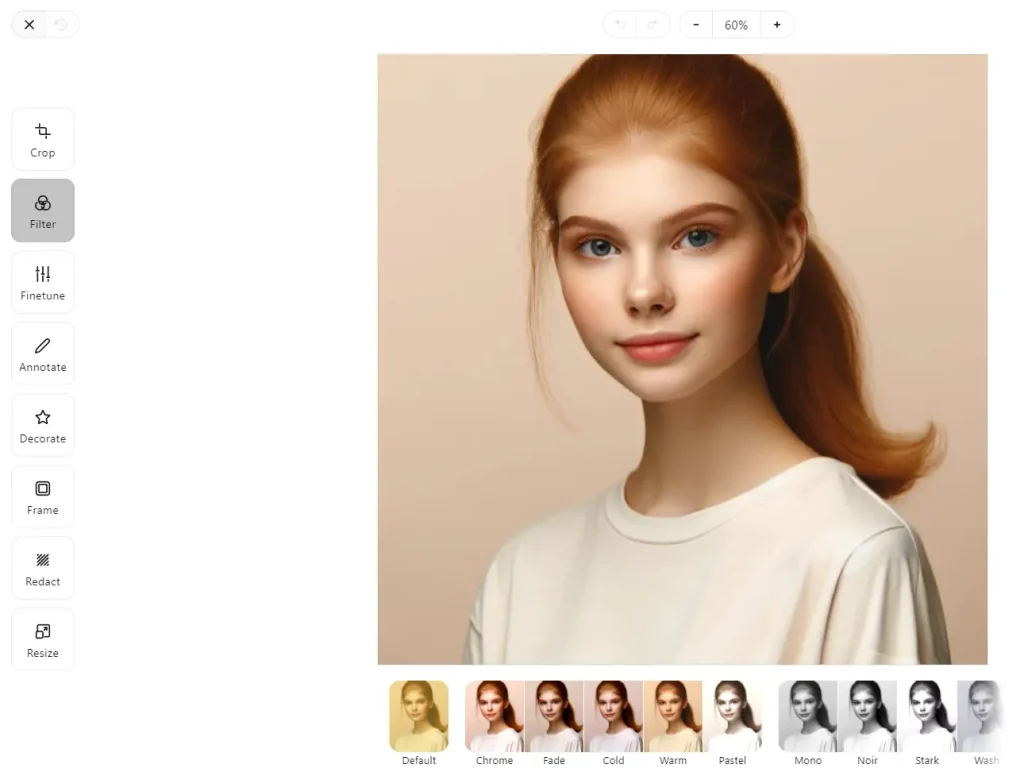
4. Before initiating the swap, you can make adjustments to the source or target image. FaceSwapper includes a photo editor for cropping, rotating, and adding simple effects. Adjusting images beforehand can improve the final output quality.
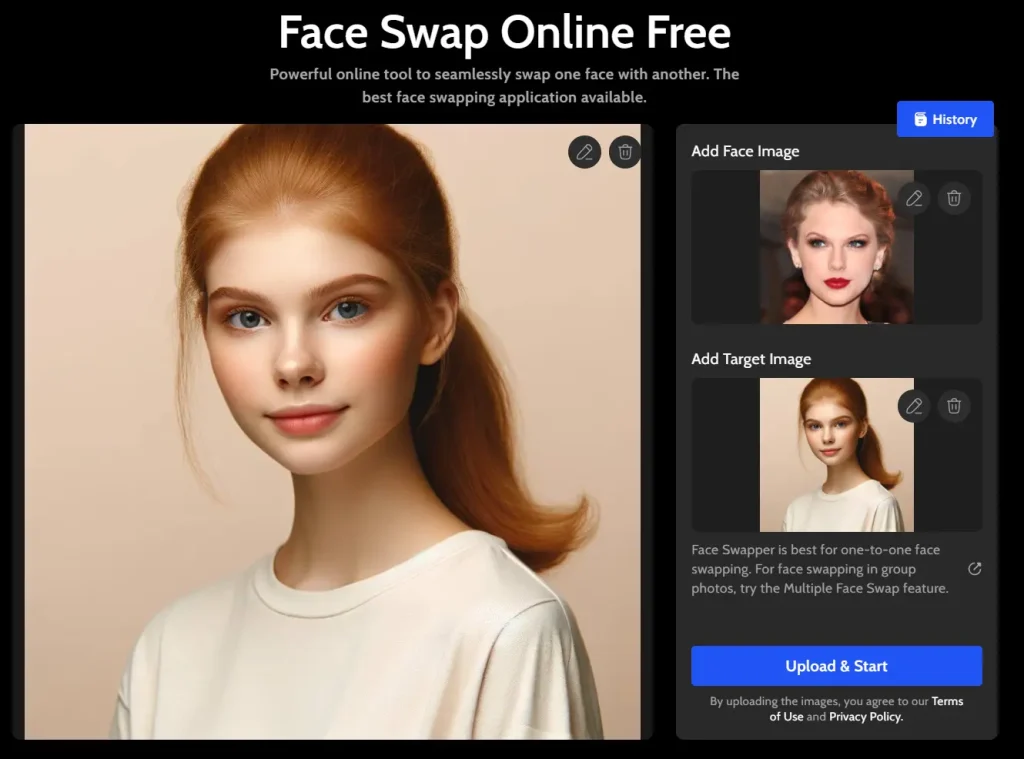
5. Click ‘Upload and Start’ to start the AI face swap. The platform’s advanced algorithms analyze the photos, matching facial features and blending them to create a cohesive, realistic photo.
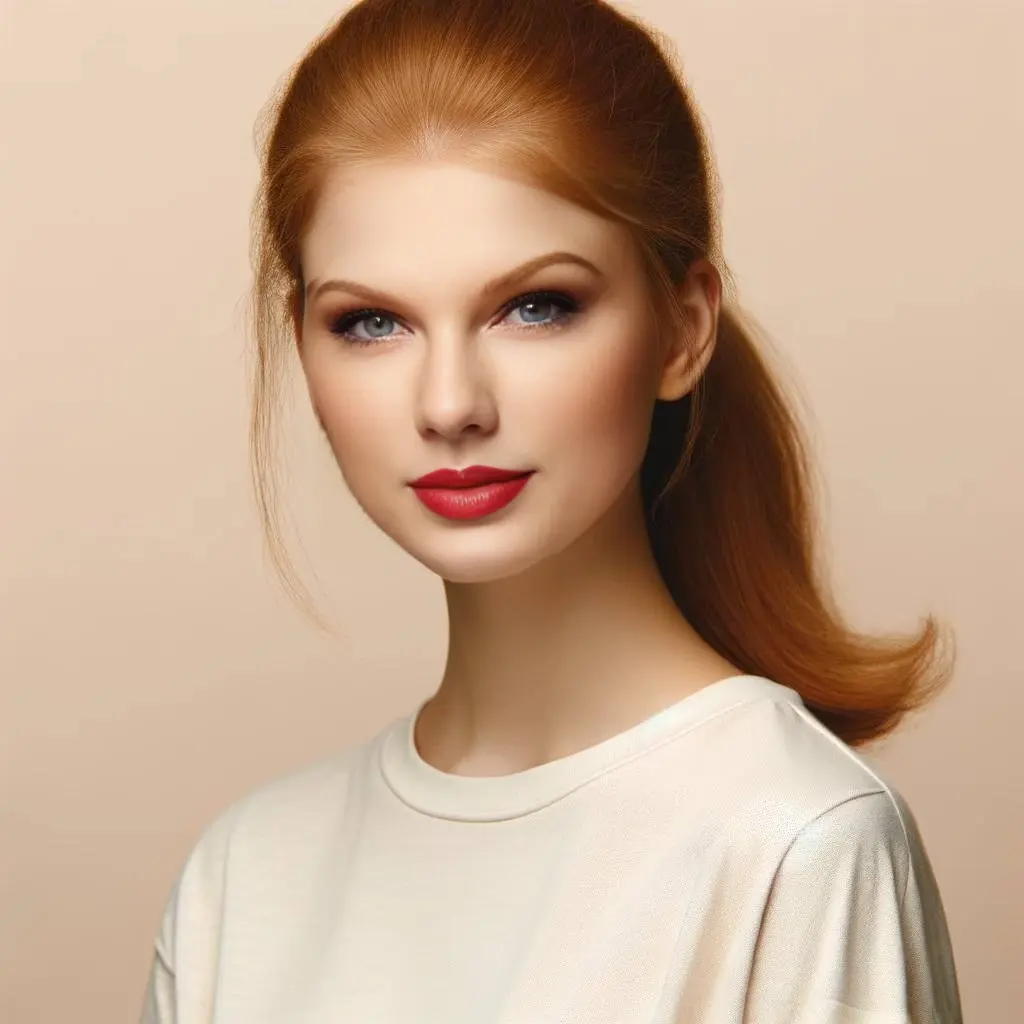
6. Preview the result and download the final image as a 1024x1024px JPG file.
Pros
- 100% free for basic face swapping features
- Easy-to-use interface with intuitive controls
- Realistic and natural-looking results
- Supports a variety of file formats (JPG, PNG)
- Ability to edit and refine source/target images
Cons
- More advanced features, such as video and clothes swapping, require paid credits
- Occasional quality issues with complex or low-resolution images
FAQs
Q: What Is AI Face Swap
A: AI Face Swap refers to the application of artificial intelligence technology to identify and swap faces in photos. This technology uses complex algorithms to detect facial features, identify their position, and replace them with another face while maintaining the original photo’s lighting, angle, and other aspects. This technology is essential for everything from creating entertaining content to designing realistic virtual avatars and even enhancing video conferencing experiences.
Q: How Does FaceSwapping Work?
A: FaceSwapper’s AI analyzes key facial features, such as eyes, nose, and mouth position, before transferring these attributes onto the target image. By preserving lighting and facial expressions, the AI generates realistic results that align with the source image’s features.
Q: Can I Swap Faces with Any Photo?
A: Yes, FaceSwapper enables diverse swaps across different ages, genders, and facial characteristics, allowing limitless creativity. Feel free to experiment with various faces for unique results.
Q: Tips for the Best Results
A: For optimal face swaps, choose photos that are:
- Well-lit and in high resolution, minimizing blur.
- Focused solely on one face to reduce processing complexity.
- Directly facing the camera for easier AI alignment.
Q: Is FaceSwapper Secure?
A: FaceSwapper prioritizes user privacy. Images are only processed temporarily for face-swapping purposes, and user data is not retained beyond the necessary processing time.
Changelog
Nov 08, 2024
- Updated how-to for using the free One-to-One Image Face Swap feature.
- Added details about the platform’s various features.
- Included information on usage limitations.