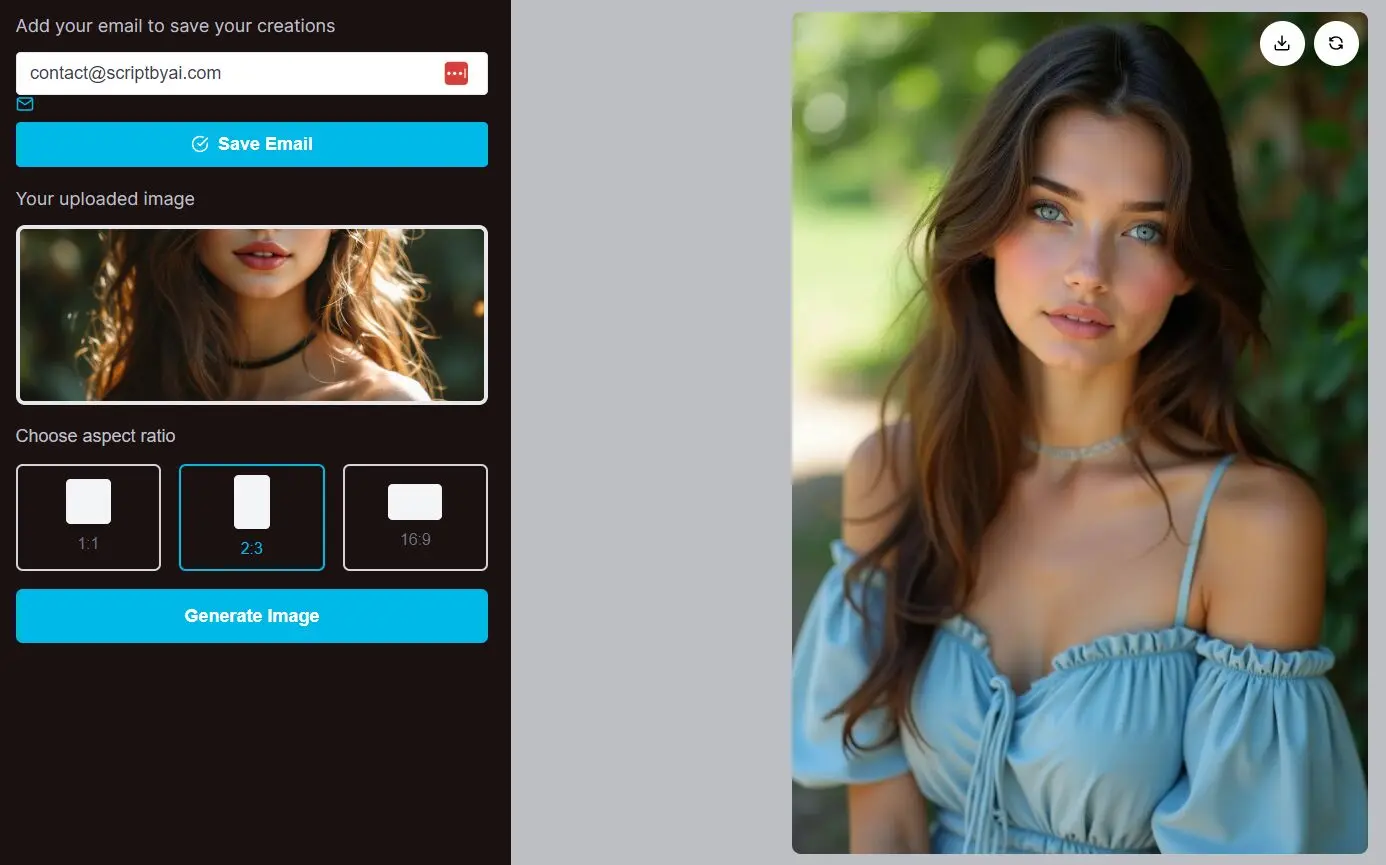
NoMoreCopyright is an AI-powered image-to-image generator that transforms your images into unique, copyright-free versions. It addresses the common need for visual inspiration without the legal restrictions of existing copyrighted material.
NoMoreCopyright currently offers 100% free usage to early users. You can generate as many images as you want, save your creations for later, and receive detailed prompts to better understand how your new image was crafted.
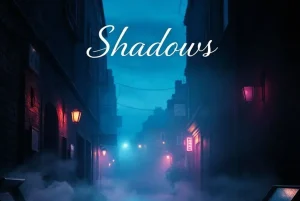
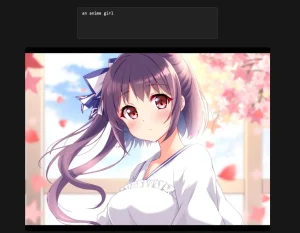
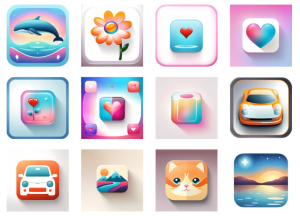
I tested NoMoreCopyright to see how it handles image transformations. I uploaded my initial image, selected the desired aspect ratio, and hit the Generate button. Within seconds, I had fresh, copyright-free image as follows:
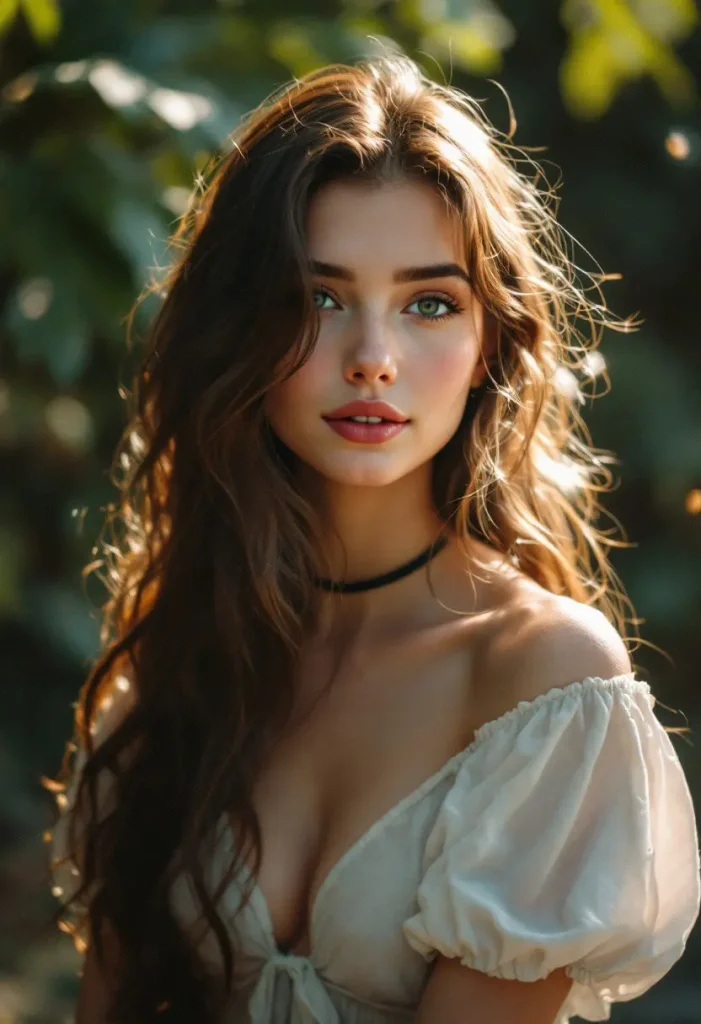
Before
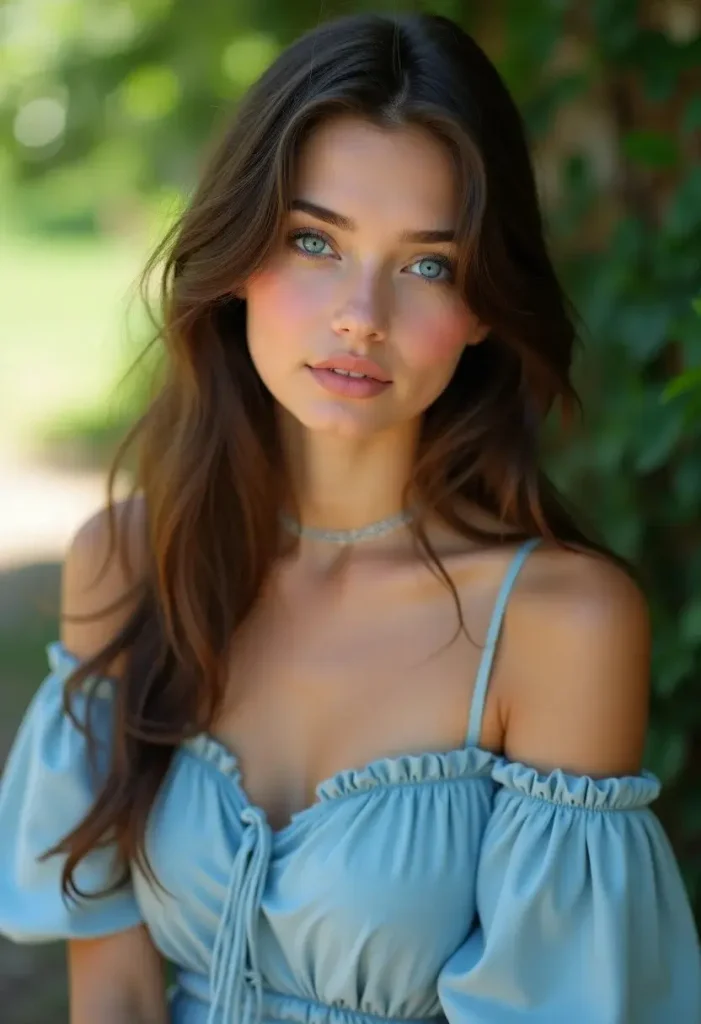
After
Features
- Image Transformation: Upload any image, and the tool generates a new, legally distinct version.
- Copyright-Free Output: The AI-generated images are 100% free from copyright restrictions.
- Aspect Ratio Options: Choose from 1:1, 2:3, or 16:9 aspect ratios to fit various project needs.
- Prompt Descriptions: Access detailed prompts and descriptions for each generated image.
- No Text Prompts Required: Start with an image instead of trying to describe what you need.
Use Cases
- Content Creation: Generate unique visuals for blog posts, social media, or marketing materials without worrying about copyright issues. For example, if you need a unique background image but don’t want to use stock photos, you can upload a photo you took and generate variations.
- Design Projects: Quickly create variations of a concept image for mood boards, prototypes, or design mockups. You can use a simple sketch to generate more polished visuals to get the ball rolling.
- Creative Inspiration: Overcome creative blocks by uploading existing visuals to generate fresh ideas and new directions for your projects.
How to Use NoMoreCopyright
1. Go to the NoMoreCopyright website and upload the image you want to reimagine—be it a photograph, sketch, or digital artwork.
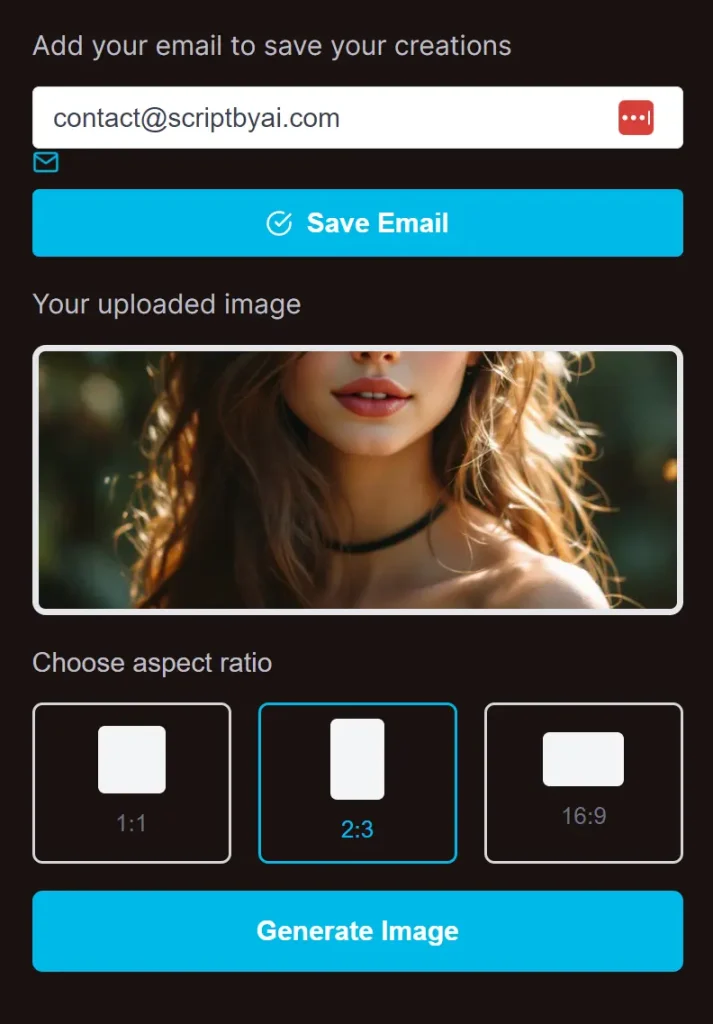
2. Choose your preferred aspect ratio—1:1 for square, 2:3 for portraits, or 16:9 for landscapes—based on your project’s requirements.
3. Hit the “Generate Image” button and watch as the AI transforms your original image into a new, distinct version in seconds.
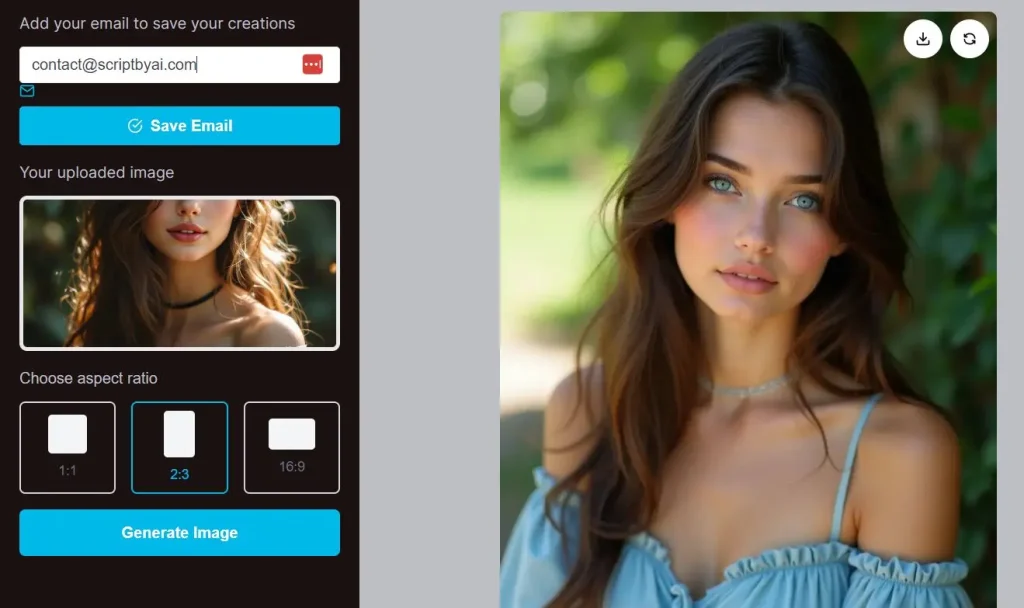
4. Your generated images will appear at the bottom of the page. Click the ‘Info’ icon to view the detailed prompt used to generate that image, and save it for future use.

Pros
- Free Usage: Enjoy 100% free usage for early users.
- Quick Results: Generate copyright-free images in seconds.
- Easy Access: Save and manage your previously generated images.
- Detailed Descriptions: Get detailed prompts and descriptions for each image.
- Multiple Aspect Ratios: Choose from various aspect ratios to fit your project needs.
Cons
- Limited Time Offer: Free usage is available for a limited time.
- Dependence on Uploaded Images: The quality of the generated images depends on the uploaded images.
FAQs
Q: Can I use the generated images for commercial projects?
A: Yes, all images generated by NoMoreCopyright are legally distinct and copyright-free, allowing you to use them in commercial projects without worries.
Q: Do I need an account to use NoMoreCopyright?
A: No, you can start using the tool immediately without creating an account.
Q: How many images can I generate for free?
A: You can generate unlimited images during the early user phase, so feel free to explore and experiment with as many creations as you like.
Q: What kind of images can I upload?
A: You can upload any type of image—photos, sketches, prototypes, and screenshots are all accepted.
Q: How accurate are the generated images?
A: The AI does a great job of producing unique versions of your original images. However, results may vary based on the complexity of the input image.