ComicLLM is a free AI-powered comic maker that turns your creative ideas into fully formed comic strips or graphic novels in various styles.
With just a few clicks, the tool takes your concept and crafts it into a visual narrative with dialogue and detailed imagery.
Features
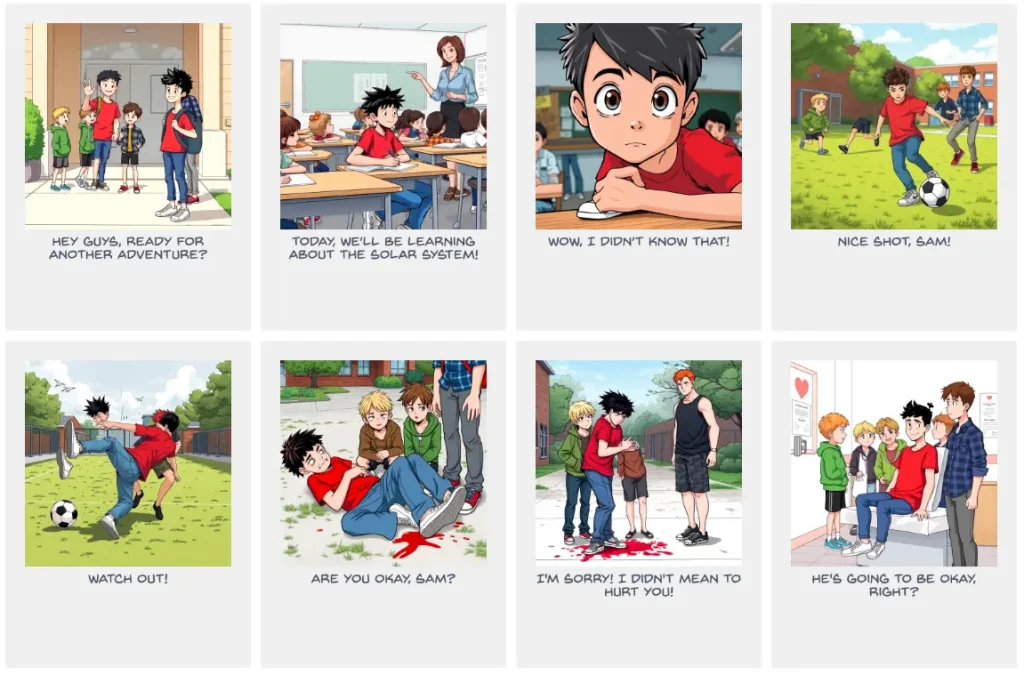
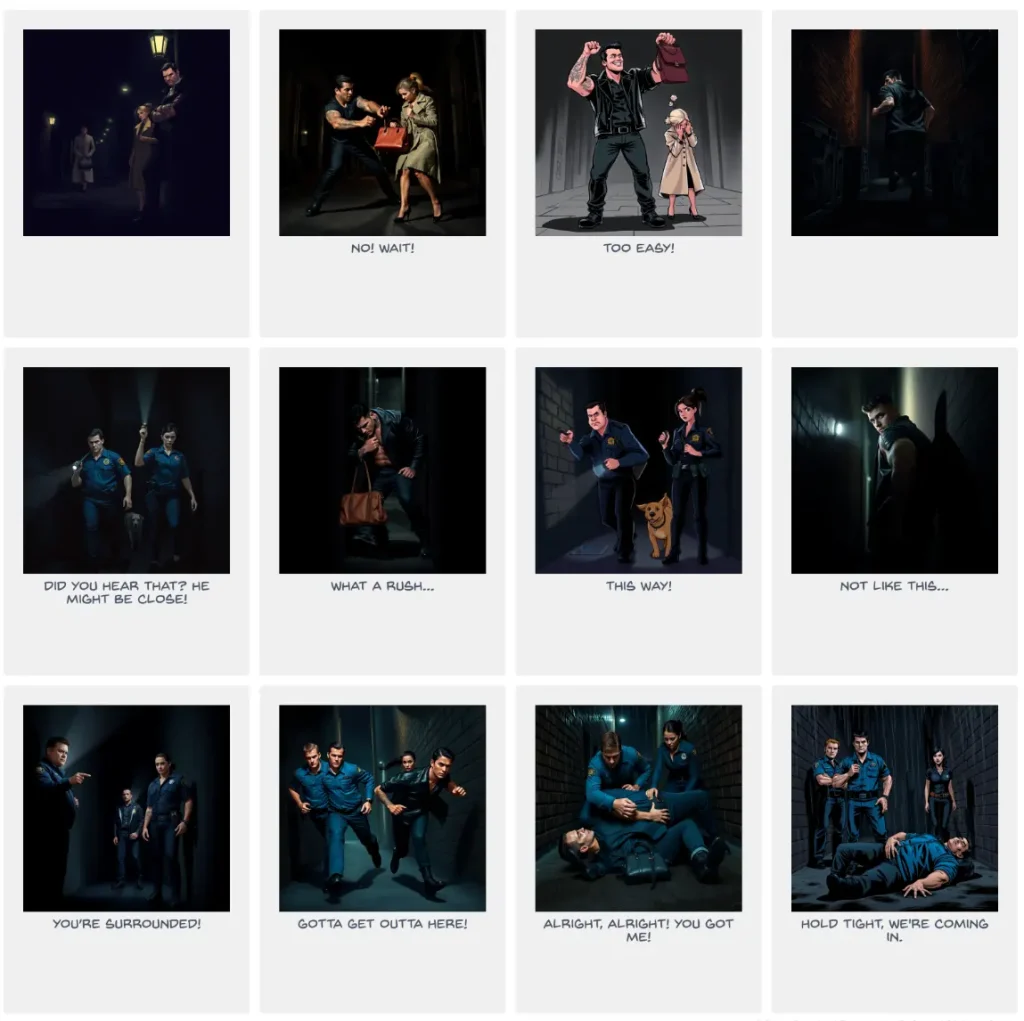
- Multiple Artistic Styles: Choose from a range of styles including Comic Book, Manga, Noir, Watercolor, Children’s Book, Sitcom, Wimmelbilder, Feature Film, Soviet propaganda poster, Political Editorial Cartoon, New Yorker Cartoon, Far Side Cartoon, and Custom styles.
- AI Model Selection: Select between two AI image generation models: Flux-schnell (recommended) or SDXL-lighting.
- Panel Customization: Allows you to specify the number of panels for your comic layout.
Use Cases
- Content Creation: Generate engaging visual content for blogs, social media, or marketing campaigns. If you’re struggling to create visual interest, ComicLLM can provide unique and relevant graphics.
- Storyboarding: Quickly visualize story ideas for films, games, or books. Writers and directors can use this to experiment with different visual narratives before investing heavily in production.
- Educational Materials: Create illustrated educational resources for children or adults. Teachers can use ComicLLM to make complex topics more engaging and easier to understand.
- Personal Entertainment: Bring your own stories and ideas to life for fun and creative expression. If you’ve ever wanted to see your ideas in comic form but lacked the artistic skills, ComicLLM makes it possible.
- Rapid Prototyping: Designers and developers can use ComicLLM to quickly prototype visual narratives for apps, games, or presentations, testing different concepts before finalizing designs.
How to Use It
- Visit the Website. Go to the ComicLLM website to start creating your comic.
- Enter Your Comic Idea. Input the idea, story, or even a news article you’d like to turn into a comic.
- Choose Your Style. Select from the available artistic styles such as Comic Book, Manga, or Noir. Each style offers a unique feel to your final product.
- Pick Your AI Model. Choose either Flux for faster results or SDXL for more detailed lighting and visuals.
- Generate the Comic. Click the ‘Generate Novel’ button. Within a minute, ComicLLM will generate your comic with the chosen number of panels.
- Save or Share Your Comic. Once the comic is ready, you can save the images to your device or share them on your social media platforms. The tool also saves your comics in a gallery for future access.
Pros
- Fast Generation: Creates comics within minutes.
- Free to Use: Accessible without any cost.
- Variety of Styles: Offers many artistic styles to suit different needs.
- Easy to Use: Simple and intuitive interface.
- No Artistic Skill Required: Anyone can create comics, regardless of drawing ability.
Cons
- Occasional Inconsistencies: Text and character appearances may sometimes be inconsistent.
- Generation Failures: Content policy violations or technical issues can cause failures.
- Limited Control: Fine-tuning of image details is limited.
FAQs
Q: What should I do if the comic generation fails?
A: Try rephrasing your idea or try again later. Generation might fail due to content policy violations or technical issues.
Q: How can I share the comics I generate?
A: You can download the comic images and share them on social media or any other platform.
Q: Is there a limit to how many comics I can generate?
A: ComicLLM is currently free to use with no limitations.
Q: Can I specify the appearance of the characters?
A: While you can describe characters in your story idea, the AI currently has limited control over precise character details and consistency across panels. However, the developers are constantly improving the tool.