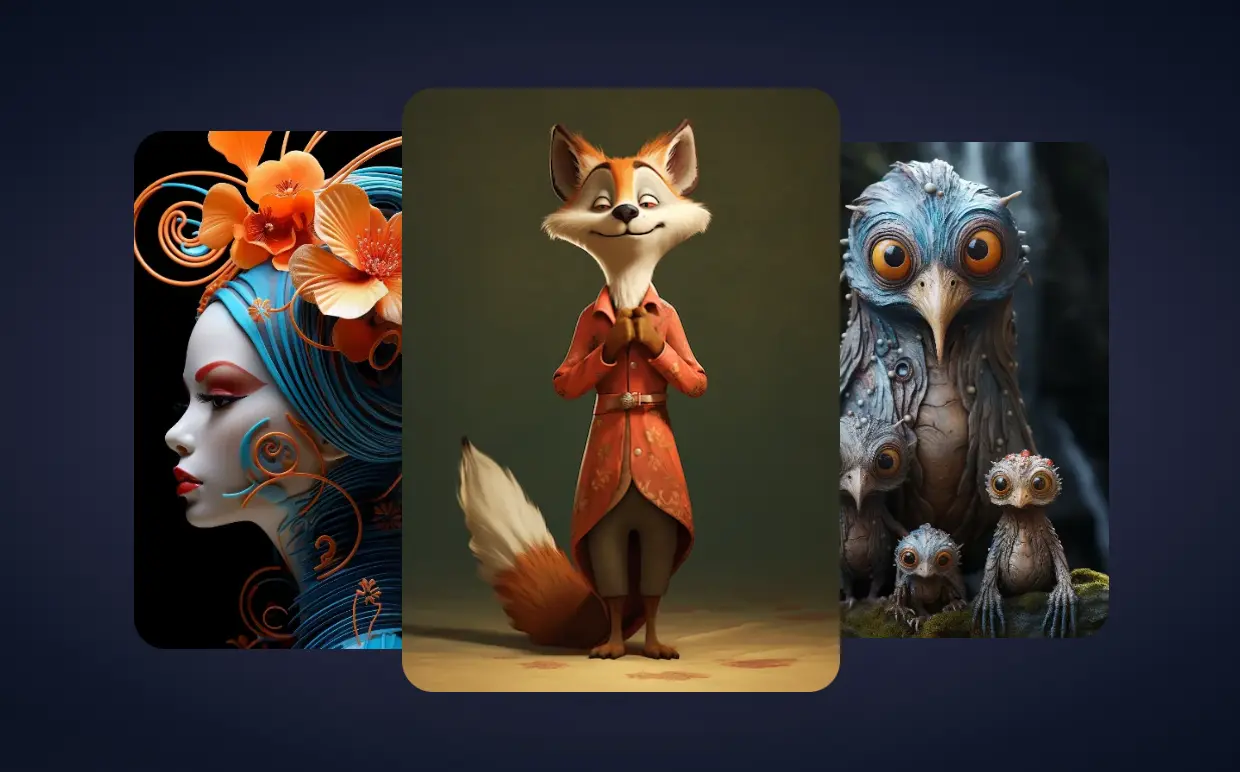
Best AI Image Editors have replaced manual photo editing for millions of creators in 2026. You no longer need expensive software subscriptions or years of Photoshop training to create professional images. Modern AI tools remove backgrounds in 5 seconds, enhance resolution automatically, and generate product photos from your smartphone.
To help you find the most reliable options, I have compiled the 10 best AI image editors based on visitor traffic data from SimilarWeb.com. These are the most widely used AI tools on the market, proven by millions of users to save time and cut costs. If you want to see what the majority of creators are using to speed up their workflow, this list covers the industry leaders.
Let’s get started.
10 Best AI Image Editors for 2026
| # | Tool Name | Description | Monthly Visits | Pricing* |
|---|---|---|---|---|
| 1 | Remove.bg | Remove image backgrounds automatically in 5 seconds with just one click. Simply upload your photo and you’ll see the magic. | 70M | $0.18/img |
| 2 | Pixelcut | Create beautiful product photos with AI generated backgrounds that’s as easy as snapping a photo. | 19M | $9.99/mo |
| 3 | VSCO | Capture and edit photos with professional apps, collaborate on projects, and manage your photography business. Your home for photography. | 19M | $2.50/mo |
| 4 | Photoroom | Create product and portrait pictures using only your phone and our AI photo editing tools. Remove background, change background and showcase products. | 19M | $89.99/yr |
| 5 | Picsart | The only AI-powered creative companion you’ll ever need to grow your brand. Get it all done with Picsart’s ultimate creative suite. | 15M | $6.50/mo |
| 6 | Cutout | All-in-one visual design platform containing AI photo and video editing tools. Automatic process for background remove, image restoration, graphic design, and content generation. | 14M | $5.00/mo |
| 7 | Pixlr | Free Online AI Image Generator and AI Design tools. The suite for all your creative photo and design editing needs directly in your web browser, on your smartphone, or on your desktop, all free. The only limit is your imagination. | 12M | $0.99/mo |
| 8 | PicWish | An AI-powered image processing tool that frees you up from repetitive tasks for more valuable creative work. | 4.5M | $5.99/mo |
| 9 | AirBrush | Enhance videos and images with the AirBrush online AI photo editor. Enhance, retouch, and transform your images effortlessly with advanced AI tools. Perfect for quick and seamless photo improvements. | 4.5M | $99.95/yr |
| 10 | Artguru | Explore the magic of AI art generation – create masterpieces in seconds! | 4.1M | $9.90/mo |
Which AI Image Editor Should You Use?
- If you need to remove backgrounds in bulk: Choose Remove.bg. It remains the fastest and most reliable for this specific task.
- If you sell products online: Choose Photoroom or Pixelcut. Both excel at generating studio-quality backgrounds for items.
- If you need a Photoshop alternative: Choose Pixlr. It keeps the familiar layer-based workflow right in your browser.
- If you need to fix blurry photos: Choose PicWish. Its unblurring technology is superior for salvaging low-quality shots.
Editor’s Choice:
For the average user who wants a balance of power, ease of use, and mobile/web flexibility, Picsart is the best all-around choice. However, for pure e-commerce efficiency, Photoroom takes the top spot.
FAQ
Q: What is an AI image editor and how does it work?
A: An AI image editor uses machine learning algorithms to analyze the pixels in a photo. Instead of you manually selecting pixels to erase or change, the AI identifies objects (like a person or a product) and performs tasks like background removal, lighting adjustment, or upscaling automatically.
Q: How does an AI editor compare to traditional manual methods?
A: AI editors prioritize speed and automation. A task that takes 10 minutes in traditional software (like masking hair for a background removal) takes seconds with AI. However, traditional methods still offer more granular control for pixel-perfect professional retouching.
Q: Can I use AI-edited images for commercial purposes?
A: Generally, yes. If you pay for a subscription, you usually own the commercial rights to the output. Free versions often restrict commercial use or require attribution. Always check the specific Terms of Service for the tool you use.
Changelog:
12/24/2025
- Updated for 2026
02/18/2025
- Updated the list