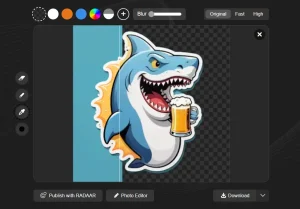
Yet another background removal tool that utilizes advanced AI to identify backgrounds from images you provide and seamlessly remove them.
It’s completely free and allows you to edit as many images as you like without any cost.
The tool works on photos, graphics, logos, and more. The automated process saves you hours of manual cutting and delivers professional results in just seconds.
How to use it:
1. Visit the free background removal tool.
2. Upload your image in JPG, PNG, or other common formats. Images should have clear subject-background separation.

3. The AI algorithm instantly analyzes and removes the background.
4. Once the process is complete, hit download and grab your newly transparent image as a PNG file.

5. The tool values your privacy. After the process, all images are promptly deleted from the servers, ensuring your data is secure.