This is a free, AI-powered Voice Cleaner tool that removes background noise from audio and video files.
It works directly in your browser to clean up recordings, enhance voice clarity, and produce a more professional sound without requiring software installation or an account.
Features
- AI-powered noise detection and removal: Powered by next-generation AI technology, the tool automatically identifies and eliminates background noise including hums, echoes, static, wind sounds, and ambient disturbances without you tweaking any settings.
- Supports both audio and video files: Whether you’re working with a podcast recording, YouTube video, interview footage, or voice memo, you can process both audio and video formats directly in your browser.
- Content-aware processing: Select the specific type of content you’re working with—conference recordings, interviews, meetings, lectures, music, podcasts, or studio work—and the AI applies the best settings automatically for that context.
- Fast processing: Most files process in about one minute, though larger files naturally take longer. You can preview results before downloading to make sure the enhancement matches your expectations.
- No downloads or setup required: Everything runs in your browser with no software installation, making it accessible from any device including mobile phones, tablets, and laptops.
- SSL encryption and privacy: All uploaded files are automatically deleted within 24 hours, and all connections are SSL encrypted to protect your content.
Use Cases
- Podcast production: Clean up home studio recordings by removing computer fan noise, air conditioning hum, and room echo.
- Video content creation: Enhance voice-over tracks for YouTube videos, online courses, and social media content.
- Interview recordings: Improve clarity of conversations recorded in noisy environments like cafes or outdoor settings.
- Academic purposes: Clean up lecture recordings or student presentations for better comprehension.
- Business communications: Polish webinar recordings, conference calls, and presentation videos.
How To Use It
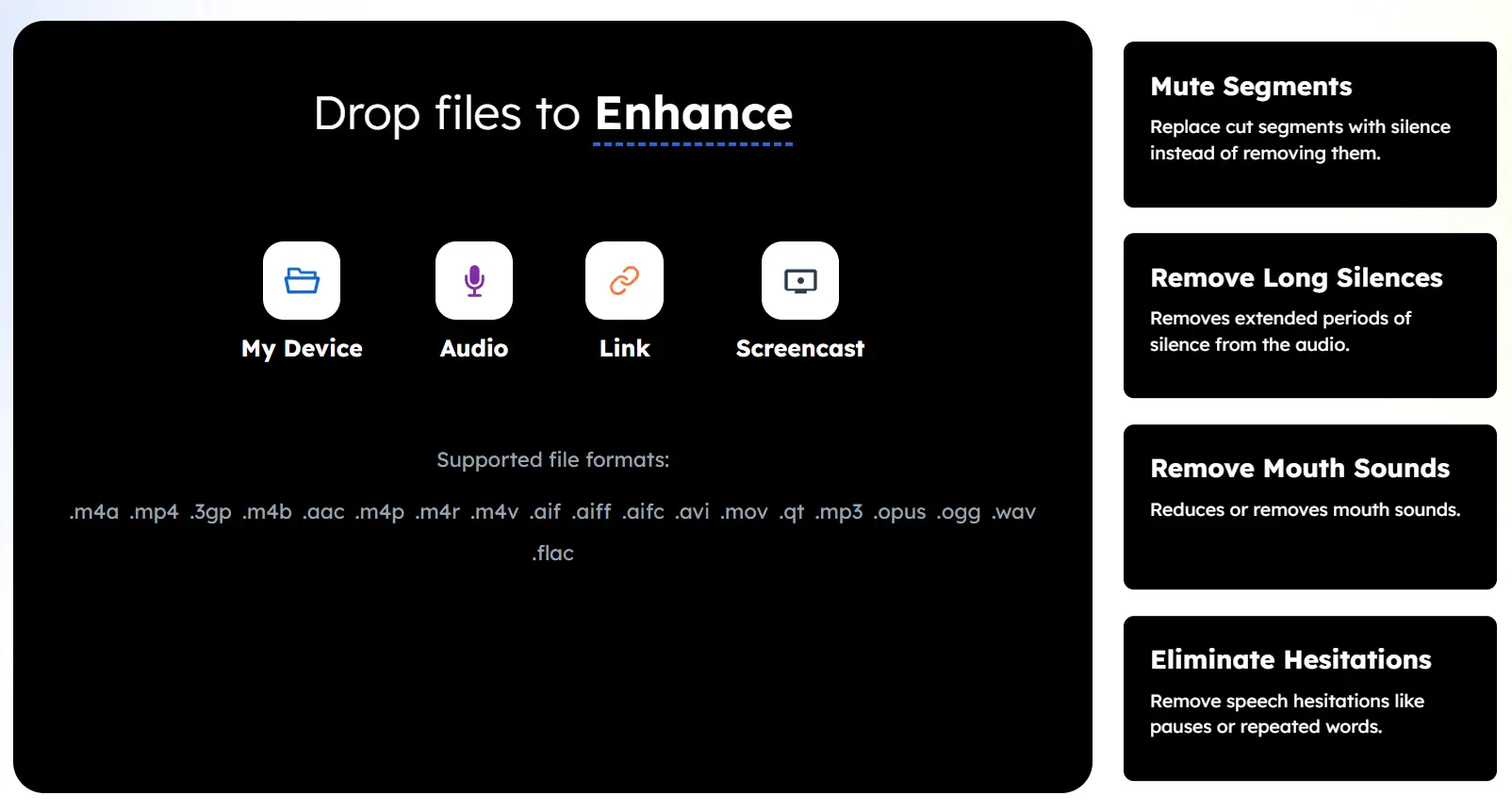
1. Visit the AI Voice Cleaner website and drag and drop your audio or video file into the uploader. You can also select a file from your computer or mobile device.
2. Select Enhancement and Content Types. This is where you tell the AI what you want it to do. A list of “Enhancement Types” will appear. You can select “Remove Noise” for general cleanup. For more specific issues, you can choose options like “Remove Long Silences” or “Eliminate Hesitations.” I found that stacking a few of these, like noise removal and mouth sound removal, produced a cleaner result.
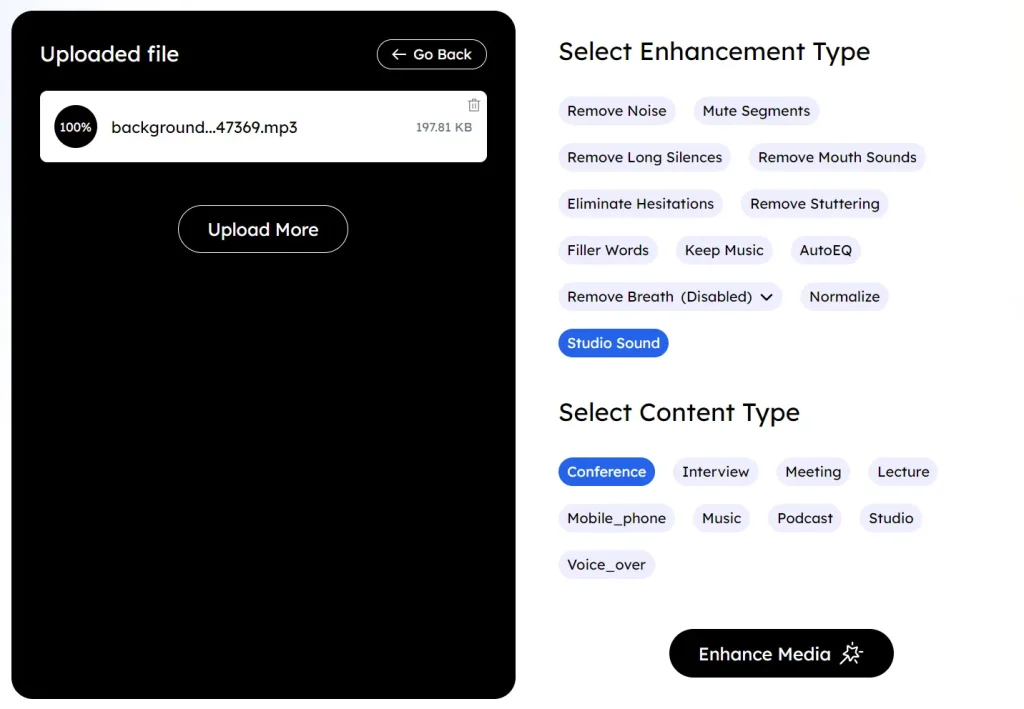
3. Select the “Content Type.” Options include “Podcast,” “Interview,” “Music,” and more. Choosing the right one will give the AI better context for processing. For my phone recording, I selected “Mobile_phone.”
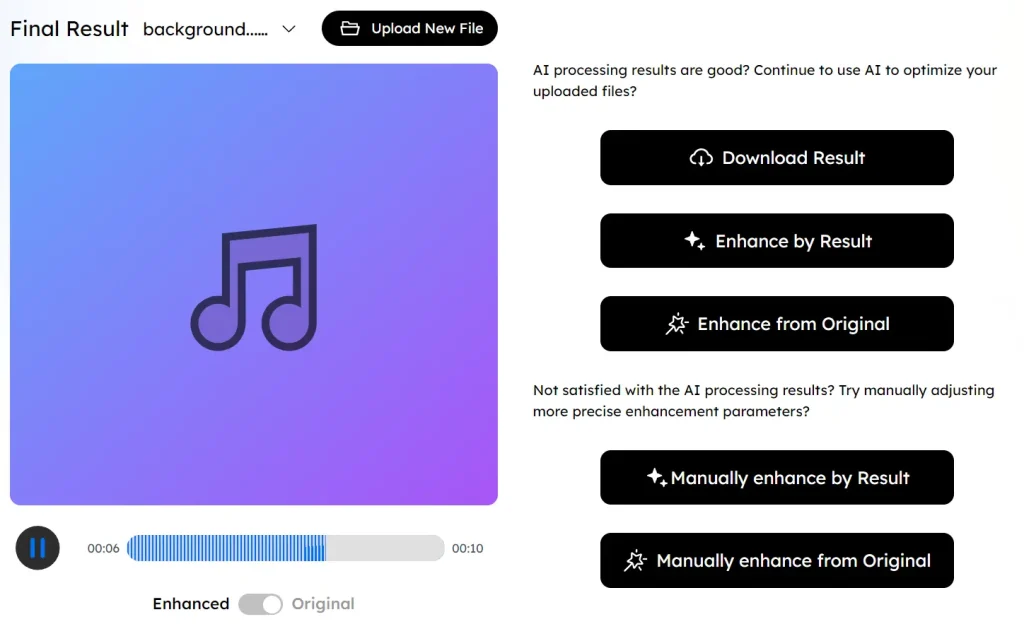
4. Click the “Enhance Media” button. The tool takes a minute or so to process the file, depending on its size. Once it’s done, you get a preview of the cleaned-up audio. If you’re happy with it, you can click “Download” and save the file in your desired format.
Pros
- Completely Free: There are no hidden costs or subscription requirements. This is a huge plus for anyone on a budget.
- Fast Processing: For most files, the cleanup process takes about a minute.
Cons
- Internet Dependent: As a browser-based tool, you need a stable internet connection to upload and process files.
- Limited for Complex Edits: This tool is excellent for single-track cleanup but isn’t a replacement for a full digital audio workstation (DAW). It can’t handle multi-track editing or advanced audio production tasks.
FAQs
Q: How does a voice cleaner differ from a basic noise remover?
A: A noise remover simply reduces unwanted sounds. A voice cleaner goes further by enhancing voice clarity, extracting the voice from background audio, and making recordings sound polished and professional. Free AI Voice Cleaner handles all of that automatically.
Q: What file formats can I upload?
A: You can upload MP3, WAV, OGG for audio files and MP4, MOV, and other common video formats.
Q: What happens to my uploaded files after I download them?
A: All uploaded files are automatically deleted from the service’s servers within 24 hours. This is handled automatically, so you don’t need to manually delete anything or worry about your audio sitting on their servers indefinitely.
Q: Will it remove background noise while keeping my voice completely intact?
A: The AI does a good job isolating voice while removing noise, but occasionally it can affect the natural quality of your voice if the audio is heavily processed or if you have an unusual voice timbre. Previewing results before downloading helps you catch this and try different settings if needed.