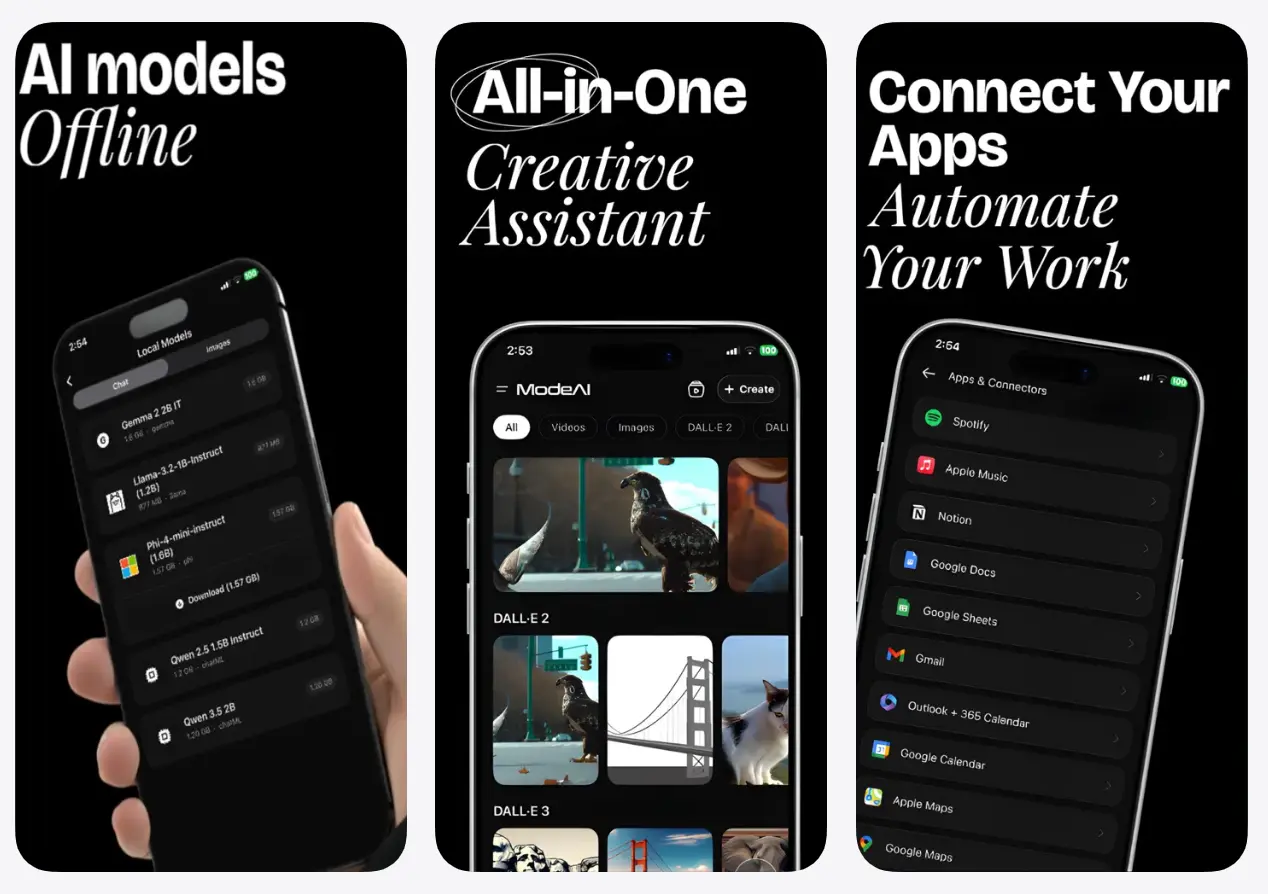
Mode AI is a free iOS app that combines AI chat, image generation, video creation, and task automation into a single workspace.
In addition, it lets you connect to Gmail, Google Docs, Google Drive, Notion, Outlook, Slack, Spotify, Apple Calendar, Google Sheets, Apple Maps, and Google Maps, with over 50 additional integrations on the way.
Mode AI runs on open-source LLMs, including Meta Llama, Google Gemma, Qwen, and Microsoft Phi, alongside access to frontier cloud models. You can switch between public and private inference as your needs shift.
Features
- Supports multi-turn AI chat with real-time streaming, file attachments, image uploads, and mid-conversation model switching.
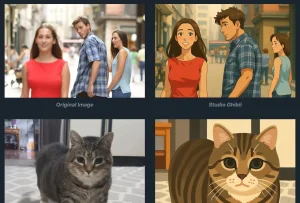
- Generates images from text prompts and supports editing, upscaling, and creating variations of existing images.
- Turns text prompts into video clips and animates still images for B-roll or short cinematic content.
- Organizes every chat, image, and video into smart project folders with auto-tagging, full search, and shareable project links.
- Runs AI agents that execute real-world tasks: sending emails, scheduling meetings, posting social content, and monitoring news on a schedule.
- Deploys custom AI personas tuned to specific workflows or communication styles.
- Runs open-source LLMs locally on the device for full offline use and on-device privacy.
- Connects to external platforms, including Discord, Telegram, and WhatsApp for multi-platform bot deployment.
- Supports hands-free voice input with ultra-low latency voice recognition and audio responses.
Use Cases
- Draft follow-up emails after meetings and keep the conversation, source files, and output in the same project.
- Summarize long reports or uploaded documents on an iPhone or iPad during travel or between meetings.
- Create quick images for presentations, social posts, and internal docs from the same workspace used for planning.
- Turn a rough creative prompt or a still image into a short video clip for marketing or concept work.
- Schedule routine updates such as meeting planning, daily news summaries, or social posting through agent actions.
Pros
- Unified access to text, image, and video generation.
- On‑device model support.
- Deep integrations with productivity.
Cons
- iPhone and iPad only right now.
- Local model performance depends on the iPhone hardware.
FAQs
Q: What is ModeAI best for?
A: ModeAI fits people who want one mobile app for AI chat, document summaries, creative generation, and lightweight automation.
Q: Can ModeAI work offline?
A: ModeAI includes local on-device inference. Offline capability applies to its local AI path, not every cloud-based generation or connector action.
Q: Does ModeAI replace separate AI image and video apps?
A: It can reduce the need for separate tools if you want quick generation inside the same workspace where you chat and manage tasks. Dedicated image or video products still make more sense for advanced editing, deep control, or production-heavy workflows.
Q: How does the offline mode protect privacy?
A: Offline mode downloads open‑source language models directly to the iPhone. All processing occurs on the device hardware. Text, files, and prompts never leave the phone, and no internet connection is required for inference.