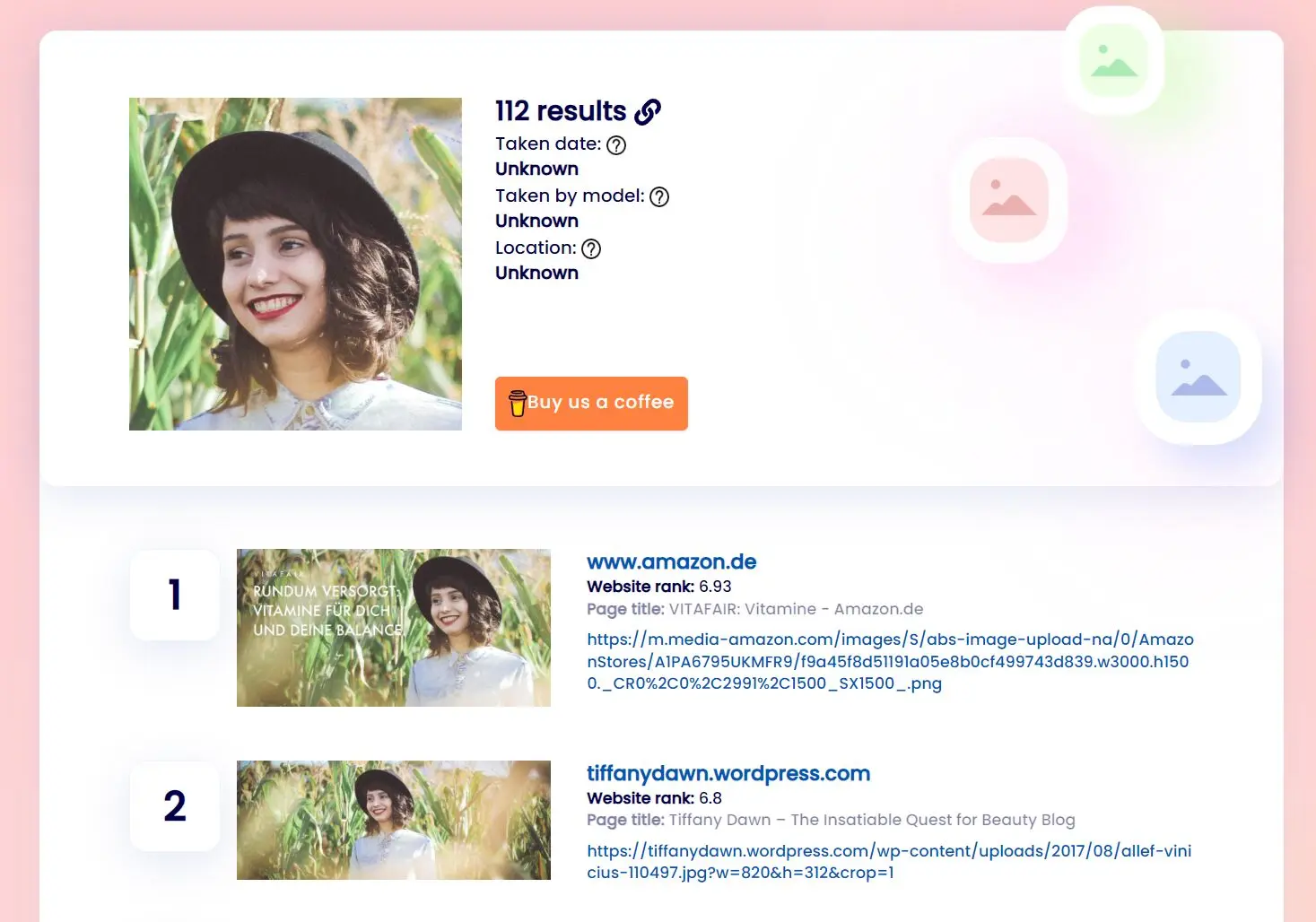
CopySeeker is a free AI-powered reverse image search engine that helps you find where your images are used online and protect your visual content. It uses advanced algorithms to match images and understand their components, from big shapes to tiny details.
If you’re a photographer, designer, or run a brand, you know how frustrating it is to find your work used without permission. CopySeeker aims to solve this by helping you track stolen content, verify the authenticity of images you come across, and generally keep an eye on your visual assets across the web.
Features
- AI-Powered Reverse Image Search: This is the core of CopySeeker. You upload an image (or provide a URL), and its AI scans the web to find where that image, or very similar ones, appear.
- The Copyseeker App: They offer a mobile app, which is handy for doing quick searches or checks when you’re not at your computer. The idea is you can scan, protect, and act on image usage from anywhere.
- Trace Origins: Beyond finding duplicates, the tool can help you trace an image back to its source or find higher-resolution versions. This is useful for crediting creators or fact-checking.
- CopySeeker API: If you’re a developer, you can tap into CopySeeker’s technology. The API supports common image formats (JPEG, PNG, GIF) and can be integrated into your own applications to build tools for detecting fakes or enhancing user experience with visual search.
Use Cases
- Protecting Your Photography/Artwork: You’re a photographer and you post your portfolio online. You can periodically run your key images through CopySeeker to see if they’re being used on other websites, blogs, or social media without your permission or proper credit.
- Brand Monitoring: If you manage a brand, you can use CopySeeker to search for your logo. This helps you find unauthorized uses, or just see how and where your brand is being represented online, even on social media if it’s publicly indexed.
- Verifying Authenticity/Fact-Checking: A journalist or researcher might encounter an image online and need to verify its origin. A reverse image search with CopySeeker can help trace it back to the original source, potentially uncovering context or debunking misinformation.
- Finding Higher Quality Images: You have a low-resolution version of an image and need a better one for a presentation or project (assuming you have the rights to use it). CopySeeker might help you locate a higher-quality version.
- Competitive Analysis: Curious how other brands in your niche are using visuals? You could (carefully and ethically) use reverse image search on some of their public marketing materials to see where those visuals are syndicated or shared, giving you some insight into their visual strategy.
How To Use It
1. Go to the CopySeeker website and upload your image and paste the image URL.
2. The AI will automatically scan your image, extracting unique features and visual fingerprints for comparison against billions of online images.
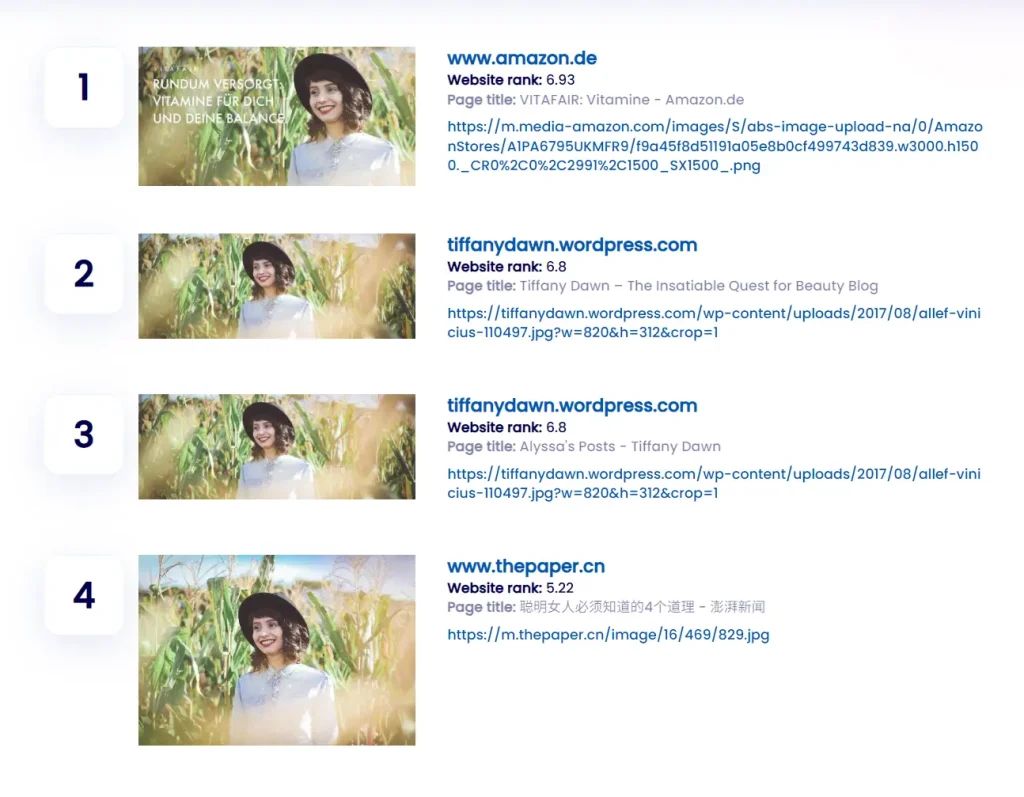
3. The system will show you the results after a short processing time. This includes information about where the image appears on other websites and platforms.
Pros
- Fast and accurate for unedited images.
- No login required—just upload and go.
- Mobile-friendly with a dedicated app.
- API available for custom workflows.
Cons
- Edited/screenshots may fail. Heavy filters or crops reduce accuracy.
- Limited private social media detection. Instagram/Facebook’s privacy settings block some results.
- No facial recognition. It finds similar images, not identities.
FAQs
Q: What exactly is reverse image search used for?
A: Reverse image search lets you use pictures instead of words as your search query. For example, if you spot an interesting car on the street and take a photo, but don’t know the make or model, a reverse image search can find similar images online that might include identifying information. CopySeeker takes this basic concept and enhances it with specialized AI for content protection.
Q: Is reverse image search safe to use?
A: Yes, the technology itself is safe and secure. CopySeeker employs standard security practices to protect your uploads. That said, use common sense with sensitive personal photos—I typically avoid uploading anything I wouldn’t want publicly associated with my account.
Q: How accurate are the search results?
A: CopySeeker delivers generally reliable results, but perfection isn’t guaranteed. Factors affecting accuracy include image quality, extent of modifications, and whether the image appears on indexed sites.
Q: Can CopySeeker find images on social media platforms?
A: The platform can detect publicly available images on major social networks. However, it can’t access private accounts or content that requires login credentials.
Q: How does CopySeeker differ from Google’s reverse image search?
A: While Google offers basic reverse search functionality, CopySeeker provides more specialized tools for content protection including monitoring over time, detailed metadata analysis, and direct options for taking action against unauthorized usage. Its algorithms are also specifically trained to recognize visual content even with moderate modifications.
Q: Can I use the API for bulk image searching?
A: Yes, the CopySeeker API supports batch processing, making it useful for agencies or creators with large portfolios.