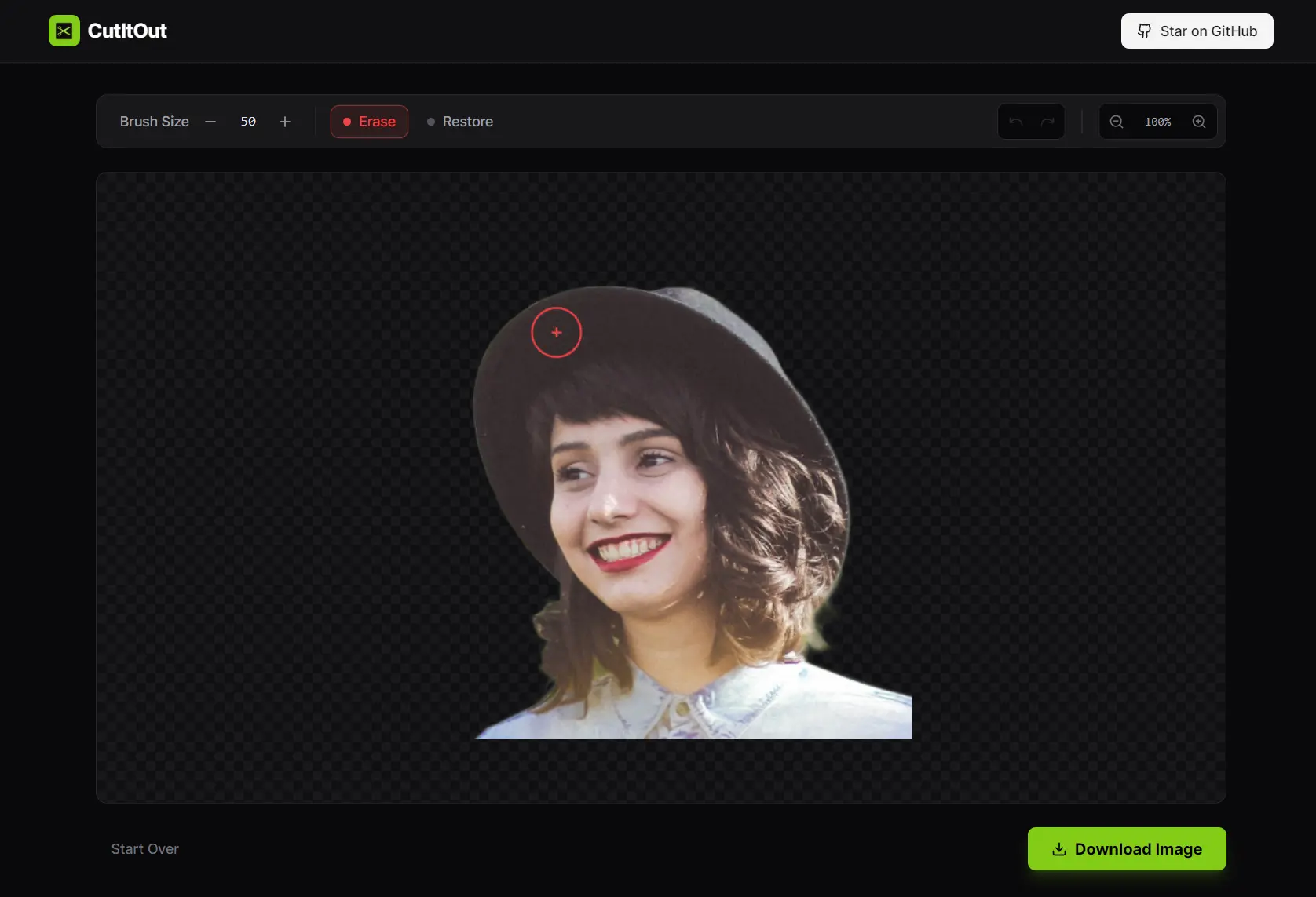
CutItOut is a free, open-source, and privacy-first AI tool that removes image backgrounds directly in your web browser.
It utilizes the U2-Net deep learning model and WebAssembly to process images locally on your device. This means your data never leaves your device.
Features
- Complete Privacy: No server uploads, no data collection, no risk of your photos ending up in someone’s training dataset.
- AI-Powered Removal: The U2-Net model handles salient object detection to identify foreground subjects.
- Magic Brush Tool: Select areas by color similarity to restore or remove specific parts.
- Restore Mode: A ghost overlay shows you what you’re restoring, so you can see the original image underneath your edits.
- Zoom and Pan Controls: Get precise control for detailed edge work on hair, fur, or complex objects.
- Full-Resolution Export: Download transparent PNG files at the original resolution. No watermarks, no quality limits, no restrictions.
- Self-Hosting Option: You can run CutItOut locally or deploy it to static hosts like Vercel, Netlify, or GitHub Pages.
Showcase


Use Cases
- E-commerce Listings: Sellers can quickly strip backgrounds from product photos to create clean, white-background images for eBay, Amazon, or Shopify stores.
- Privacy-Sensitive Edits: Users working with ID cards, family photos, or confidential documents can remove backgrounds.
- Marketing Materials: Social media managers can isolate subjects from photos to create memes, YouTube thumbnails, or promotional banners instantly.
How to Use It
1. Visit the official website or your self-hosted instance.
2. Click the upload area or drag an image into the browser. The tool accepts JPG, PNG, and WEBP files up to 10MB.
3. Wait while the AI processes your image. This takes 3-10 seconds depending on image size and your device’s processing power. The entire operation runs on your CPU or GPU through your browser.
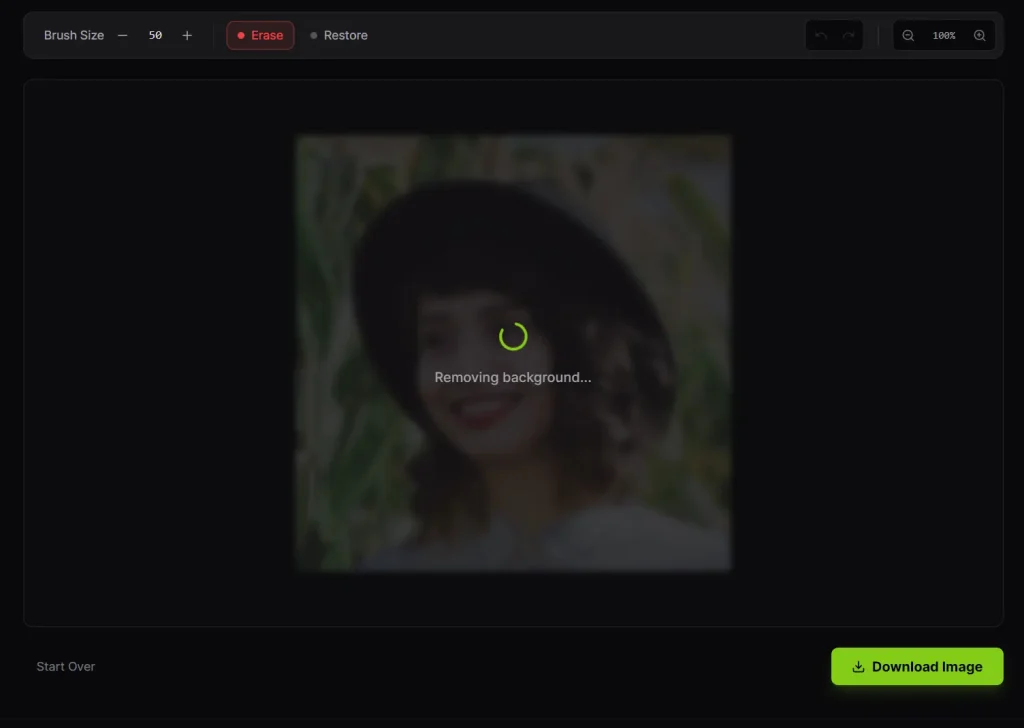
4. Review the automatic removal. The tool shows your subject with a transparent or colored background.
5. Use the editing tools if needed. The magic brush lets you paint areas to restore or remove based on color. I find this most useful for fixing edges around hair or transparent objects. The zoom tool helps with detailed work.
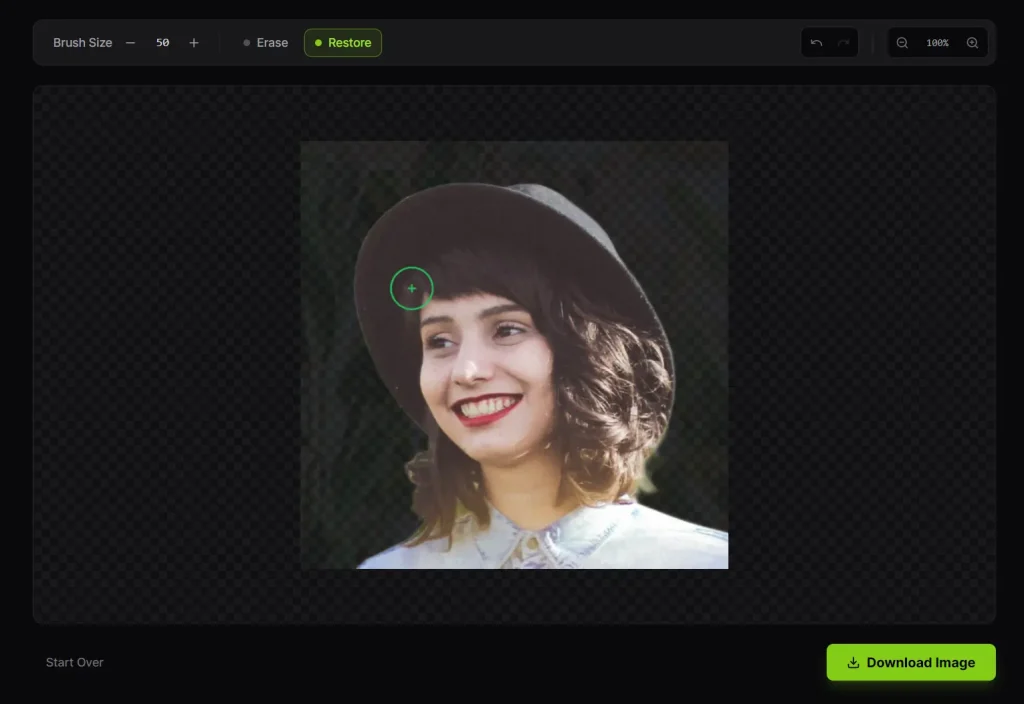
6. Download your image. Click the download button to save the full-resolution PNG with a transparent background.
Running Locally
1. Clone the Repository from GitHub.
git clone https://github.com/Suvink/cut-it-out.git
cd cut-it-out
2. Run the install command to grab the necessary packages.
npm install3. Launch the local server to test the app.
npm run dev4. Once running, open your browser and navigate to http://localhost:5173.
Building & Deploying
1. Run the build command to generate the static files.The build process will create a dist folder in your project directory. This folder contains everything needed to run the app.
npm run build2. You can then upload the contents of the dist folder to any static hosting provider.
- Vercel/Netlify: Connect your GitHub repo and point the build settings to
npm run buildand the output directory todist. - GitHub Pages: Push the
distfolder to agh-pagesbranch. - Apache/Nginx: Simply drop the files into your public html directory.
Pros
- Privacy: Your images never leave your computer.
- Unlimited Use: No credit systems, subscriptions, or paywalls.
- Open Source: You can inspect the code, modify it, or host it yourself.
- Full Resolution: Does not downscale your images upon export.
Cons
- Browser Resource Heavy: Since the AI runs in your browser, it can lag on older computers or mobile devices with limited RAM.
- Brush Tool Bug: The “Magic Brush” currently has a known positioning bug where the cursor might not align perfectly with the paint area.
Related Resources
- CutItOut GitHub Repository: The source code, issues tracker, and contribution guidelines.
- U2-Net Model Details: Technical explanation of how U2-Net handles image segmentation and background removal.
- Free Background Removal Tools: Discover more free AI-powered image background removal tools.
FAQs
Q: How does CutItOut compare to Remove.bg?
A: CutItOut processes everything locally, so your images stay private. Remove.bg offers more features like API access and batch processing, but requires uploading images to their servers. CutItOut is completely free with no limits, while Remove.bg has a credit system for the free tier.
Q: Can I use CutItOut for commercial projects?
A: Yes. The tool is licensed under Apache 2.0, which allows commercial use. The output images are yours to use however you want, with no attribution required.
Q: How accurate is the background removal?
A: The U2-Net model performs well on clear subjects with defined edges. I found it handles people, products, and animals reliably. It struggles with transparent objects, fine details like hair in complex backgrounds, and low-contrast situations.
Q: Can I run CutItOut without internet?
A: Once the initial page and model load, you can disconnect from the internet and continue processing images.
Q: Is my data really private?
A: Yes. I checked the network activity while using CutItOut, and there are no outbound requests after the initial page load. The processing happens entirely in your browser using WebAssembly. No images are uploaded anywhere. If you’re paranoid, you can download the source code and inspect it yourself or run it locally.